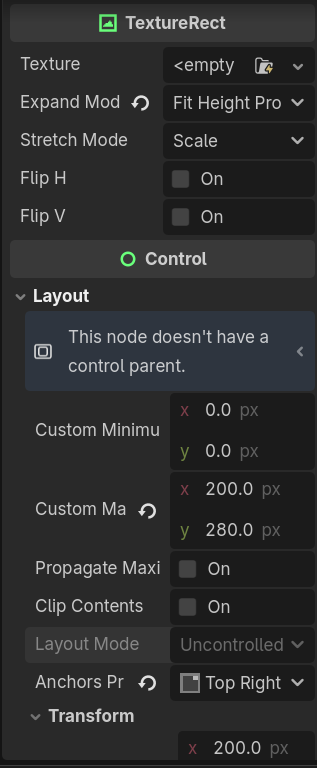
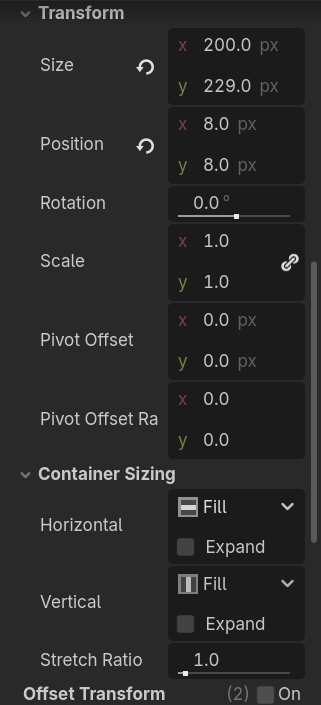
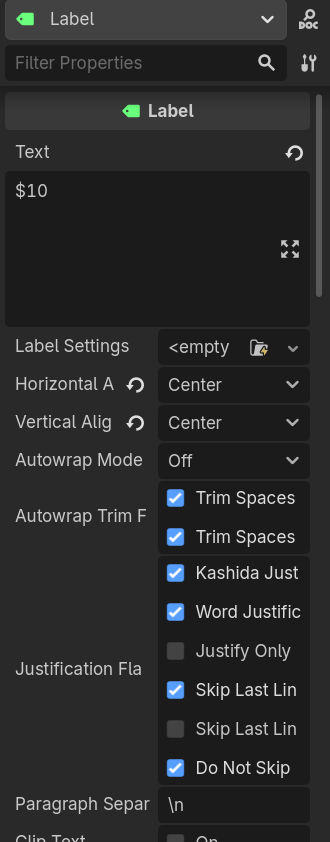
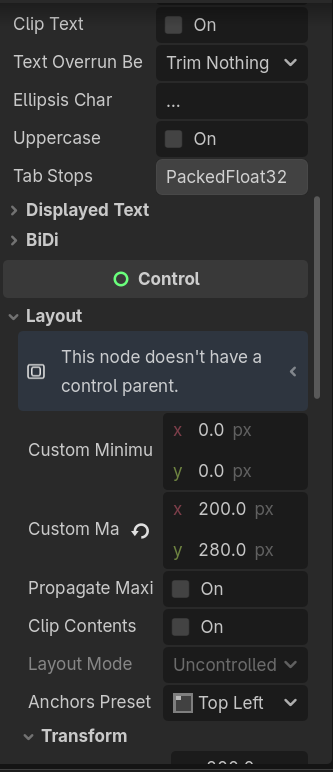
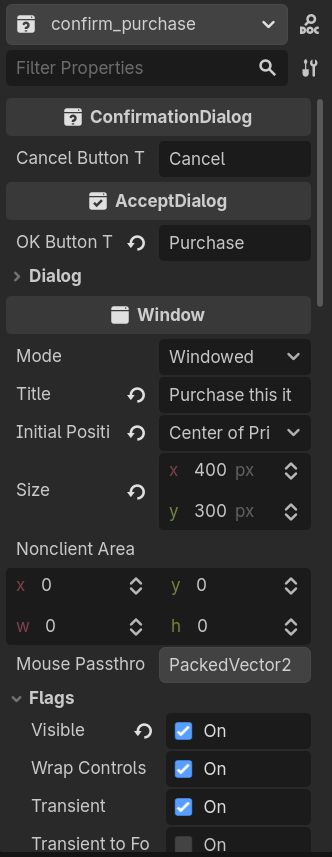
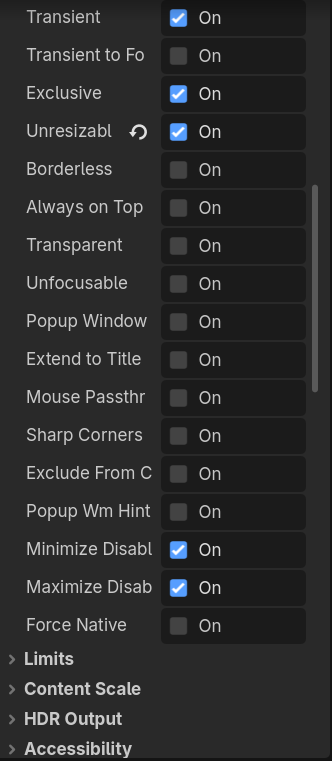
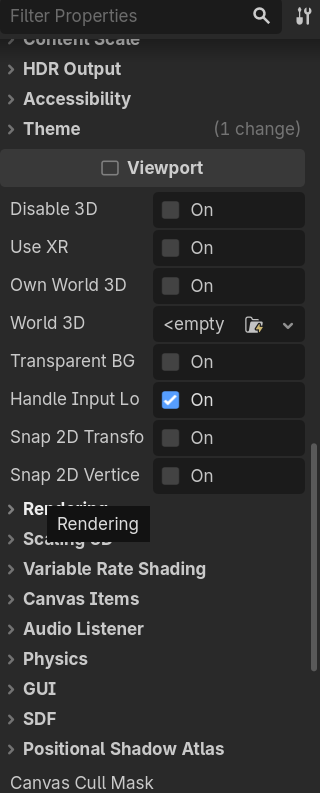
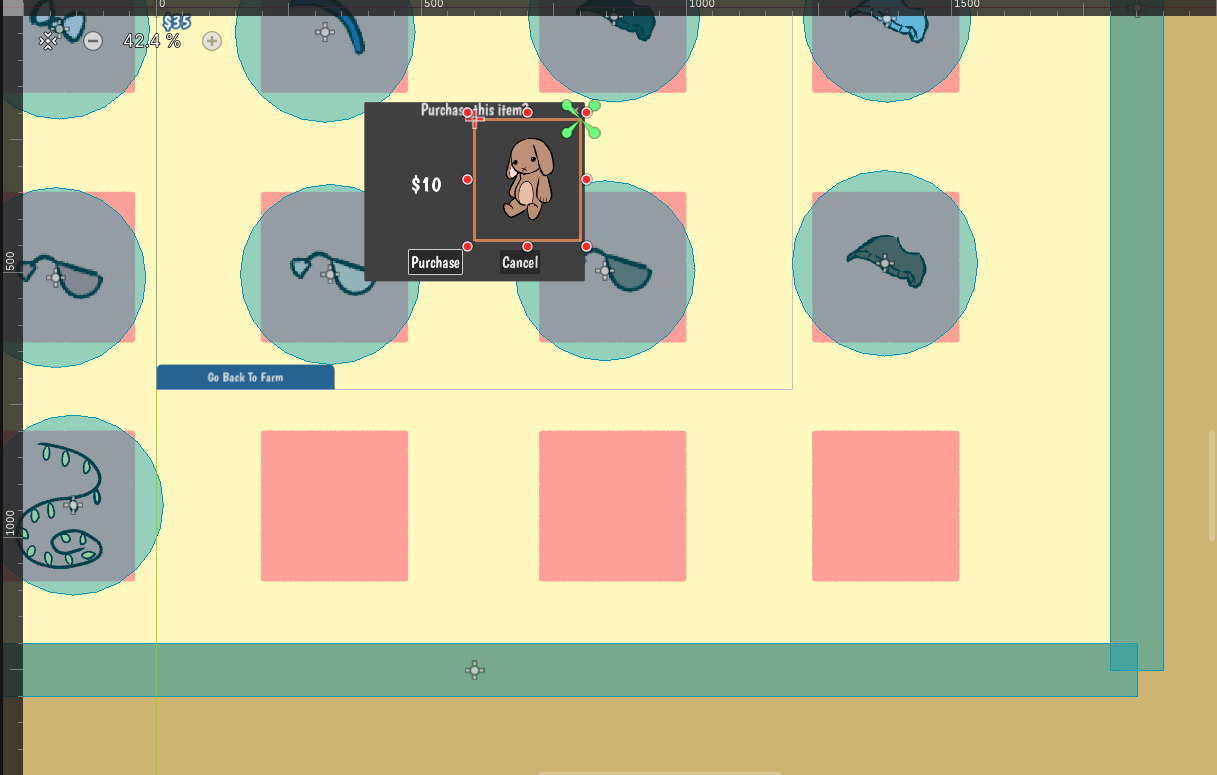
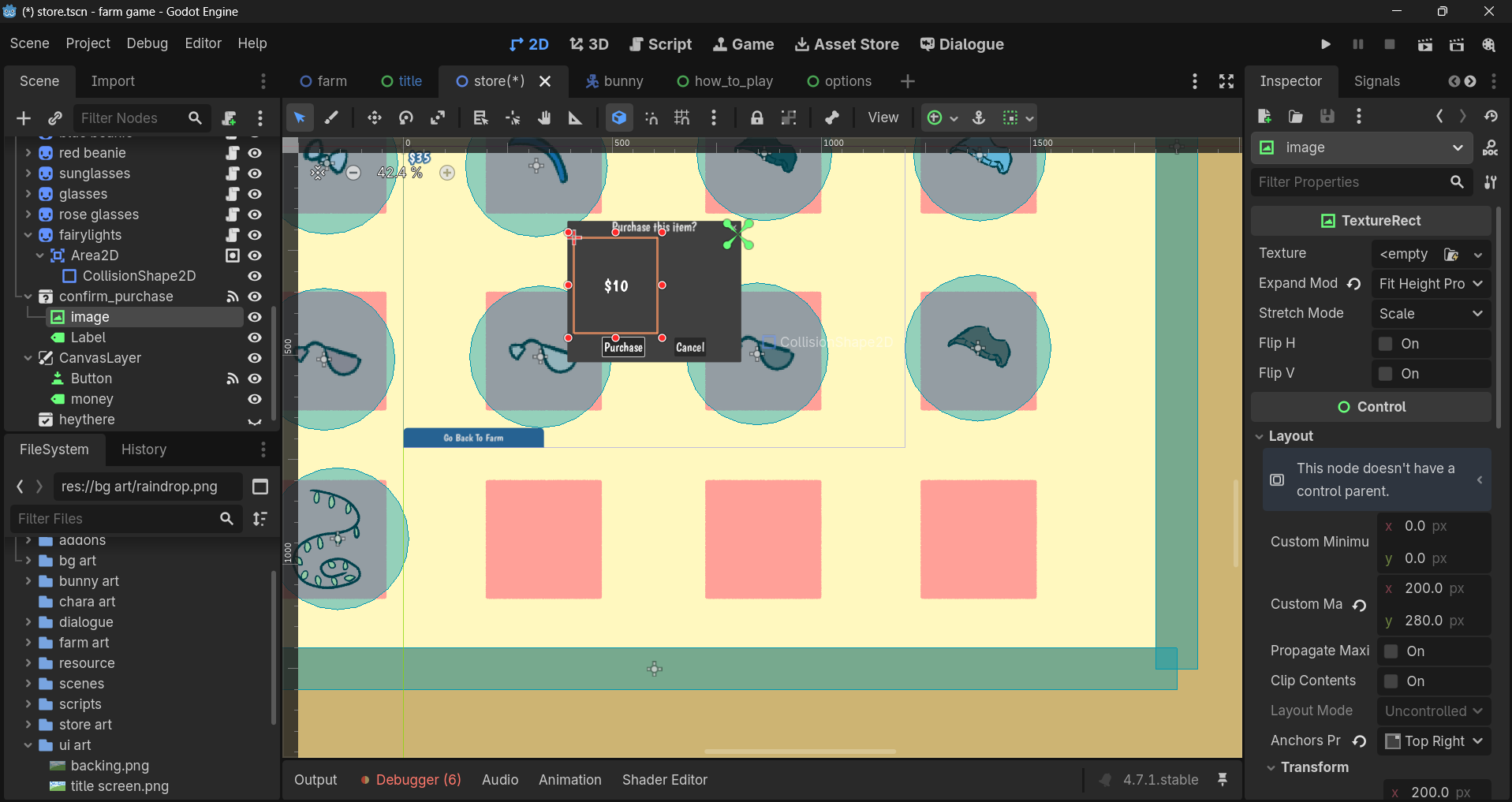
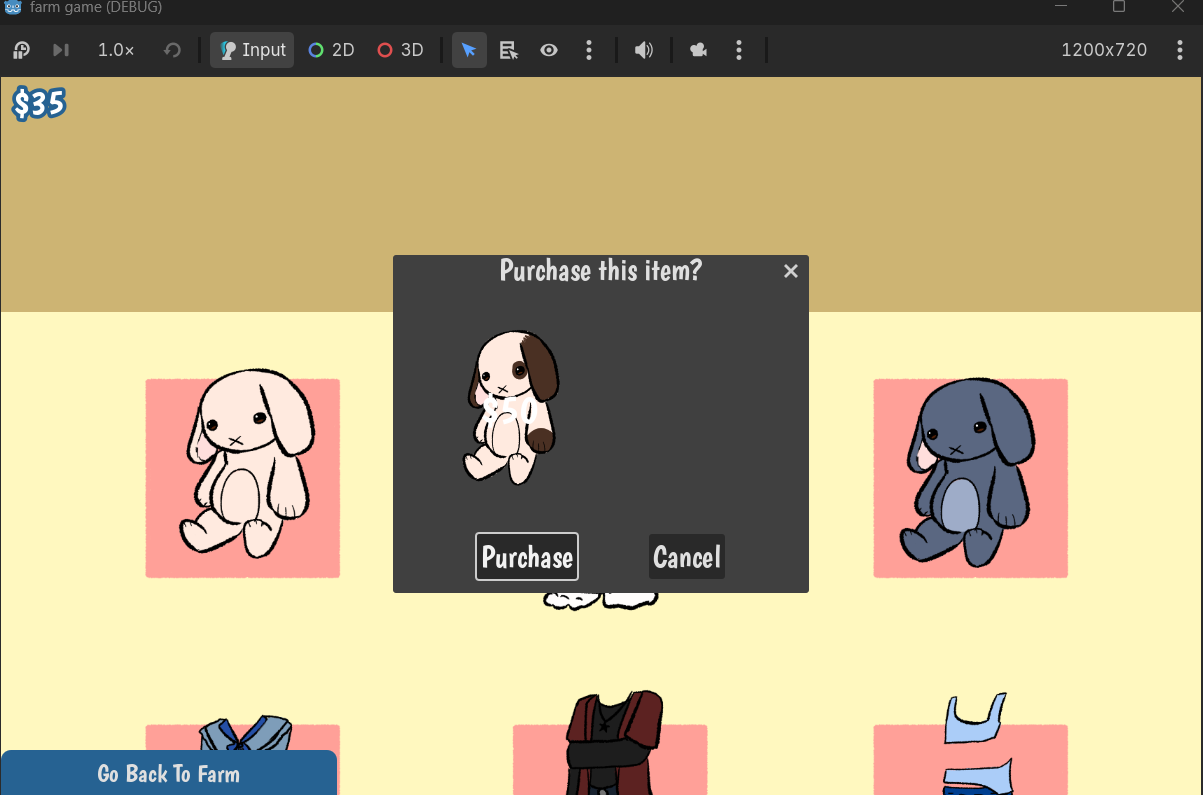
I have two control nodes within a confirmation dialog window. One is a label, and the other is a texture rect. When I try to position one on the right side of the window, it automatically resets its position to the left side when I click off of the scene/edit the current scene in any way. I’ve tried changing the anchor, changing the position, changing the offset, saving the project immediately after changing those, and quitting/re-opening the project. I’d like to know if this is an intended feature and, if so, what would be the better way of displaying these nodes? If not, is there something I’m doing wrong? All of this is happening in the editor, no code.
I’ve tried to include every detail I can think of, but if something is missing that makes or breaks this question, please let me know!
I dont see why your solution now should cause any weird behaviour but have found that ui positioning can be a bit unintuitive at times. If anything it probably has to do with the anchors. You could try to turn off anchors for these nodes and instead use position. Select the node, go to layout, layout mode and select position instead of anchors.
If not working, try adding them both to a HBoxContainer. Then the container will take care of their positions and make sure they dont overlap.
the idea to turn off anchors worked! i had to parent the node to a control node so the option would be available, but it did exactly what i wanted! thanks a bunch
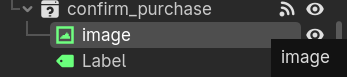 This is the how they both are in the scene tree.