Firstly, yes, it is a 3D effect, and I’ll try to explain a little more in detail:
So firstly, Planar Reflections: I have a plane, such as a flat mirror, that is the point of reference, then I have a somewhat simple script that creates a secondary viewport that has a Camera3D that mirrors the main viewport’s camera, placing itself on the other side of the plane, then a near plane is set to the distance to the plane to cull things that are directly in front of the camera.
Up to this point, simple, there’s just a shader on the mirror itself that displays the viewport texture using the view UV and all works well.
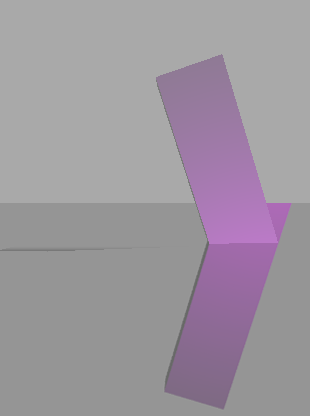
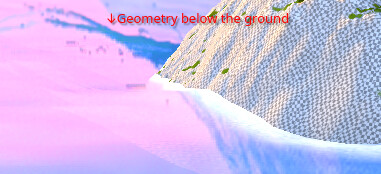
However, the scenario I posted, which now in retrospective probably wasn’t the best picture, but it is a very subtle erroneous effect, shows a major issue, that is that if geometry is underneath the Plane but outside the near plane, they get shown in the reflection as well, hence the tiny part of the pillar that is shown on the top right - or alternatively, if you had something like water, you could see part of the ground underneath the water visible, but only far away or angled geometry is visible like this.
Now the solution you show is good if the player is completely unable to get behind the mirror (Or have a copy of the Mesh that only the mirror can see) - which is not what I want, again, the example of water, if the player could get in it, they should be able to see things underneath it.
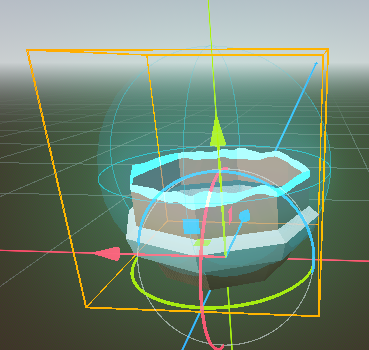
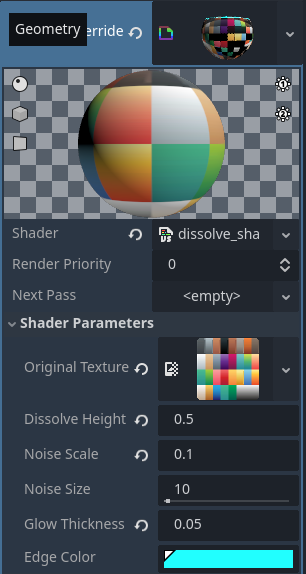
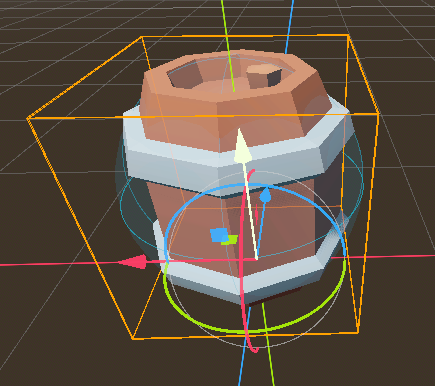
A better reference picture.
This is where I loop back to the Compositor Effect idea, I know you can deduce the global position of a pixel using the Depth Map you get on all the passes in the effect, this way it would be posible to know if a pixel is underneath the mirror plane (in 3D Space, which I should’ve explicitly mentioned originally!).
My question is basically if I can “remove pixels” in the Pre/Post-Opaque pass so the Sky pass draws over them. This would be a pretty smooth way (imo) to be able to have perfect Planar Reflections without having to mess with either additional Viewports or having clones of all meshes per mirror, while still allowing the main camera to go to the other side of the plane/mirror/water.
My main problem currently is just how little documentation there’s of the Compositor for now, even though it clearly seems to be very powerful.
I also am pretty sure that without a Compositor there’s no clear solution to this without doing messy work arounds that are either tedious or performance consuming - or both.
I have found another post now that has a similar question to mine, and the only (half) answer that it had was using a third viewport to try and “erase” the extra geometry - and even then, it was still pretty much visible.