Godot Version
Godot 4.6
Question
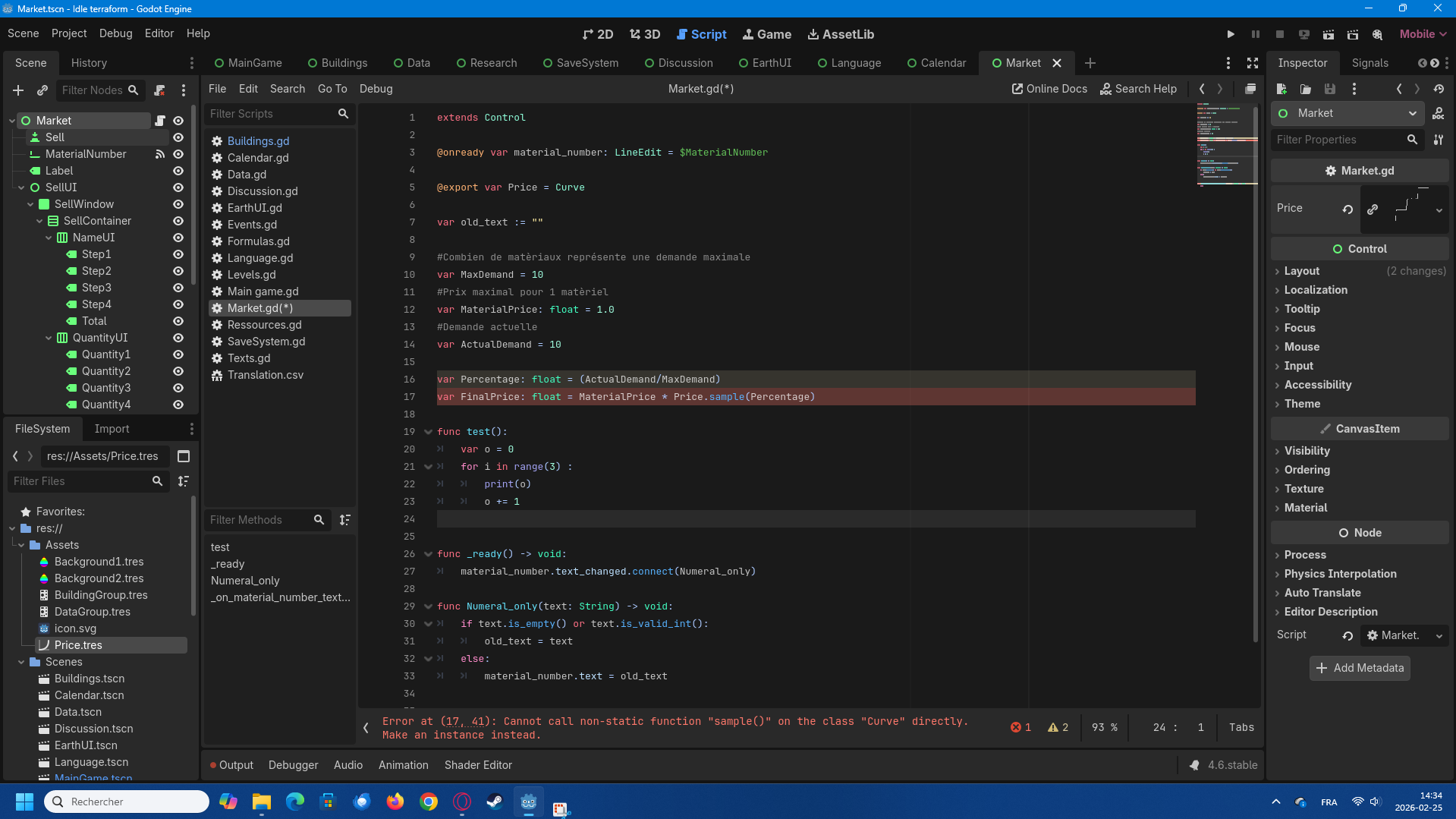
I’ll try to write something shorted this time. In principle I thought what I wanted to do was easy. I want to make a dynamic market to sell an item with a few simple modifier. There is a maximum demand for the item, let’s say 10 and an actual demand that represent how much of these item are demanded. If the actual demand is 10 too you can sell the item for it’s maximum value. If the item have an actual demand of less than 75% let’s say (so 7 out of 10 in this case) you can only sell it at 75% of it’s value and so on and so forth. Here’s the graph (curve) that I made :
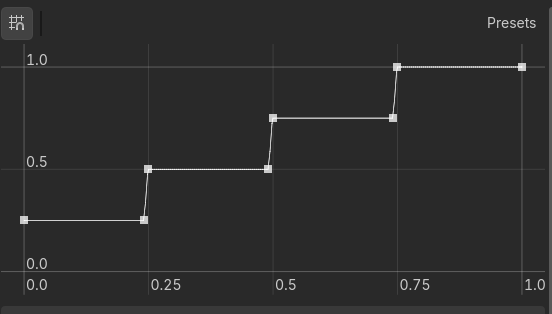
I looked at what kind of code I could use and I saw that in principle the .sample() would do exactly what I want. I input a number that would be the x value and it would give me the y value that I need. if the x is let’s say 0.5 it would do act as a modifier to have MaxPrice * 0.5.
That is until I actually added the .sample()…
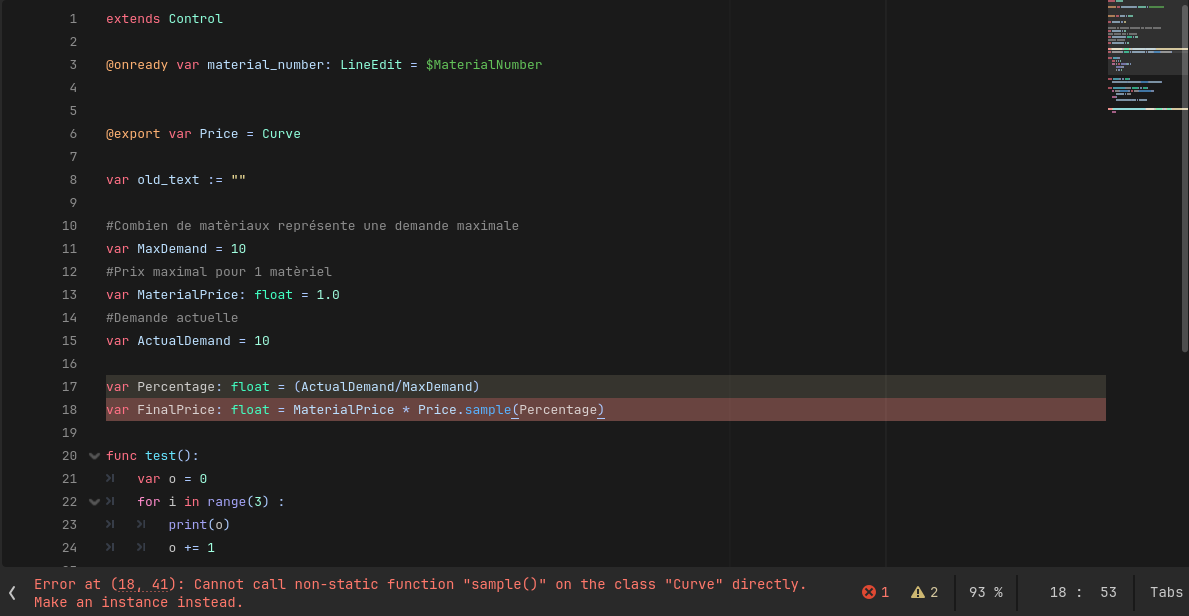
I get this error, now, I am new to programming, new, new. I have no idea what is a static vs a non static function. I tried to watch a few video on youtube to understand how to use the curve resource but for every video that I watched they never got an error like that despite seemingly using the same type of code that I have.
Would anyone happen to know what I should do to make it work? I could very well do it all by code and I think with the amount of time I spent I would actually have finished it already, but it would certainly be a big chunk of if statement when, at least in my mind, this curve method was supposed to be wrapped up in a few line T-T.
Thanks for any answer <3