Godot Version
4.7
Question
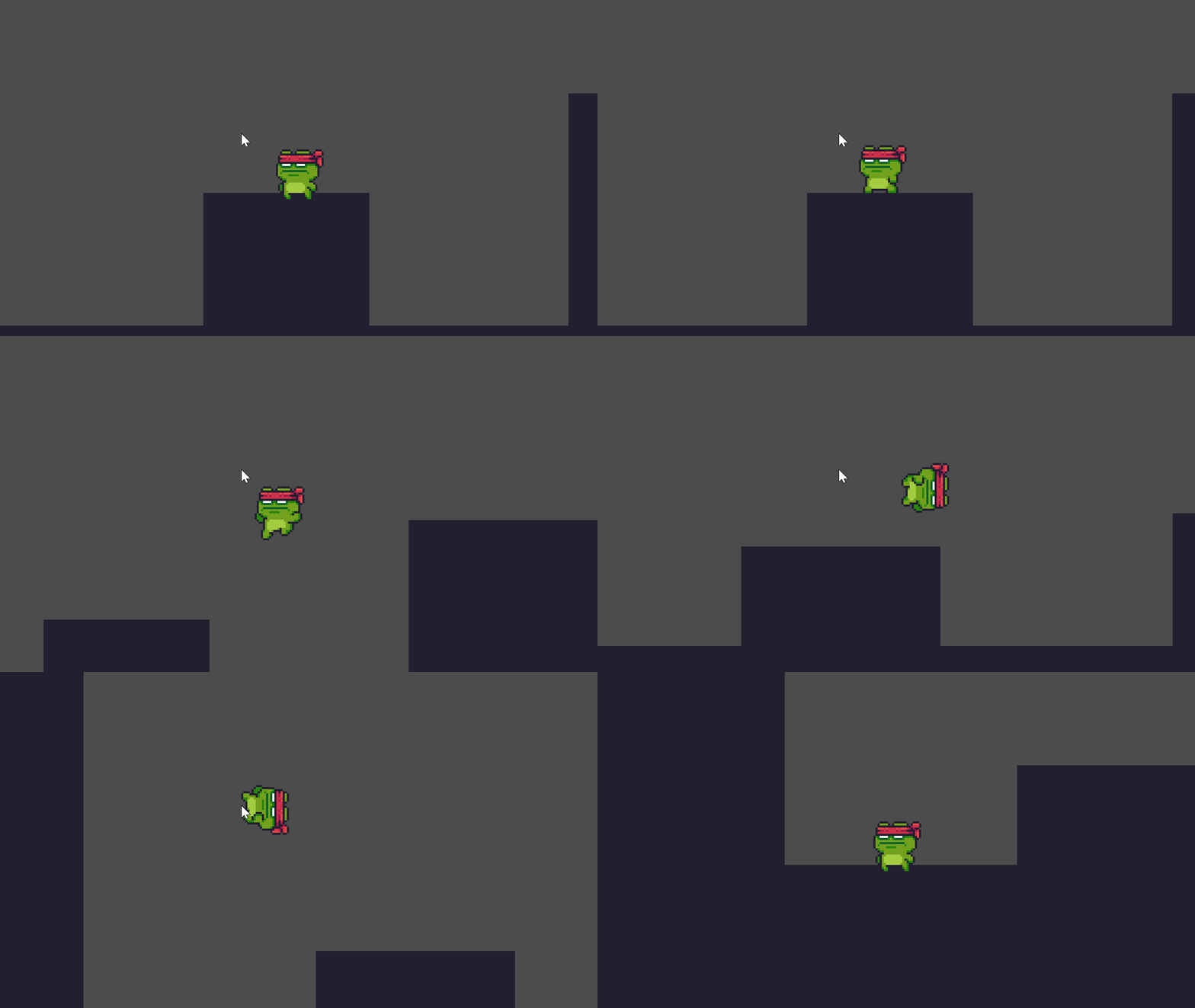
I’ve been having a bit of trouble with programming my double jump. I’m using a modified version of the character controller script from Brackey’s tutorial introducing both a “double jump” and “fall” state. I managed to implement the “fall” animation no problem, but the double jump keeps being cut off either because it’s adding the gravity too soon or the velocity is giving it issues since when I bring the “jump” command it just reads as the “JUMP_VELOCITY” which is self explanatory. Is there a way I can make sure that the double jump animation transitions more clear into the “fall” animation?
BELOW ARE SOME PICTURE EXAMPLES vvvv

(After I edited the code)

(Before; since I’ve returned to this version)
I’ll also include the script for reference. Any help will be appreciated, but I also would shrug at just removing the animation since the logic still works just fine by itself.
extends CharacterBody2D

#Movement
const SPEED = 200.0
const JUMP_VELOCITY = -300.0

#Double Jump
var JUMP_COUNT = 0
var MAX_JUMP = 1

#Spawn
var is_spawned:bool=false


# Get the gravity from the project settings to be synced with RigidBody nodes.

var gravity = ProjectSettings.get_setting("physics/2d/default_gravity")

@onready var animated_sprite = $AnimatedSprite2D
@onready var ray_cast: RayCast2D = $RayCast2D

func _ready():
	animated_sprite.play("spawn")
	await animated_sprite.animation_finished
	is_spawned=true

func _physics_process(delta):
	if not is_spawned:
		return

	# Add the gravity.
	if not is_on_floor():
		velocity.y += gravity * delta

	# Handle jump.
	if Input.is_action_just_pressed("jump") and JUMP_COUNT < MAX_JUMP:
		velocity.y = JUMP_VELOCITY
		JUMP_COUNT += 1

	# Handles double jump
	if is_on_floor():
		JUMP_COUNT = 0

	# Get the input direction and handle the movement/deceleration.
	var direction = Input.get_axis("left", "right")

	# Flips sprite
	if direction > 0:
		animated_sprite.flip_h = false
	elif direction < 0:
		animated_sprite.flip_h = true

	# Play Animation
	if is_on_floor():
		if direction == 0:
			animated_sprite.play("idle")
		else:
			animated_sprite.play("run")
	else:
		animated_sprite.play("jumping")
		if JUMP_COUNT == MAX_JUMP:
			animated_sprite.play("double jump")
		if velocity.y > 0:
			animated_sprite.play("fall")

	# Applies movement
	if direction:
		velocity.x = direction * SPEED
	else:
		velocity.x = move_toward(velocity.x, 0, SPEED)

	move_and_slide()
Boosting this since it only got approved this morning.
put a print at the end there where you are transitioning back to fall and see where it is happening. Or add a break point. My guess is it’s immediately flipping to that any bypassing whatever logic you think should be keeping it in a double jump animation.
Hello, sorry for the late reply. I was wondering where to put the print and what information should I tell it to print. I thought it would print the name of the animation if I had putprint(animated_sprite.play(““))``, but it just crashes the game.
Try print("Test"). Then try print(animated_sprite.animation).
Okay, so I did what you said and it produced the condition, I put it under the “jump input” command.
From what I can tell it’s actually ignoring MULTIPLE animations, this includes the jump unless I press it fast enough. It still ignores the double jump animation outright. Now yesterday I had the idea to omit the previous jump animation all together just because it’s one frame and have actually produced a new line of code.
extends CharacterBody2D

#Movement
const SPEED = 200.0
const JUMP_VELOCITY = -300.0

#Double Jump
var JUMP_COUNT = 0
var MAX_JUMP = 1

#Spawn
var is_spawned:bool=false


# Get the gravity from the project settings to be synced with RigidBody nodes.

var gravity = ProjectSettings.get_setting("physics/2d/default_gravity")

@onready var animated_sprite = $AnimatedSprite2D
@onready var ray_cast: RayCast2D = $RayCast2D

func _ready():
    animated_sprite.play("spawn")
    await animated_sprite.animation_finished
    is_spawned=true

func _physics_process(delta):
    if not is_spawned:
        return

    # Add the gravity.
    if not is_on_floor():
        velocity.y += gravity * delta

    # Handle jump.
    if Input.is_action_just_pressed("jump") and JUMP_COUNT < MAX_JUMP:
        velocity.y = JUMP_VELOCITY
        JUMP_COUNT += 1

    # Handles double jump
    if is_on_floor():
        JUMP_COUNT = 0

    # Get the input direction and handle the movement/deceleration.
    var direction = Input.get_axis("left", "right")

    # Flips sprite
    if direction > 0:
        animated_sprite.flip_h = false
    elif direction < 0:
        animated_sprite.flip_h = true

    # Play Animation
    if is_on_floor():
        if direction == 0:
            animated_sprite.play("idle")
        else:
            animated_sprite.play("run")
    elif velocity.y > 0:
        animated_sprite.play("fall")
    else:
            animated_sprite.play("double jump")

    # Applies movement
    if direction:
        velocity.x = direction * SPEED
    else:
        velocity.x = move_toward(velocity.x, 0, SPEED)

    move_and_slide()
That’s good info. What that tells us is that some of your animations are being reset every frame. So make a list of all your animations. Then make a list of all the animations being cut off. Then look at the code for the ones that aren’t being cut off, and those are the problem.
It also might be time to consider using a state machine.
I had originally considered a state machine using some tutorials from IcyEngine who does it via ENUMS, so I’m gonna study up on my GDSCript and return to this when I’m a bit more knowledgeable on the animation engine. I do want to thank you! I’m gonna mark this as solved just so I can take a better look at state machines.