Eat cheese and drink wine with Topino - 2D platformer

Hi everyone!

I’m Krel113, full-stack dev .NET / Angular. I have always had the dream, someday, to create a game on my own. A true one! Not a demo, not a game for game jam, but a full one.

So I started to learn how to use a game engine, how to code, I even did a year of private school for gameplay programming, and finally took the path of full-stack development.

Everyone says so: creating games is not so easy. It requires a lot of skills and time. Most of the time, my projects failed due to the lack of skills, like music or graphics, or because the project was, after all, too complex to be handled alone.

Now that I have more experience as a programmer and a game developer, I decided to try again. But this time, I’ll start small. Something simple. So I took back a game I created for the GMTK 2024 and decided to make a full game from that draft.

So, after that introduction of myself, let’s talk about the project: What is Topino ?

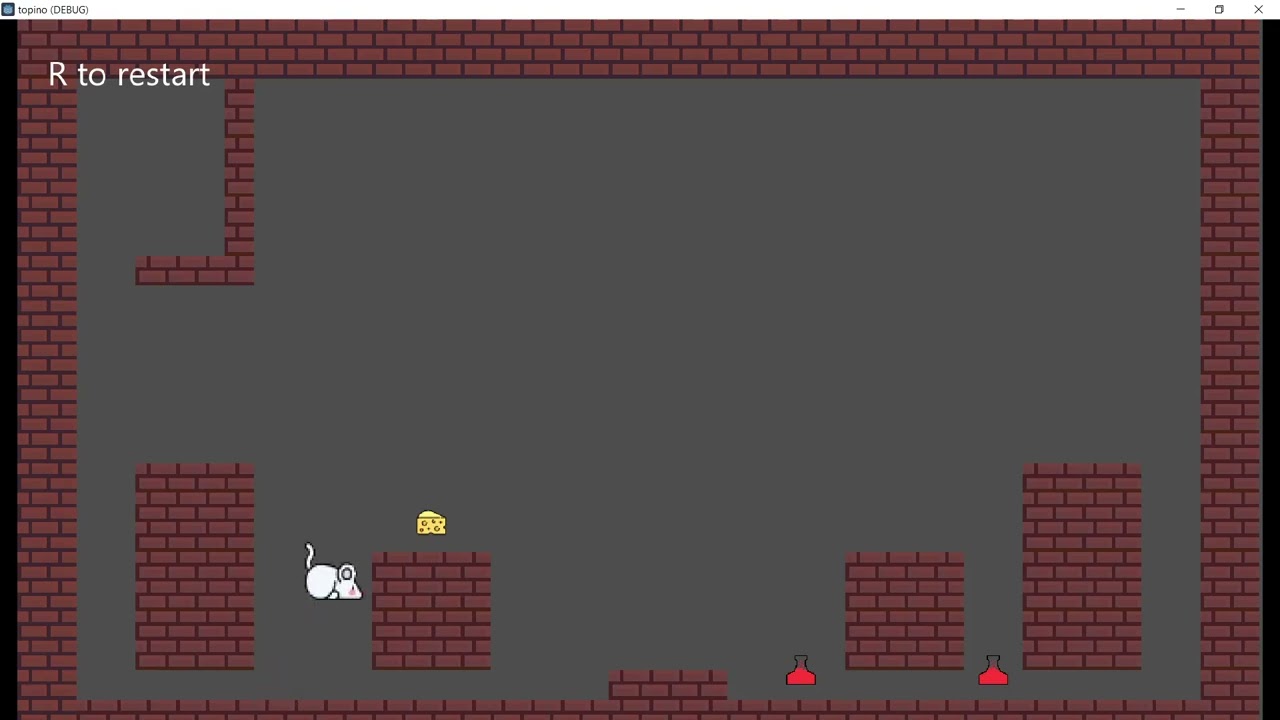
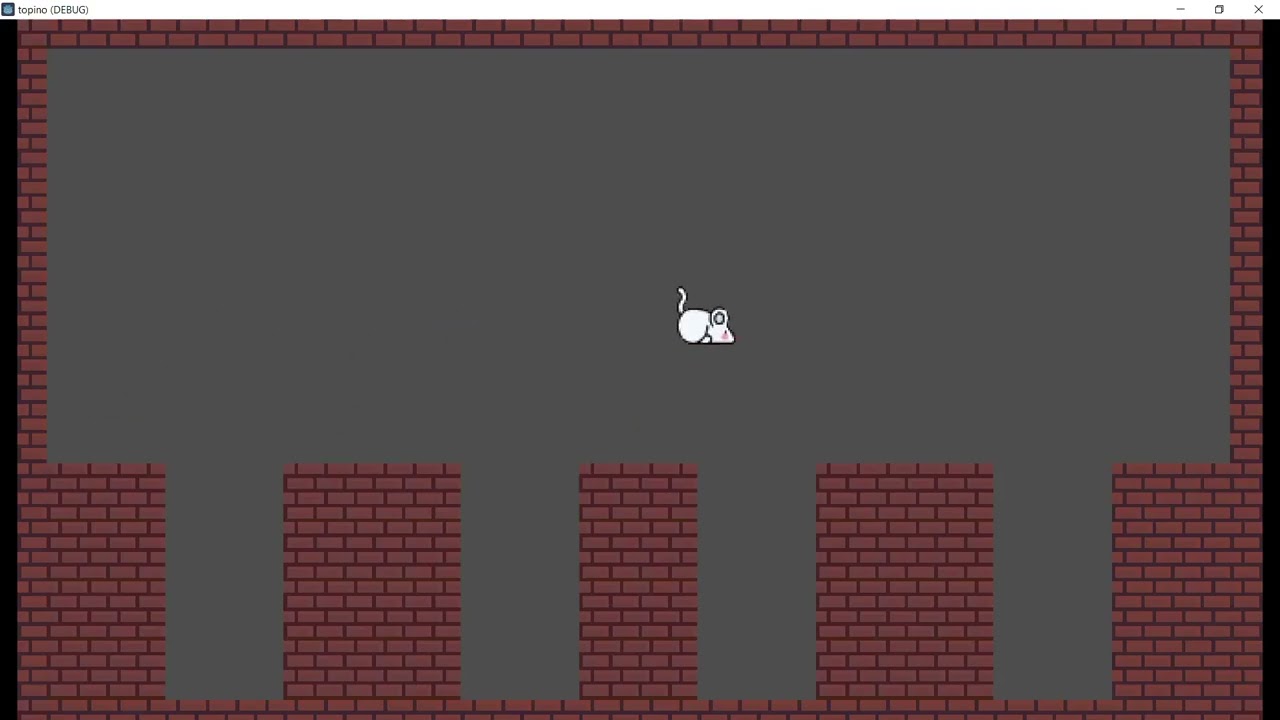
That’s a cute little mouse that has to collect keys to open the door to the next level. GMTK 2024 theme was about size, so everything will be about size: door, keys, pressure plate, pushable blocks, and so on. Like Alice in Wonderland, eat cheese to grow up and interact with big objects, or drink wine to shrink and sneak through narrowed passages. But too much of either one, and Topino will meet a nasty fate.

I’ll publish the progress here, the new features, and also the obstacles encountered.

If you feel like, there is a demo I created for the GMTK 2024: Topino by Krel113

See you around!
4 Likes

DEVLOG #1

The first things I wanted to improve in the demo for GMTK 2024 were the structure of the project, the quality of code, and the responsiveness of the inputs.

I - CODE
I don’t know for you, but on my side, coding a game in 48h has never left code maintainable and scalable.
So, I decided to start over and adopt a feature-centric project structure, to keep things tightly bound all together, and also to use a bit of Data-Oriented Programming to eliminate inheritance. Inheritance caused the death of many of my projects once they reached a certain level of complexity, so let’s see if I made the right choice this time.

II - Inputs
The demo lacked responsiveness when Topino was jumping. From time to time, the little mouse didn’t jump when the space bar was pressed, which was quite annoying, especially in a platformer.

To solve those issues, a jump buffer and a coyote time are necessary.

  • the jump buffer keeps in memory that the player ordered to jump while the character is in the air, for a few frames.
  • the coyote time allows the character to jump for a few frames after leaving a platform.

Indeed, our eyes don’t see properly what happens on the screen. Either we think the character is grounded, but it is still a few pixels above, or the character is still on the platform, but actually a few pixels away, in the void.

After creating those scripts and adding them to the player controller, jumping became smooth.
°So I added these scripts to the player controller, and jumping became smoother.°

See you soon for another devlog.

1 Like

DEVLOG#2 core gameplay

Topino updates!

As the GMTK 2024 theme was about scale, the very core mechanic is to make Topino bigger or smaller. Changing size also affects his ability to jump and catch objects. The bigger it is, the heavier and the stronger it becomes.

Eat cheese to grow up, and drink wine to size down (or red potion, I don’t know yet which one I’ll keep). But too much of either one, and Topino meets a nasty fate.

In the demo, too much cheese and the little mouse blows up, and too much wine (or red potion), and Topino shrinks to the size of an atom. For sure, I’ll keep the feature on which one Topino shrinks too much, but for the opposite situation, I want to find something other than killing the little mouse. I think about growing so much that the level is destroyed, or Topino gets trapped and can’t move anymore.

What would be your idea?

See you for another post.

demo link: Topino by Krel113

4 Likes

I like the concept!

And instead of exploding, maybe if Topino eats cheese he just gets rounder and rounder… until he can’t walk anymore, tips over, and rolls majestically out of the level like a furry bowling ball. Strike! :bowling::mouse_face:

The “too much cheese and the little mouse blows up” instantly made me think of the Monty Python guy who ate just one wafer-thin mint too many. :sweat_smile:

Some thoughts:

  • While moving, maybe the mouse could gradually shrink bit by bit.
  • You could add collectibles to shrink or grow on demand, like emergency size-control items.
  • Cookies → sugar rush mouse!
  • Mushrooms → invert the logic for a while.

Really looking forward to where this is going!

2 Likes

I love the idea to roll out of the level ! I though about other kind of collectibles, but for now I prefer to finish and stabilize the core mechanics, before adding extra features.
If I have to make a reference to Monty Python, then I would introduce a white rabbit in the game :rabbit: a deadly opponent…

2 Likes

DEVLOG #3 - Doors and keys

Hi everyone!

Topino will run through many levels. In order to complete each of them, the little mouse must reach the door leading to the next one.

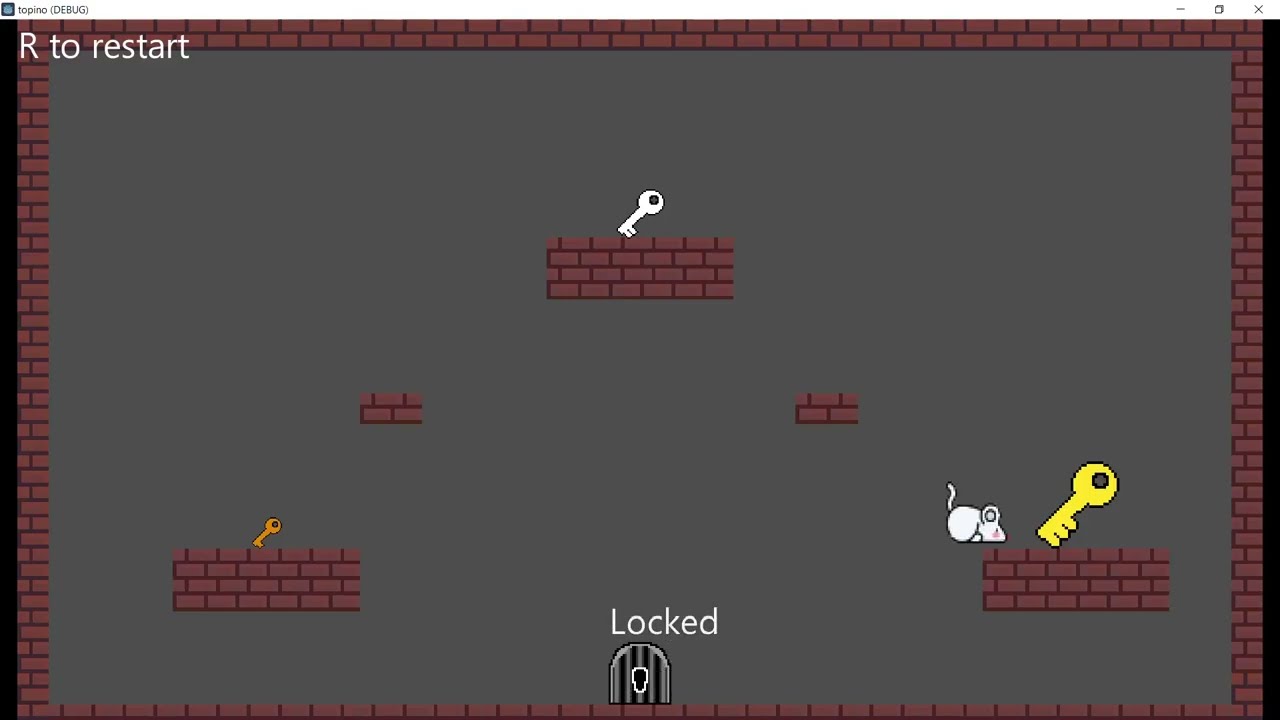
But from time to time, the door will be closed, then the right key must be found. If it is too small or too big, then it won’t fit the keyhole. There are 3 doors and 3 keys, each pair matching one of the sizes taken by the Player.

Maybe that’s too early, but I also imported the transition between the levels that was already in the demo. Small fixes had to be made in order to get it working in the new version of Godot.​

demo link: Topino by Krel113

1 Like

DEVLOG #4 - drop object too big and load next level

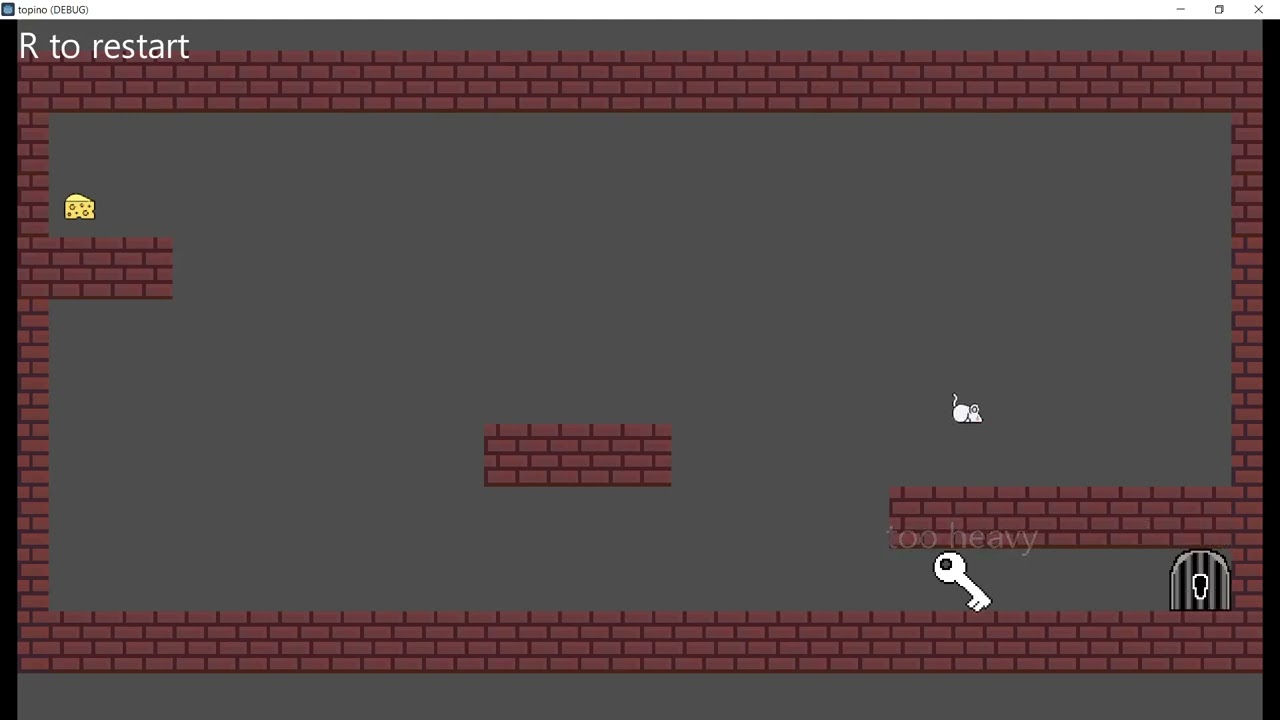
Topino’s strength is related to its size. So when the little mouse shrinks too much, it can no longer carry object now too heavy, and must drop it.

That mechanic enforces the use of items like cheese and wine to alter the size regarding what you want to do. When you reach the door, you immediately start the next level for maintaining a fast-paced game.

I also had to troubleshoot several bugs:

  • when interacting with a key dropped in front of a door, from time to time, only the door’s action was triggered, instead of the key.
  • Skew works perfectly through the inspector, but is completely messed up when you set values through code.
  • The info_label had a strange offset above keys and doors, because CanvasLayer doesn’t seem to have same global_position calculation thant Node2D.
  • When dropped due to insufficient size to carry an object, the object presented several issues:
    – The key became as small as the player
    – The key had a weird scale when scale set at (-x, y), because Godot handles it as (x, -y) + 180°, which messed up the position ofthe info_label node that displays the state of an object to the player (like “too heavy”)

I hope upload a new version of the demo by the end of October.

See you for another post

demo link: Topino by Krel113

DEVLOG #5 - new demo ready

Finally, I managed to get a new demo ready!

I planned to release the demo by the end of October, but my little one got sick all the time, so did I. My energy bar was so low that I had barely made any progress until last week. I was a bit desperate to reach my goal before the end of the year.

So what do we have here? That demo gathers all the core mechanics of the game: keys, doors, jumps, size up, and size down, and presents them as tutorials.

The game will have other features of course(moving platforms, pressure plates, padlocks, timeout, other mice to compete for cheese, and a cat to chase you out, etc) but first I want to be sure that the core gameplay is solid and intuitive, or the rest of the game will fall like a house of cards. So please tell me if you see any room for improvement.

See you on the next post (that I hope to be sooner than this one)

Ps: How is your experience of developing indie games while raising kids?

demo link: Topino by Krel113

4 Likes