Hi,
I am programming a 2D top-down game with vehicles that can shoot. I have my first enemy ready and want so other enemies obstruct the projectile path from the shooter to the player.
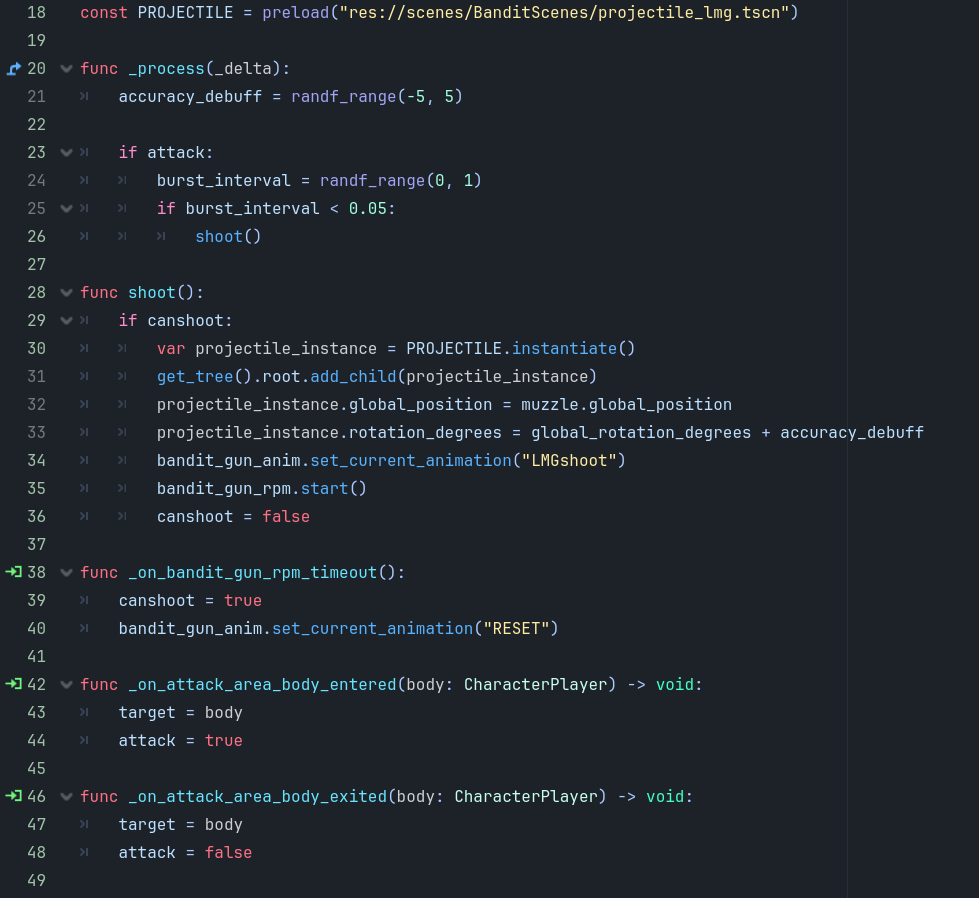
When I set the projectile collision mask to scan for the enemy it instantly disappears as it detects the shooter. Is there a way for the projectile to recognize the shooter and not collide with it but other enemies with the same collision setup? I don´t want to use time delays or spawn the projectile in front of the shooter as it kinda feels inconsistent and doesn´t look that good when the projectile appears out of thin air.
Also maybe combine this with the player detection so other enemies obstruct the visibility and the enemies behind stop shooting?
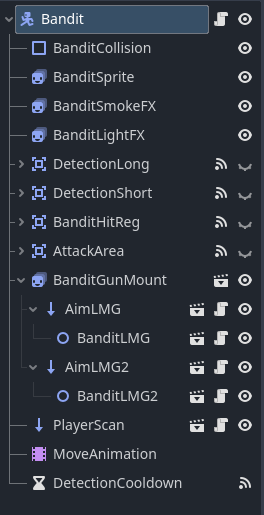
Maybe I can work with get_parent(). But I don´t understand how I can make the projectile that is spawned by the LMG that is a child of multiple parents recognize the top-most Bandit Node.
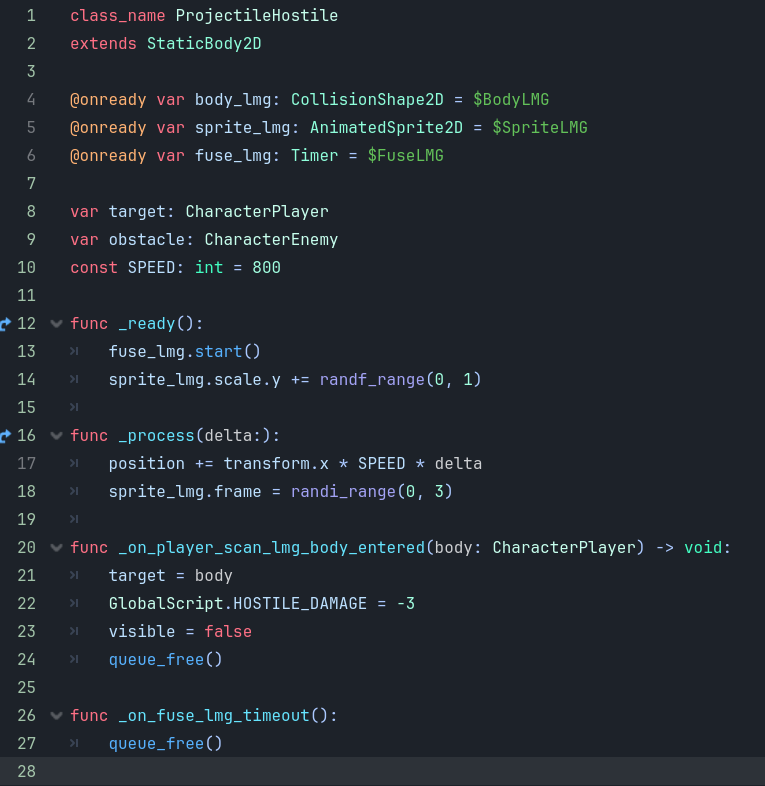
Maybe someone can also make improvements to the damage calculation? I used a GlobalScript so the Player knows how much damage he receives and backwards, but I don´t know if this may become a problem in the future when there are multiple weapons with different damage numbers.
For example there is a big slow hitter that sets the damage to -100 but at the same time multipe small projectiles collide and deal the same damage. Not an issue yet but maybe someone already experienced this?
I usually solve this by having a variable in my projectile/hitbox that stores the shooter so that in _on_body_entered it checks if the body that entered is the shooter and if yes it does nothing.
Alternatively you could mess with your collision layers and separate between player and enemy projectiles so that the player projectiles can only see enemies and enemy projectiles can only see the player.
In the shooter scene you could store the shooter colission area as an export and then do a check. If area == export_variable: return
Problem is if you want enemies or others to be able to shoot themselves. E.g. ricocheting bullets, deflected bullets, bullets that are slow and can be caught up with etc. In that case you could use a bool set to false. Then in detection function: if bool "== false: bool = true. Elif bool == true: do the stuff.
I have a collision for Player, Enemy, Player Projectile and Enemy Projectile. I want the enemy projectile to collide with the Player as well as the Enemy. But the Shooter (one of the enemies on Layer 5) where the Projectiles are coming from collides with it too therefore removing the Projectile instantly. Adjusting the Layers alone is not enough I think because the Shooter Enemy is on the same Layer as the Obstacle Enemy (which is also a Shooter).
When a shooter spawns a lazer initialize the lazer’s ignore variable to the shooter (or the shooter hurtbox), then in the lazer in your function where you check when you hit a body first check if the body is the ignore var and if it is then do nothing
I will take a look. My idea right now is to add a ShooterArea2D for the Enemies that scans only for the Enemy Projectile. The Projectiles collision is turned off by default and if it exits the shooter Area it turns on the collision. I will try that and see if it works.
I would skip that. Sounds difficult to build on and adjust. What if you want things that are not enemies to be able to get shot too. Like crates or items, vehicles, anything. Just area scans all over the place. Confusing to deal with debugging later on too.