Godot Version
4.1.1
Question
I’ve got some ui set up with a few control nodes:
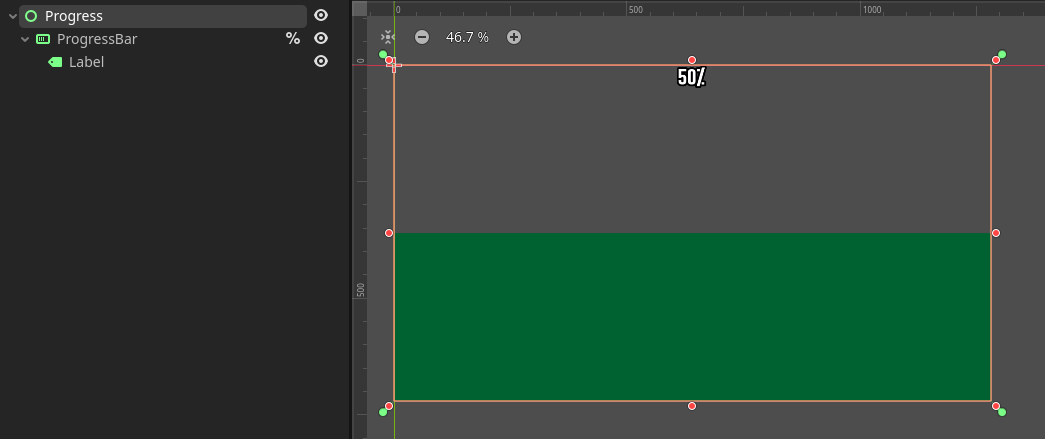
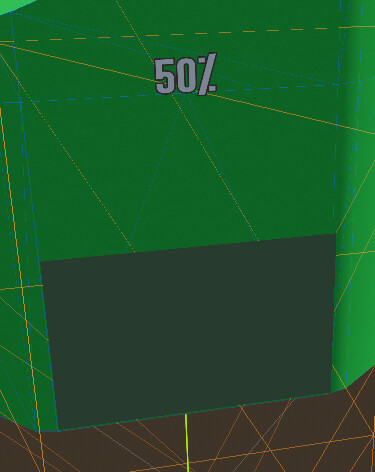
I want to show it on a viewport texture, but can’t get the texture to scale correctly to the viewport size. If I make the viewport size match the viewport size from project settings it is all visible but squished horizontally:
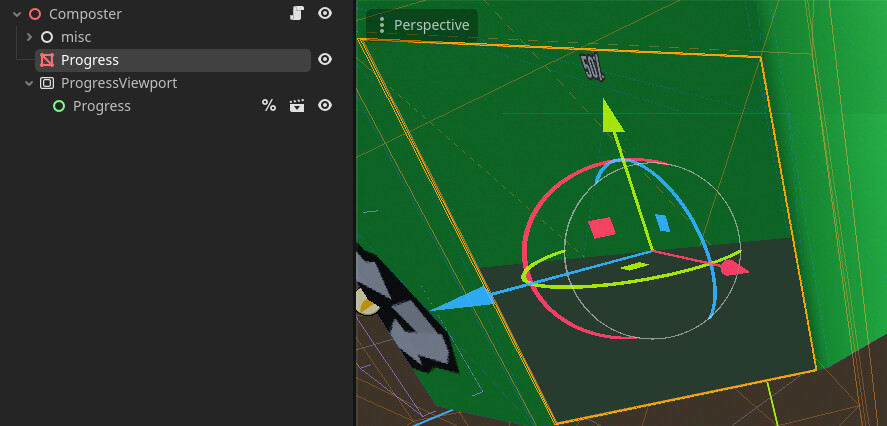
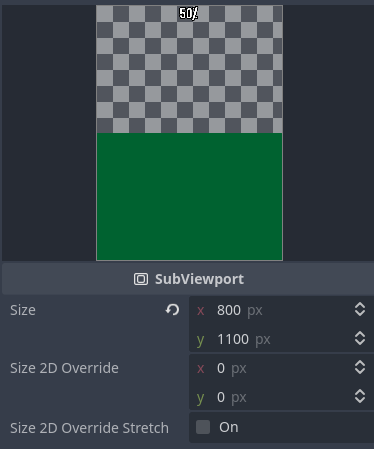
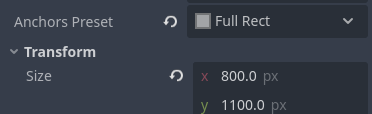
Trying to set the size to half cuts the image off, instead of the control node automatically filling the available viewport:
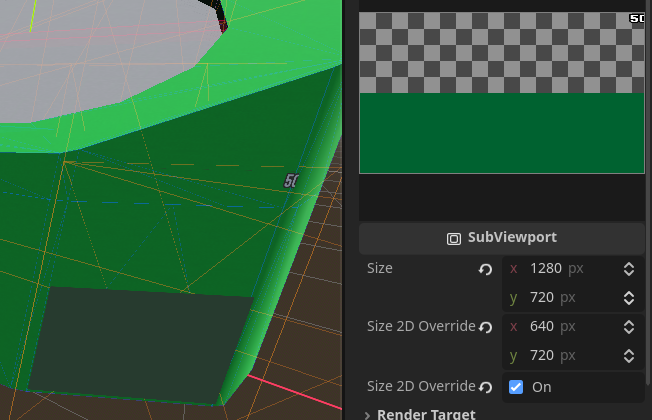
What node setup do I need to make control nodes fill the subviewport size without stretching or cropping?