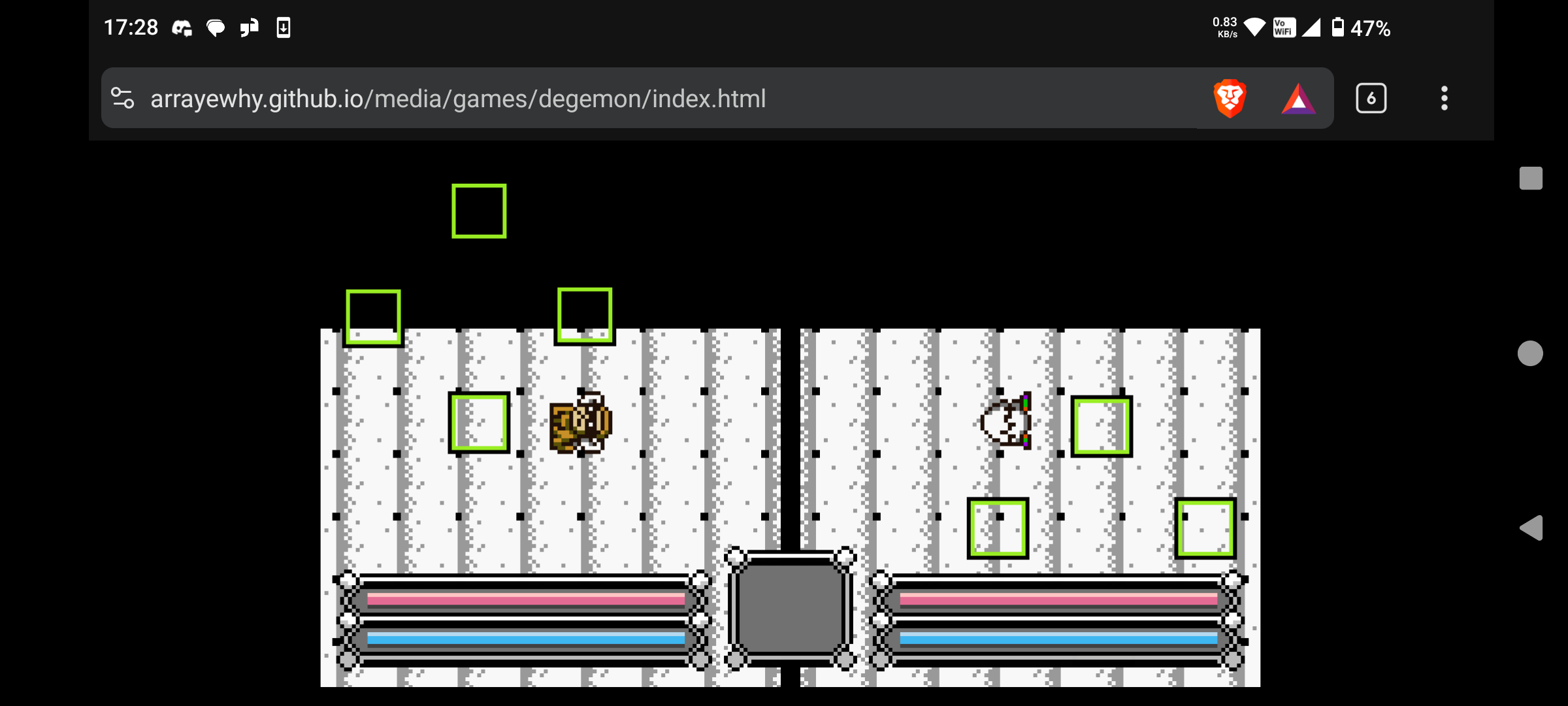
I am trying to make a web export for a played by 2 players holding opposite ends of a mobile phone, but the browser address bar is taking up too much space and I can’t get it to go into fullscreen mode.
Is there a way to achieve true full-screen on android browsers without the address bar showing?
I tried setting Display in Export Settings to Fullscreen and Standalone (with Progressive Web App enabled), but the address bar is always there.
The best way to achieve this is to edit the html export shell in your project to invoke a request for full screen mode via javascript when the game is launched.
[tl;dr]
You can try and see if this custom export.html shell works for you: source on codeberg
For the html I shared here I started out with the html export shell that godot engine ships itself.
In order for all browsers to allow you to go fullscreen, you need to at least have the user press a button, or something similar (this is also true for using audio, by the way):
Thank you very much for the answer! I tried exporting using your export.html template by setting Options -> Custom Template -> Debug, Release, but am getting the error on the right:
I have tried this on 4.5.1 and 4.6.2 with the same results. Do you have any idea what might be wrong?
Could it be due to an issue with the CSS? Or is there something in the code that is specific to your project that cannot run because it cannot find it in my project?
Oh my god, I feel so silly for missing that! Thank you so much!
I will take some time to understand the bits necessary for full screen (fullsize--true).
This issue had been annoying me for months, so thank you again Ren!