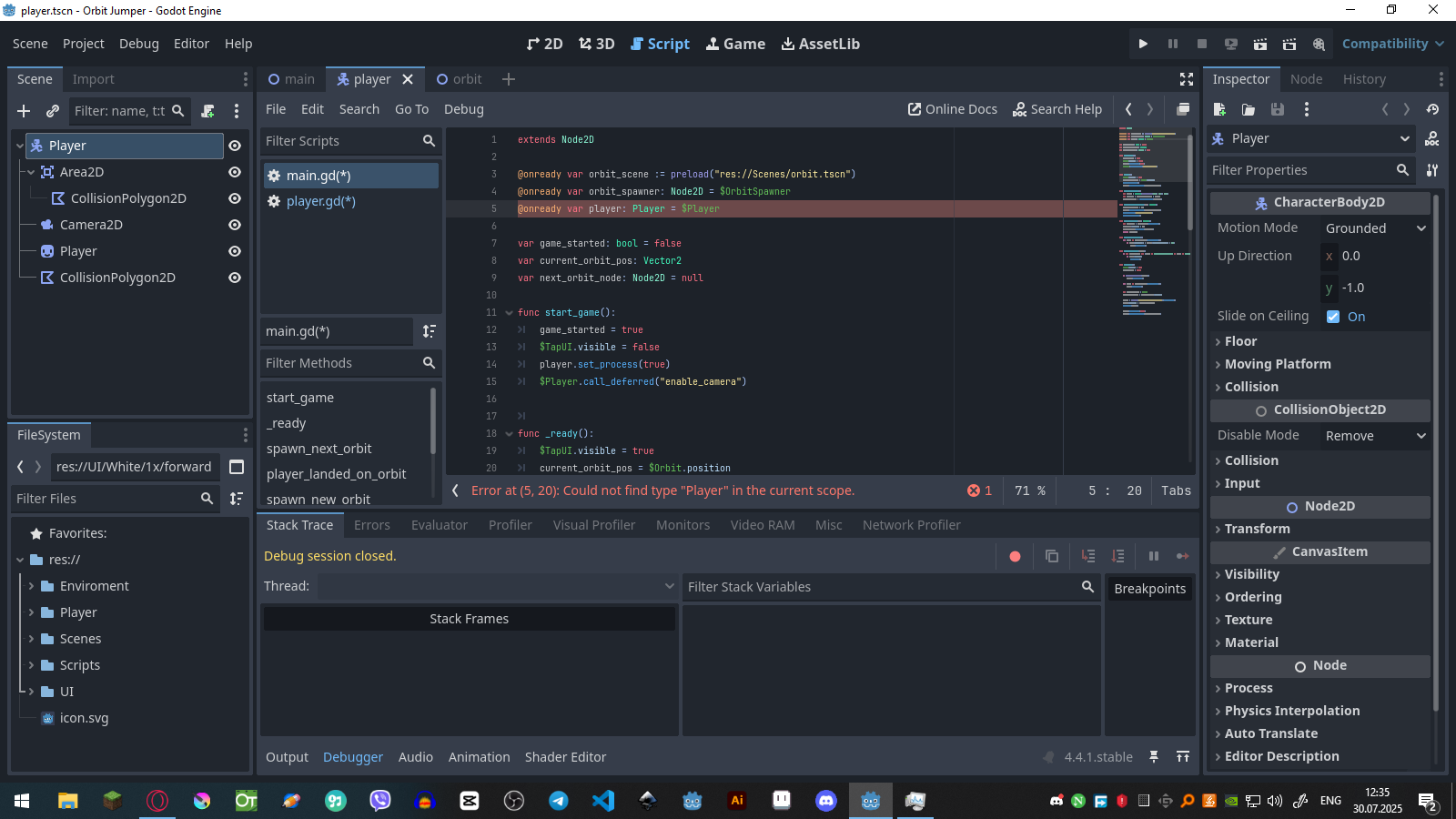
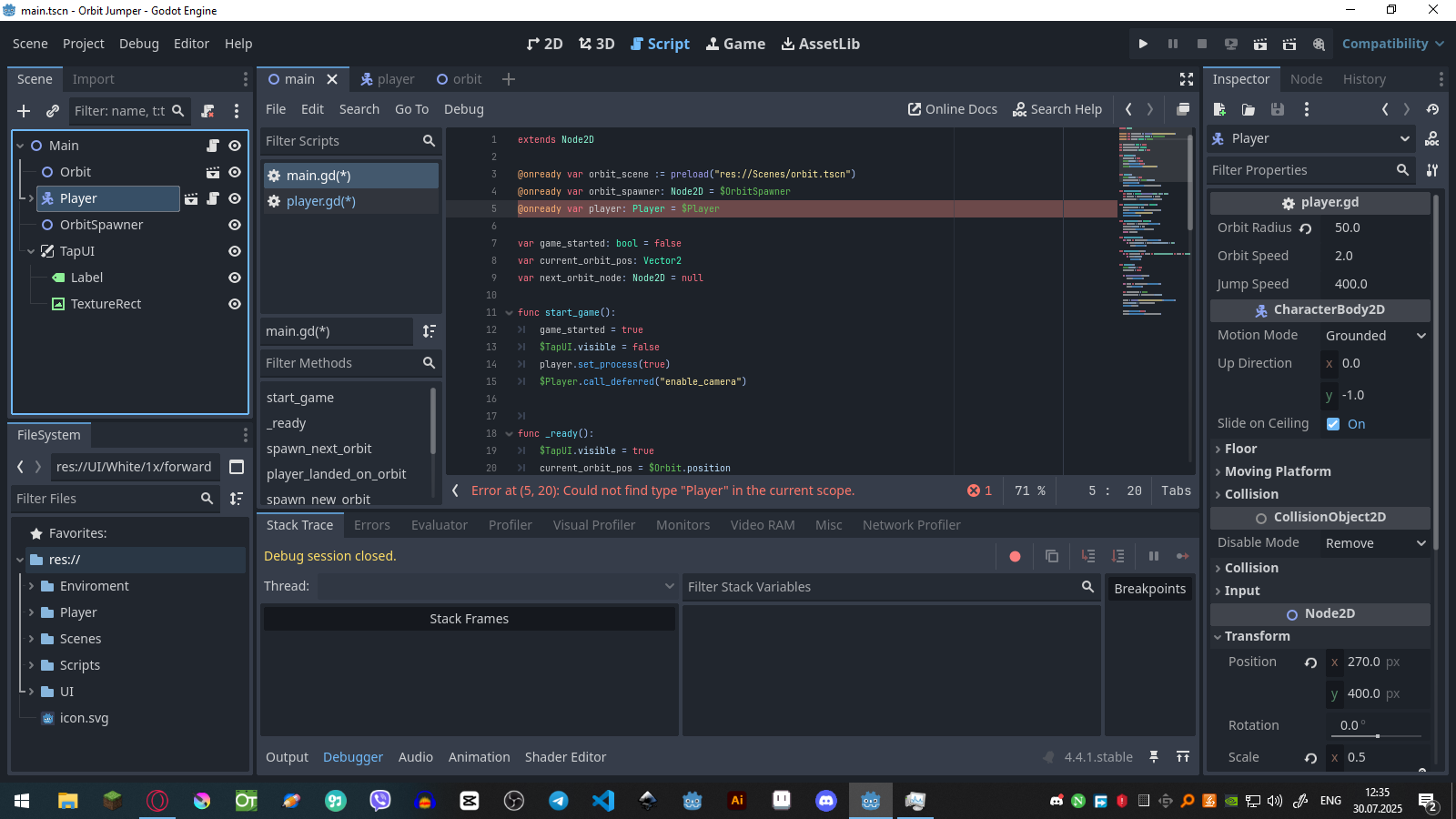
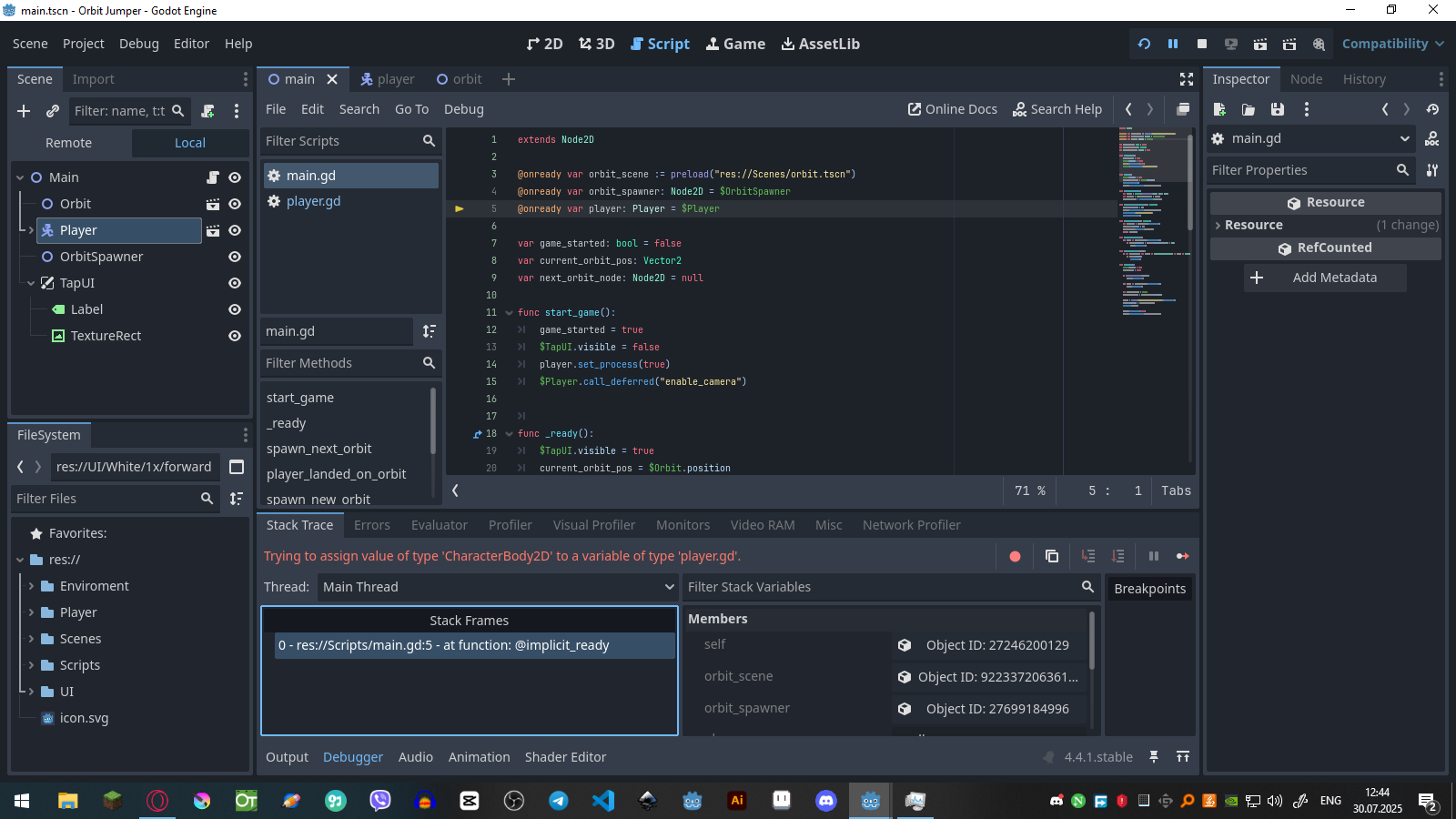
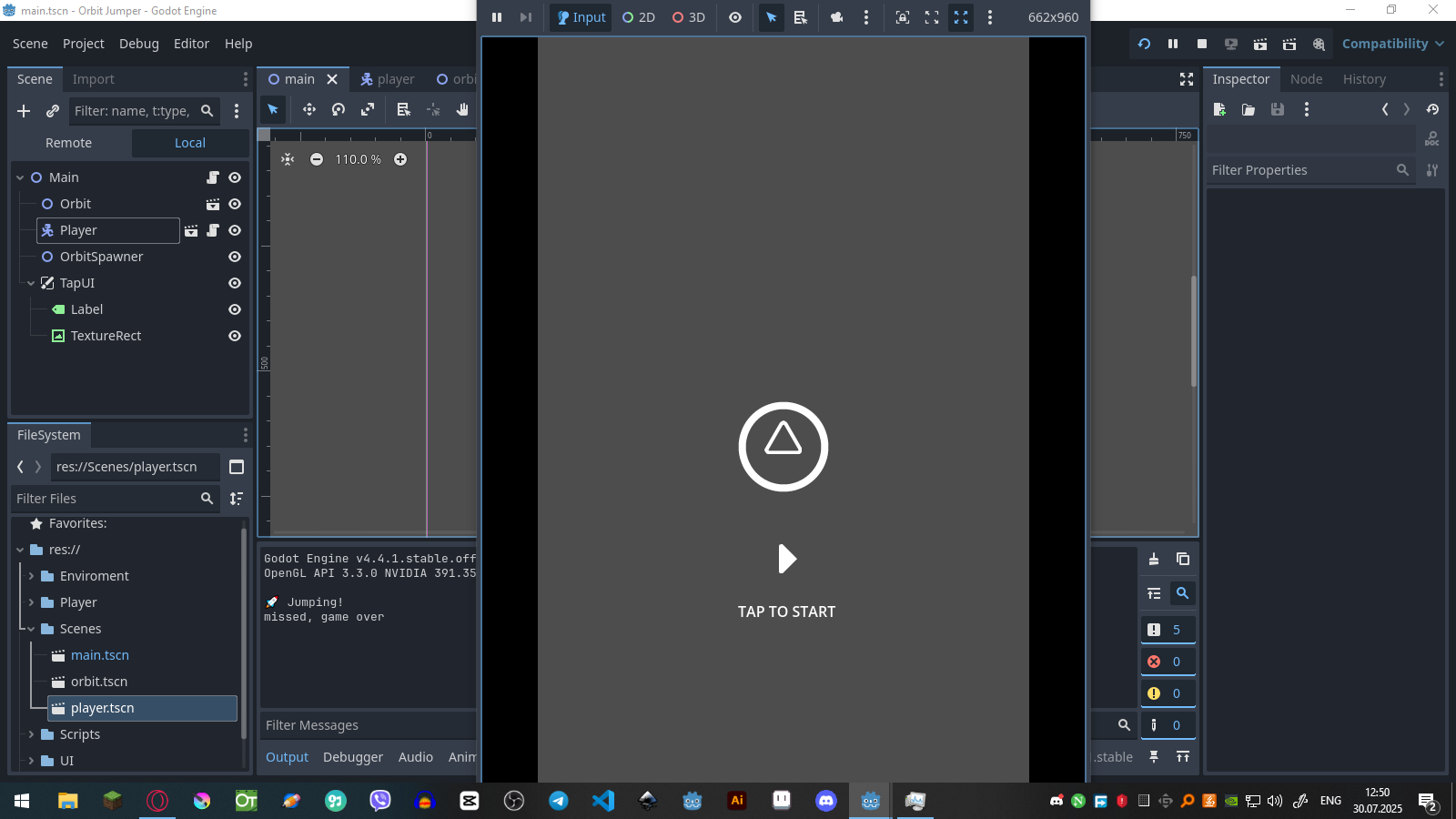
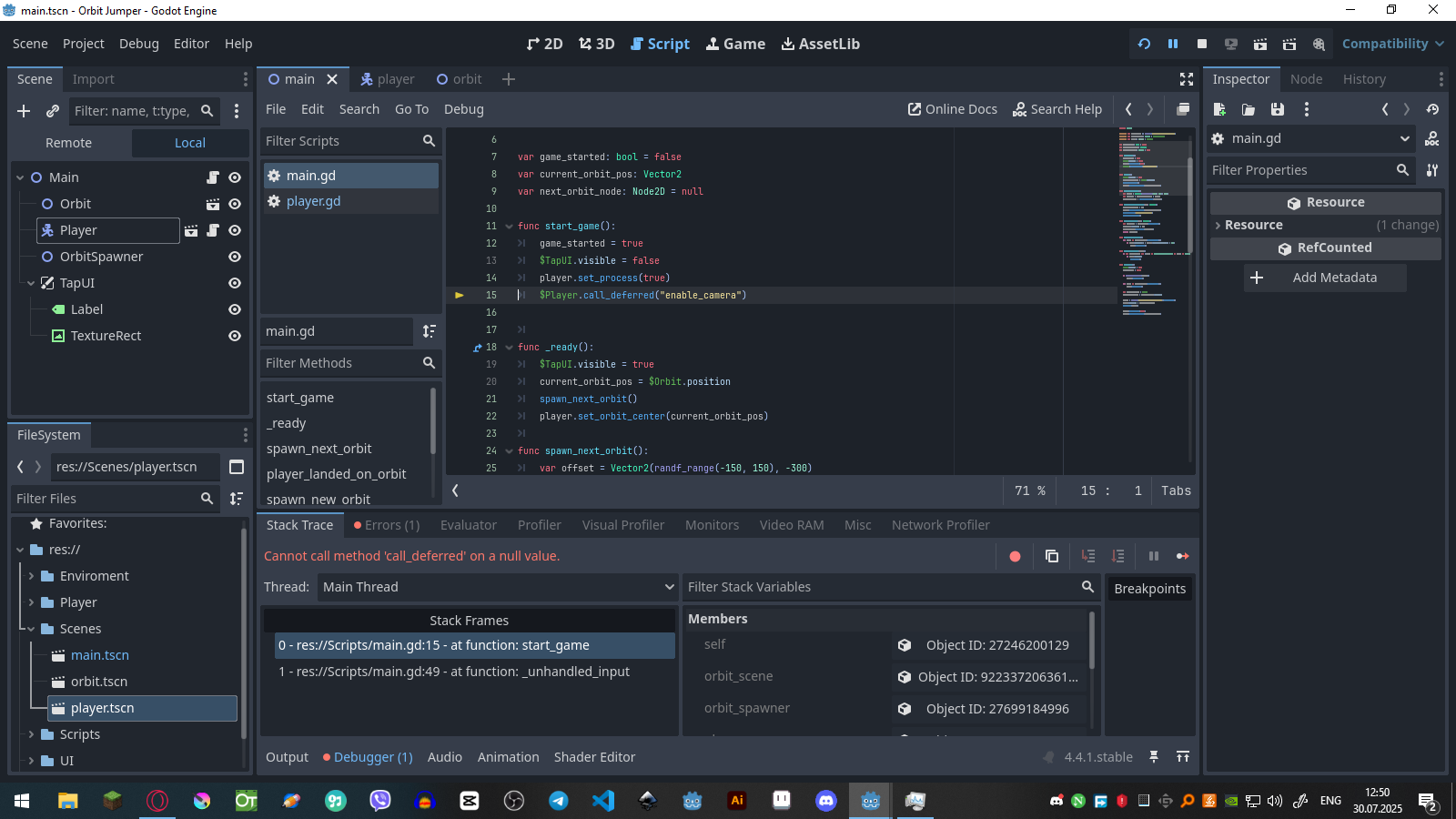
I created an button icon and tap to start text and when player taps it will start the game and it will disappear and now when game is over i want it to be restarted as it was but i am geting errors !
Main
extends Node2D

@onready var orbit_scene := preload("res://Scenes/orbit.tscn")
@onready var orbit_spawner: Node2D = $OrbitSpawner
@onready var player := $Player

var game_started: bool = false
var current_orbit_pos: Vector2
var next_orbit_node: Node2D = null

func start_game():
	game_started = true
	$TapUI.visible = false
	player.set_process(true)
	$Player.call_deferred("enable_camera")


func _ready():
	$TapUI.visible = true
	current_orbit_pos = $Orbit.position
	spawn_next_orbit()
	player.set_orbit_center(current_orbit_pos)

func spawn_next_orbit():
	var offset = Vector2(randf_range(-150, 150), -300)
	var next_pos = current_orbit_pos + offset
	next_orbit_node = spawn_new_orbit(next_pos)

func player_landed_on_orbit(pos: Vector2):
	current_orbit_pos = pos
	player.set_orbit_center(current_orbit_pos)
	call_deferred("spawn_next_orbit")
	cleanup_old_orbits()

func spawn_new_orbit(pos: Vector2):
	var new_orbit = orbit_scene.instantiate()
	new_orbit.position = pos
	orbit_spawner.add_child(new_orbit)
	return new_orbit

func cleanup_old_orbits():
	for orbit in orbit_spawner.get_children():
		if orbit.position.y > player.global_position.y + 500:
			orbit.queue_free()

func _unhandled_input(event):
	if not game_started and (event is InputEventScreenTouch or event is InputEventMouseButton):
		if event.pressed:
			start_game()

func game_over():
	$TapUI.visible = true
	game_started = false

	if is_instance_valid(player):
		player.queue_free()

	for orbit in orbit_spawner.get_children():
		orbit.queue_free()

	var starting_orbit = $Orbit
	current_orbit_pos = starting_orbit.position

	player = preload("res://Scenes/player.tscn").instantiate()
	player.position = current_orbit_pos
	add_child(player)

	player.set_process(false)
	player.set_orbit_center(current_orbit_pos)
Player
extends Node2D

@export var orbit_radius: float = 100
@export var orbit_speed: float = 2.0
@export var jump_speed: float = 400

var landed: bool = false
var orbit_angle: float = 0.0
var orbit_center: Vector2 = Vector2.ZERO
var jumping: bool = false
var jump_target: Vector2 = Vector2.ZERO

func set_orbit_center(pos: Vector2):
	orbit_center = pos
	orbit_angle = (global_position - orbit_center).angle()
	jumping = false

func _ready() -> void:
	orbit_center = global_position
	$Area2D.connect("area_entered", Callable(self, "_on_area_entered"))
	$Camera2D.enabled = false

func _process(delta: float) -> void:
	if jumping:
		var dir = (jump_target - global_position).normalized()
		global_position += dir * jump_speed * delta

		if global_position.distance_to(jump_target) < 10:
			jumping = false
			rotation = orbit_angle + PI / 2
			await get_tree().create_timer(0.1).timeout
			if not landed:
				print("missed, game over")
				get_parent().game_over()
			landed = false
	else:
		orbit_angle += orbit_speed * delta
		global_position = orbit_center + Vector2(orbit_radius, 0).rotated(orbit_angle)
		rotation = orbit_angle + PI / 2

func _unhandled_input(event):
	if not get_parent().game_started:
		return
	if (event is InputEventScreenTouch and event.pressed) or (event is InputEventMouseButton and event.pressed):
		if not jumping:
			jumping = true
			var jump_vector = Vector2(orbit_radius, 0).rotated(orbit_angle)
			jump_target = global_position + jump_vector.normalized() * 400
			print("🚀 Jumping!")


func _on_area_entered(area: Area2D) -> void:
	if jumping and area.get_parent() == get_parent().next_orbit_node:
		print("landed")
		jumping = false
		orbit_center = get_parent().next_orbit_node.position
		get_parent().player_landed_on_orbit((orbit_center))

func enable_camera():
	$Camera2D.enabled = true
also I don’t understand why in my player code is node2d not characterbody2d?
What errors are you having? It would help a lot finding the issue, mostly because error messages usually come with the line of code it comes from.
About that:
also I don’t understand why in my player code is node2d not characterbody2d?
That’s probably because your player node is a generic Node2D and not a CharacterBody2D. If you changed your node afterward to be a CharacterBody2D, you can then change the line to extends CharacterBody2D.
Keep in mind that a player does not have to be a CharacterBody2D; it’s just a built-in script that’s very convenient as it handles a lot of stuff for you, but you can absolutely create a player controller with a Node2D if that fits. All depends on your needs.
Invalid call. Nonexistent function 'set_orbit_center' in base 'CharacterBody2D'.

Invalid call. Nonexistent function 'set_orbit_center' in base 'CharacterBody2D'.
also yes i changed my player to characterbody2d i mean if it will not cause any problem i will not change the node2d to characterbody2d
That’s weird, if you added the player.gd script to your player node, that should work fine. Could you delete the Player node from your Main scene and add it again? To make sure there’s no overridden value on the instantiated scene.
That error means that $Player is null. It can be related to the player node having being freed, or not being found using the $ syntax.
Since you’re storing your player in the player variable, I’d suggest you use it instead:
player.call_deferred("enable_camera")
Not sure that will fix the problem, but since you’re also using the player variable on the line just above with no error, I guess that will help.
nah it fixed all problems, but it don’t spawn circles after starting again but i think i can fix it alone, only if you don’t mind can you help with this? I don’t understand why my player looks of after deleting it and adding again?
In your main script, you’re doing this on game over:
player = preload("res://Scenes/player.tscn").instantiate()
player.position = current_orbit_pos
add_child(player)
So I guess the current_orbit_pos may not be the position you want to set your player to?
Tbh I don’t know how your game over/restart should behave as it’s more of a design topic than a programming topic, so I don’t know if I could help more here