You don’t really. There are other ways to achieve what you need.
Note that you don’t have full understanding of what happens when you make a script “global”. Look at the docs section on autoloads.
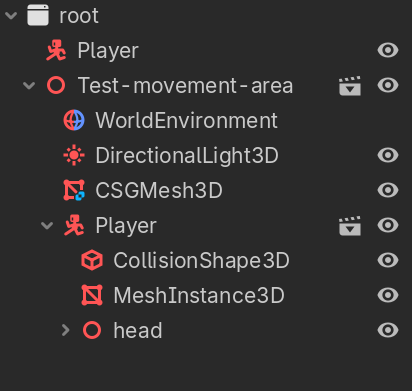
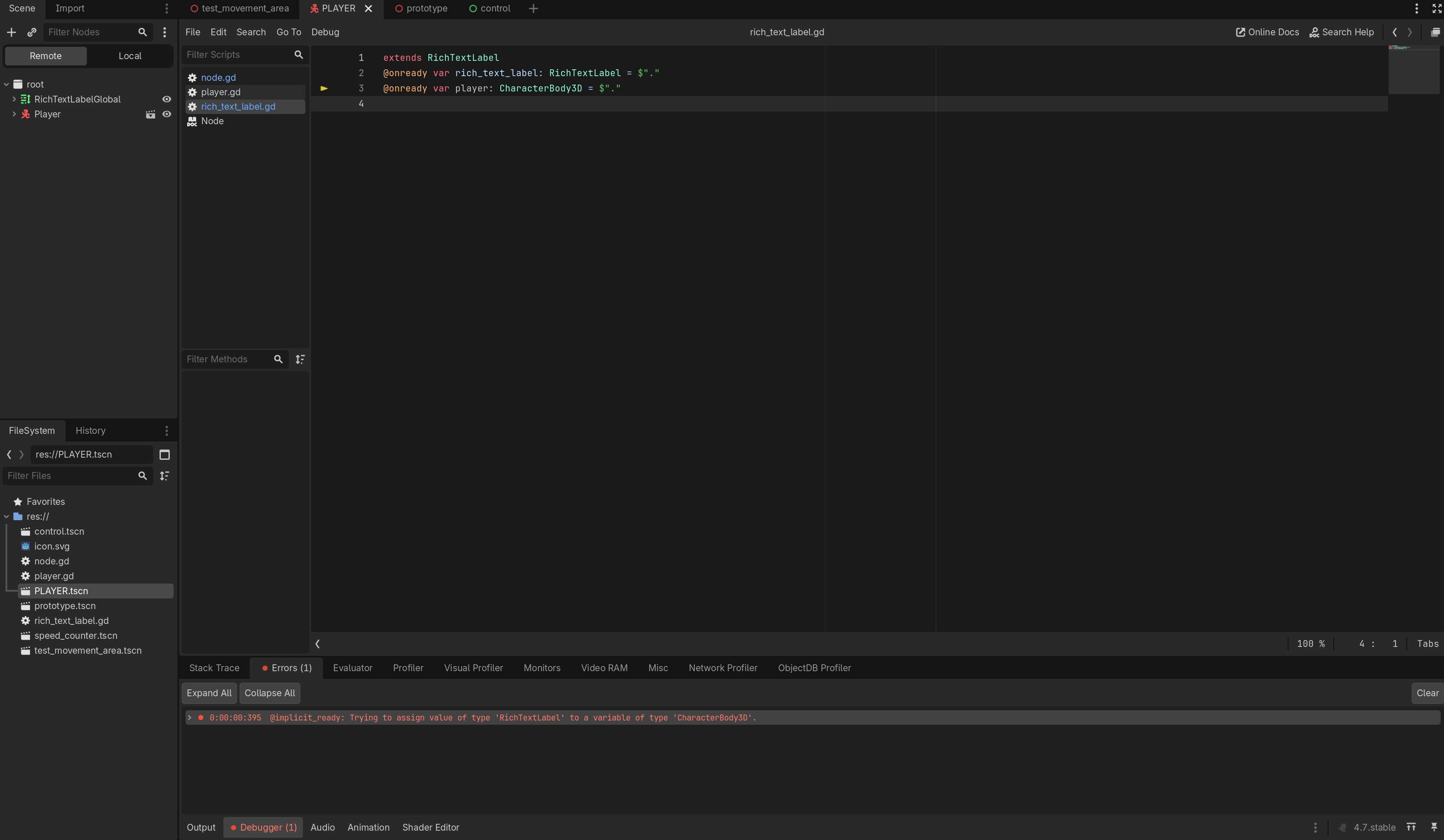
When you set a script up as an autoload, you shouldn’t run the same script regularly in the scene because then you’ll end up with two instance of the script running at the same time and the instance that’s set up as an autoload will not have the expected scene structure underneath it. It will just be a single node attached to root, trying to run the script.
Just make a separate script global with all the data you want to display, or get access to the data some other way. No reason to make everything global. Not sure why it glitches out though but even if it did not glitch out, i wouldn’t recommend making an entire script global just to get access to one of the properties.
As @baba already mentioned, make a dedicated autoloaded script that only holds a reference to the player node. This reference would then be globally available to anyone who needs it.
Is this a script that’s set up as autoload? If yes, let the player script store a reference to self into it from its _ready().
Not sure why you used rich text label though.
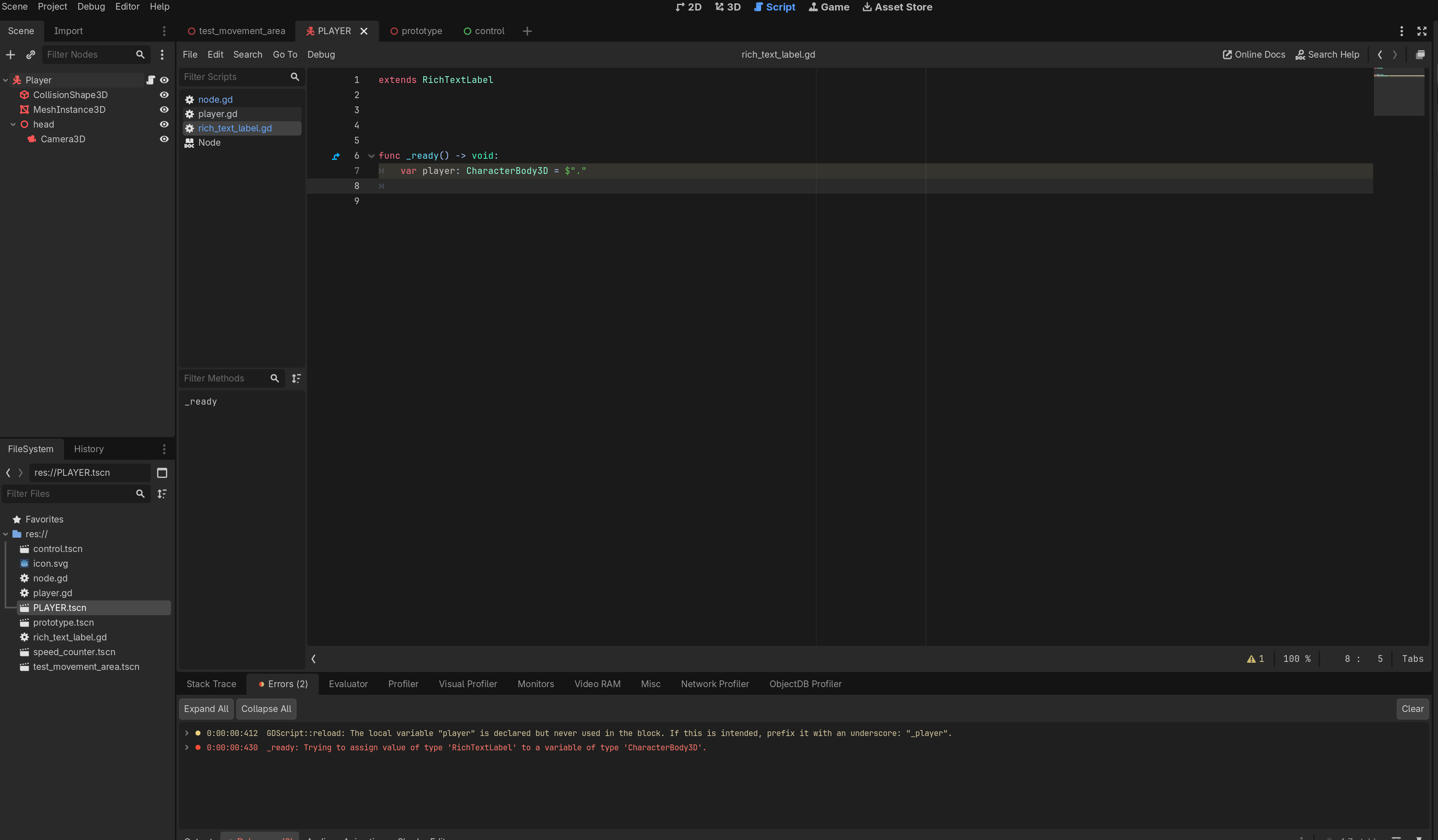
$"." means “this node” which would refer to the rich text label in both lines 2 and 3, and since 3 is expecting a CharacterBody3D it fails.
Don’t always rely on dragging and dropping into the script editor, it’s wrong often enough to cause issues.
If you want a always present player variable, have the var as part of the global script, don’t assign it, let the player script assign it to themselves
# global script
extends Node

var player: Player

# player script
extends CharacterBody3D
class_name Player

func _ready() -> void:
    GlobalNode.player = self
Ok nevermind, I just found a way simpler solution. I just converted the speed variable into a string, and added it to the player script, apologizes for the wasted time.
For next time, make sure to explain your root problem. We need to know what you expected to happen versus what really happens, and the big picture of what you are trying to do.
If you are casting and updating the value of the text prop within any _process methods, then notice that it will happen many frames a second, even when the speed doesn’t change.From what I see in your code, you have two speeds. You can add a signal within your player node which emits whenever the speed changes. Then from within your text label node connect that signal and invoke a text update function. That will make sure the update is done only when needed.
Other thing, the velocity and speed are decoupled. Meaning the speed displayed will be different from your velocity. If you want to be more precise, then you should show the velocity.