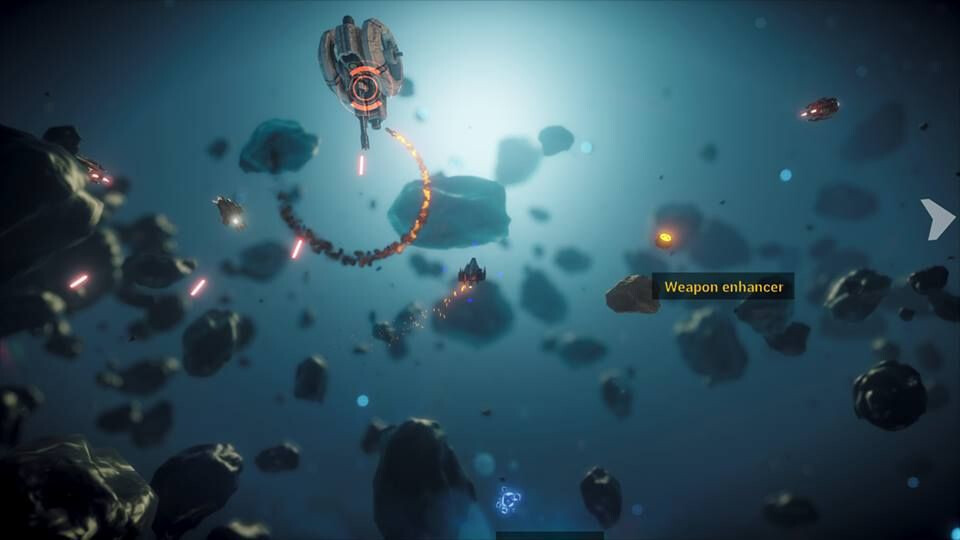
I don’t know what engine that game runs on.
Practical camera provides non-physically accurate effects. In the case of DOF, it uses an approach that is more effective for stylized games.
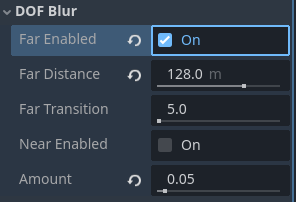
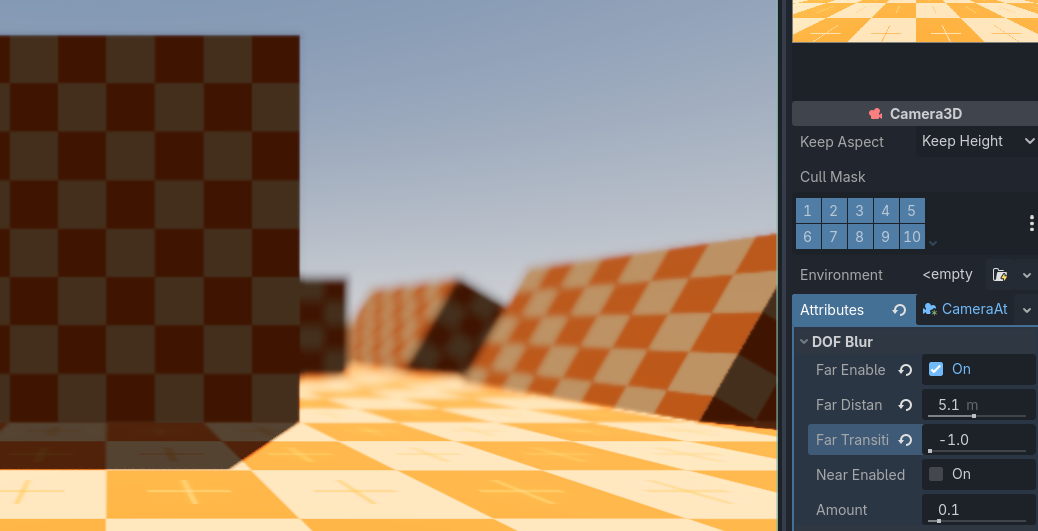
that said, it can be made physically accurate by setting far_transition to a negative value (-1), then distance will control the amount of blur.
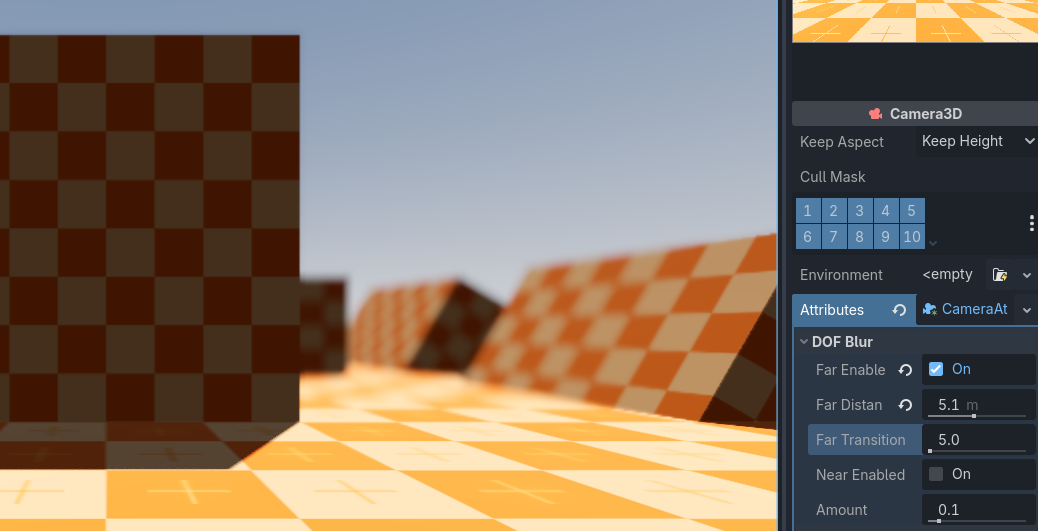
if what you want however is more blur, just increase the far_transition to be closer to distance.
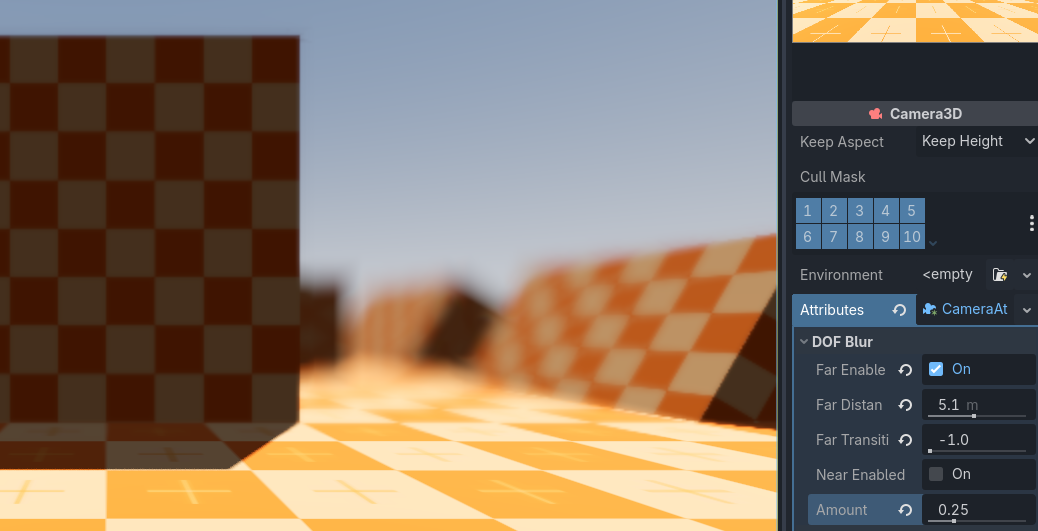
you can also increase amount.
In order to get the full effect, enable
near_enabled, this will blur objects close to the camera. but I would only do that for games where that’s likely to happen, like a third person game where stuff can fly at the camera, and where the focus of the camera is the player at the center of the screen.
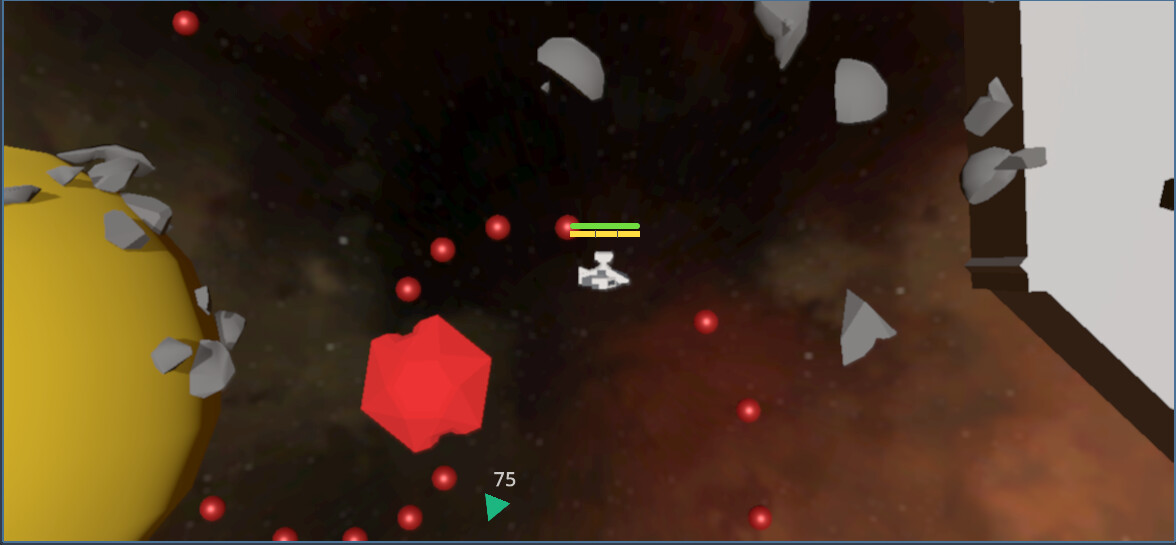
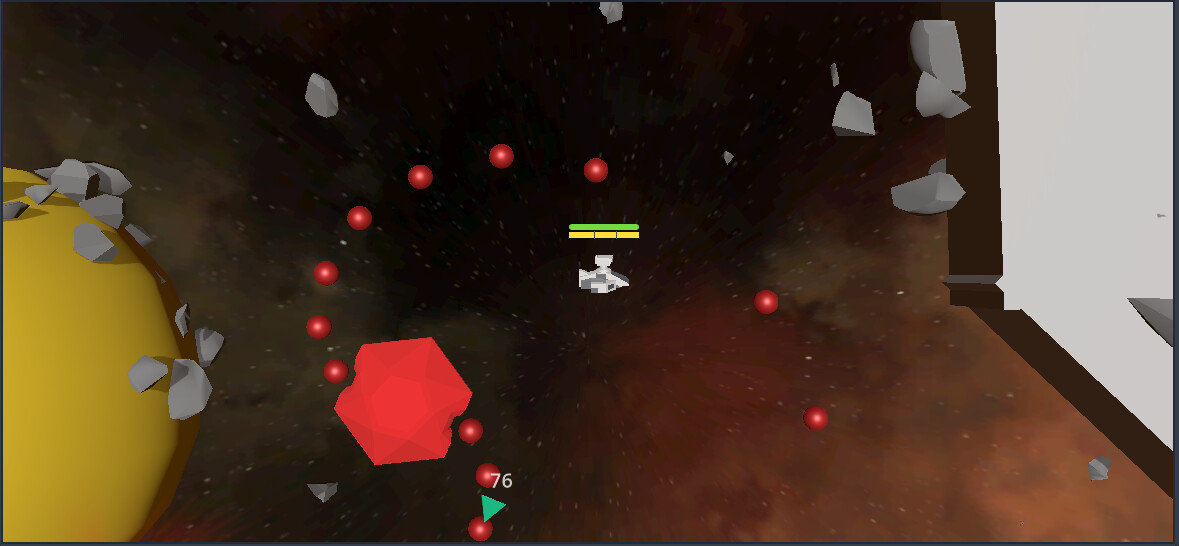
For DOF to work, objects need to be at different distances from the camera. your screenshots show most objects at the same distance, so that is not likely to work.
The game you are trying to copy appears to also be using volumetric fog. This is an expensive shader that can be enabled in environment, but I don’t think it would work for mobile.
you are setting your environment wrong. but also, your assets are not at the level of quality of a finished game, you need more than just DOF, there’s aliasing on the edges of the geometry, there are no textures, the meshes are too simple, and it’s probably missing some form of GI and lights.
I would recommend using SSAO and SSR for cheap GI, and reducing environment’s ambient light sky_contribution.
I think the default project settings are good enough, no need to change them for something like this, circle is more effective for near objects.
A 3D game is not going to work for mobile, it needs a lot of optimization (mesh, material, node and code optimizations) that you probably don’t know about yet but are absolutely necessary.