Godot 4 Tween Help

Godot Version

Godot 4

Question

Hi I am new to Godot and following a YT tutorial on how to make a mobile game app. He uses Godot 3 while I downloaded Godot 4. Please help me with this error and what is Tween and how to use it properly.

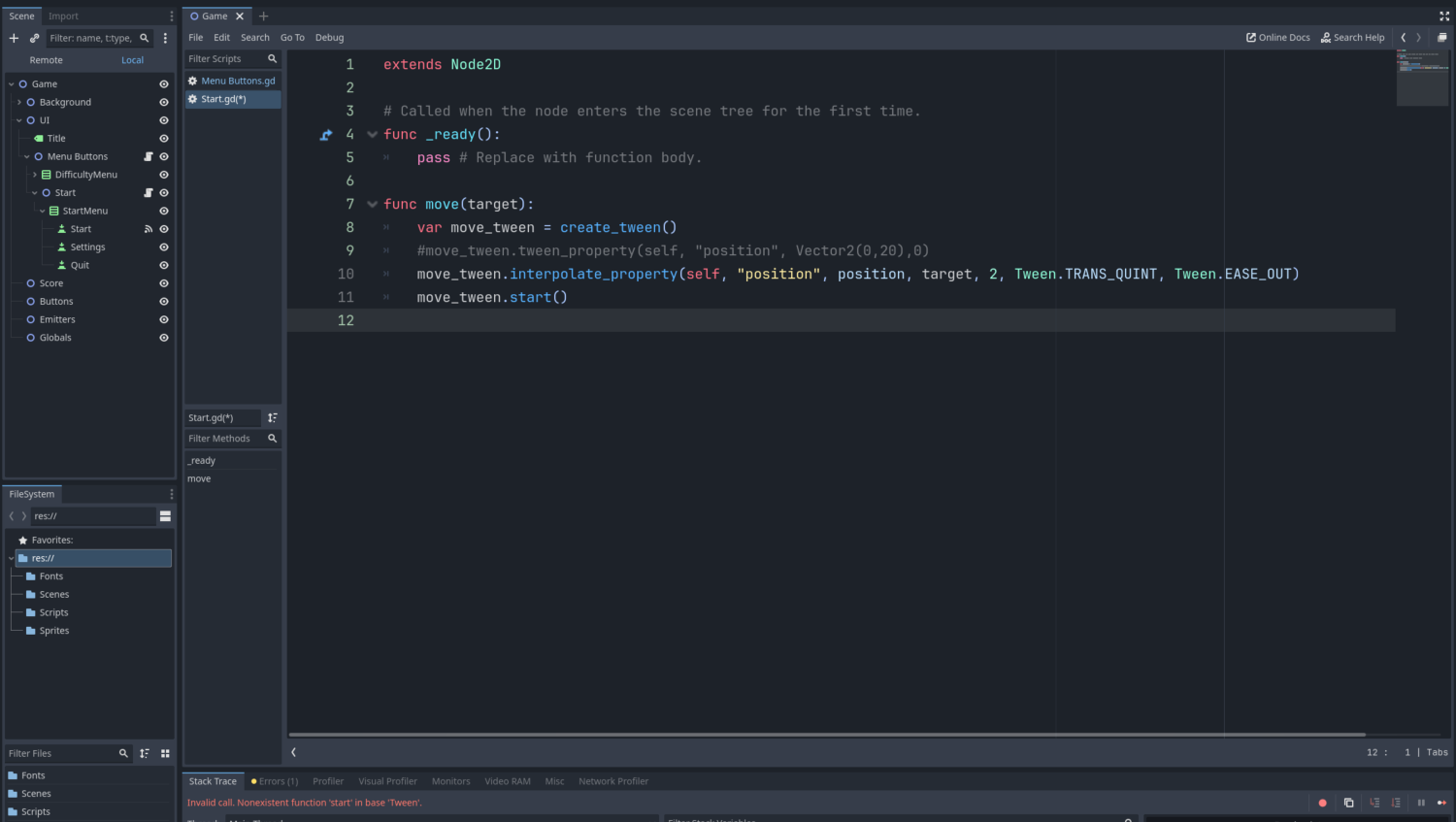
This is my code
and the error I get the error
Invalid Call. Nonexistent function ‘start’ with base ‘Tween’


Many Godot 3 constructs aren’t compatible with Godot 4. Just use move_tween.tween_property(your parameters) and you should be fine.

Hi FencerDevLog
I changed my code to the following and it still has the same error.

func move(target):
var move_tween = create_tween()
move_tween.tween_property(self, “position”, Vector2(0,20),0)
move_tween.start()

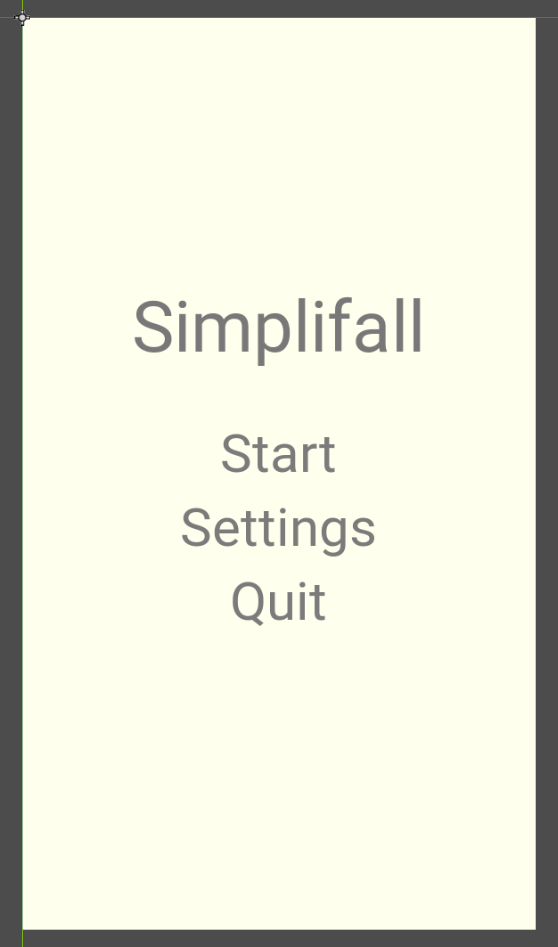
This is the screen. When I press the start button the error appears. I think it has to do with the tween creation or how I use it

Remove this line. The function tween_property is sufficient to start the animation. Of course, the parameters must be correct, so make sure to check out the linked documentation.

Thank you very much

If you are still not sure, check out my tutorial where I create tweens in Godot 4.

Thank you I will check it out.

could I ask you what is the best way to code this
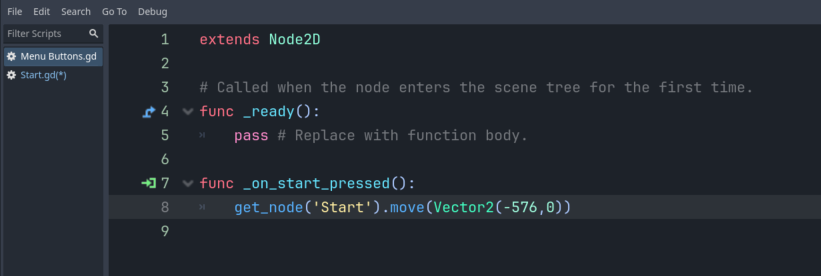
I have this in Menu Buttons script
func _on_start_pressed():
get_node(‘Start’).move(Vector2(-576,0))

and in Start script
func move(target):
var move_tween = create_tween()
move_tween.tween_property(self, “position”, Vector2(-10,0),1)

my questions is in Menu Buttons script I have
.move(Vector2(-576,0))

but the tween follows Start script
.tween_property(self, “position”, Vector2(-10,0),1)

so it moves Vector2(-10,0) what should I put in the Menu Buttons* script .move()

Wait I think I figured it out. I change the Start script to
.tween_property(self, “position”,target,1)

and the target will be input by the Menu Buttons script
.move(Vector2(-576,0))