Godot Business Use - Assembly Language Testing - Something Different

Hi Everyone,

Been a while since I’ve been here. I covered running Assembly code in Godot some time ago but recently I moved into a position where I’m required to optimise assembly code and also assess whether someone’s ASM code is any good at all.
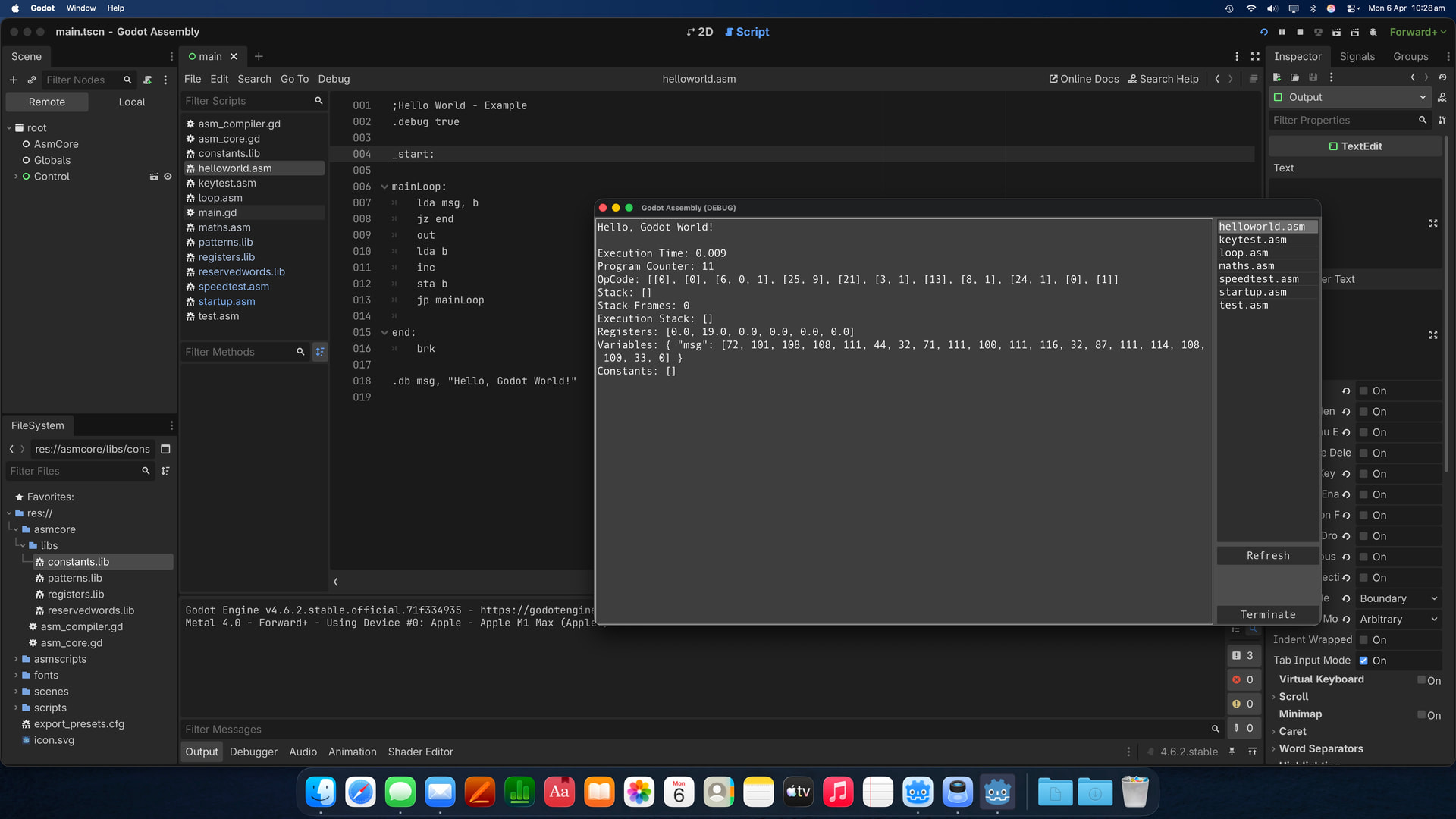
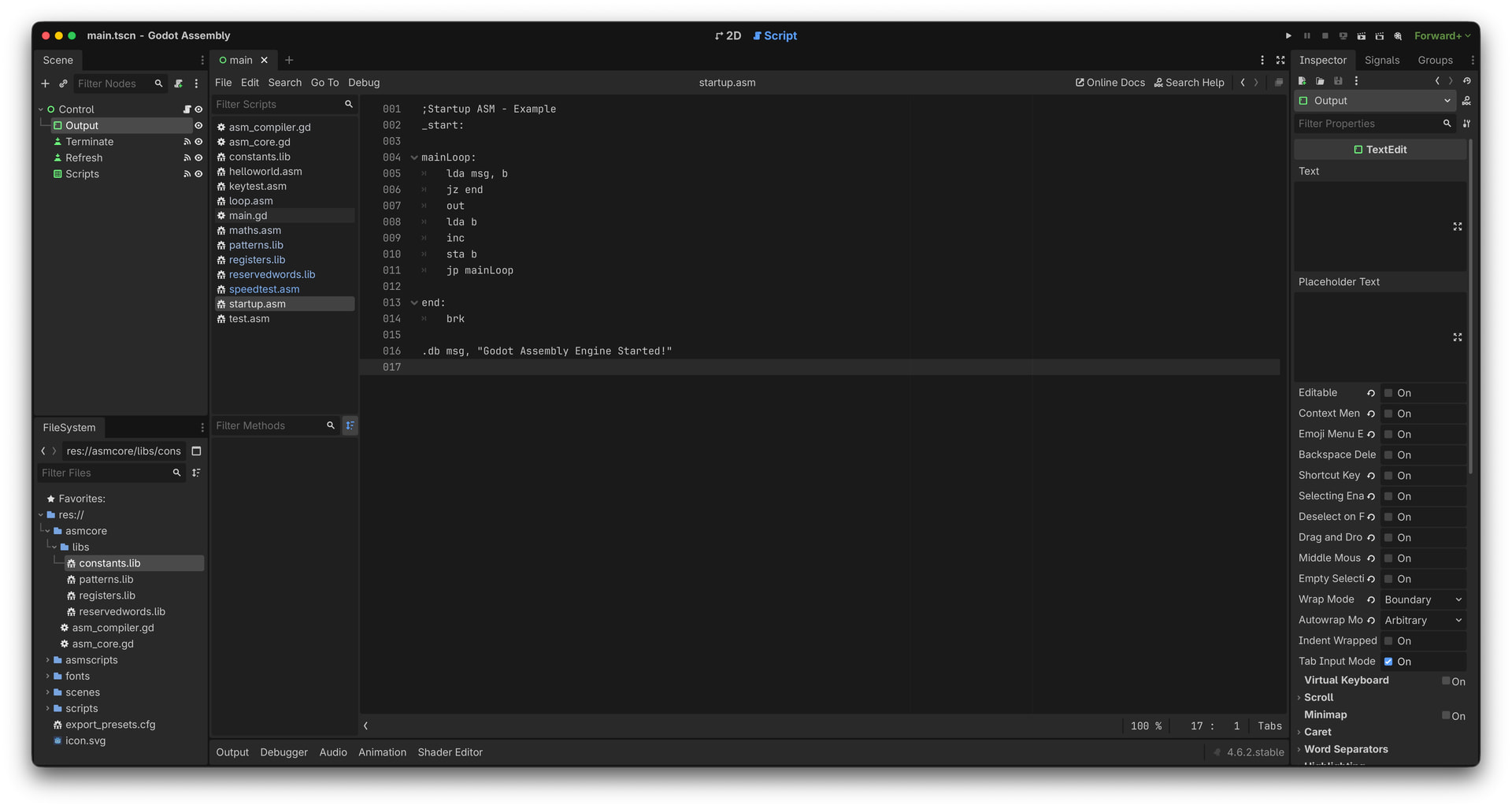
Not having the actual destination hardware to test on most of the time, I’ve created another Assembly language compiler and engine in Godot which can easily be modified by just replacing the patterns and reserved word libraries to suit the appropriate destination chip. The position of the pattern in the list is also the OP code.
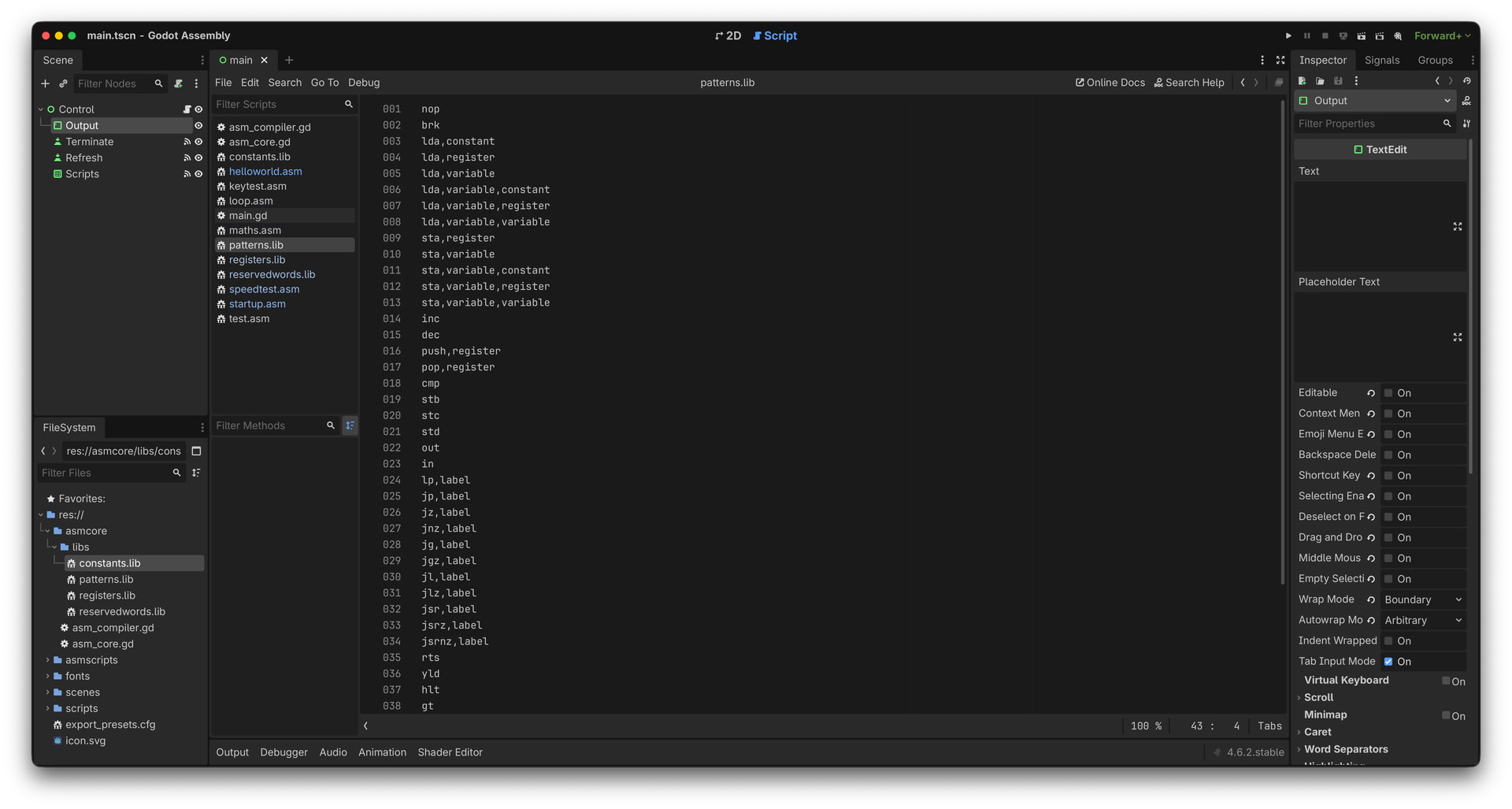
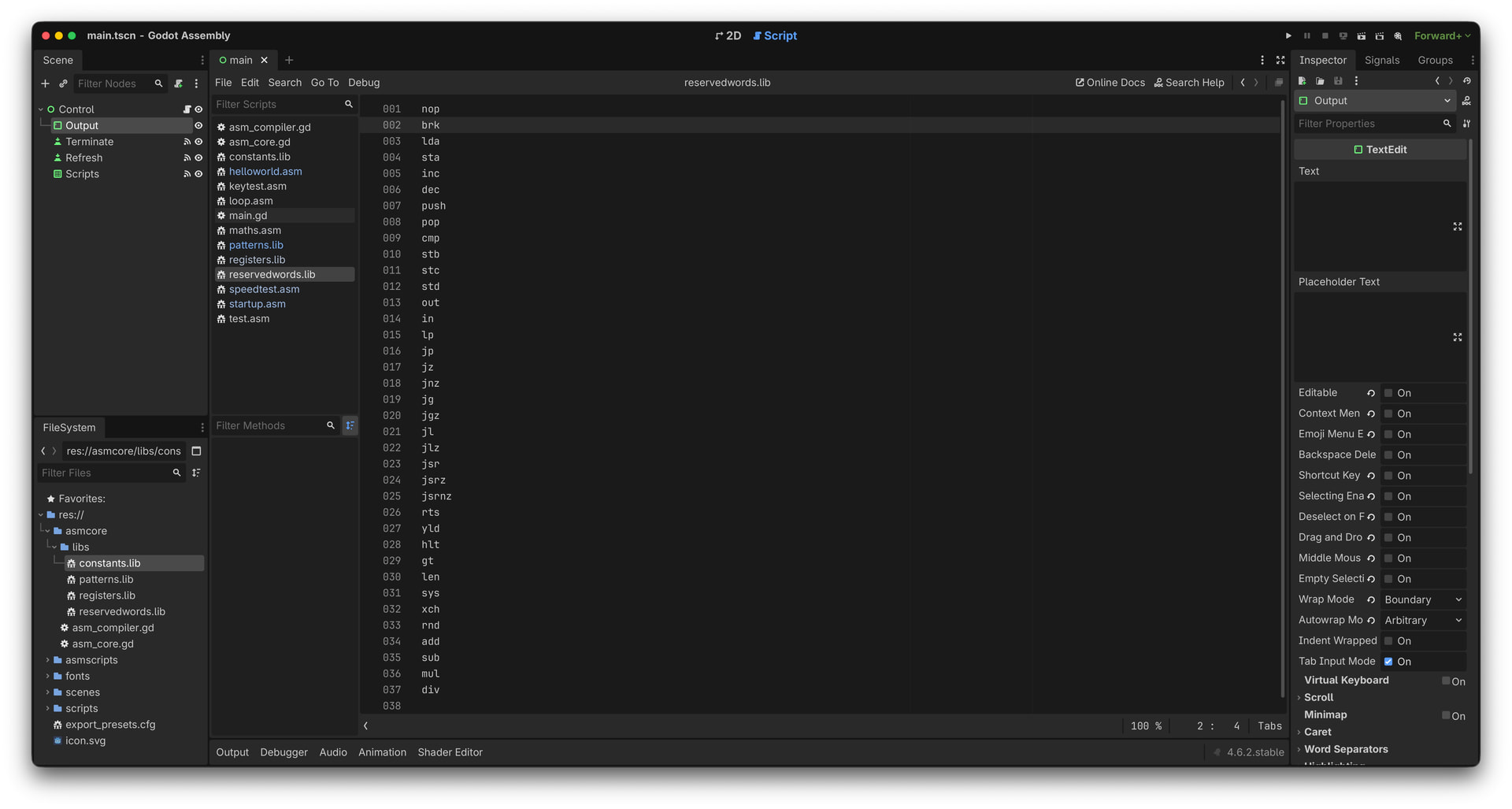
I’m even able to edit and test production assembly code in Godot and run it even when Godot is running in debug mode, with very little loss in performance. I’ve also added a number of signals into the assembly core to control the Godot application but as far as the assembly code is concerned they are not even visible.
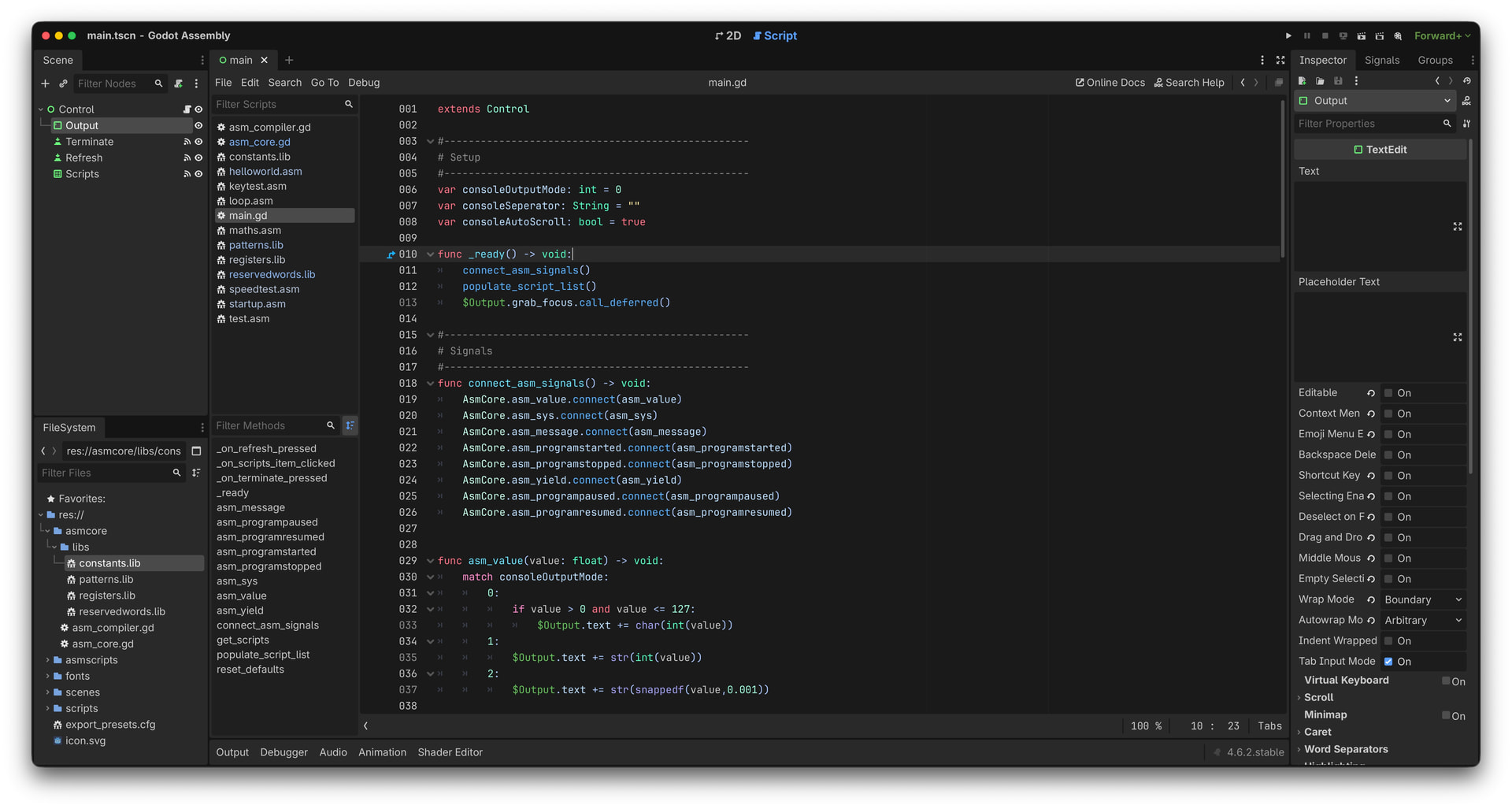
Granted this is not going run the Assembly code at the bare metal speed of some chips but for some micro controllers it can be far quicker. There are compiler ‘.’ directives which can control the speed of the engine, but ultimately the goal is to look at the supplied code, optimise/correct it and see an improvement within my system. Any improvement here will translate to improvements on the destination chip / platform.

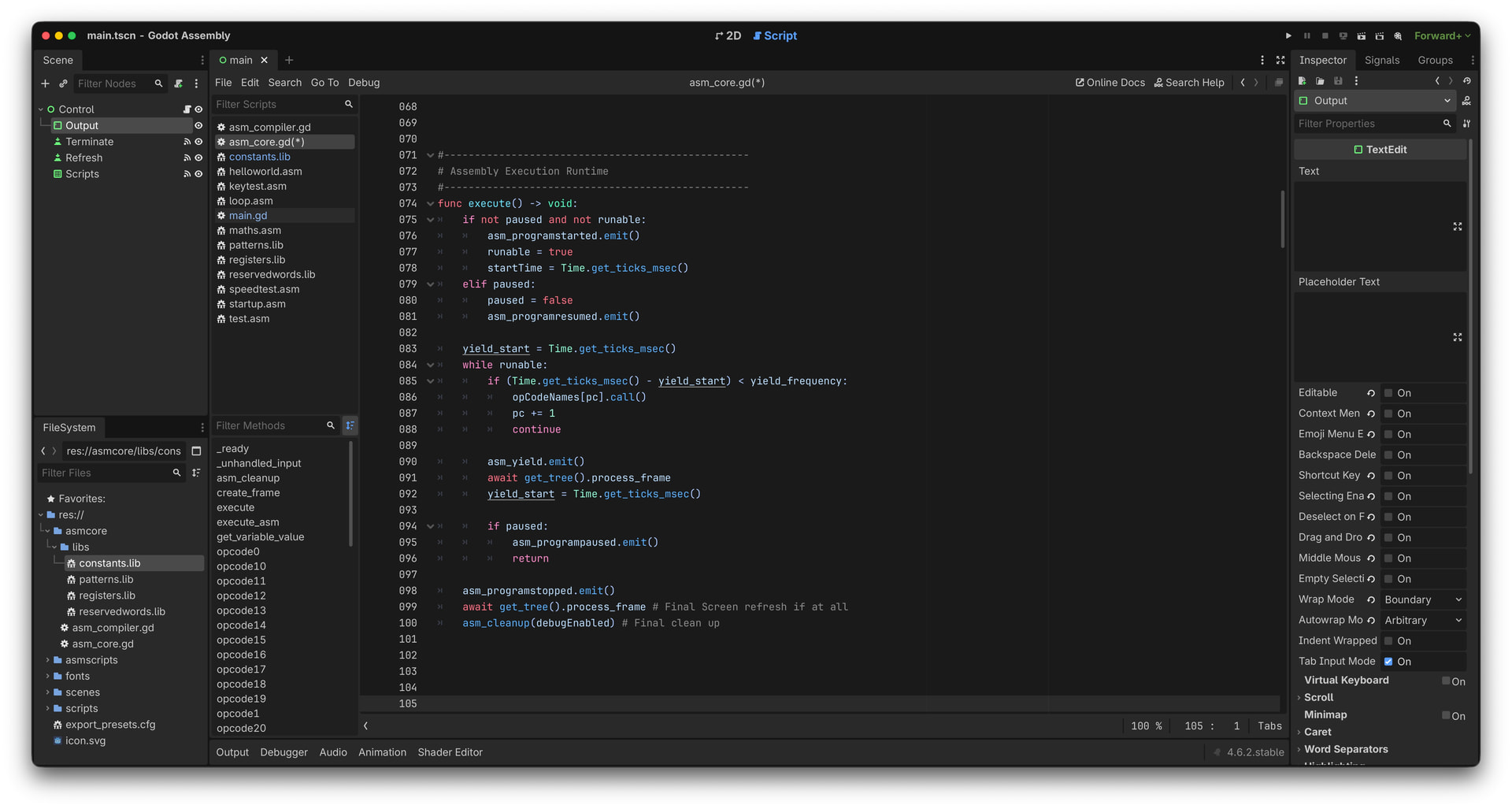
Some may be concerned that the core of the system runs within a while loop, as there seems to be a fear of them, but in this case the loop is set to automatically bleed processor time back to the host system at set intervals, either by settings in code or defaults or even instructions such as ‘HLT’ Halt, which pauses the engine until a key press or mouse click. Most of the time CPU usage is in the single figures.


	yield_start = Time.get_ticks_msec()
	while runable:
		if (Time.get_ticks_msec() - yield_start) < yield_frequency:
			opCodeNames[pc].call()
			pc += 1
			continue
On an odd side note, I’ve found, because my assembly engine handles all screen refreshes, turning on Low Processor Mode in the Project Setting actually provides better performance.

Cheers

Ryn
5 Likes

What executes the actual code, GDScript?

1 Like

Hi,

Thanks for commenting, I tried updating the main post to add more info but I’m not allowed yet, obviously not having posted in a very long time and my original account being removed. :slight_smile:

Anyway to your question, initially it was a bit of everything, C++, some external ASM libraries, GDScript etc… but since using Callable’s now mostly GDScript.

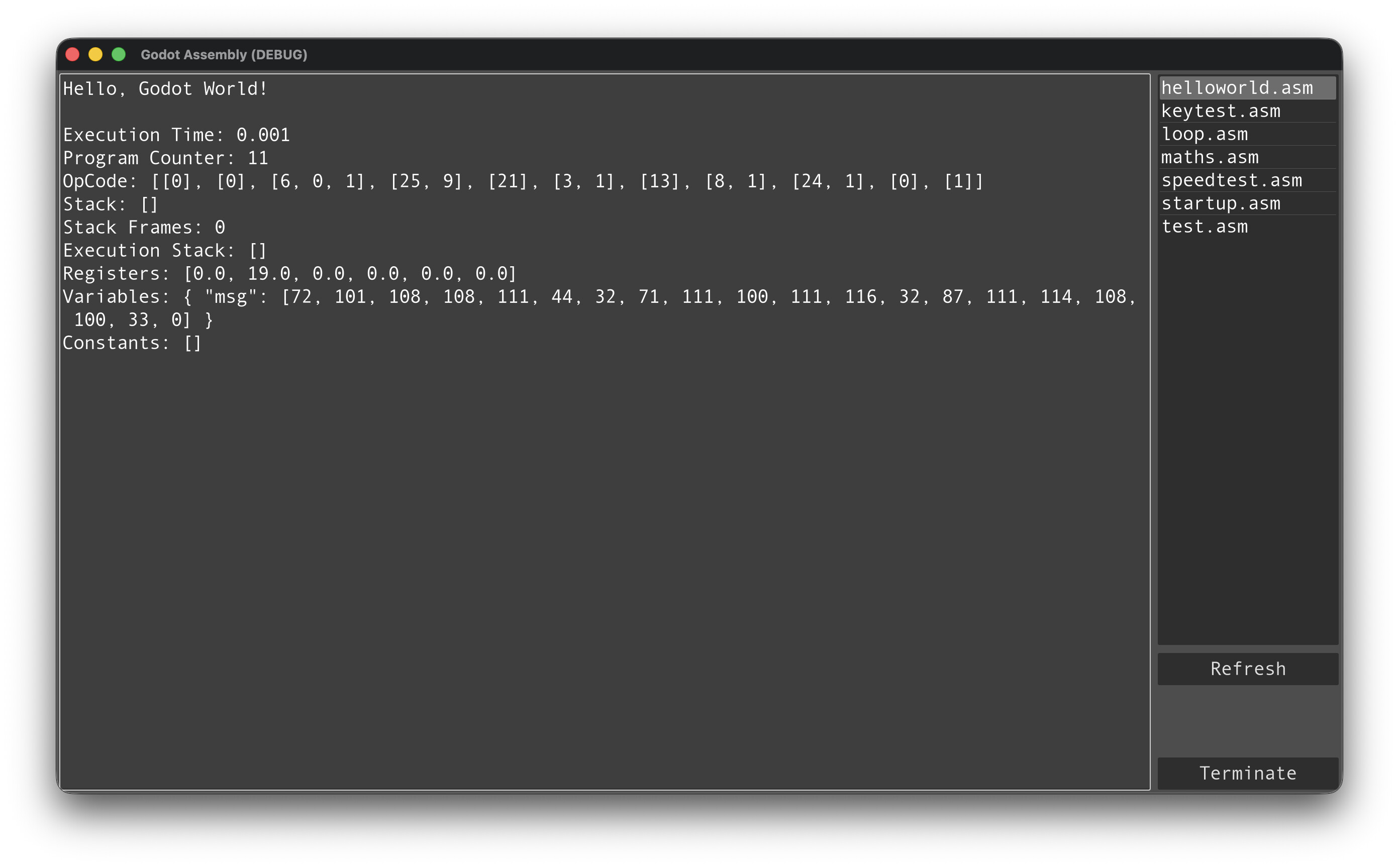
The compiler is 100% GDScript but it is completely controlled by the external “Patterns, Reserved Words, Registers and Constants Libraries” which define the version of ASM being simulated. During compilation everything is reduced to OP codes as you can see in some of the original screen shots.

The core of the engine (below) is insanely simple with most of the work being done by the Call() function as shown. I’ve seen well in excess of 5 million ASM instructions per second so not too shabby. It is entirely possible given the Signals included to write an entire program in ASM while just using the Signals to communicate back to Godot, not that this was ever the intent.

	yield_start = Time.get_ticks_msec()
	while runable:
		if (Time.get_ticks_msec() - yield_start) < yield_frequency:
			opCodeNames[pc].call()
			pc += 1
			continue

The goal of the project is to take some ASM code I’m sent and have it run in something where I can test/modify and monitor it for improvements, and this works extremely well. It was never a requirement to run at bare metal speeds though I’ve seen some amazing performance.

The below ASM ‘Hello World’ code shows the ‘.PERF’ directive to control the number of milliseconds between yields without maybe using a ‘YLD or HLT’ instruction in the ASM code.

;Hello World - Example
.debug true
.perf 10000

_start:

mainLoop:
	lda msg, b
	jz end
	out
	lda b
	inc
	sta b
	jp mainLoop
	
end:
	brk

.db msg, "Hello, Godot World!"

Hope this answers some questions..

Kindly

Ryn

4 Likes

Nice. So it’s some generic instructions/registers set, not an emulation of any existing architecture. What “system calls” are available and how big is the address space? I’d be nice if there was an area of memory that represents screen pixels, to have some visual fun…

4 Likes

Hi, thanks

In the above example yes, I’m using a custom instruction set, loosely based on 6502 which I’ve used for development.

Depending on the libraries and the core being used I can change the instruction set to what I’m testing, specific hardware system calls obviously need to be emulated, but I’ve built up a number of cores for different architectures.

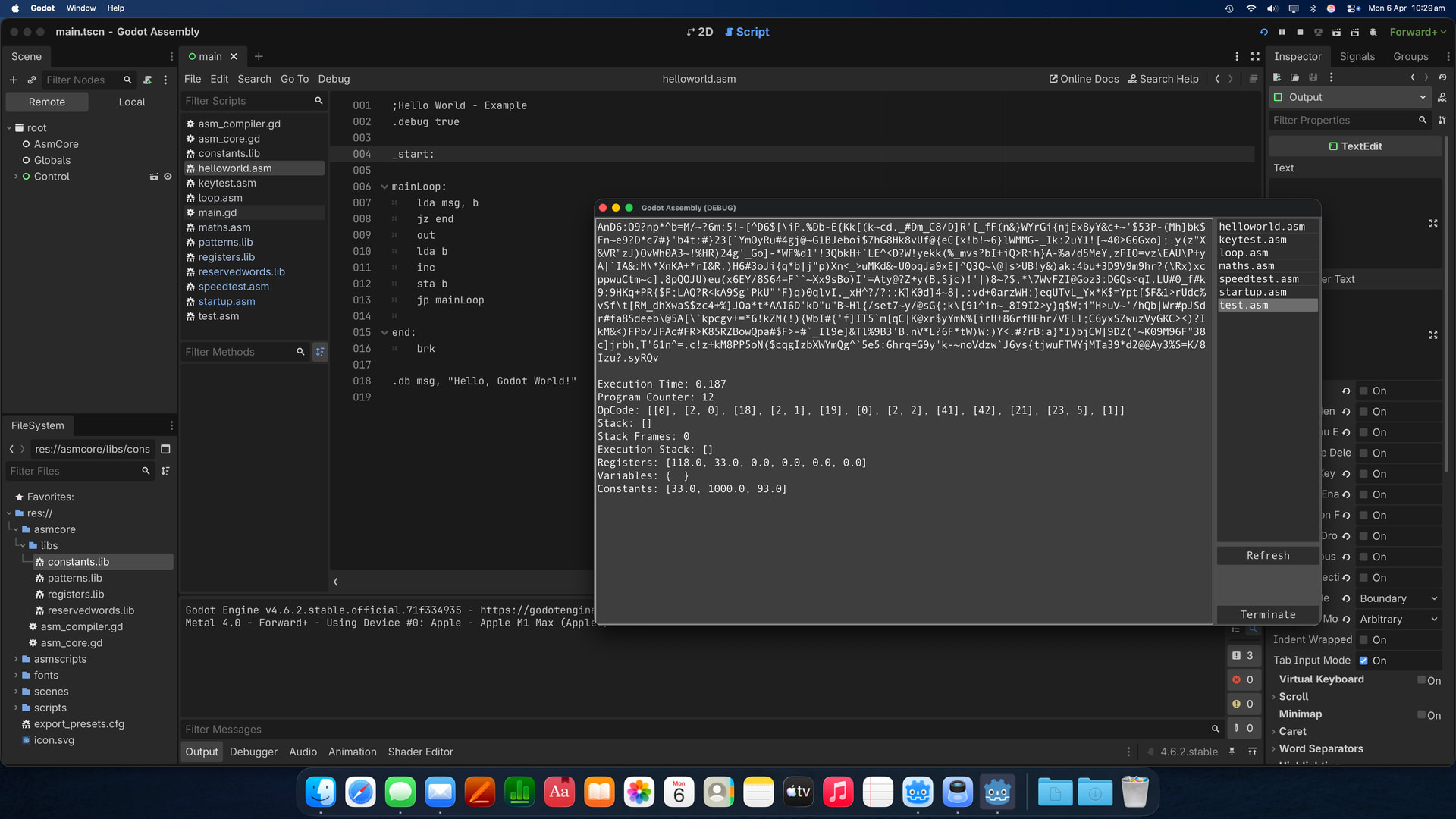
My work is more focused on improving the performance and stability of code, so I’m not storing the compiled code in a typical address space as normal. Each OP code is stored within an Array of PackedInt32Array, with each entry holding not only the OP code to be called but also the parameters needed. You can see that in the debug info below. If I’m supplied the real hardware I’ll later test on that. I’m normally working on smaller code snippets for things like string manipulation, sorting, maths stuff etc, very rarely direct hardware calls, things that need to be very quick and very small without needing a full blown library containing far more functionality than required. Most code I work on is never more than 100 lines, thought sometimes larger.

Thus the need to only increase ‘PC’ Program Counter by 1 each time rather than the 32/64 Bit word boundaries on ARM or having to do a full fetch/decode/execute process on X86 and others. I’m not providing compiled code back to my employer, just rewritten code they’ll later build into whatever… :slight_smile:

In the past I have written a complete Retro computer with everything in Godot but that was more of a hobby project.

Ryn

3 Likes

It’d be cool to have a debugger with this.

1 Like

Thanks, I’ve found having a snapshot of the registers and compiled opcode invaluable not just for debugging my assembly engine or compiler but also the code I’m working on.

I often compare the source to the opcode and can spot things that don’t look quite right or notice a NOP or something other that can be changed/removed to improve performance.

Ryn

I meant to implement a debugger that lets you set breakpoints and step instruction by instruction.

2 Likes

Sorry yes, my bad :slight_smile: , I can do that easily enough, it’s a very simple process. Essentially a bit mask of the opcodes with a ‘flag’ set to stop on a particular instruction. For myself I haven’t had a need yet but it is on my list of nice things to have..

Ryn

1 Like

If you don’t mind me asking, why did you choose to implement this in Godot? It is a bit odd choice of a platform for a thing like this.

3 Likes

Sure, no problem.

Simple Answer: I like Godot, it’s simple easy to work with and open source and free, though I have donated. Also the performance of the system is not that important, regardless of the speed of the platform I’m just looking for an improvement of my code as I optimise it. Not to imply that Godot’s code performance is in anyway shabby… IT’S NOT…

Longer Answer: When I wrote my full retro computer project, and a number of games, I wanted something that could address the graphics card directly without needing to learn or need lots of external libraries. Godot fits that bill and more, and having written numerous assembly emulators in it since, each time I have found better and quicker ways of using Godot. I like that it’s compact and I’ve not found anything I can’t do or achieve the performance I need. It’s also very easy to implement my own reusable libraries for such things as XML, Binary, File and just General tools etc..

In short I like it, and my intent once I get some time is to write a game in Godot but using Assembly for all the core logic. Strange I know but I enjoy doing things others wouldn’t normally consider.

Yes I could have used C, C++, Objective C, C# (shudder) but all of those would have taken longer and been far more difficult to maintain / implement. Godot I’ve found to be great, not only for games but for writing business applications as well.

[EDIT] Also if I ever plan to make the Godot Assembly Core and Compiler free and open source it will be more accessible to others.

Hope that helps.

Ryn

3 Likes

Hi Everyone,

Well I have completed the first full assembly core which I’m using for my work. It has a fully integrated compiler, customisable performance settings, keyboard / mouse support, IRQ triggering if wanted, signals for communicating back to your Godot project as well as sound and shared data support, so you can share information between assembly code scripts if desired.

ASM files being executed are also independent of Godot Scenes, so a single ASM script can remain running after changing scenes. There is no direct link of the ASM script to the scene being displayed, except maybe the place where the script is launched.

Is this project of any use for others than just me, maybe, if you like to tinker with these sorts of things or have a need, probably a few people, but that was never the goal, and I have some education people looking at it for teaching assembly in a sandboxed environment. I do have a prior version already in use, but this new engine is a giant step up.

My next goal is to see if I can write a simple game in Godot where all the game logic is run in assembly, using signals to communicate back to the Godot side. I think this’ll be a fun project, along with writing further cores for different architectures I need to support.

The following Signals are available within Godot.

signal asm_value(value: float) # Used to send any value back to Godot
signal asm_sys(value: int) # Used to output any user defined value for controlling godot program
signal asm_message(message: String) # Used to send long form strings to godot
signal asm_programstarted
signal asm_programstopped
signal asm_yield
signal asm_irq
signal asm_programpaused
signal asm_programresumed

Here is a little example piece of Assembly using the 6502ish instruction set. It has IRQ (Interrupt) and keyboard polling just as an example. As I get a little further along, I’ll post some updates on the game attempt. I’ve not found any performance or CPU usage issues and you have settings to make it run as slow or as fast as needed and even the frequency of interrupts can be controlled in your assembly code.

;Irq test

_start:
	gt
	sta timer

mainloop:
	
	;Checking the keyboard buffer
	in cpKeyBoardBuffer
	jsrnz keyTest
	
	;Setting up a timer	
	gt 
	sub timer
	cmp #1000
	jg mainloop
	
	;Jumpping to the timer trigger event
	jsr trigger

	jp mainloop

;Handling key presses
keyTest:
	in
	cmp #27
	jnz endKeyTest
	brk
	
endKeyTest:
	rts

;Timer trigger code
trigger:
	lda #66
	out
	gt
	sta timer
	rts

;IRQ subroutine, test with calling a further for stack testing
_irq:
	jsr print
	rti

print:
	lda #65
	out
	rts

.dw timer, 0

Kindly

Ryn

3 Likes