General Notes
There is no native support for large scale worlds in Godot 4 therefore:
Note 1: This is only small-scale demonstration of Godot native ways to make Minecraft-like GridMap.
Summary
Note 2: For moderate performance optimisations using multimesh technique by MakerTech channel may be helpful in that. https://www.youtube.com/@MakerTech
Note 3: Zylann Voxel Engine can be also used to achieve larger scale worlds, but it’s complex and it is a large dependency. I personally tested it out: https://www.youtube.com/watch?v=1Yjnjhb22Uo&list=PLmooCE7fV_HuOWbBrISQ44LPX0WPeXQWB
Note 4: For large scale Minecraft remake in Godot: advanced knowledge in Compute Shaders and GPU programming are required. I personally couldn’t grasp it yet.
Requirements:
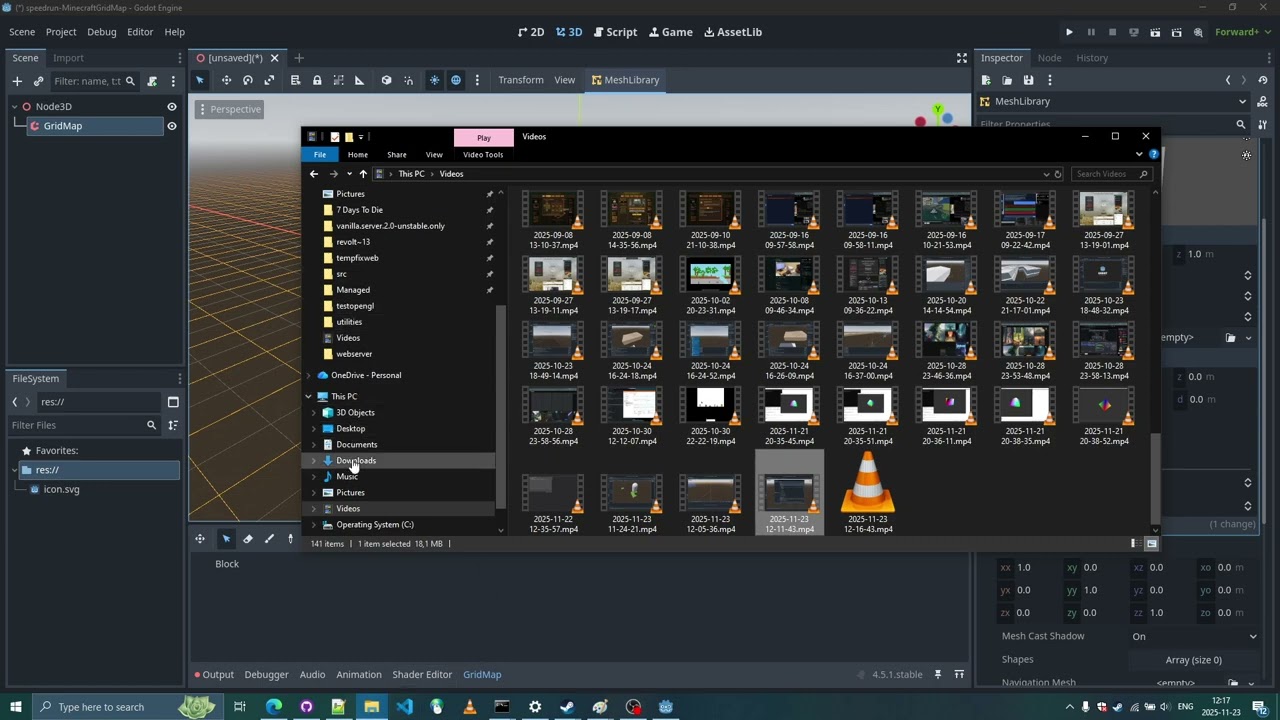
Godot Minecraft-like GridMap Setup Speedrun (With Collision Boxes)
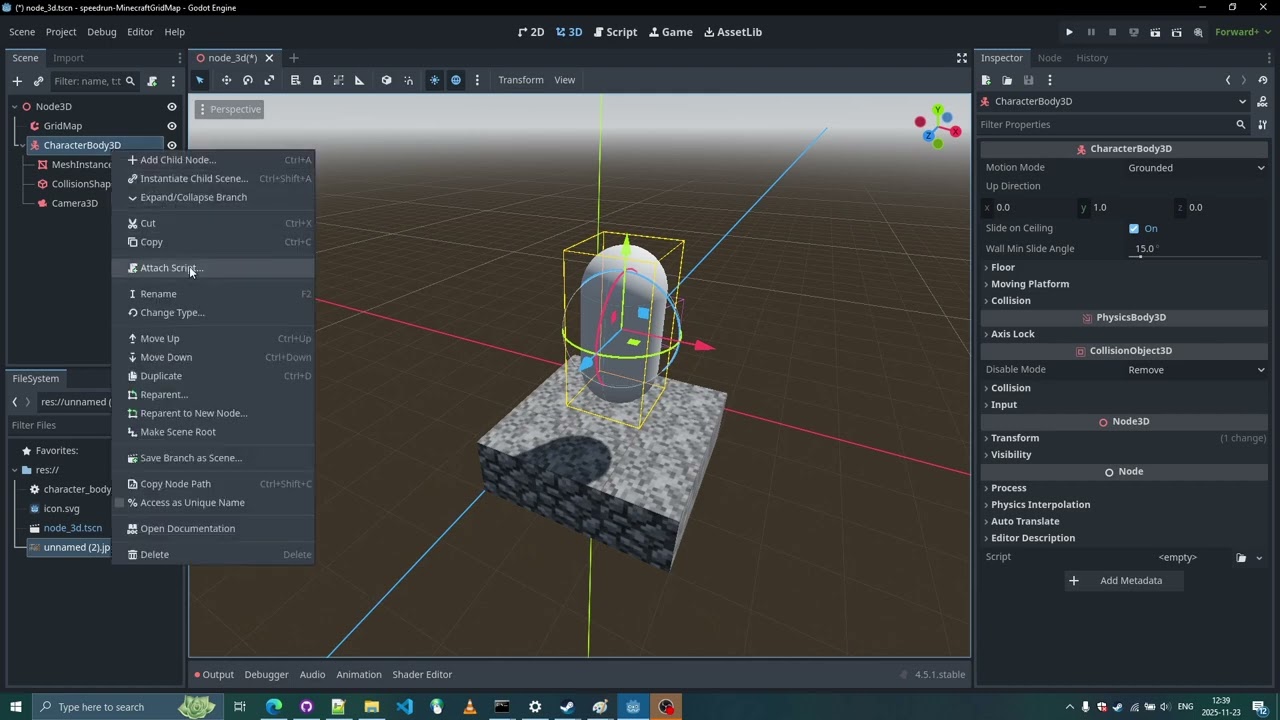
Godot Minecraft-like GridMap Setup Speedrun (Step 2: Player Setup)
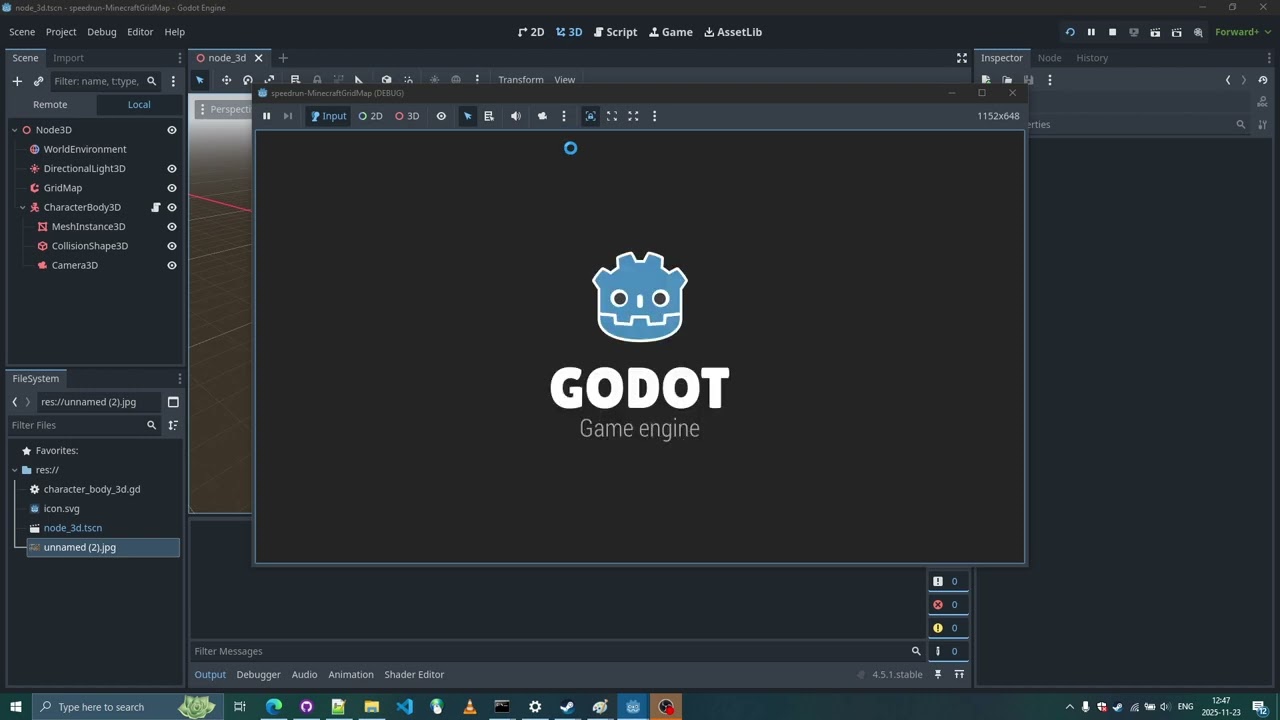
Godot Minecraft-like GridMap Setup Speedrun (Step 3: WorldEnvironment Setup)
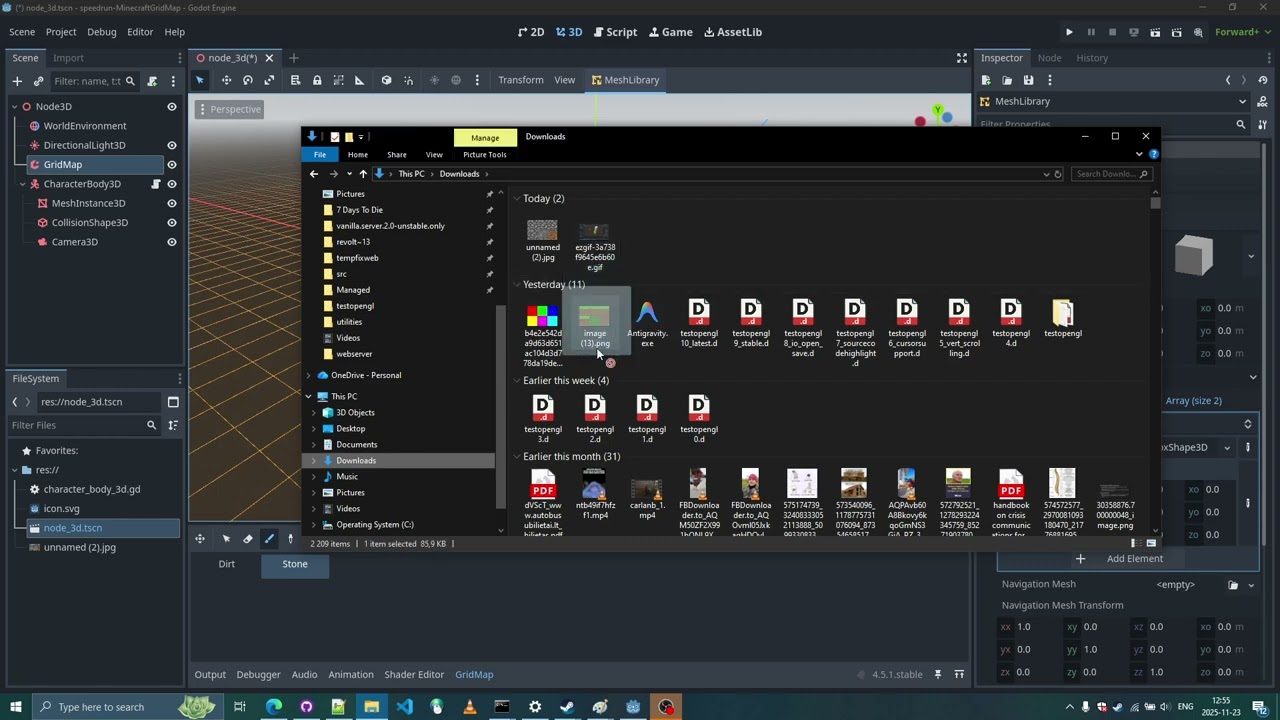
Godot Minecraft-like GridMap Setup Speedrun (Step 4: Adding Grass Blocks)
Godot Minecraft-like GridMap Setup Speedrun (Step 5: GridMap SmallTerrain Script)
SmallTerrain Script
@tool
extends GridMap

# --- Configuration ---
@export_category("Map Settings")
@export var map_size: Vector2i = Vector2i(50, 50)
@export var height_intensity: float = 10.0
@export var base_height: int = 5
@export var stone_depth: int = 4

@export_category("Visuals")
@export var random_rotation: bool = true

@export_category("Tile IDs")
@export var grass_id: int = 1
@export var stone_id: int = 0

@export_category("Noise Settings")
@export var noise: FastNoiseLite

@export_category("Actions")

# --- GODOT 4.4+ STANDARD BUTTONS ---
# As per the official docs: assigning the function name directly.
# If this errors as "Nil", reload the scene/project once to initialize the tool script.

@export_tool_button("Generate World", "Callable")
var action_generate = generate_world

@export_tool_button("Clear Map", "Delete")
var action_clear = clear


func generate_world():
	if not mesh_library:
		printerr("WorldGen: No MeshLibrary assigned to the GridMap!")
		return

	if not noise:
		noise = FastNoiseLite.new()
		noise.seed = randi()
		noise.frequency = 0.02
		noise.fractal_type = FastNoiseLite.FRACTAL_FBM

	print("Generating world...")
	clear()

	var start_x = -map_size.x / 2
	var start_z = -map_size.y / 2

	for x in range(start_x, start_x + map_size.x):
		for z in range(start_z, start_z + map_size.y):
			_generate_column(x, z)

	print("World generation complete!")

func _generate_column(x: int, z: int):
	var noise_val = noise.get_noise_2d(x, z)
	var surface_y = int(base_height + (noise_val * height_intensity))

	# Place Grass
	var orientation = _get_random_orientation() if random_rotation else 0
	set_cell_item(Vector3i(x, surface_y, z), grass_id, orientation)

	# Fill Stone
	for depth in range(1, stone_depth + 1):
		var stone_y = surface_y - depth
		var stone_orient = _get_random_orientation() if random_rotation else 0
		set_cell_item(Vector3i(x, stone_y, z), stone_id, stone_orient)

func _get_random_orientation() -> int:
	var valid_rotations = [0, 10, 16, 22]
	return valid_rotations.pick_random()