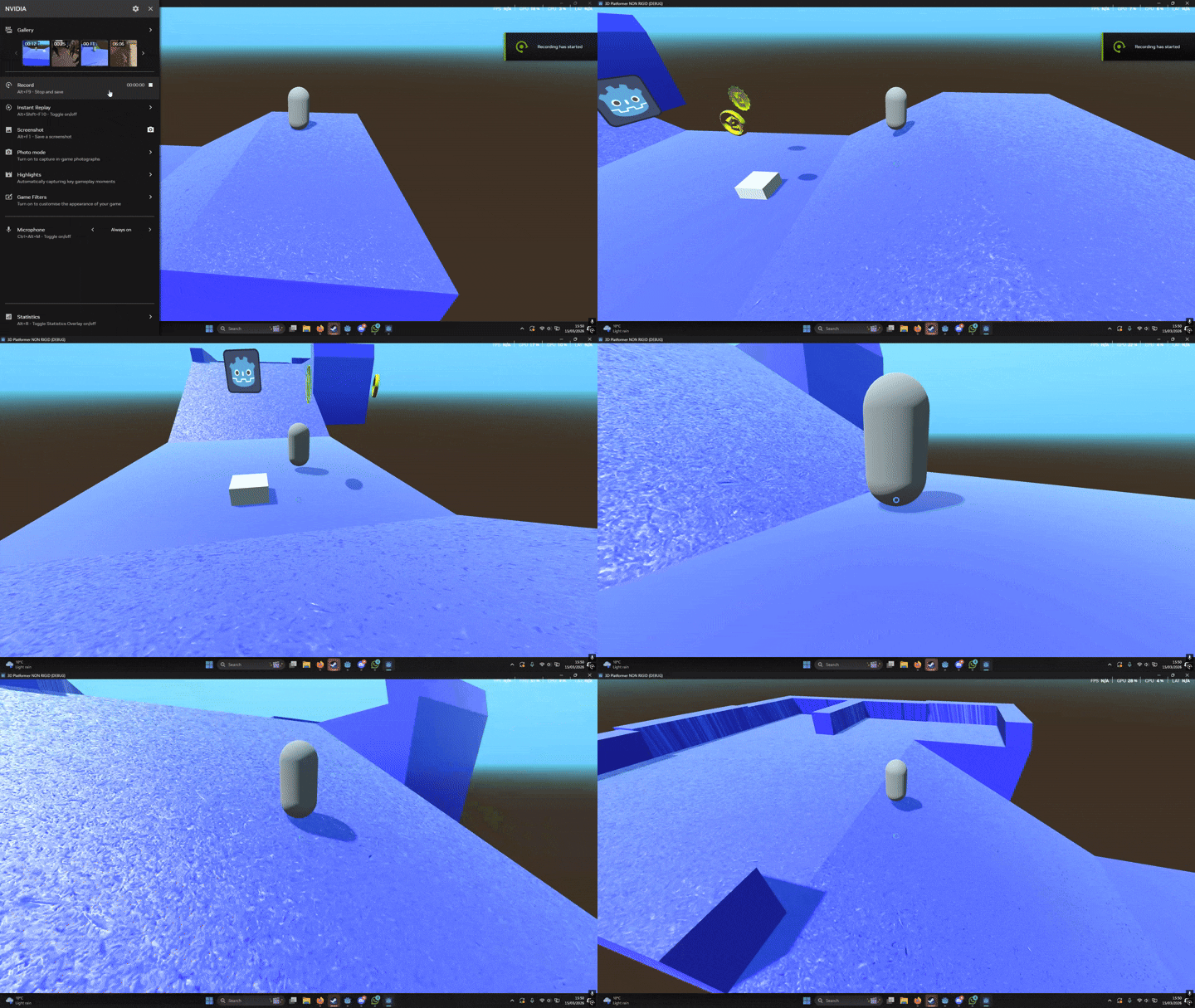
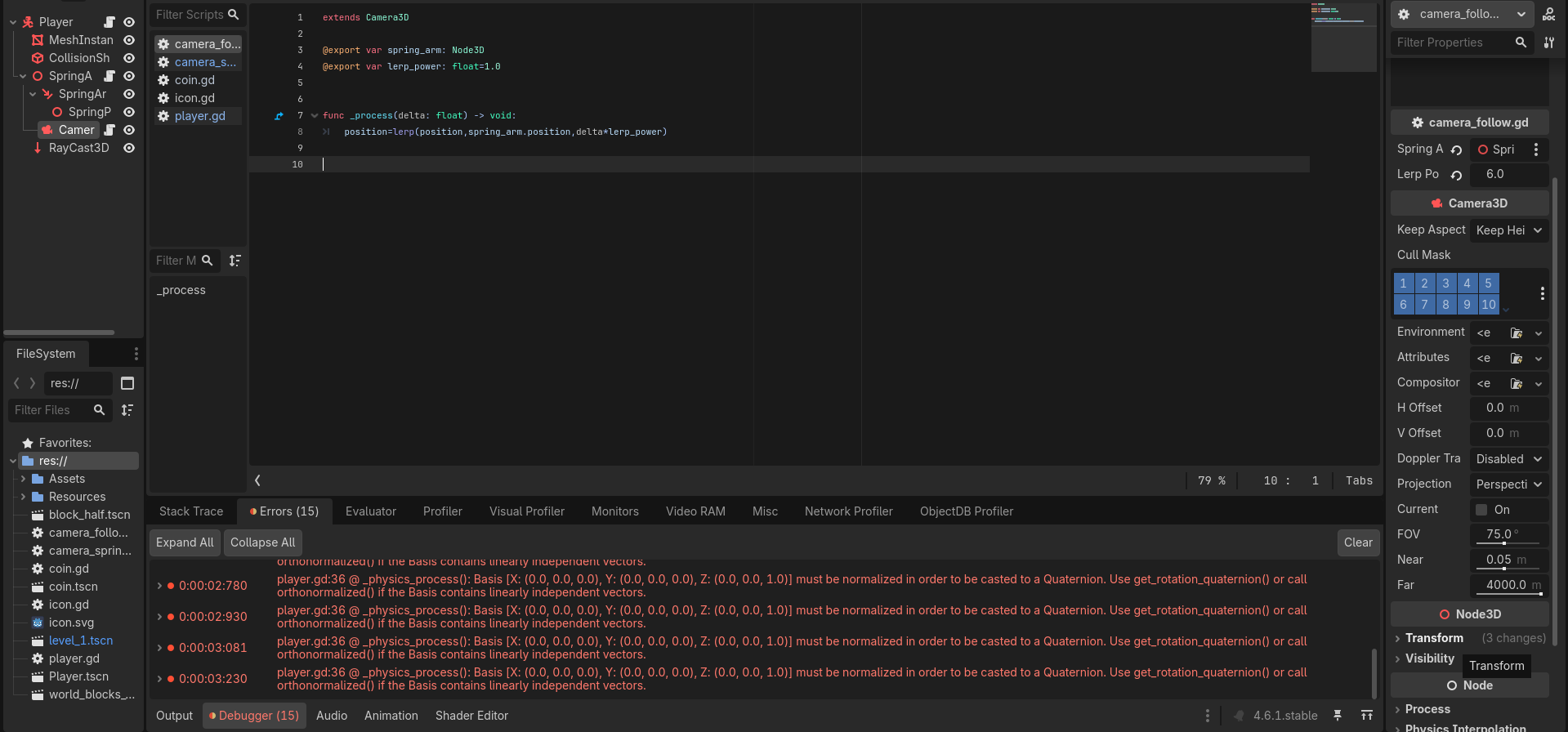
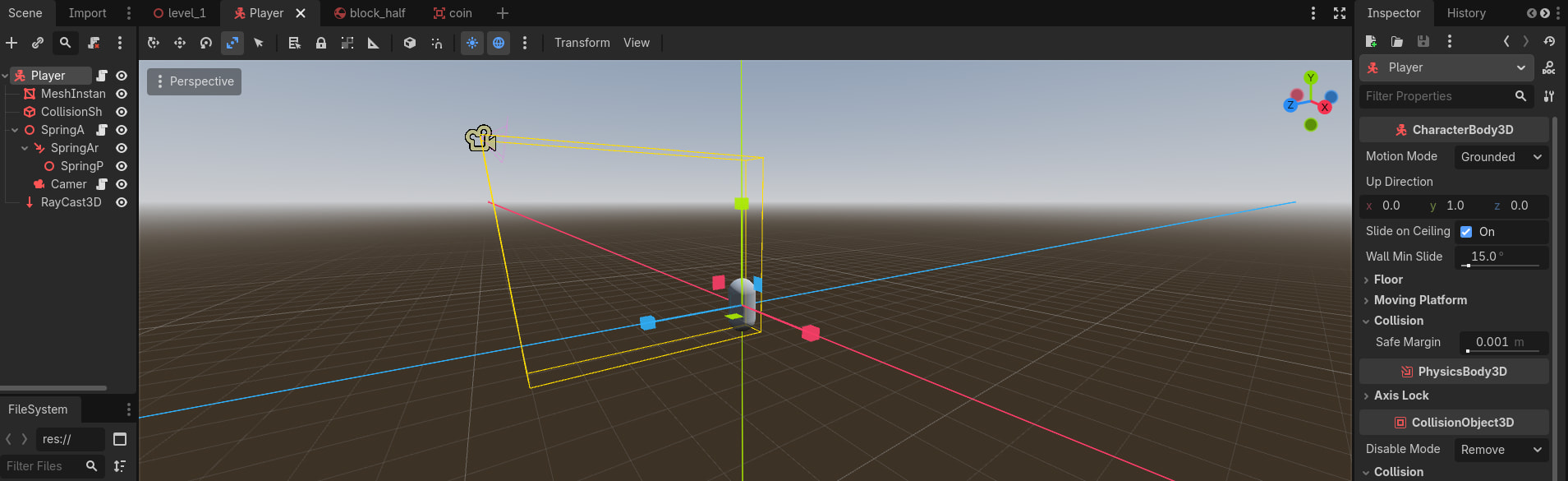
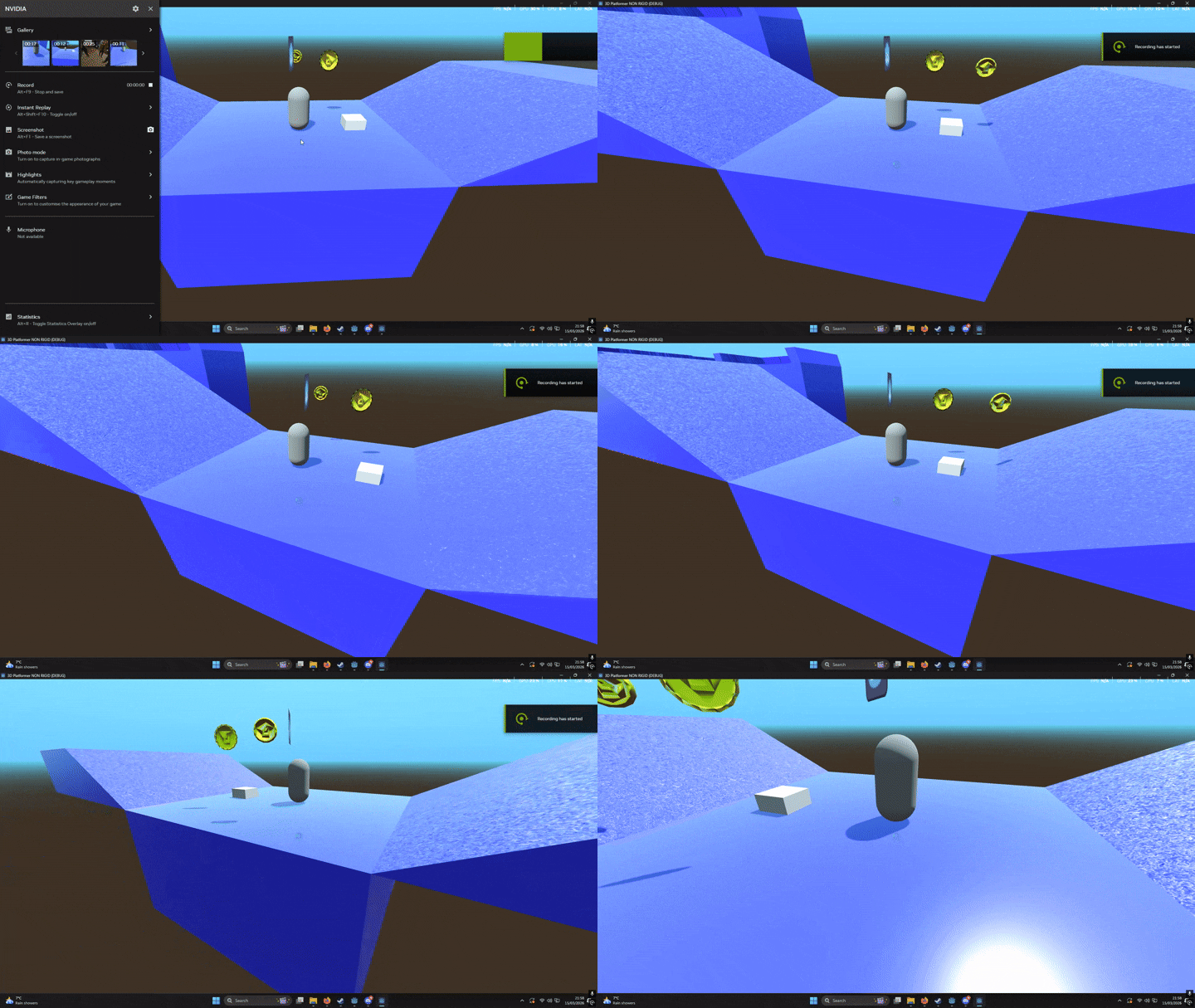
I’m new to Godot, and I’m currently I’m watching tutorials from this one person in particular which he has a camera than what I found (through a different tutorial), originally it was fine, but after changing something in the code to fix a problem it ended up messing with my camera and making it start panicking, it was then fixed somehow and that was it. Now I came back to my project after a long break tried adding things in again
Question
The issue is back as my camera is panicking again and have no idea what to do (seizure warning)
(this is the whole script of the player, if you need more images or anything please do ask)
extends CharacterBody3D
#gets camera lol
@onready var camera: Camera3D=get_viewport().get_camera_3d()

const SPEED = 5.0
const JUMP_VELOCITY = 4.5

var xform : Transform3D

func _ready() -> void:
	pass

func _physics_process(delta: float) -> void:
	# Add the gravity.
	if not is_on_floor():
		velocity += get_gravity() * delta

	# Handle jump.
	if Input.is_action_just_pressed("Jump") and is_on_floor():
		velocity.y = JUMP_VELOCITY


	# Get the input direction and handle the movement/deceleration.
	# As good practice, you should replace UI actions with custom gameplay actions.
	var input_dir := Input.get_vector("move_left", "move_right", "move_foward", "move_back")
	var direction := (transform.basis * Vector3(input_dir.x, 0, input_dir.y)).normalized()


	#gets the player to move in line with the camera
	direction=direction.rotated(Vector3.UP, camera.global_rotation.y)

	#Rotate the charater to align with floor
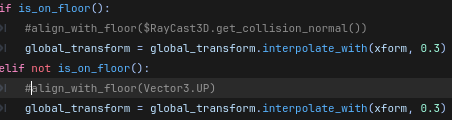
	if is_on_floor():
		align_with_floor($RayCast3D.get_collision_normal())
		global_transform = global_transform.interpolate_with(xform, 0.3)
	elif not is_on_floor():
		align_with_floor(Vector3.UP)
		global_transform = global_transform.interpolate_with(xform, 0.3)

	#speed of position you inputed
	if direction:
		velocity.x = direction.x * SPEED
		velocity.z = direction.z * SPEED
	else:
		velocity.x = move_toward(velocity.x, 0, SPEED)
		velocity.z = move_toward(velocity.z, 0, SPEED)


	move_and_slide()

#Rotate Toward camera
func align_with_floor(floor_normal):
	xform =global_transform
	xform.basis.y= floor_normal
	xform.basis.x = -xform.basis.z.cross(floor_normal)
	xform.basis=xform.basis.orthonormalized()


#hits deaTH BARRIER
func _on_fall_zone_body_entered(body: Node3D) -> void:
	get_tree().change_scene_to_file("res://level_1.tscn")
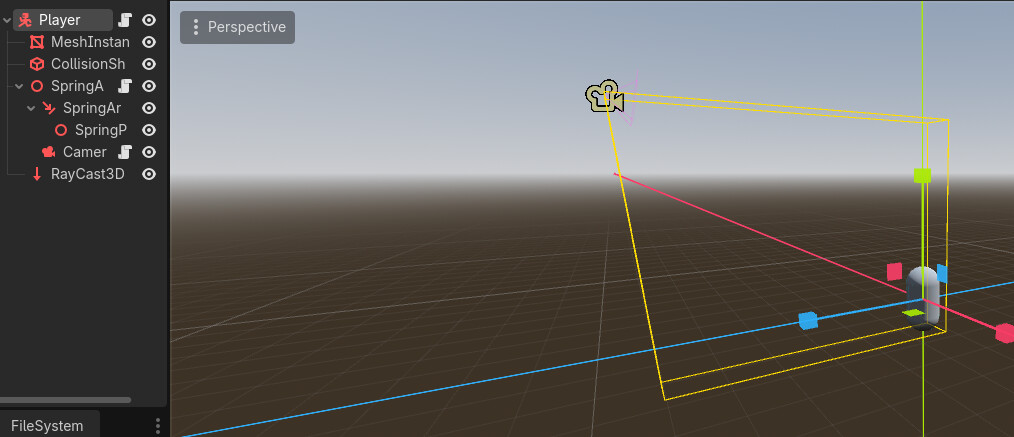
The right side of this image is the scene tree, thank you. Looks like your spring arm’s parent has a script and the camera does too, can you paste both of those scripts and note which is which?
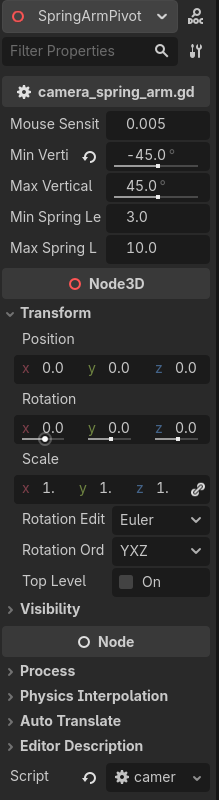
Does your spring arm have any interesting settings? Is it scaled in a non-uniform way? If so try to reset the scale of the spring arm and all of it’s parents, if you need to scale the player visuals and collision shape do so independently.
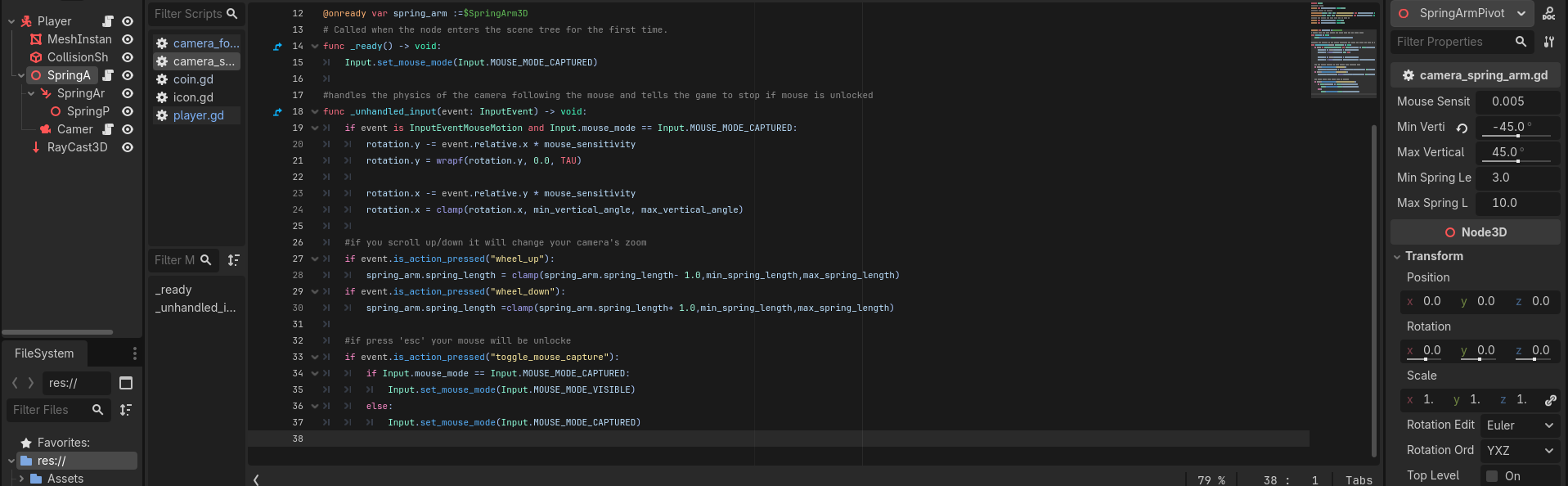
@onready var spring_arm :=$SpringArm3D
# Called when the node enters the scene tree for the first time.
func _ready() -> void:
	Input.set_mouse_mode(Input.MOUSE_MODE_CAPTURED)

#handles the physics of the camera following the mouse and tells the game to stop if mouse is unlocked
func _unhandled_input(event: InputEvent) -> void:
	if event is InputEventMouseMotion and Input.mouse_mode == Input.MOUSE_MODE_CAPTURED:
		rotation.y -= event.relative.x * mouse_sensitivity
		rotation.y = wrapf(rotation.y, 0.0, TAU)

		rotation.x -= event.relative.y * mouse_sensitivity
		rotation.x = clamp(rotation.x, min_vertical_angle, max_vertical_angle)

	#if you scroll up/down it will change your camera's zoom
	if event.is_action_pressed("wheel_up"):
		spring_arm.spring_length = clamp(spring_arm.spring_length- 1.0,min_spring_length,max_spring_length)
	if event.is_action_pressed("wheel_down"):
		spring_arm.spring_length =clamp(spring_arm.spring_length+ 1.0,min_spring_length,max_spring_length)

	#if press 'esc' your mouse will be unlocke
	if event.is_action_pressed("toggle_mouse_capture"):
		if Input.mouse_mode == Input.MOUSE_MODE_CAPTURED:
			Input.set_mouse_mode(Input.MOUSE_MODE_VISIBLE)
		else:
			Input.set_mouse_mode(Input.MOUSE_MODE_CAPTURED)
Camera
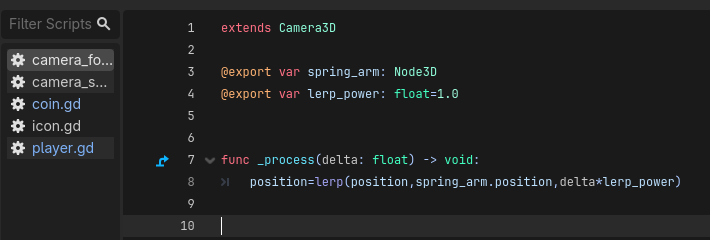
extends Camera3D

@export var spring_arm: Node3D
@export var lerp_power: float=1.0


func _process(delta: float) -> void:
	position=lerp(position,spring_arm.position,delta*lerp_power)
Yeah if the scale property is not the same for all three XYZ components it’s non-uniform, this affects collision in weird ways. I.E. Scale: 1.0, 1.1, 1.0 is non-uniform because the Y axis is slightly larger than the others. The parent’s scale also matters.
It could be that you are changing the camera’s local position to the spring arm child’s local position, try changing this script to use global_position
I tried changing the code that says position to global_position but it seems to have done nothing, (well nothing if i put global position in every bit here that says position)
also all the scales seem to be 1.0, 1.0 1.0, except for this “Up direction” thing
All I know much is that when the player is touching the floor it does all the crazy camera stuff, when it isn’t then seems OK, I can send over the tutorial I followed if it helps?
the global_transform is the line that really matters, align_with_floor only sets your xform variable which does nothing on it’s own, until applied to global_transform
Just thought about this now, the issue started more or less when I finished one of the tutorials where It taught how to “Align Player with Ground”, after trying to fix something that the original creator had an issue with, then the camera started bugging out