Godot Version
Godot 4.2.1
Question
I only started Godot very recently, and I’ve been watching a lot of beginner tutorials etc.
Specifically I followed this one most recently as it’s exactly the sort of game I want to make: https://www.youtube.com/playlist?list=PL6SABXRSlpH8CD71L7zye311cp9R4JazJ
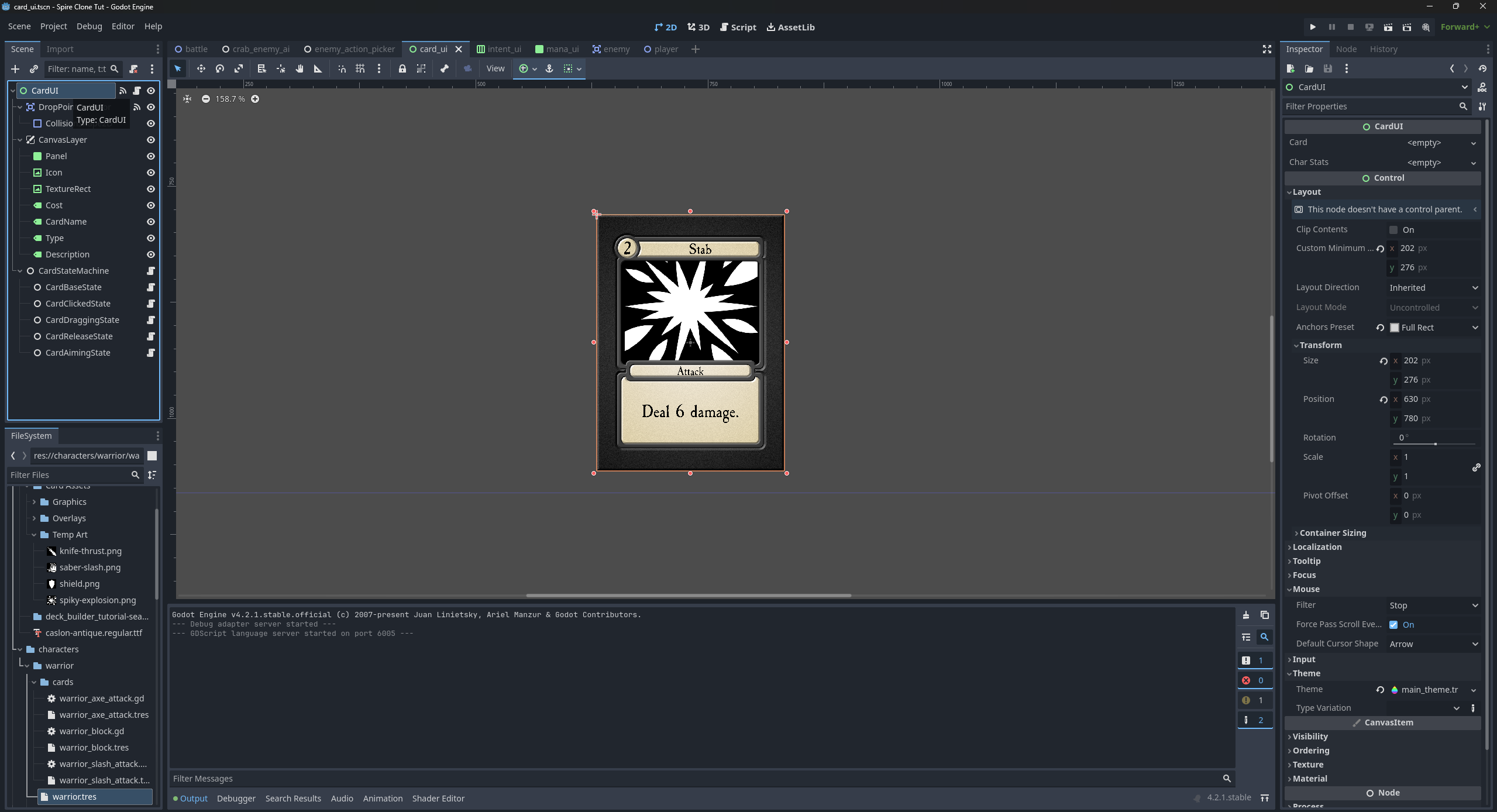
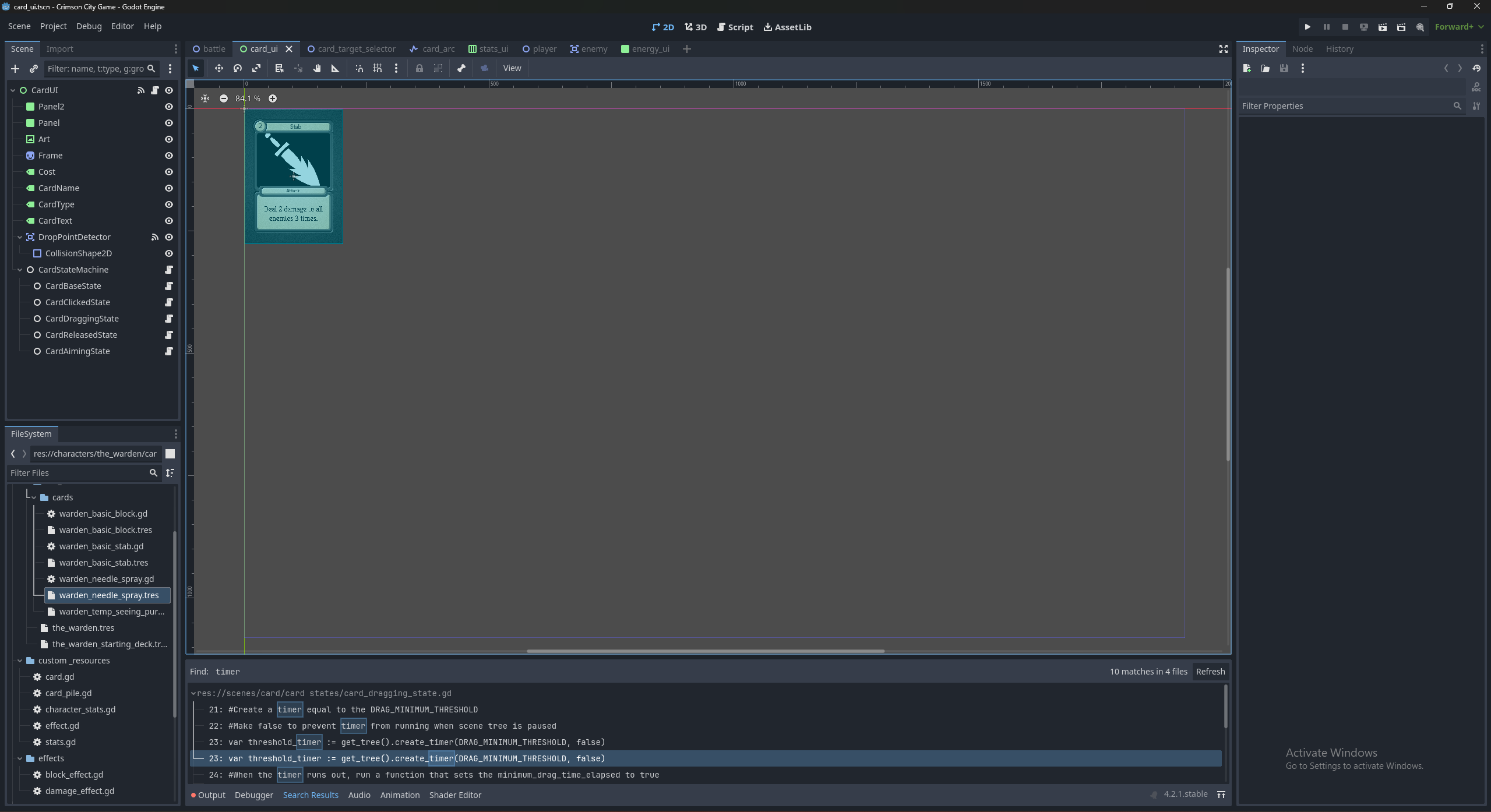
My issue is I’ve tried to replace the basic cards shown in the tutorial, which is just a panel, an icon and a cost label, with a proper card, with a card frame, a name, a type, art and card text. So I added the card frame as a TextureRect, changed out the icon for the art, and added labels for the CardName, Type and Description, and made sure to add these to my scripts wherever they were relevant. This is all on a CardUI scene.
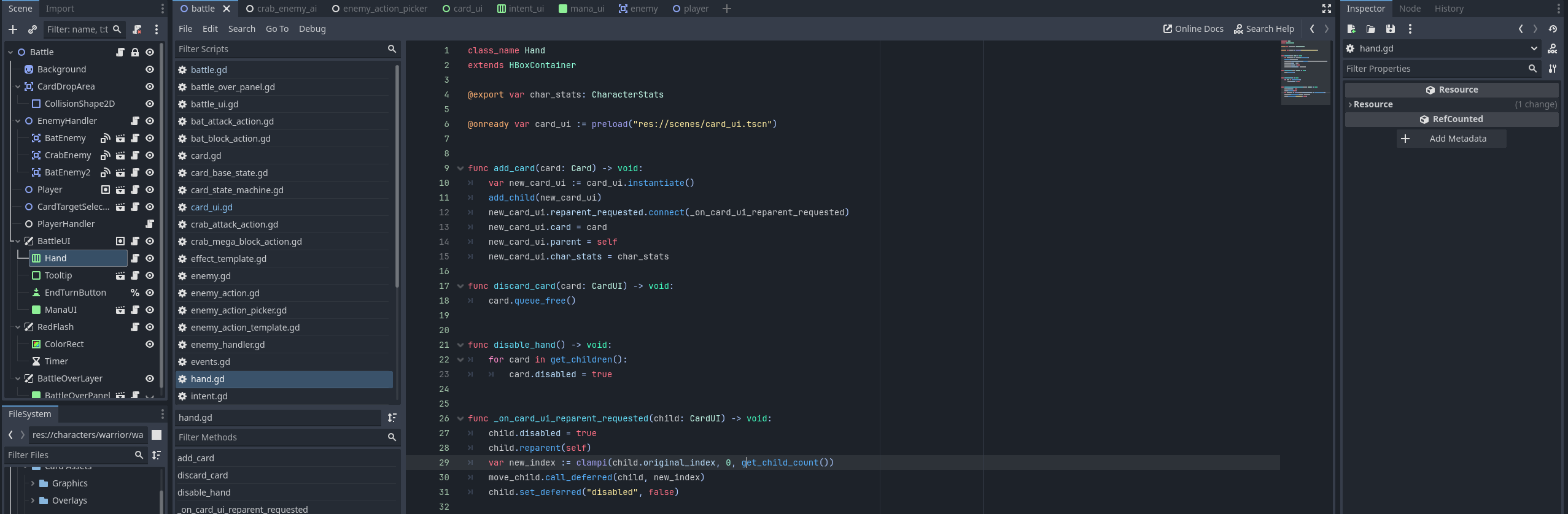
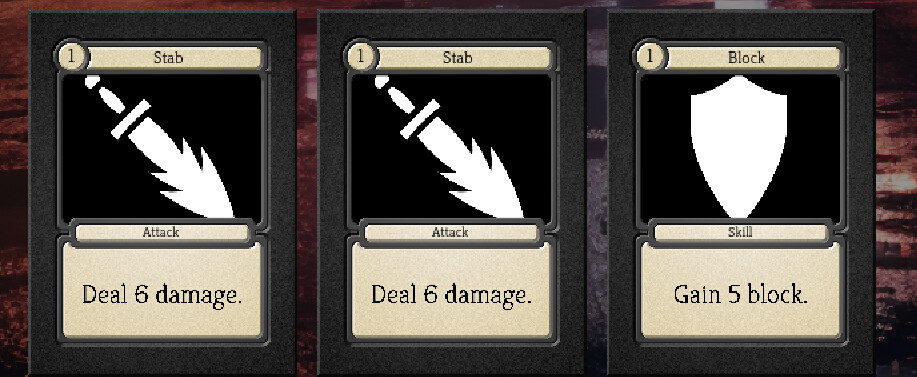
The issue comes when the cards are instantiated in the Hand ui element on the battle scene, which is an HBoxContainer at the bottom of the screen. This worked perfectly fine for the simple cards previously, but I had an issue straight away where everything was scaled really strangely, which I fixed by putting the card’s visual nodes into a CanvasLayer in the CardUI scene. However, once I’d this the issue turned into one where it seems to stack all the cards on top of each other on the left side of the hand rather than side by side, and puts the collision boxes for them in the middle of the hand. I’m not entirely sure how to approach this as I’m not sure exactly what about what I’ve done caused this issue.
I assume it’s something fairly straight forward but I just don’t have the experience to figure it out yet, so any help would be great.