Help with setting up the main panel for an addon

Godot Version

4.7

Question

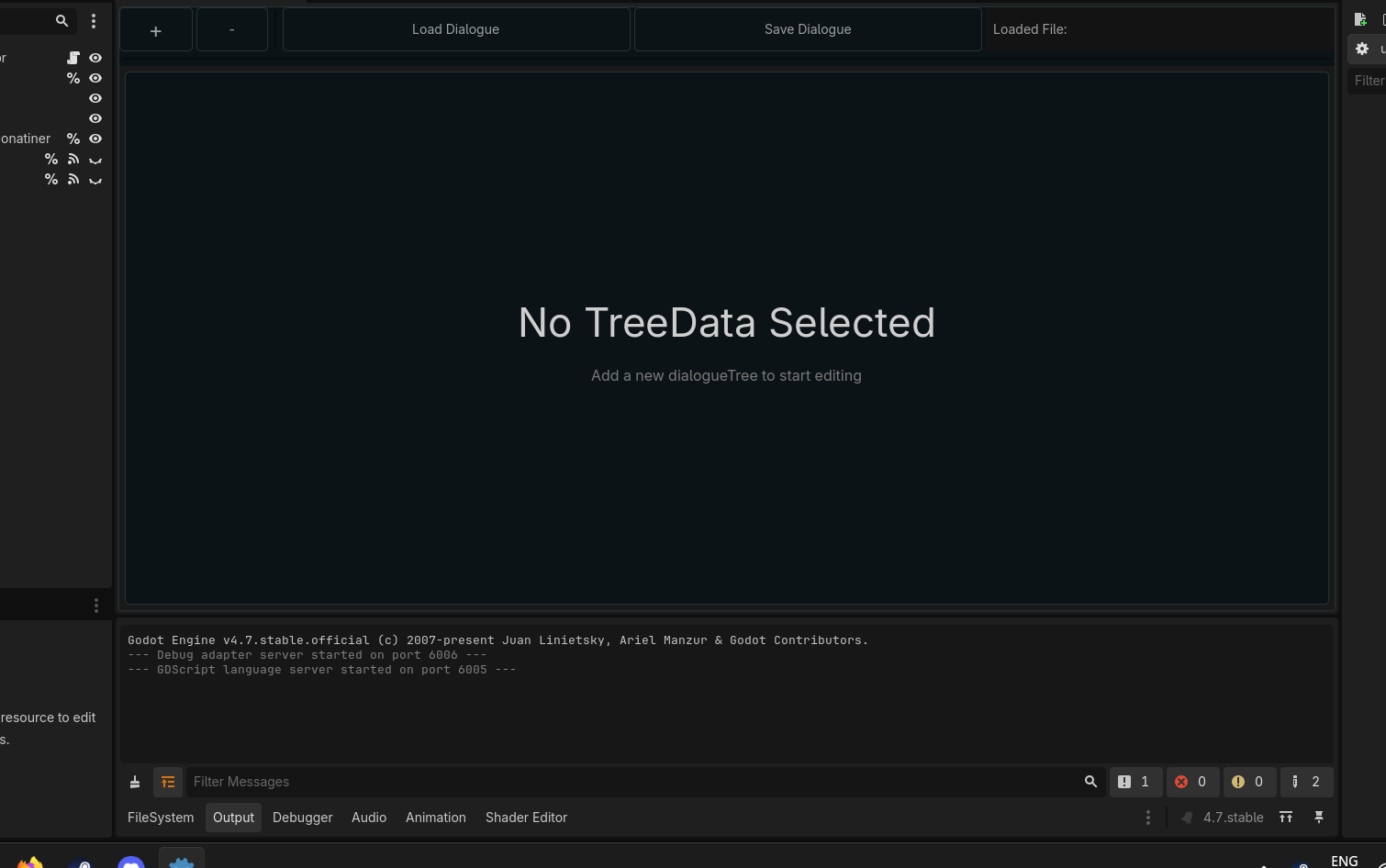
I need help with setting up a plugin, i made a scene where all the controls will be at but for some reason it all gets squished to the top
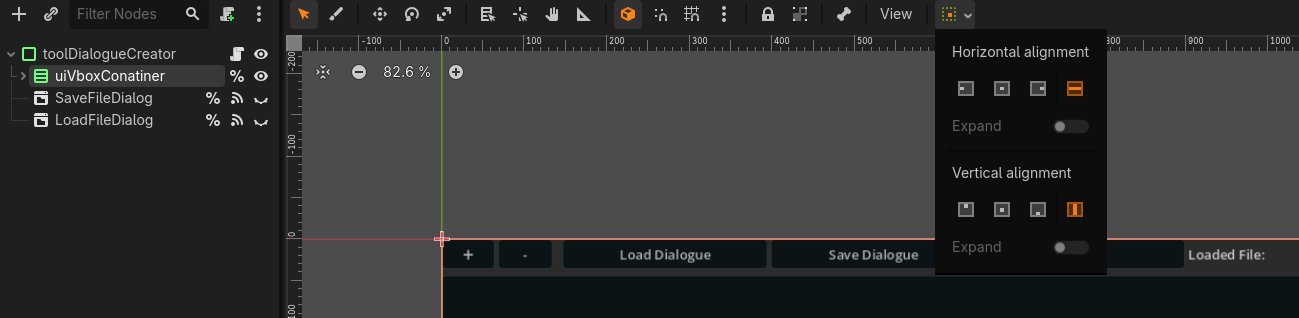
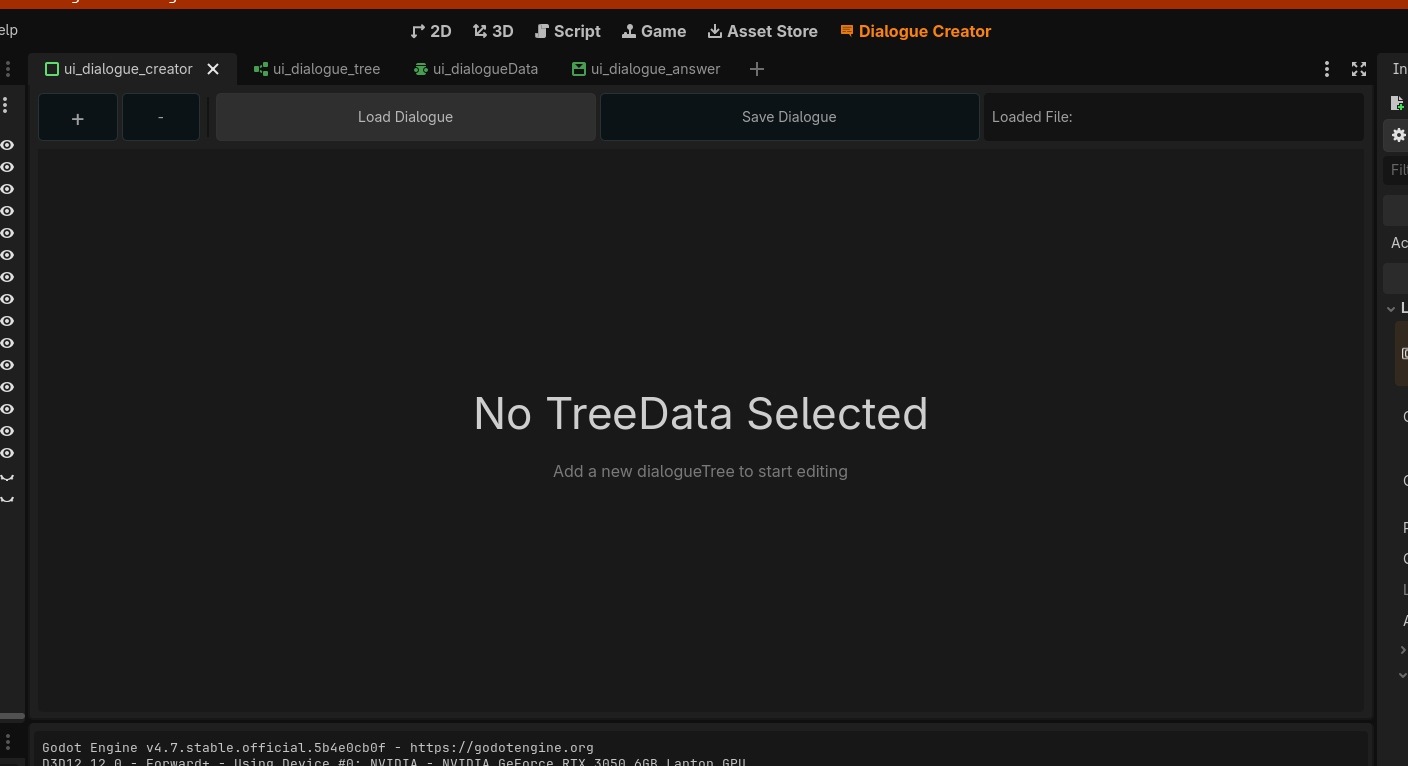
this is the scene in the 2D view


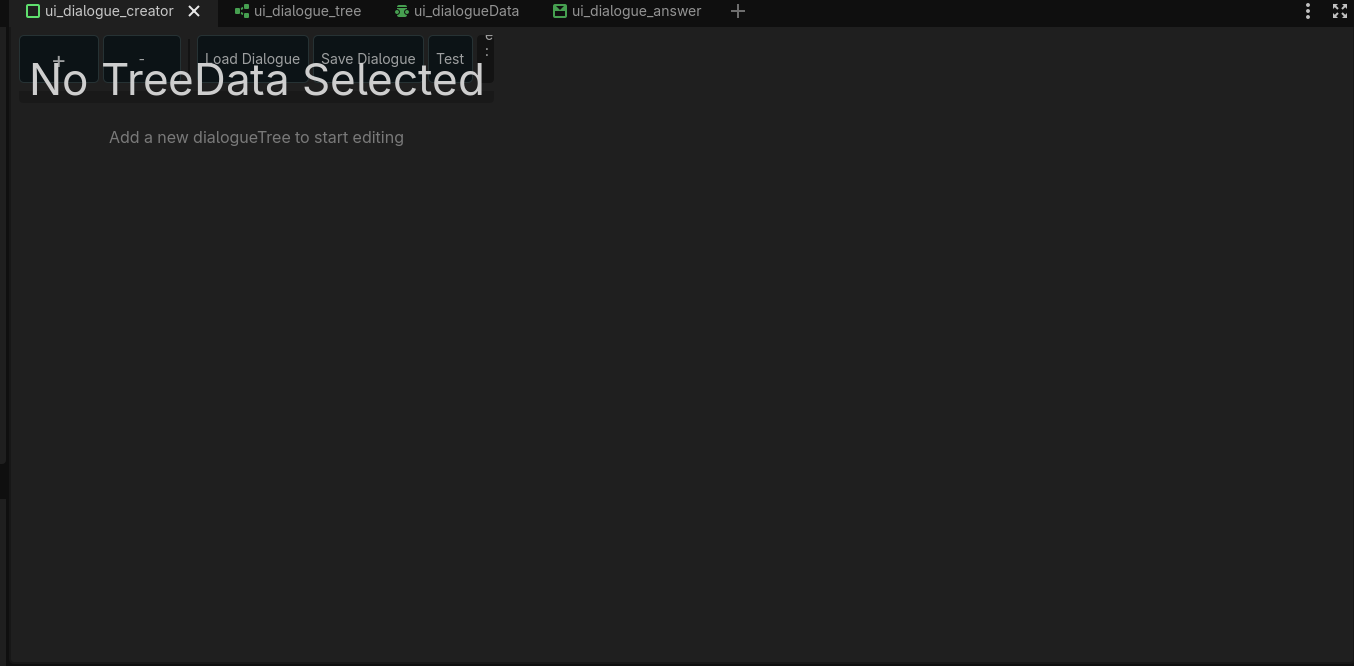
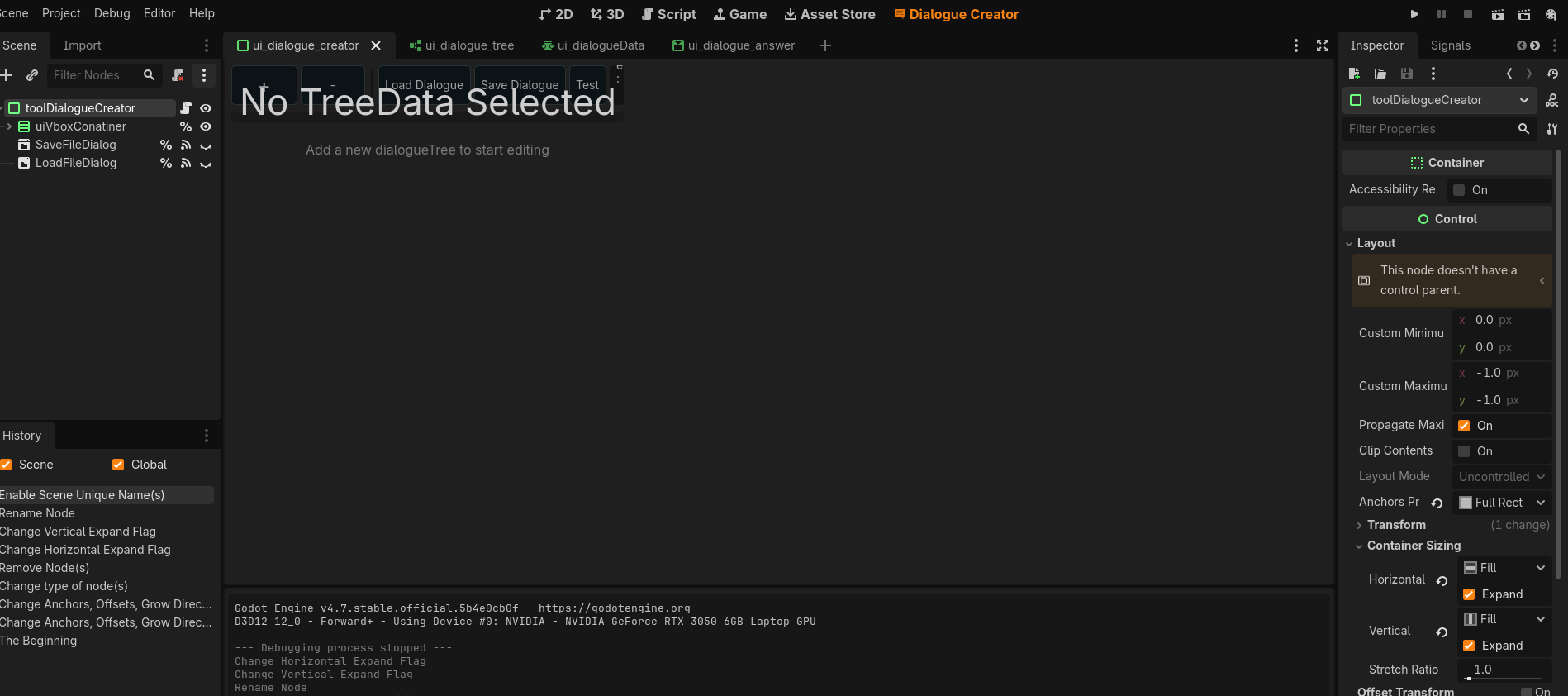
and this is how it looks when i enable the plugin


i think it needs to expand but i dont know how

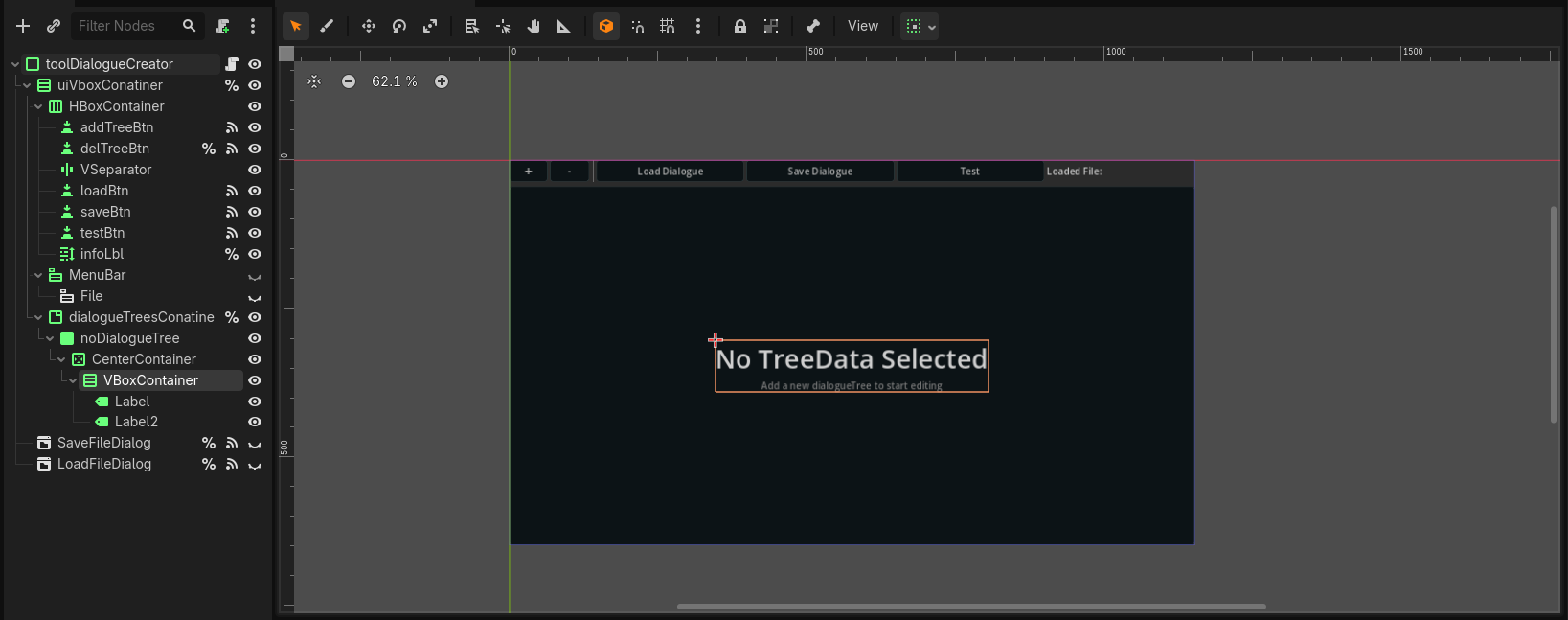
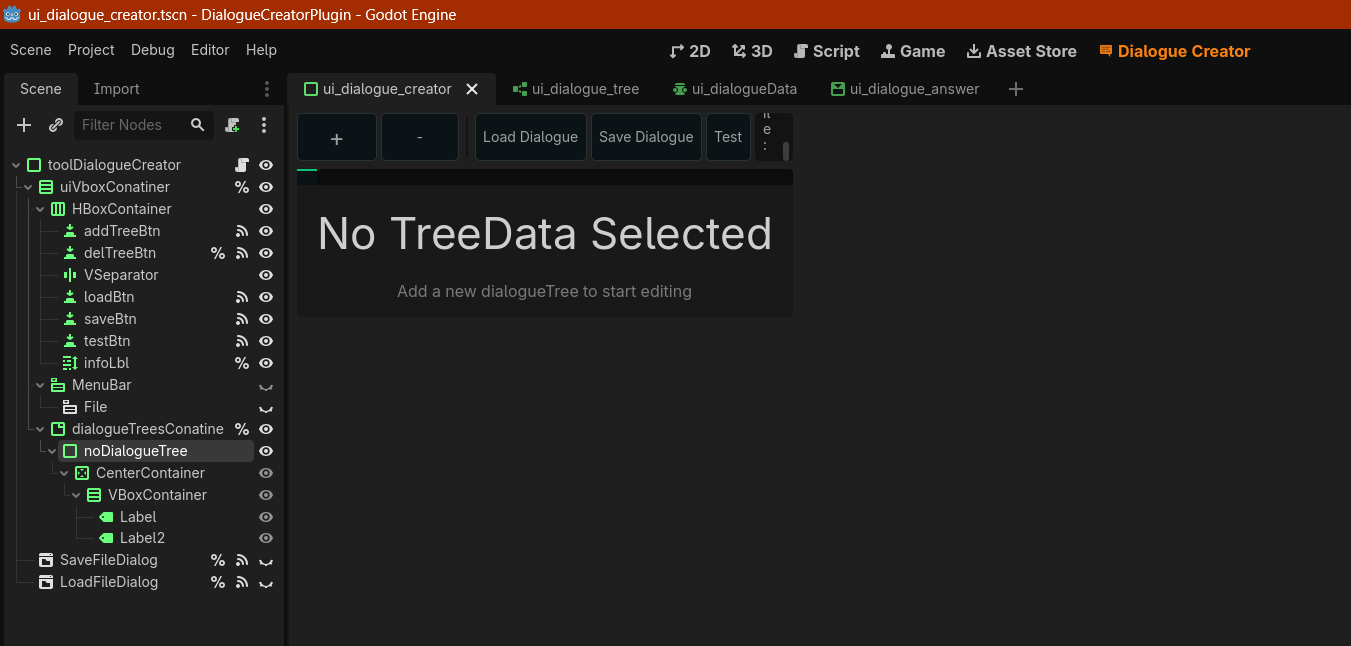
What does your scene tree look like

it look like this:

Change your root node to a PanelContainer, remove the Panel node.

that fixed it a bit, but the content is all squished in now:

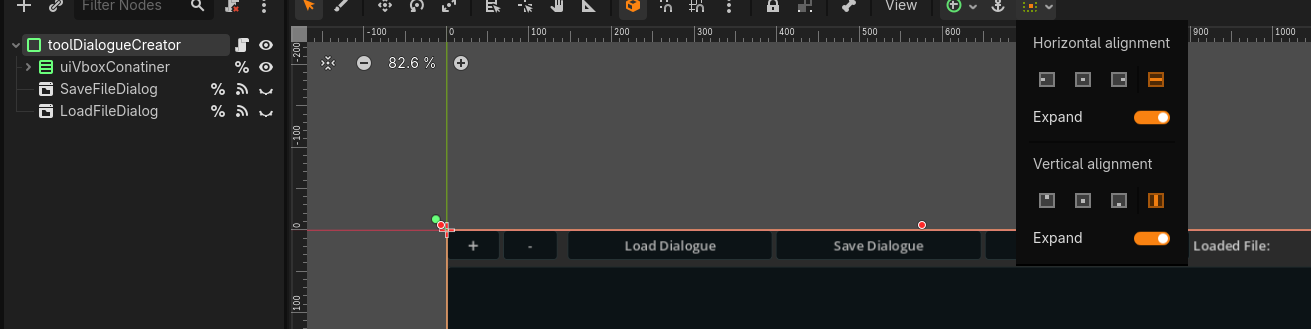
Is your VBoxContainer set to expand horizontally and vertically? This should be editable in the toolbar, a green dotted square next to the anchoring presets

since it’s a child of the container the checks are grayed


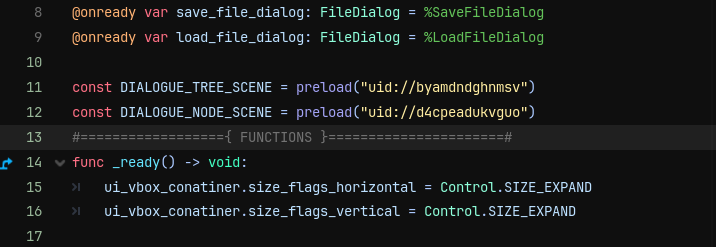
but i did set it manually in _ready function for the toolDIalogueCreator script:


Still the same problem as the above image, and i do refresh the plugin by disabling then enabling it again

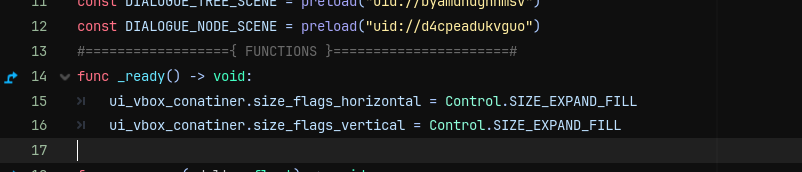
Try using SIZE_EXPAND_FILL? The toolDialogueCreator node can likely also be set with the toolbar

set it to that still nothing


as for the panel container i did set the flags of expand:


Still same issue:

Do you use Control nodes in-between container type nodes anywhere deeper in your scene tree? It seems like this “No TreeData Selected” text may be a child of a non-container type.

no i only use containers or popups this is the whole scene structure:

Your “noDialogueTree” is a Panel, not a PanelContainer.

Walk down your tree, try to ensure the expand property is set where it would make sense; you may also be able to test in editor by shrinking/expanding the root node, it’s final position/size shouldn’t matter anyways

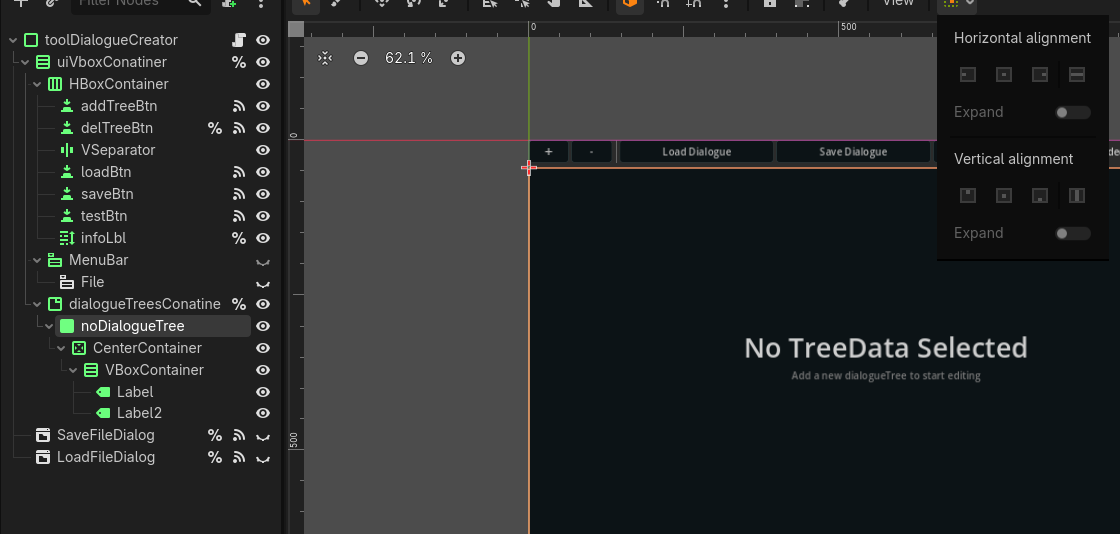
the noDialogue panel is a child of a tabContainer which is set to expand so the panel’s alignments are grayed out

The Panel won’t expand to it’s children’s size, only a PanelContainer will, so this Panel may shrink or allow more shrinking than you’d like.

changing the panel node to a panelcontainer did expand it a bit, now it looks like this

i changed them back to expand_fill and now it works!

but now none of the buttons work? trying the scene itself in debug mode it works just fine

That’s strange, how do the buttons not work? If you can still press them, try adding print statements to the connected functions. If you cannot press them, maybe there are more control nodes blocking the mouse input?

when hovering over them they update to hover states and press state when i click on them
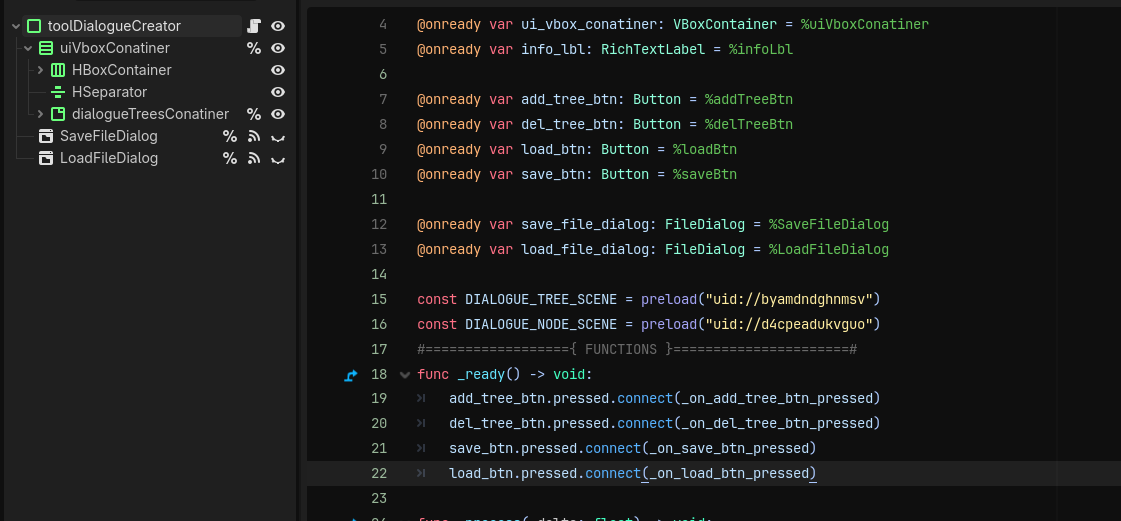
this is how the code looks it’s in the _ready function, maybe i need each button to call the pressed on itself so each btton have it’s script?
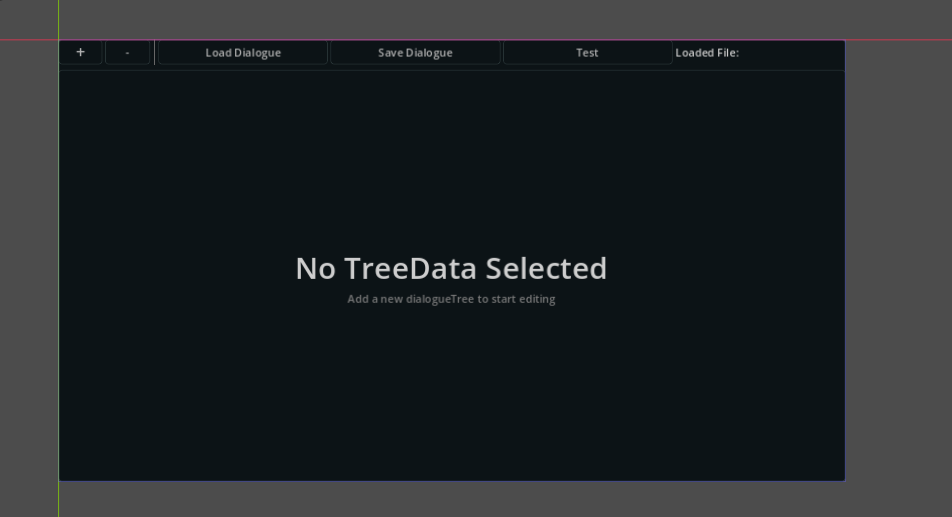
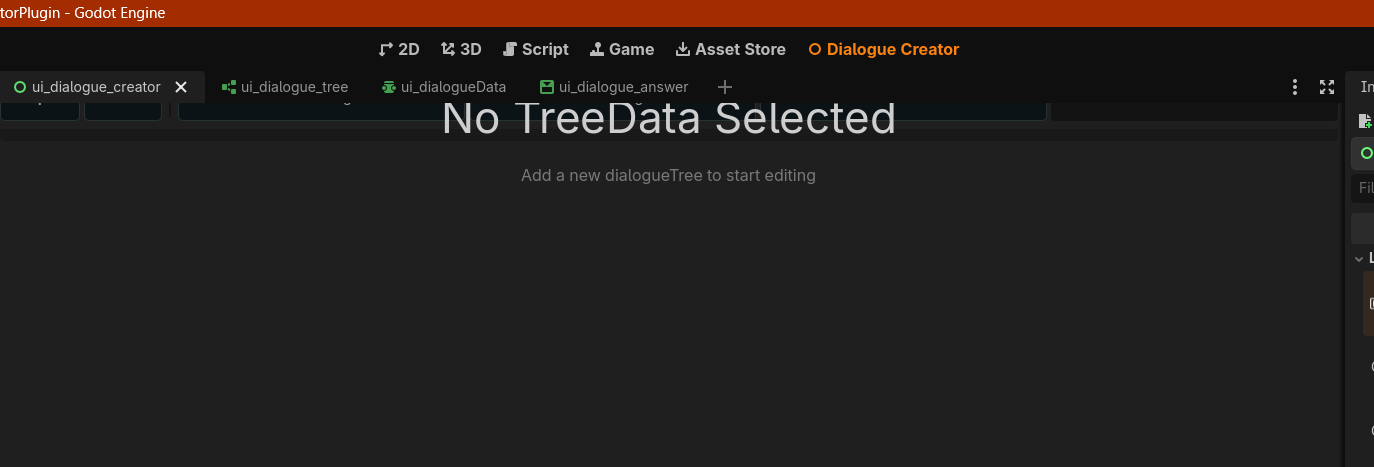
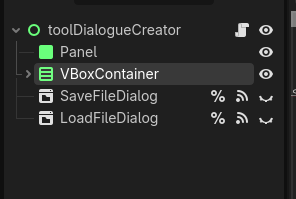
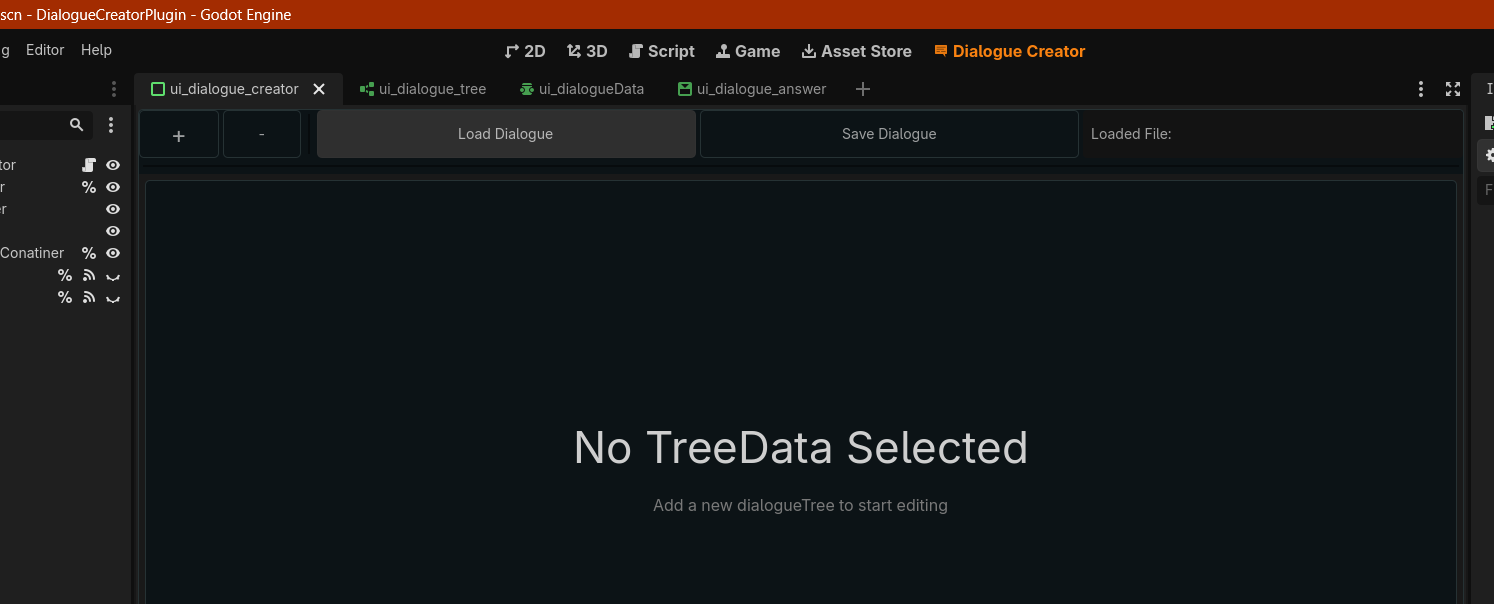
this is what i meant by button detect the mouse notice the load Dialogue button color is gray because i have my mouse on top of it

You should not need a script on each button. The code looks fine, do you get any warnings or errors?

no none at all


this is right after i disabled the re-enabled the plugin