Godot Version
4.5
Question
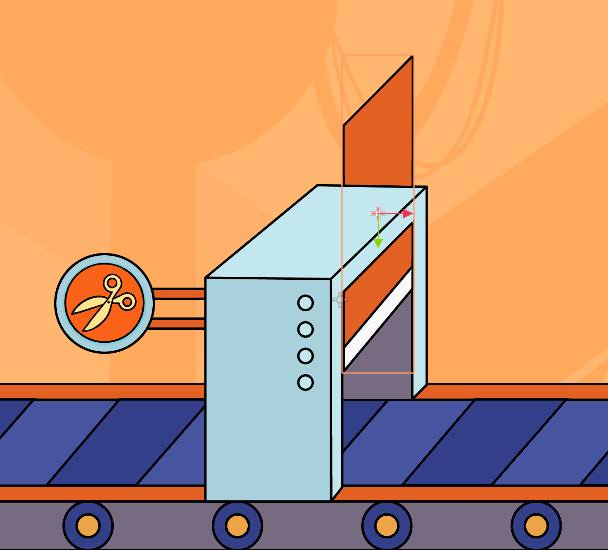
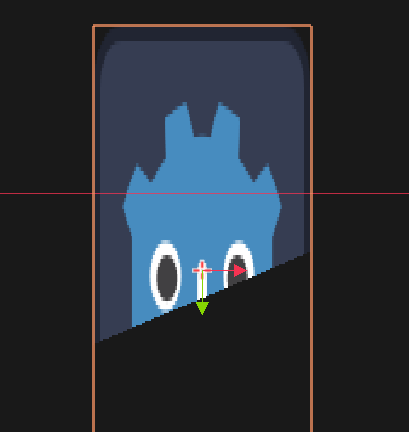
Hi! I have this guillotine sprite that goes up and down and i want to hide the parts that goes outside the machine. Do you have a modular way to do this? I expect to have more of these in the future.
4.5
Hi! I have this guillotine sprite that goes up and down and i want to hide the parts that goes outside the machine. Do you have a modular way to do this? I expect to have more of these in the future.
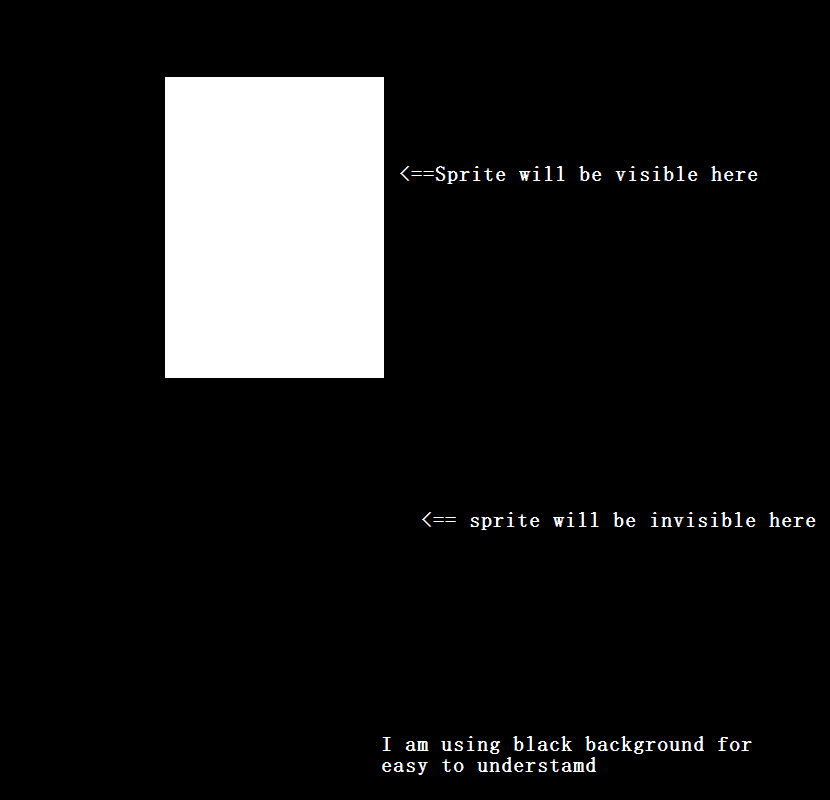
You can use masking, here’s a simple way to do that first you have to draw a sprite that is white where you want to display your sprite and transparent where you want to make it not visible,Like this
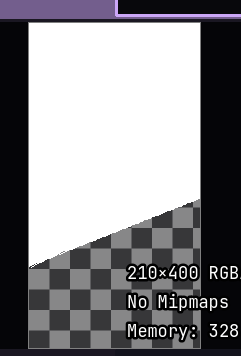
and what you have to do is make a mask sprite like this
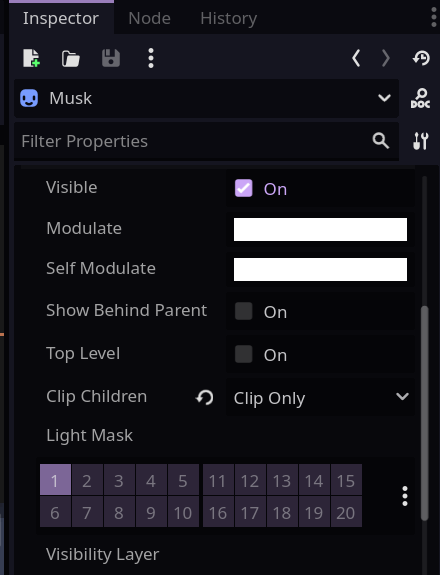
and make the guillotine sprite child of the mask sprite (It’s just a normal sprite) and enable Clip children on the mask sprite
Your scene tree should look like this

and if you have done everything correctly,your sprite should look like this!
Note:Your Blade’s mask sprite have to be a simple Box Just to hide the upper part
Thank you so much! i use polygon2D instead of a sprite 
Still not a problem! it would still work with a polygon2D!
Thanks for this. Came here via a Google search and it was exactly what I needed and worked perfectly.
Just to add, as it did throw me for a brief while. The mask does need to be white. I made mine pink so I could see it to resize it and it gave everything a pink hue. Probably obvious to experienced programmers . I also discovered if you make the mask transparent all the items inside go transparent. Quite a neat feature if that is useful for your game.