I am making a top-down 3D RPG game that has a minimap. The minimap is a viewport, with a camera that has a Cull Mask set only to “2”, which is the layer I use for minimap icons for the player, enemies, walls, etc.
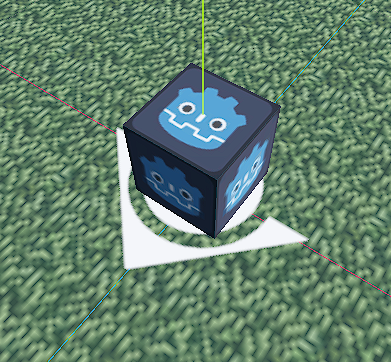
However, this means that in the editor I can see these icons, since it shows all render layers, and they clip through the floor and are very distracting. Is there a way I can toggle the visibility of render layer 2 in the editor, without affecting its visibility ingame? Like a camera’s cull mask, but for the editor viewport?
I also need this, I made a tool that generates a minimap-only mesh for my road meshes with its own material, but the problem is it’s z-fighting with the actual mesh, only solution was to put it below the map for now

 to increase the chance of this proposal being implemented at some point.