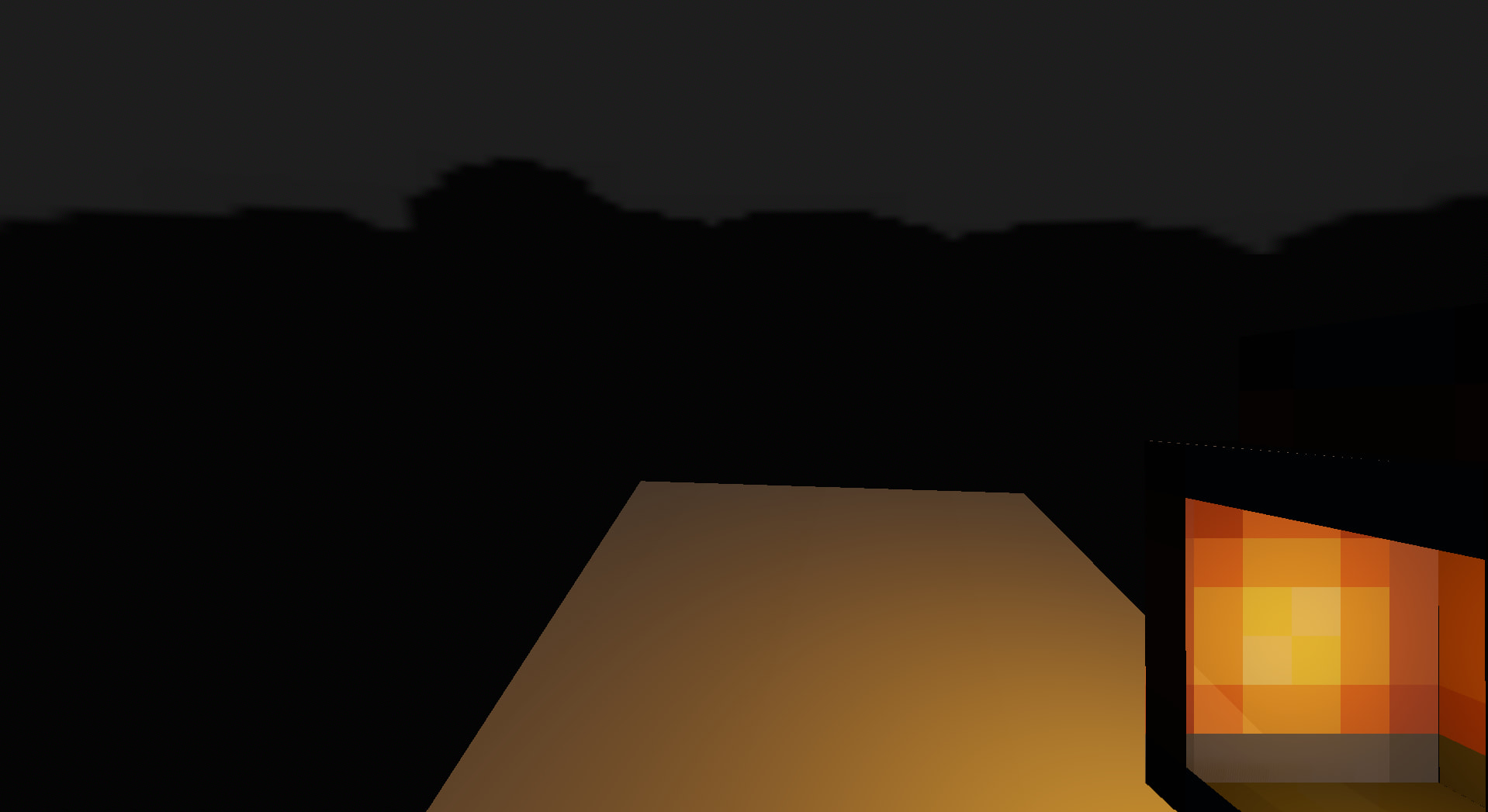
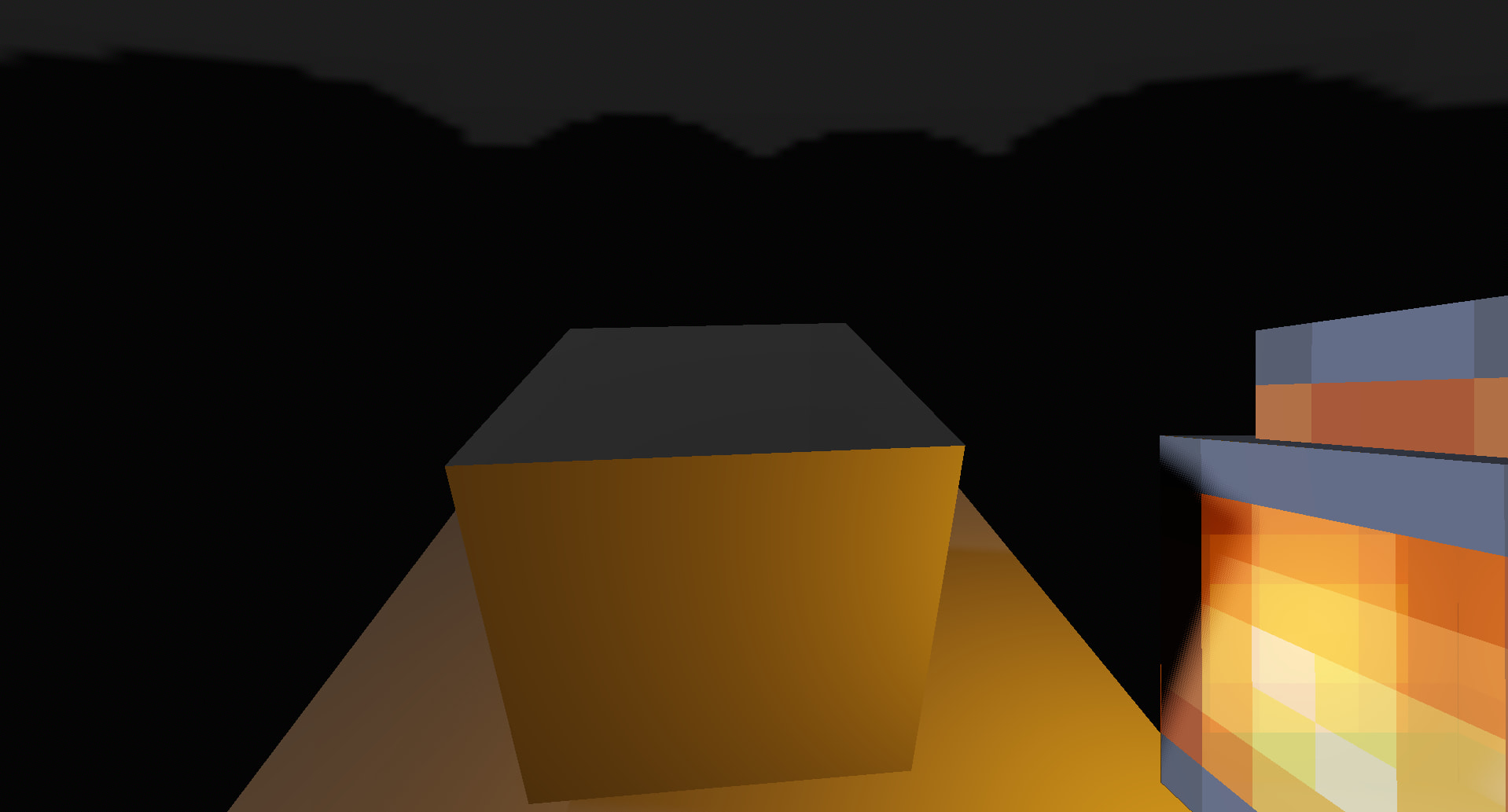
Godot Version
v4.4.1.stable.mono.official [49a5bc7b6]
Question
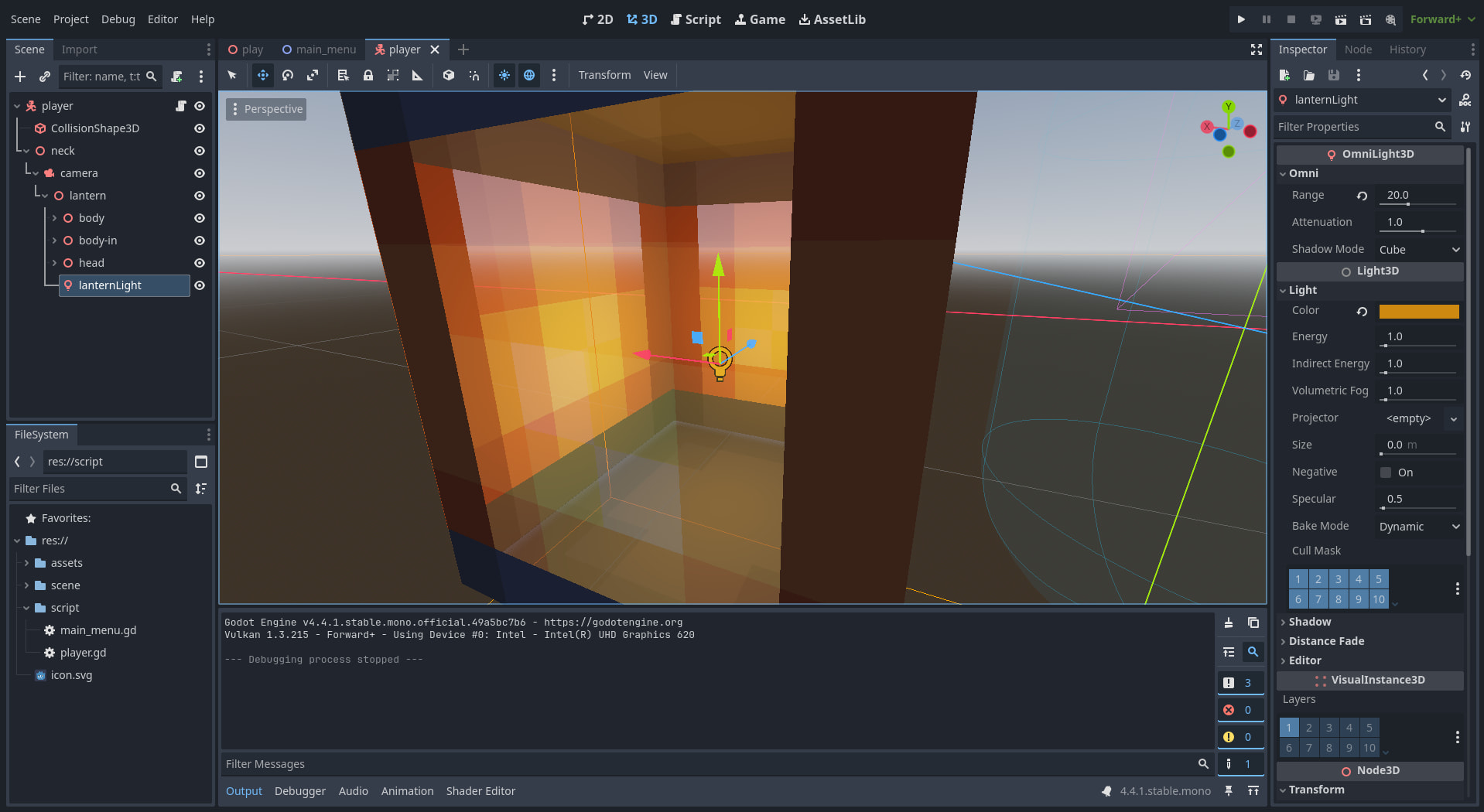
I know from testing that the OmniLight3D node’s light goes right through the opaque pixels. Is there any way to fix this?
Hello! As far as I know the “OmniLight3D” node light influence is usually… configured through “Range” property.
From my testing this means that…
well let’s say you have an OmniLight3D in closed chamber which “Range” property is configured to high value (e.g. 20). This would mean that the light would be visible even in a cube that is outside that fully closed chamber (even though logically speaking the closed chamber is closed! It can’t have light passing through?! well that’s how OmniLight3D works.)
So I would recommend you playing with “Range” property. If you mean that you don’t want light from the OmniLight3D node to go to the outside world from the Minecraft lantern.
Can you try placing a wall in front of the player? I think that the only surface (according to your image) is floor being the reason of confusion that the light goes only through bottom.
Go to the OmniLight3D inspector window → go to the “Shadow” section → click “enabled”.
Let’s try that. Technically, your lantern bottom should be not opaque. I am not sure about whether or not OmniLight3D can give light through opaque texture but let’s try that.
EDIT: Oh jeepers, I need to WARN you that using “Shadow” property enabled can gradually lower your game performance.