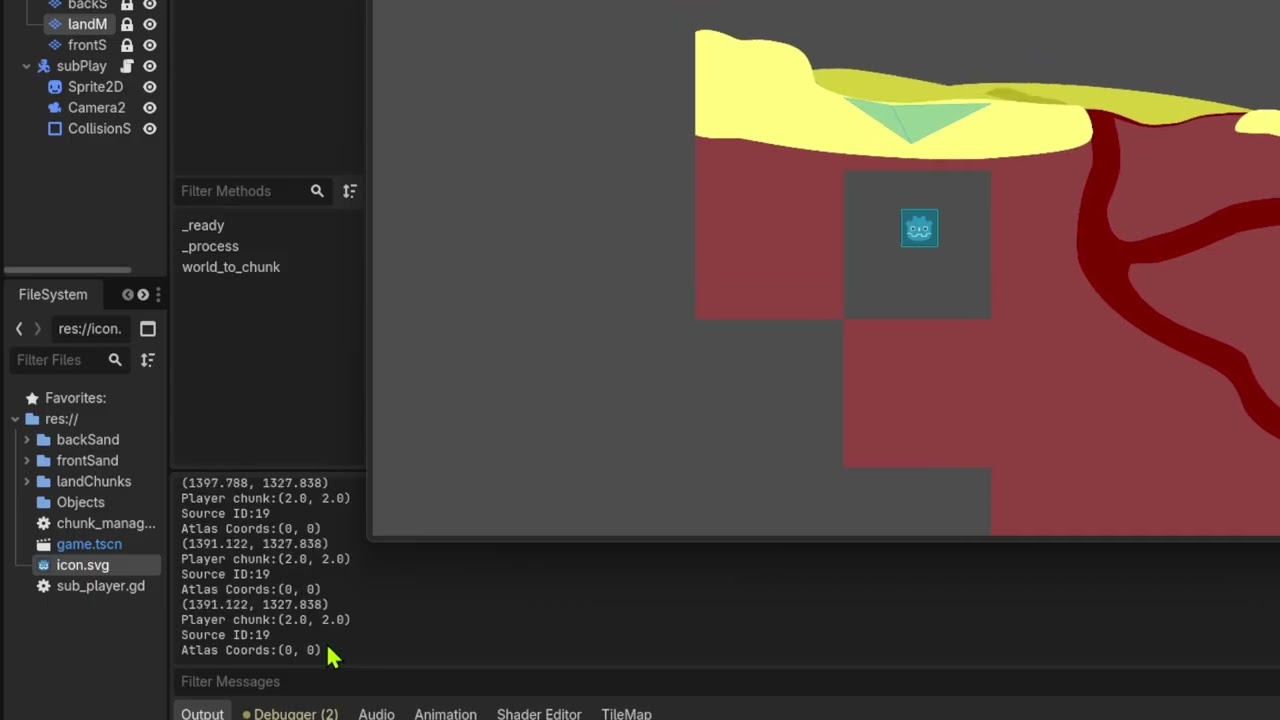
I tried and it did not work. There shouldn’t be a difference in the global position no? Aren’t they going to be the same if the player node is moving and everything else is anchored?
The global_position is in reference to (0,0) which doesn’t change. The position is local and is in reference to whatever its parent Node’s (0,0) is, on up the chain.
Also, now that I look at it, you are using get_cell_atlas_coords() incorrectly too. You are passing it a reference to where the player is in space, and then expecting it to somehow map that to the tile the player is standing on. But get_cell_atlas_coords() just takes a Vector2i and gives you whatever coordinates match that in the Atlas image stored in the Tileset.
You need to determine what tile the player is on in the TileMapLayer, then use that to tie it to where in the Atlas the tile is being pulled.
It might help if you backed up and explained why you are trying to do this. What problem are you trying to solve?
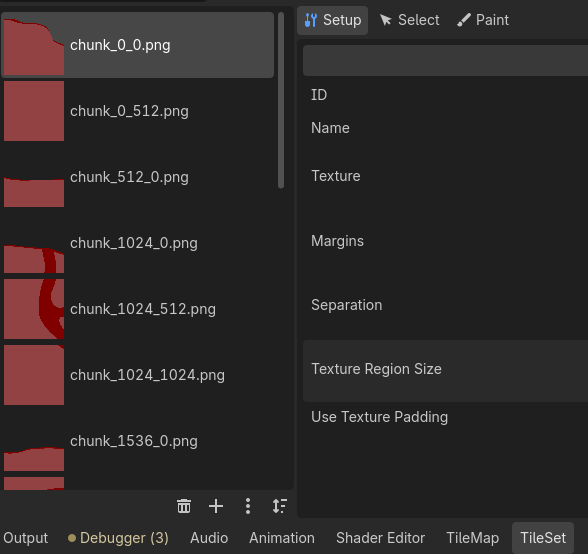
I am trying to make a chunk manager because the original way I loaded the map was a 16000x14000 texture. I could just make the game smaller but I want to experiment with chunks using tilemaps.
Also doesn’t local_to_map do the mapping for me?
Nvm i figured it out, I am mixing up the tileset cells with atlas coordinate
To get the coordinates of the cell the player is in:
transform player’s global position to its local counterpart inside the tilemap coordinate space, using tilemap.to_local()
transform that to cell/map coordinates using tilemap.local_to_map()
pass the result to tilemap.get_cell_atlas_coords() and tilemap.get_cell_source_id() to get the atlas info.
You can skip the first step if your tilemap has identity transforms (0 translate, 0 rotate, 1 scale), because in that case, tilemap’s local space coincides with the global space.
Btw using a 512x512 bitmap to store a flat squre is really really wasteful.