I’m making some puzzle games and I’ve managed a fairly consistent graphical style, but to separate the puzzle from the background a smidge I want to place a shadow between said puzzle and background.
For my 15-puzzle I simply made a drop shadow in gimp and saved it as part of the image, but for other puzzles where the size and aspect ratio of the puzzle will change and even further along it might not even be rectangular puzzles that approach probably won’t work.
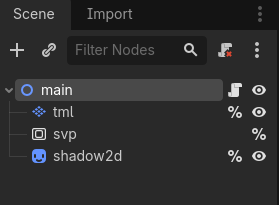
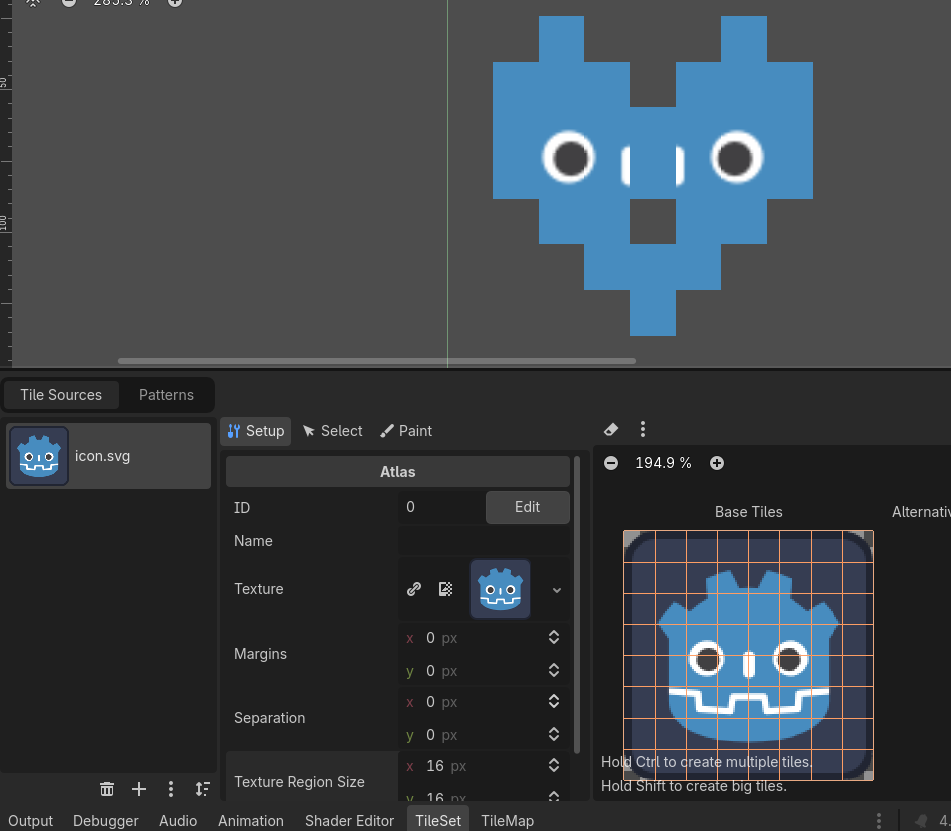
So does anyone have a suggestion on how I can solve it? I’m thinking shaders, but I’m not sure how and where to implement them, I’m guessing I should not place them directly on my TileMapLayer? Perhaps some kind of child element? I tried a couple I found on godotshaders, but I couldn’t get it to work correctly.
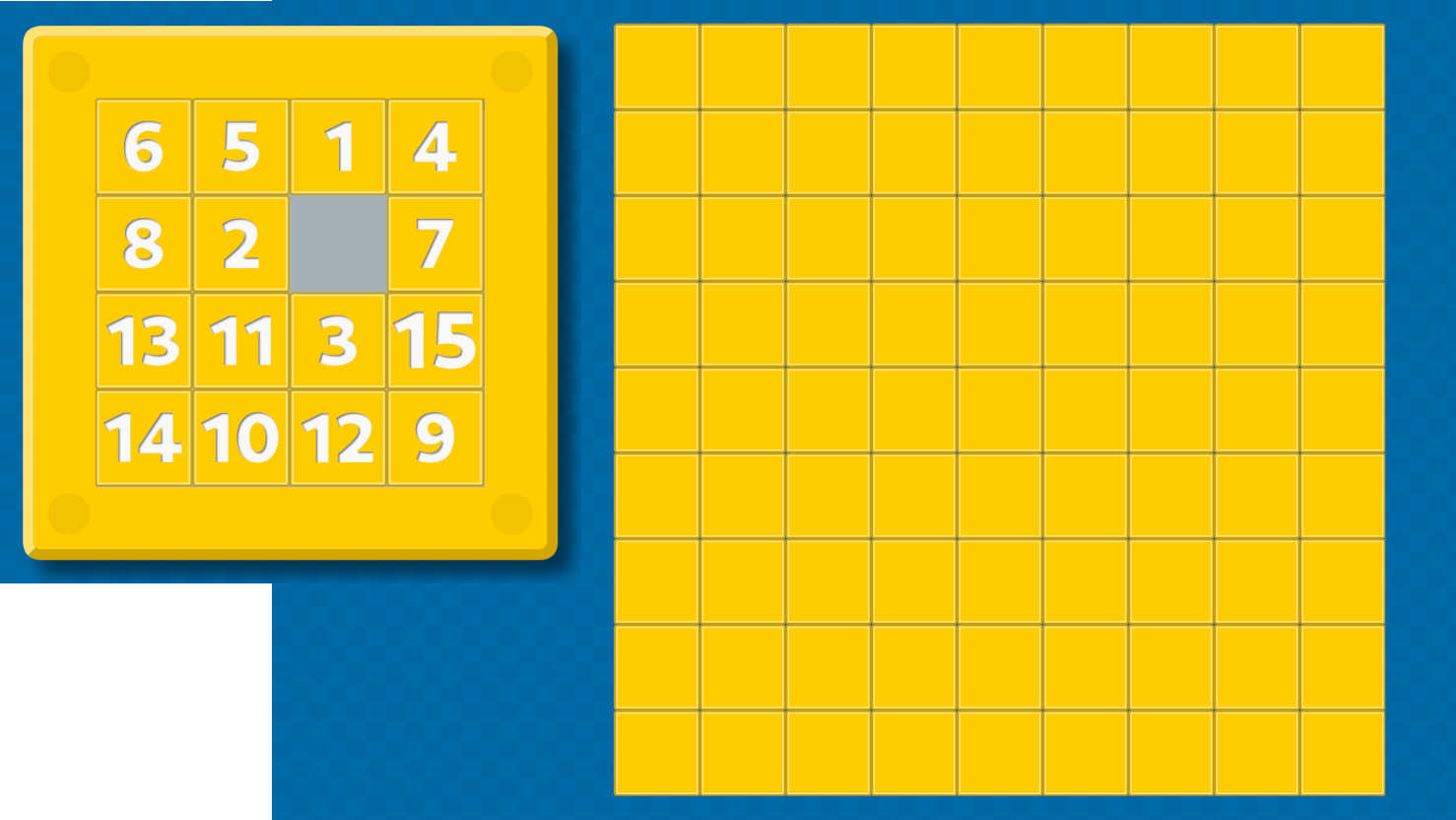
Here is an image to illustrate what I’m going for, the left part is what I managed with gimp, the right is what I have for the next puzzle, a TileMapLayer without shadow, and I’m not sure how to proceed.
You can see it in action by calling this from within the ready:
func remove_tiles_line_by_line():
	const wait_time: float = 0.1
	var rect := tml.get_used_rect()
	for y in range(rect.position.y, rect.end.y):
		for x in range(rect.position.x, rect.end.x):
			var cell := Vector2i(x, y)
			if not tml.get_cell_source_id(cell) == -1:
				tml.erase_cell(cell)
				await get_tree().create_timer(wait_time).timeout
I guess by playing a bit with the resulting shadow – for example applying a blur shader to it – you can receive a similar visual result to what you have, just dynamically updating to your foreground scene.
Should I be worried that this message is being spammed in the log when applying your solution? I’m guessing this is due to some kind of recursion due to the sub viewport?
E 0:00:00:832 draw_list_bind_uniform_set: Attempted to use the same texture in framebuffer attachment and a uniform (set: 3, binding: 0), this is not allowed.
<C++ Error> Condition “attachable_ptr[i].texture == bound_ptr[j]” is true.
<C++ Source> servers/rendering/rendering_device.cpp:5806 @ draw_list_bind_uniform_set()
Perhaps the easiest solution is the best solution. I added another TileMapLayer, offsetted it a bit and created a new tileset with baked in shadows. Seems to have done the trick for rectangular puzzels.
Perhaps the auto-tiling system could be used in the future for puzzles that are free form. I shall probably explore that in the future.
Yes, you should take care of these errors. The approach I mentioned, when properly applied, should not give you any errors.
Before you try your setup to fit this new pattern I recommend you try the pattern out with fresh nodes which are not used in any other context yet. That should work without any errors. Then if you see that it is working and that it is error free, I would start adapting this approach to your old setup.
You’re right, that sounds like some texture causes problems.
I don’t know if this is solved yet but I may have a small suggestion to try.
If the TileMap is fixed then you can:
You can create TextureRect node and apply GradientTexture2D to it as a texture property.
Then in there you can change the GradientTexture1D and gradient points. And you can make the texture look like the shadow (presented on the left image)
else:
Well you still can create TextureRect node but from your script you can change its size : Vector2 property depending on the amount of elements on your tilemap on x and y axis. And also add some offset to the size depending on your UI layout and style.