Godot Version
4.8.beta1
Question
I was able to write code where the character’s movement repeats while the key is held down. However, the movement is really fast, as shown in the gif below:
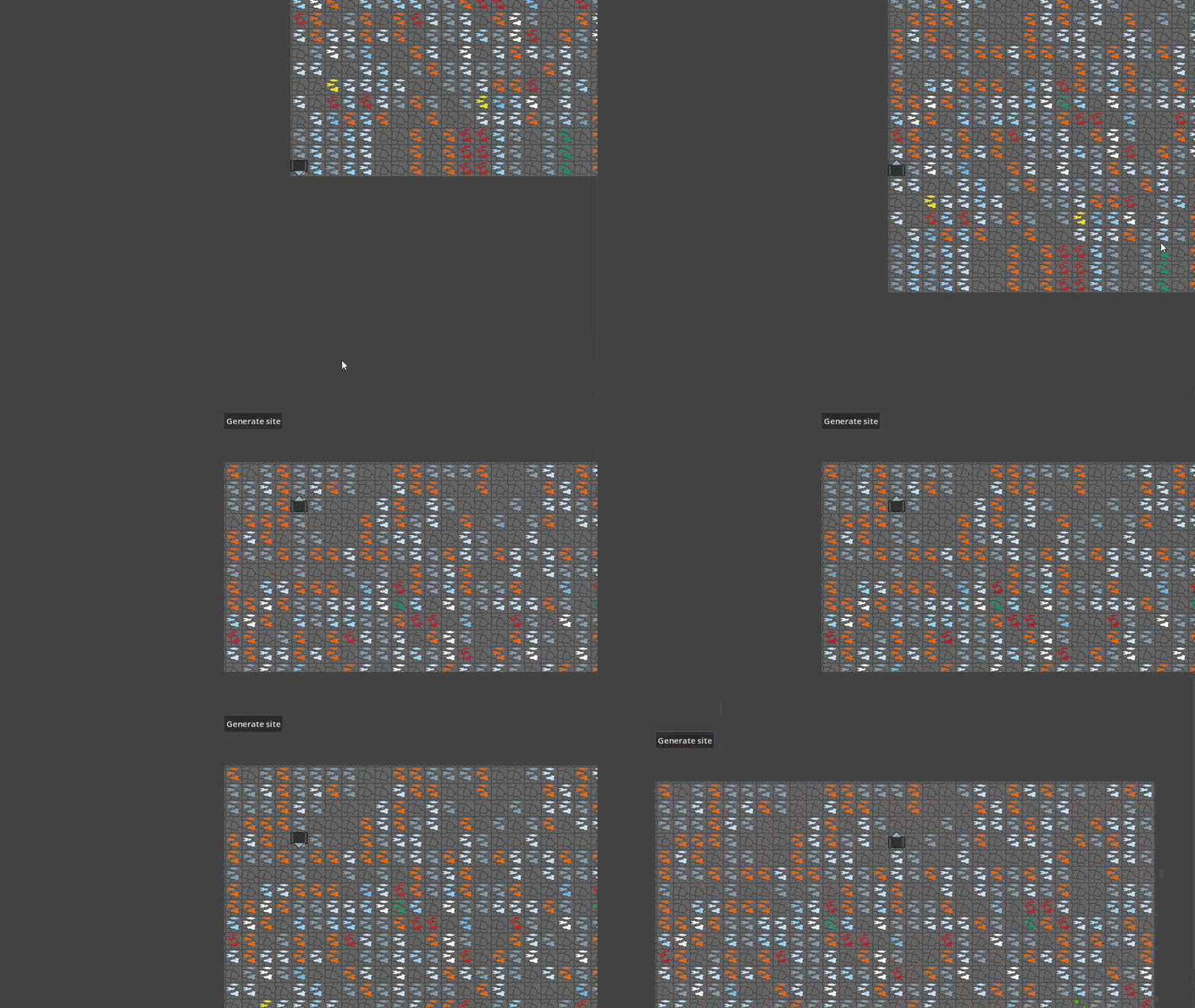
How do I “slow down” the movement?
Also, how do I set the starting position of the character on a specific tile, instead of just using the coordinates?
Code below:
extends CharacterBody2D

@onready var tiles: TileMapLayer = $"../Ore_Tiles"
@onready var mining_drone: CharacterBody2D = $"."
@onready var animated_drone: AnimatedSprite2D = $AnimatedSprite2D
@onready var camera: Camera2D = $"../Camera2D"

func _ready() -> void:
	mining_drone.position.x = 160
	mining_drone.position.y = 160

func _physics_process(_delta: float) -> void:
	if Input.is_action_pressed("down"):
		tile_movement(Vector2.DOWN)
		animated_drone.animation = "down"
	elif Input.is_action_pressed("up"):
		tile_movement(Vector2.UP)
		animated_drone.animation = "up"
	elif Input.is_action_pressed("left"):
		tile_movement(Vector2.LEFT)
		animated_drone.animation = "left"
	elif Input.is_action_pressed("right"):
		tile_movement(Vector2.RIGHT)
		animated_drone.animation = "right"
	camera.position.x = mining_drone.position.x
	camera.position.y = mining_drone.position.y

func tile_movement(direction: Vector2):
	var current_cell = tiles.local_to_map(tiles.to_local(global_position))
	var target_cell = current_cell + Vector2i(direction)
	if tiles.get_cell_source_id(target_cell) != -1:
		var target_position = tiles.to_global(tiles.map_to_local(target_cell))
		global_position = target_position
you can add some speed multiplier and delta in your code to make it frame independent and also control how fast or slow it moves.
Try this one
tile_movement(Vector2.DOWN * _delta * speed)
you need to define the speed variable and by hit and trial changing it’s values you find the optimal solution. I think this will help you.
Since tile_movement() jumps a whole cell and _physics_process runs about 60 times a second, holding a key moves you roughly 60 cells per second. I’d add a small cooldown, for example a var move_cooldown := 0.0 that you decrease by delta each physics frame, and only call tile_movement() when it’s <= 0, then set it to something like 0.15 after a successful move. Another option is a Timer node (one shot) and checking timer.is_stopped() before moving. Note that multiplying the direction by delta, like in the reply above, probably won’t help here, because Vector2i(direction) truncates a tiny vector back to (0, 0), so the character wouldn’t move at all. For the starting position, in _ready() you can do global_position = tiles.to_global(tiles.map_to_local(Vector2i(5, 3))) with whatever cell coordinates you want, and it’ll sit centered on that tile.
Thanks, that worked. Updated code below, perhaps it will help others:
extends CharacterBody2D


@onready var tiles: TileMapLayer = $“../Ore_Tiles”
@onready var mining_drone: CharacterBody2D = $“.”
@onready var animated_drone: AnimatedSprite2D = $AnimatedSprite2D
@onready var camera: Camera2D = $“../Camera2D”
@onready var timer: Timer = $“../Timer”

func _ready() → void:
global_position = tiles.to_global(tiles.map_to_local(Vector2i(5, 5)))

func _physics_process(_delta: float) → void:
if timer.is_stopped() == true:
if Input.is_action_pressed(“down”):
tile_movement(Vector2.DOWN)
animated_drone.animation = “down”
timer.start()
elif Input.is_action_pressed(“up”):
tile_movement(Vector2.UP)
animated_drone.animation = “up”
timer.start()
elif Input.is_action_pressed(“left”):
tile_movement(Vector2.LEFT)
animated_drone.animation = “left”
timer.start()
elif Input.is_action_pressed(“right”):
tile_movement(Vector2.RIGHT)
animated_drone.animation = “right”
timer.start()
camera.position.x = mining_drone.position.x
camera.position.y = mining_drone.position.y

func tile_movement(direction: Vector2):
var current_cell = tiles.local_to_map(tiles.to_local(global_position))
var target_cell = current_cell + Vector2i(direction)
if tiles.get_cell_source_id(target_cell) != -1:
var target_position = tiles.to_global(tiles.map_to_local(target_cell))
global_position = target_position