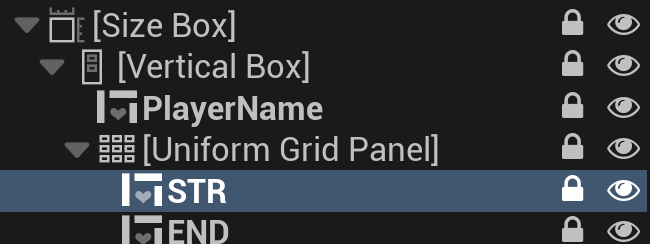
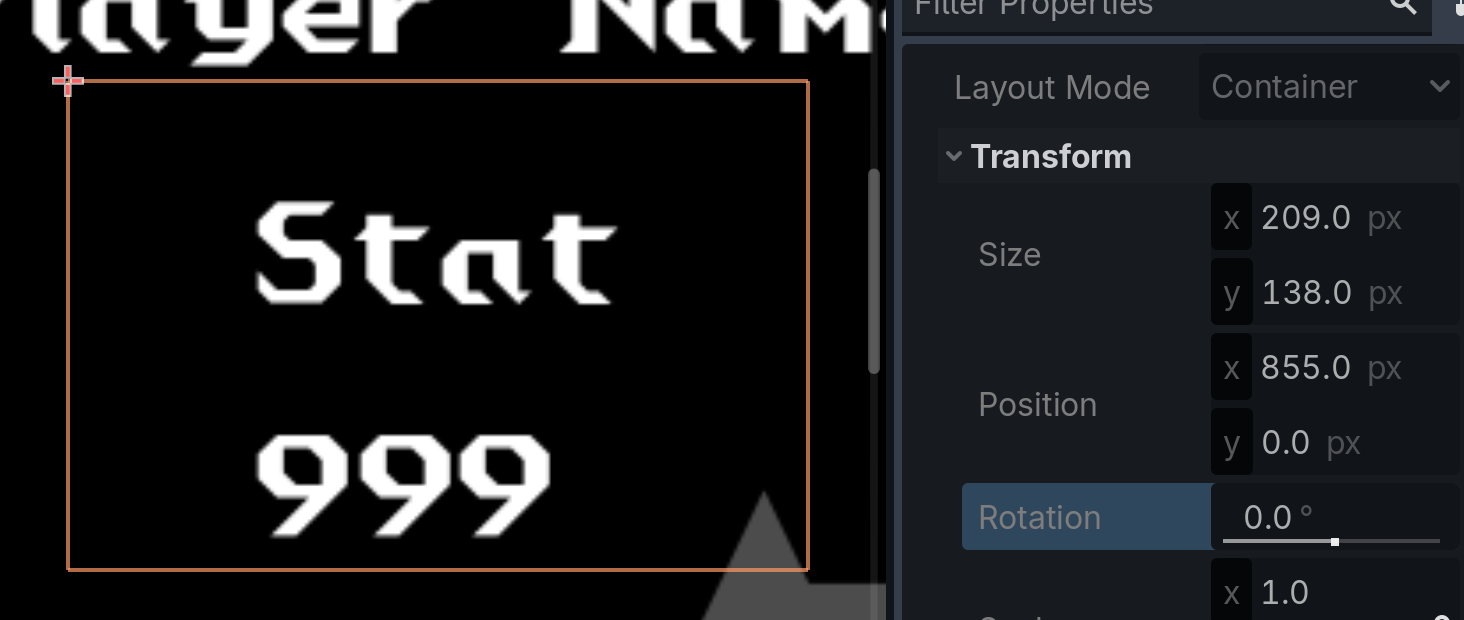
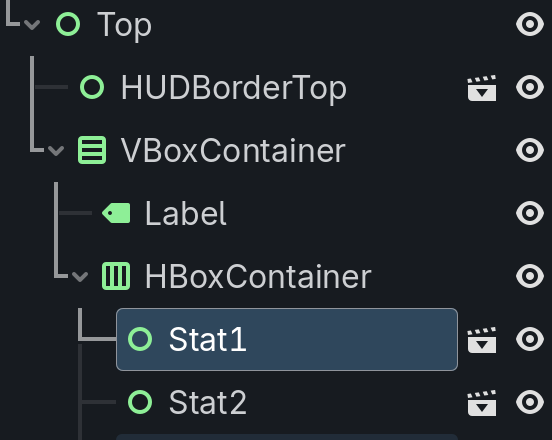
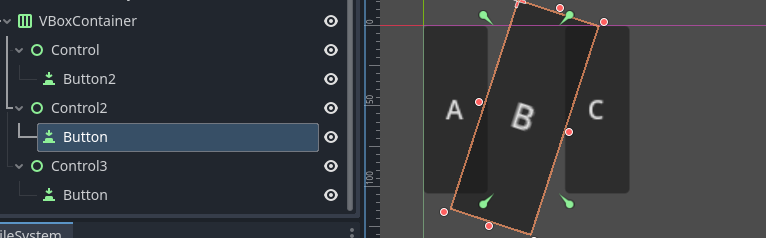
Seems like Unreal and Godot has very similar ways to lay out the UI, but whereas in Unreal, even though UI items are laid out by other items which infer certain rules on them, you can animate them all you want. However, in Godot, once something is under layout control seems you can't break it, even in an animation timeline. However, some tutorials say you can, but in practice, I've never been able to. Does anyone know exactly when and why you can or can't animate something in the Godot UI?
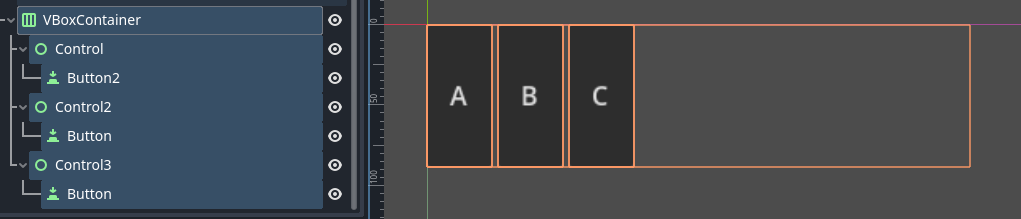
You can animate anything. Controls in containers will be constrained by container rules but you can use hidden placeholders instead and add children to them. Their transform/layout properties won’t be constrained.
So, as I mentioned, I’ve seen that statement before, but so far, all attempts I’ve made have failed. This is unfortunately not intuitive to me (like it was in Unreal), so again, I’m afraid I need exact concrete examples and instructions.
Whenever I put anything in a container, it instantly gets its layout transform disabled. Then, to get the layout I want, and to get it responsive in the way I want, I need to stack several containers but then I want the freedom to break the bottom node out of that layout (just for animations), and I’m missing that particular piece of the puzzle.
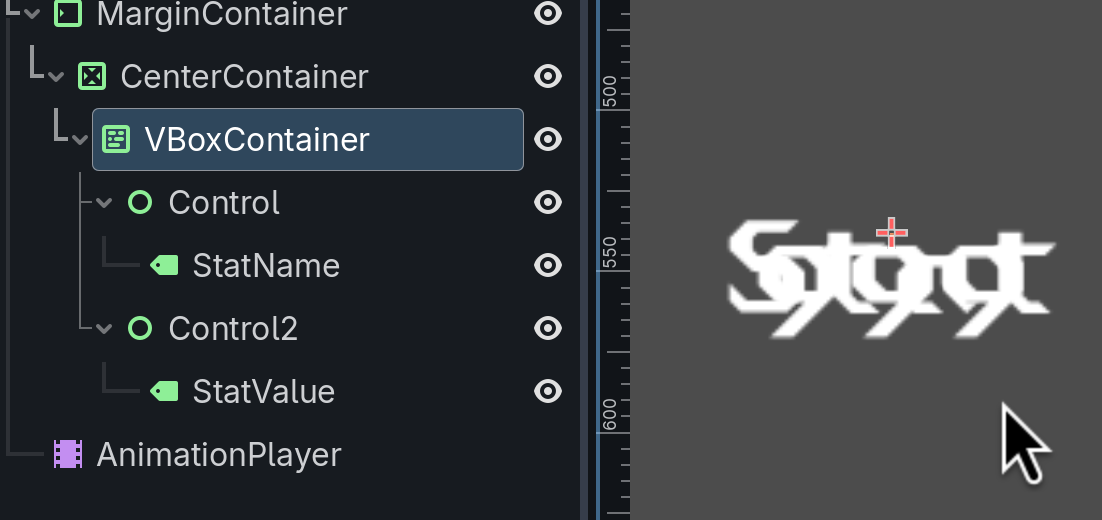
Also, I think why I didn’t manage before is because I tried this inside my UI prefab at first, and when I added controls there they seemed to break out of the controller above it and I’m still not sure why but I think I’ll be able to figure it out now if I just tinker with it more: