Godot Version
v4.8.beta.custom_build.c8256a8ec
Question
Hello everyone!
I’m trying to implement an object grab system similar to the game Portal, but I’m facing few problems when the player moves while is holding the object.
When the player moves in portal the object keep “static” to center of the screen:
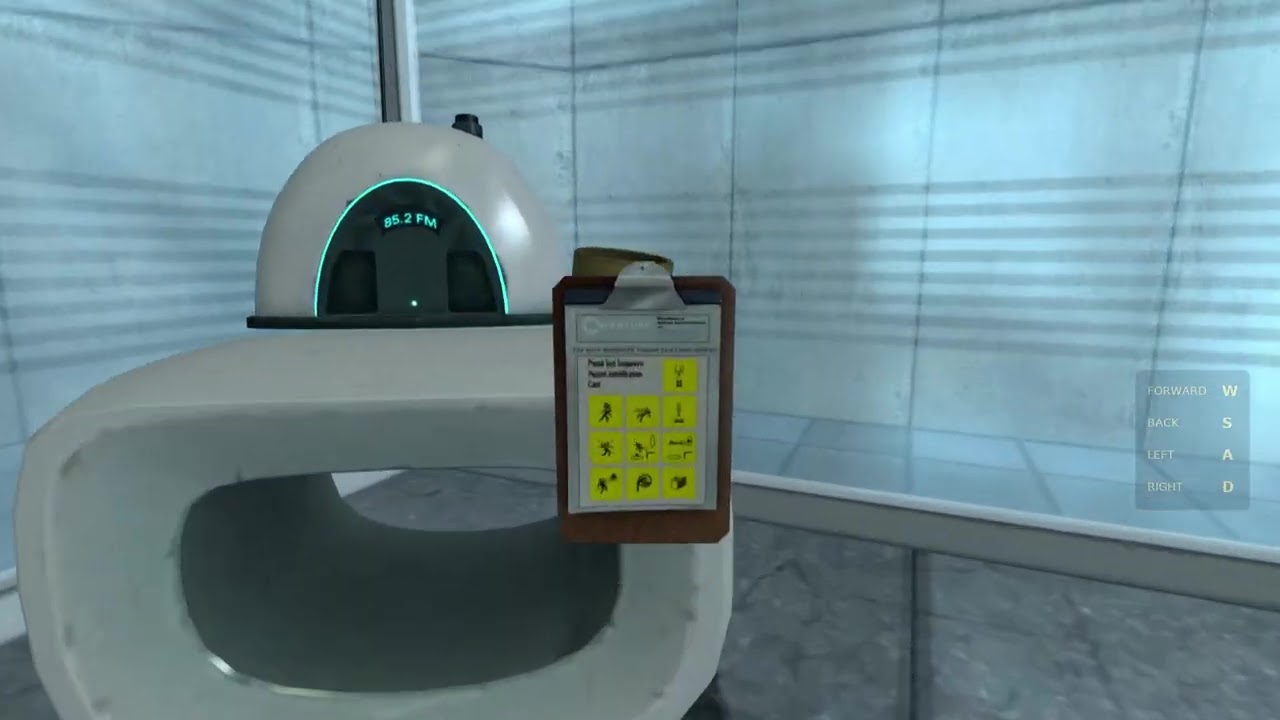
To reproduce this in godot I tried to move the grabbed object changing the `linear_velocity`, like so:
	if picked_object:
		var target_position: Vector3 = object_anchor.global_position
		var object_position: Vector3 = picked_object.global_position

		var direction: Vector3 = target_position - object_position

		var required_velocity: Vector3 = direction / delta
		picked_object.linear_velocity = required_velocity
		picked_object.angular_velocity *= 0.5
but the object does not remain in the center of the screen:
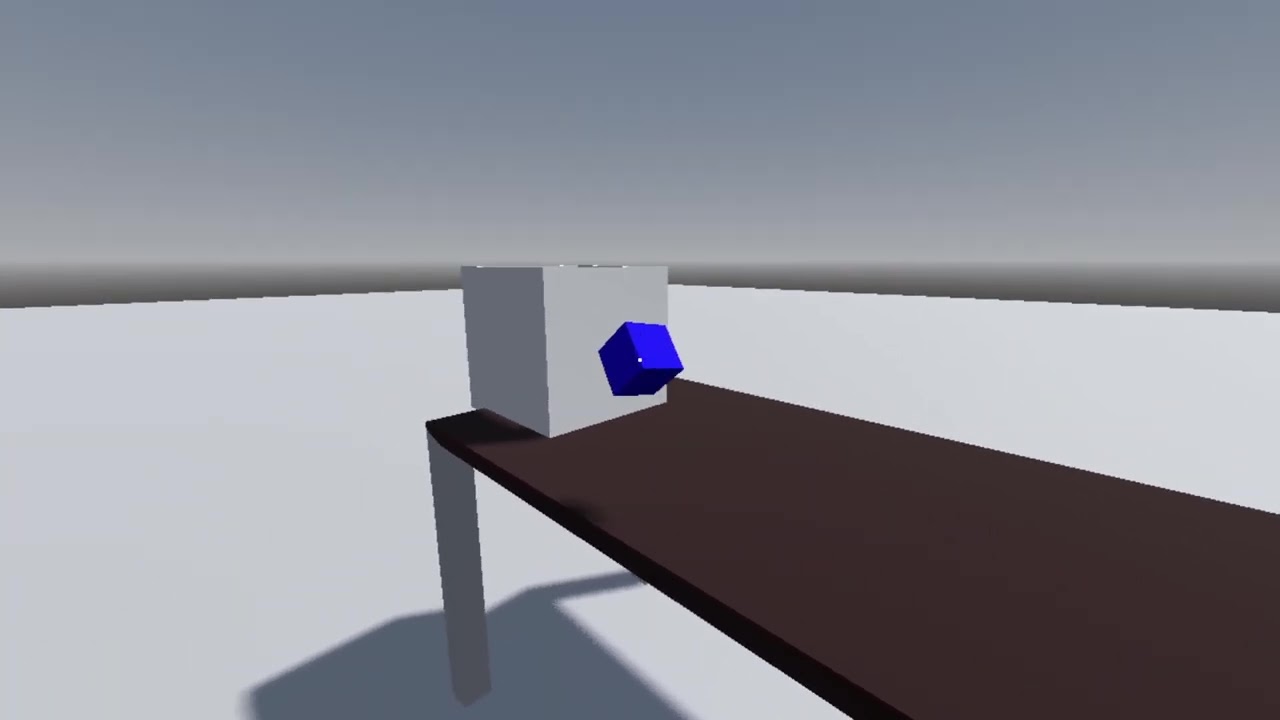
The only way I could achieve the portal result was changing the `global_position` of the picked_object:
picked_object.global_position = object_anchor.global_position
But, in doing so, the object’s physics stops working properly.
I also tried to change the position inside the `_integrated_forces` function, but the result was the same.
Does anyone have any tips or ideas on how to do this?