Godot Version
4.6.3
Question
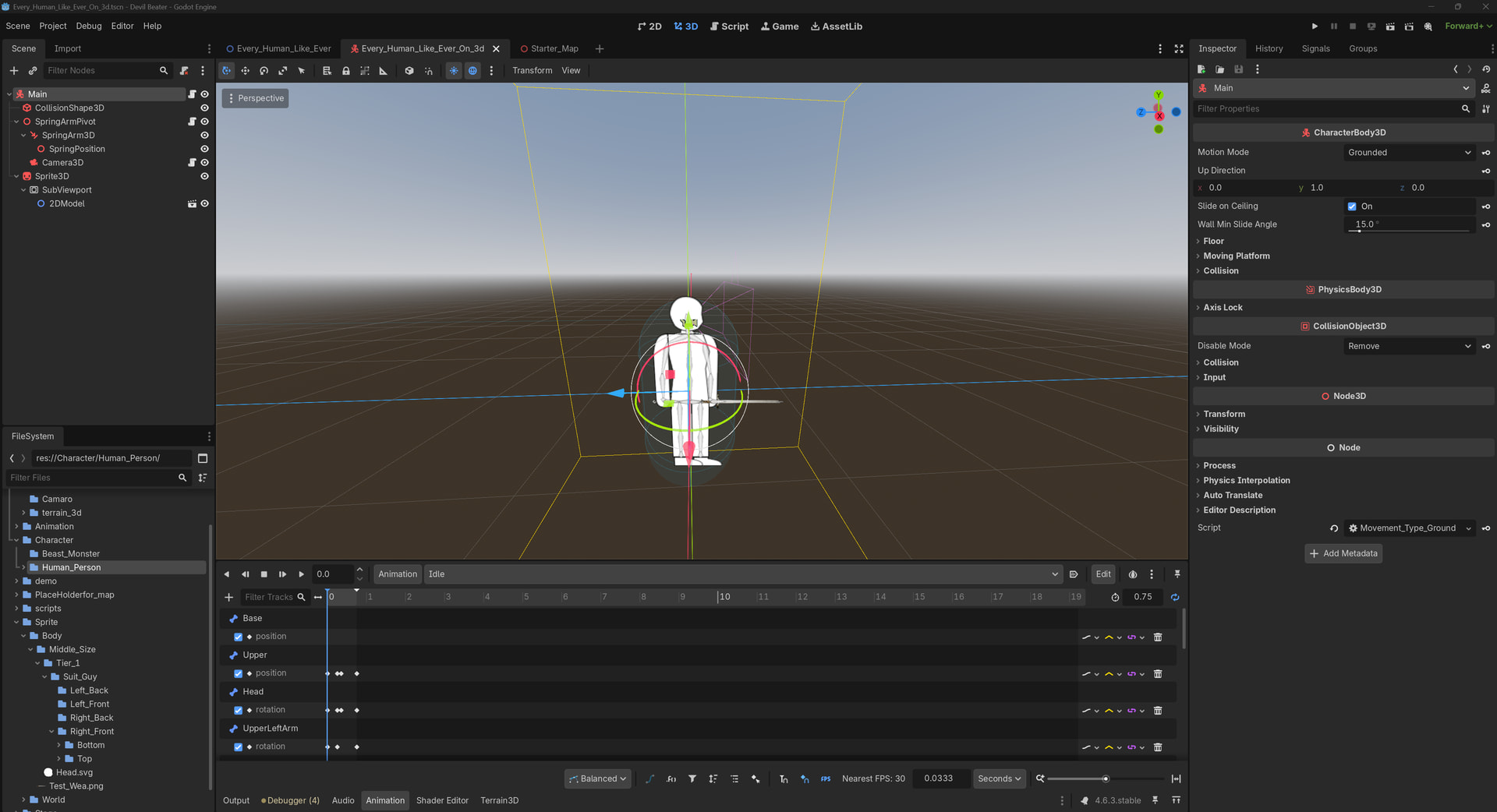
So I was trying to figure it out from how to play the AnimationPlayer inside of 2DModel inside of Viewport
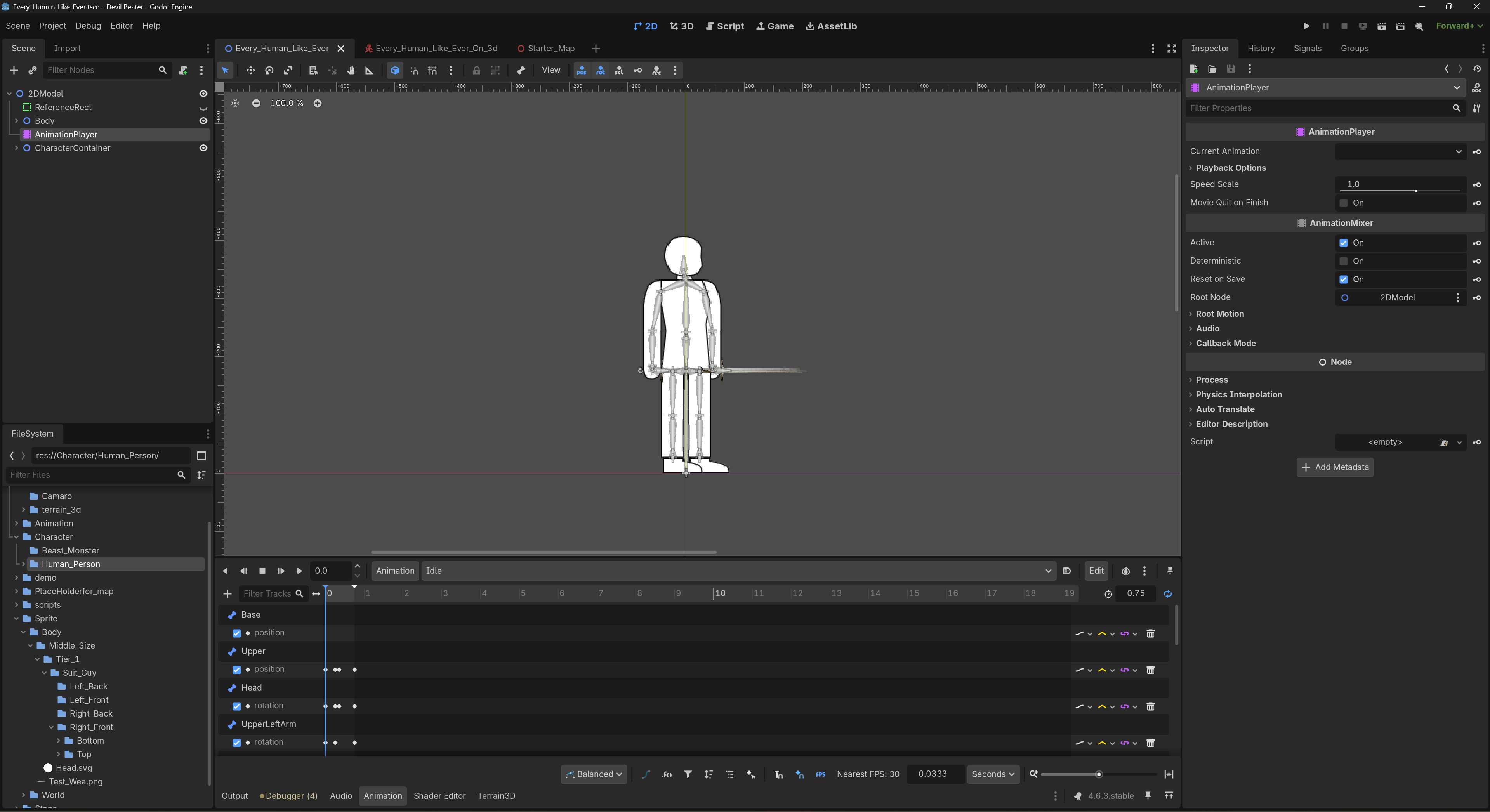
this is where the 2DModel look like and where do I put it in?
extends CharacterBody3D

const SPEED = 5.0
const JUMP_VELOCITY = 4.5

@onready var camera: Camera3D = get_viewport().get_camera_3d()
@onready var animation_player: AnimationPlayer

func update_animation(animation):
	$AnimationPlayer.play(animation)

func _physics_process(delta: float) -> void:
	# Add the gravity.
	if not is_on_floor():
		velocity += get_gravity() * delta

	# Handle jump.
	if Input.is_action_just_pressed("ui_accept") and is_on_floor():
		velocity.y = JUMP_VELOCITY

	# Get the input direction and handle the movement/deceleration.
	# As good practice, you should replace UI actions with custom gameplay actions.
	var input_dir := Input.get_vector("move_left", "move_right", "move_forward", "move_back")
	var direction := (transform.basis * Vector3(input_dir.x, 0, input_dir.y)).normalized()

	direction = direction.rotated(Vector3.UP, camera.global_rotation.y)


	if direction:
		velocity.x = direction.x * SPEED
		velocity.z = direction.z * SPEED
		animation_player.play("Walk")
	else:
		velocity.x = move_toward(velocity.x, 0, SPEED)
		velocity.z = move_toward(velocity.z, 0, SPEED)
		animation_player.play("Idle")
	move_and_slide()
this is my code look like.
