, after that download your city model as a .glb file.
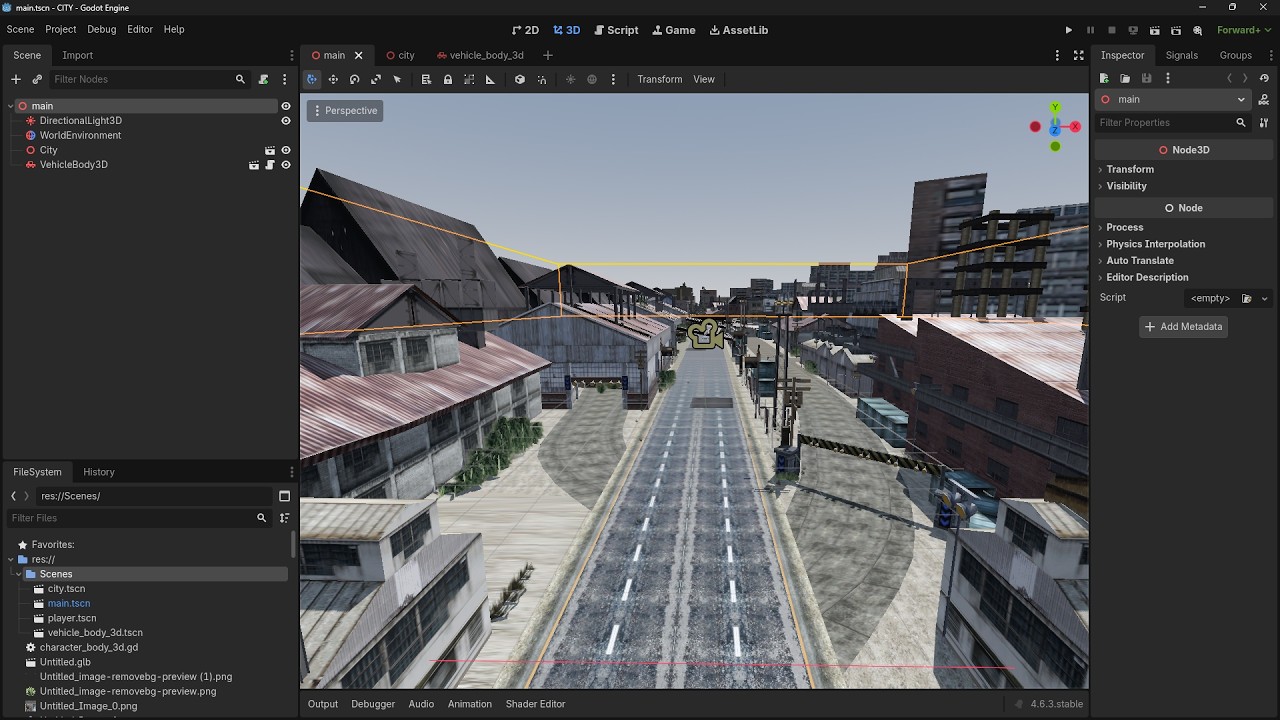
Create a node: Node3D named City Has a child Staticbody3D named Body
Load your .glb city model as a child to the Body node then right click, then click on make local.
After that click on the 3 points next to the search tab in the nodes panel, then click on filter by type , and type : MeshInstance3D to filter all meshes, select all the meshes then reparent it to the Body node, and keep selected all the meshes then in the 3d editor click on Mesh then select tree mesh and sibling and click on create to create collisions to each mesh in city.
And thats it! You have created a city!
You can test it by creating a vehicle or with a charachter.
You can see my open world car project set in city if you interested in how to make an open world car game in city:
 sorry a lot