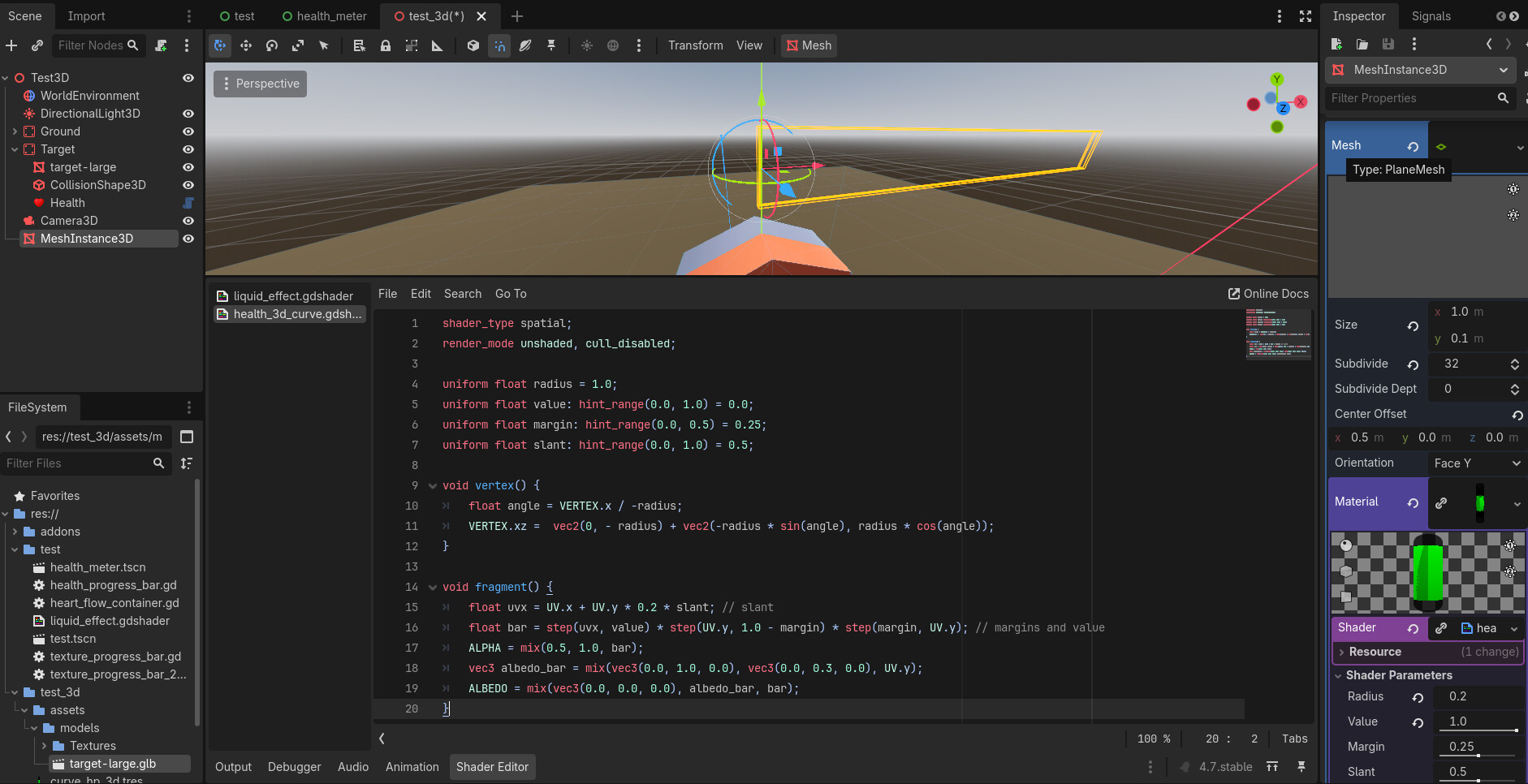
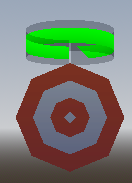
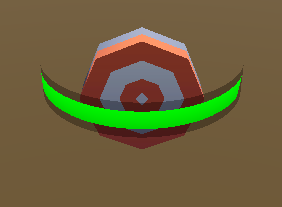
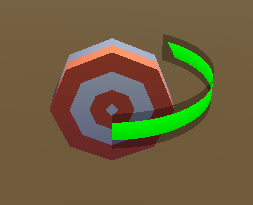
Here’s a basic version done completely in shader. The mesh is godot’s plane with 32 width subdivisions and origin moved to the left edge. Vertex function wraps the plane onto a cylinder and fragment function draws the bars. You can use textures for the frame and the bar to make it prettier.
shader_type spatial;
render_mode unshaded, cull_disabled;

uniform float radius = 1.0;
uniform float value: hint_range(0.0, 1.0) = 0.0;
uniform float margin: hint_range(0.0, 0.5) = 0.25;
uniform float slant: hint_range(0.0, 1.0) = 0.5;

void vertex() {
	float angle = VERTEX.x / -radius;
	VERTEX.xz = vec2(0, -radius) + vec2(-radius * sin(angle), radius * cos(angle));
}

void fragment() {
	float uvx = UV.x + UV.y * 0.2 * slant; // slant
	float bar = step(uvx, value) * step(UV.y, 1.0 - margin) * step(margin, UV.y); // margins and value
	ALPHA = mix(0.5, 1.0, bar);
	vec3 albedo_bar = mix(vec3(0.0, 1.0, 0.0), vec3(0.0, 0.3, 0.0), UV.y);
	ALBEDO = mix(vec3(0.0, 0.0, 0.0), albedo_bar, bar);
}
@normalized So I tried this out with your solution because I thought it was pretty cool, and I cannot get it working. If you take a look at my screenshot, you can see everything I did to set it up. I just copied everything you said you did. You can also see that the plane has been made transparent by the shader, but even with value set to 1.0 nothing shows up, and it’s not curving.
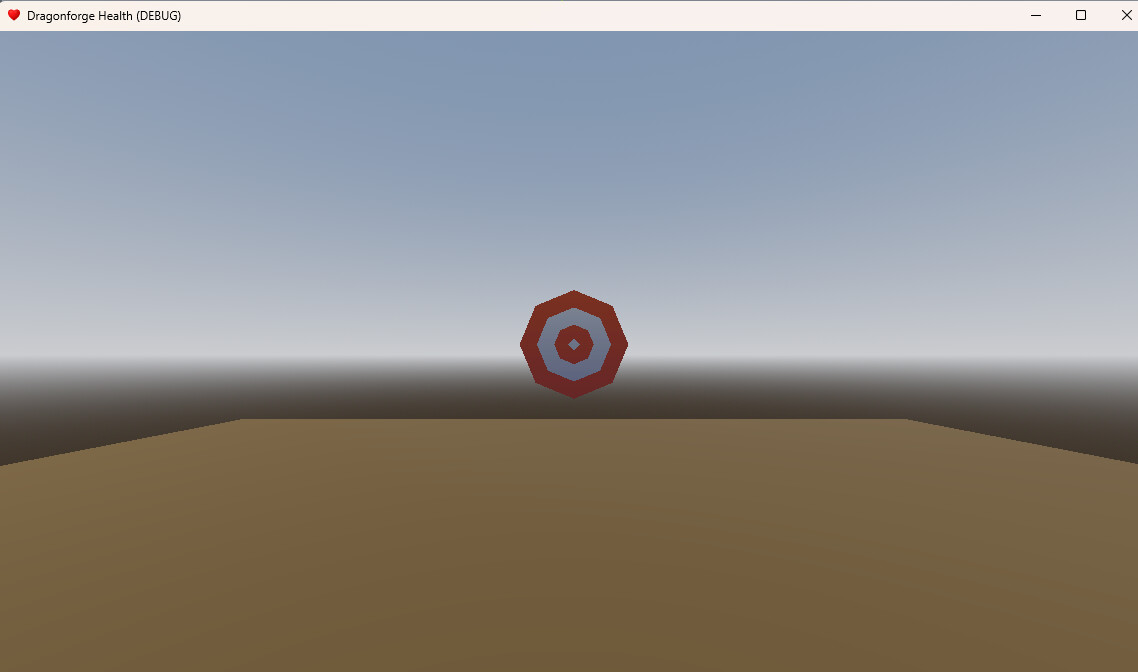
Running Game:
What did I do wrong?
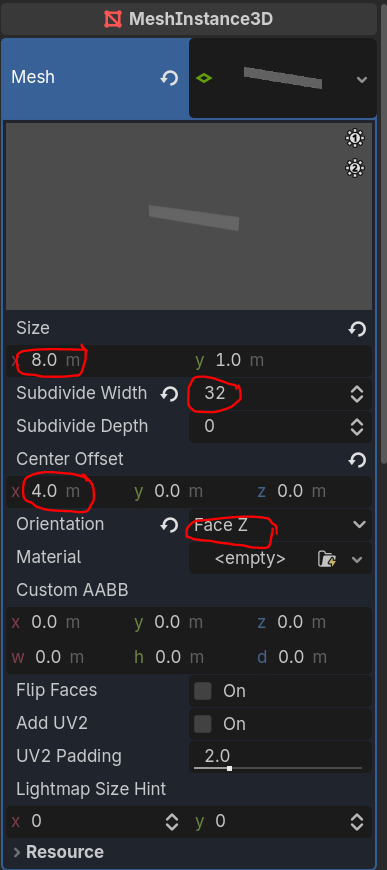
Set plane mesh orientation to “Face Z”. It will be set to Y by default. You can make it work with default facing as well but then you need to manipulate xy coordinates instead of xz in the shader.
Here are the things you need to adjust for the plane mesh:
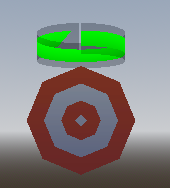
The Face-Z was the thing I was missing. I had rotated it 90 degrees on the X axis. I tweaked the radius a bit to 0.16, but I wanted it smaller so it would float above my target.
Now it’s a little health bar halo!
TBH that’s easier than the viewport progress bar solution I’ve seen for floating 3D health bars.
It still may require a viewport rendering if something intricate is happening with the bar graphics, but I think look-wise a lot can be done with two pre-rendered textures (frame and bar). Not 100% sure if Sword Art Online is doing just that (very likely) or there’s some real time assemblage going on. I’d need to see more footage…
Changing the offset just moves it the split to the back.
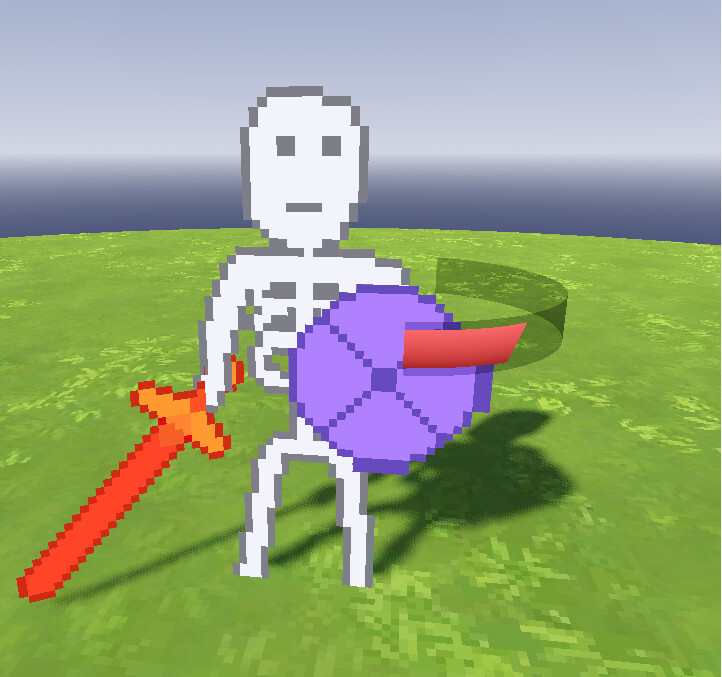
With some tweaking…
Very neat.
This looks really cool, just what I wanted. I’ll try to refine it and implement it in the game. Thank you all so much for your help