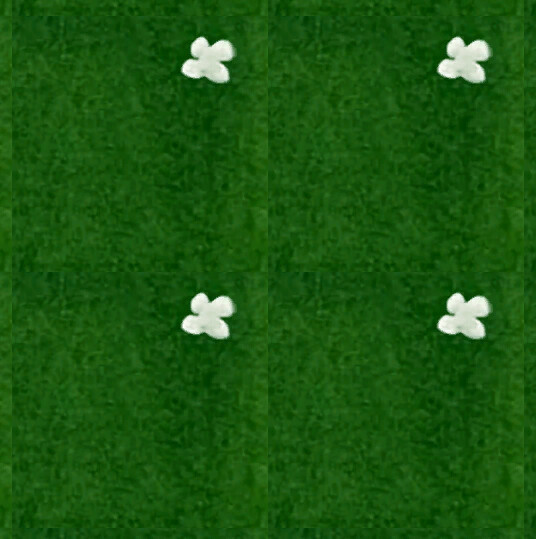
How can I blend the edges of a tile so that there is a seamless transition between bordering tiles?
⠂I am using a TileMapLayer.
⠂I have one test tile that I am attempting to fill the entire TileMapLayer with for now, but I do want it to be able to work with other grass tiles (with no white flower or with other decorations that aren’t on the edge of the tile).
⠂I am hand-drawing and coloring the art, then scanning it into the computer.
I am pretty sure this is an art issue, not an engine task/issue. You need to modify the artwork itself to be seamless, the engine, as far as I know, has no built in tools for this, and if it does, I doubt the results are going to be good.
I agree with @tibaverus, probably you want to make sure your art fits the requirement of being tileable before taking it into Godot. For pixelart editors there often is a tiling view where one can see how the art does when being tiled. For your approach where you hand draw and scan you probably need to do some post-editing for each art piece to be appropriate. Advice depends on your target art style.
If you don’t care for the crispness of the overall experience you could pixel everything in Godot with a post processing shader. All you would need would be a ColorRect and a shader that blurs it all out. But this would blur everything, not just the edges.
Bet you do some editing before your art even enters Godot.