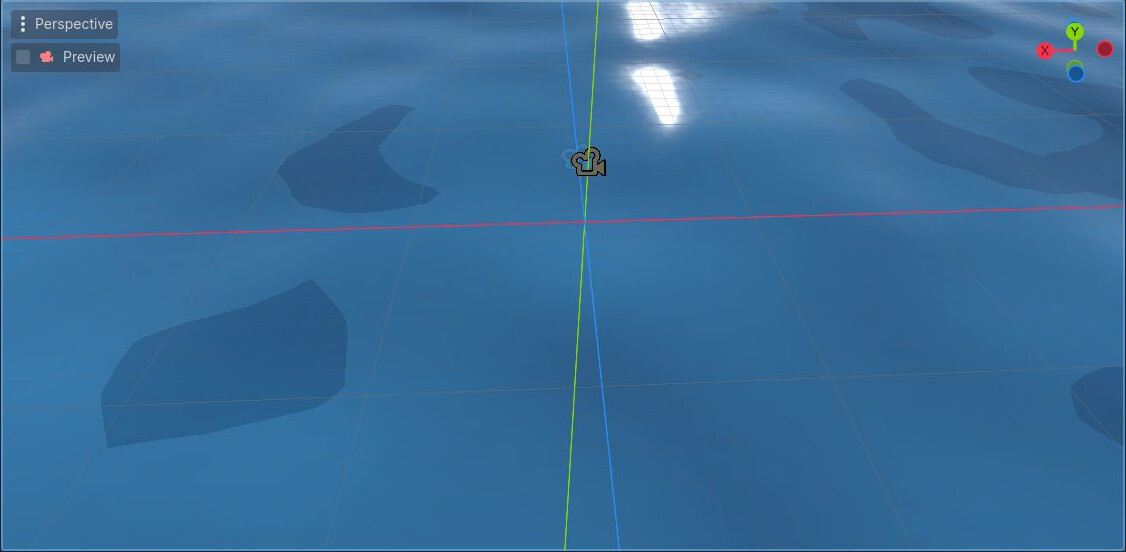
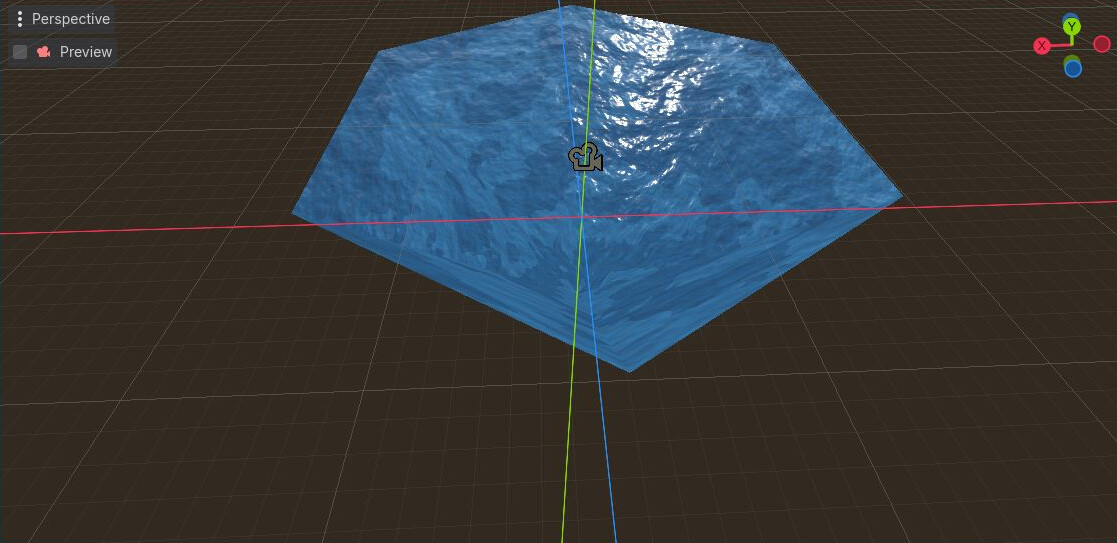
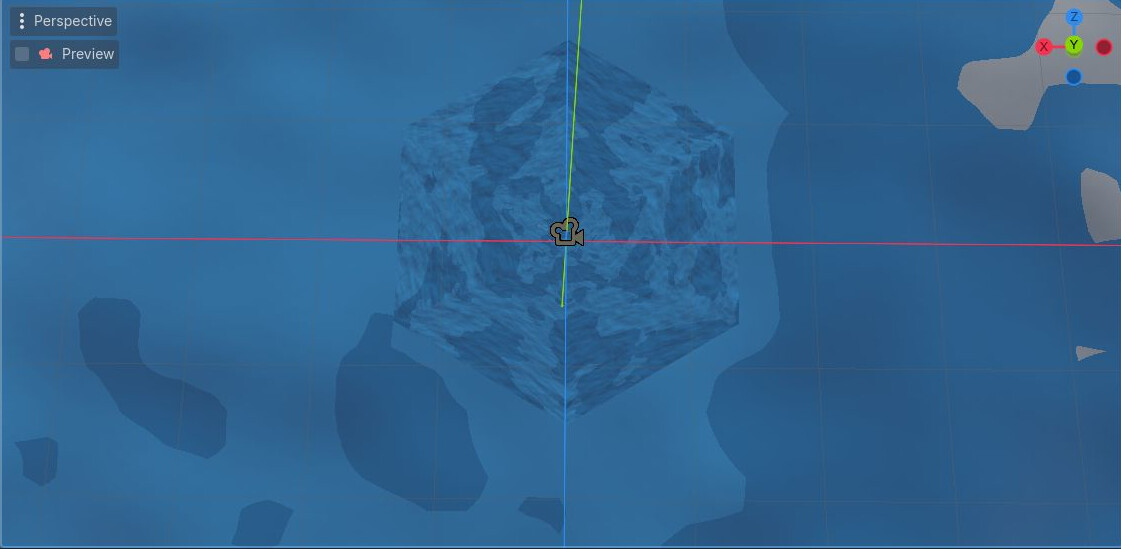
I got the last image from a top-down camera angle, but whirlpool needs to be at the same level as the sea itself, and currently the sea is blocking whirlpool from being seeing(obviously). How can I achieve this look? I can not embed whirlpool creating logic inside water shader itself because there can be multiple whirlpools at once, and I need this functionality for a few more objects other than whirlpool.
Have you considered making the Whirlpool a MeshInstanced3D? If you could apply the shader to that, the water shader would move around it, and you could make the whirlpool a few pixels higher perhaps.
Both water and whirlpool are Meshinstance3D nodes already. Water itself is a plane mesh, and whirlpool is a cylinder mesh with vertices lowered + one side has smaller radius than other side. I tried that but for some reason water plane blocks other object from being visible from some angles?
Edit:Whirlpool is visible from all angles if I hide water plane, so it is definitely water plane is blocking it somehow.
I see two ways to go about this, one is to change the whirpool material’s render priority to a lower one, to allow it to display in front of the water, the other is to use the stencil buffer, make the whirpool write into the stencil buffer and the water itself read from it to ‘cut out’ the area of the water where the whirpool is.
I am okay with using render priority solution for now, but it has a big problem, it makes whirlpool visible inside water regardless of where your camera is. But stencil buffer method seems promising and I will look into it later, it seems it also works with depth buffer which solves the problem with render priority solution.
I also wonder if there is a better solution rather than putting independent objects to create these effects?