Godot Version
4.6
Question
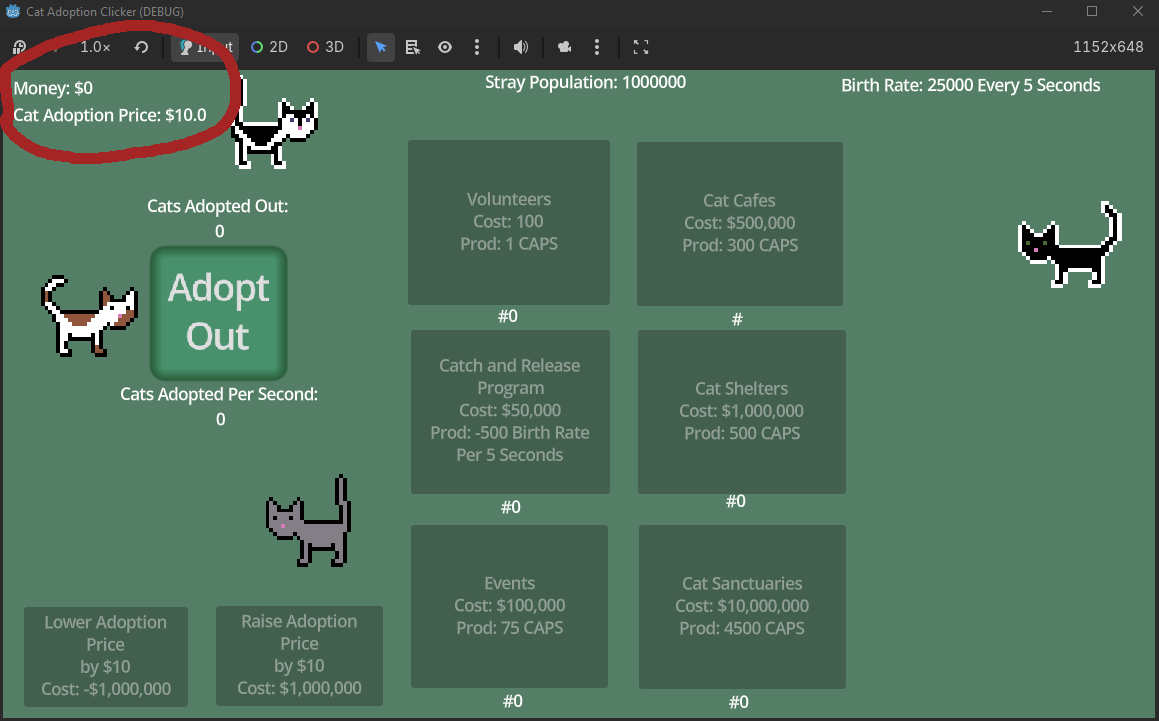
Hello, I'm making an idle game, and I have a money variable that I'm trying to display with two decimal points. It currently displays as 10.0 instead of 10.00. How do I get it to display two decimal points instead of one or three or more?
I tried using "%.2f"%, but that turns the variable into a string, and throws errors later on in the code because the variable that should be a float is now a string.
I also tried var money = snappedf(10, 0.01), but that doesn't appear to do anything to the display. It still shows 10.0, and if I understand the documentation right, it's used more for computation and not for displaying things.
Here's a pic of the display. I feel like this should be super simple, but I'm not finding much of anything online about it aside from some questions from previous Godot versions.