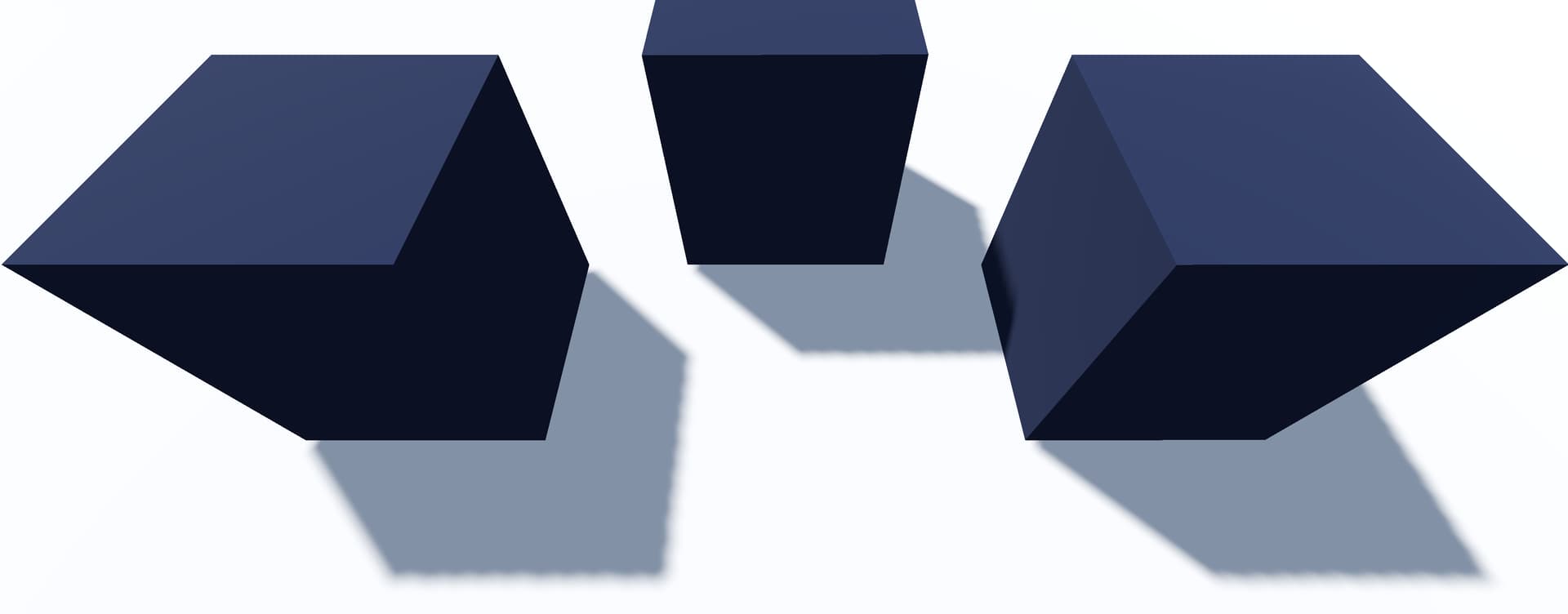
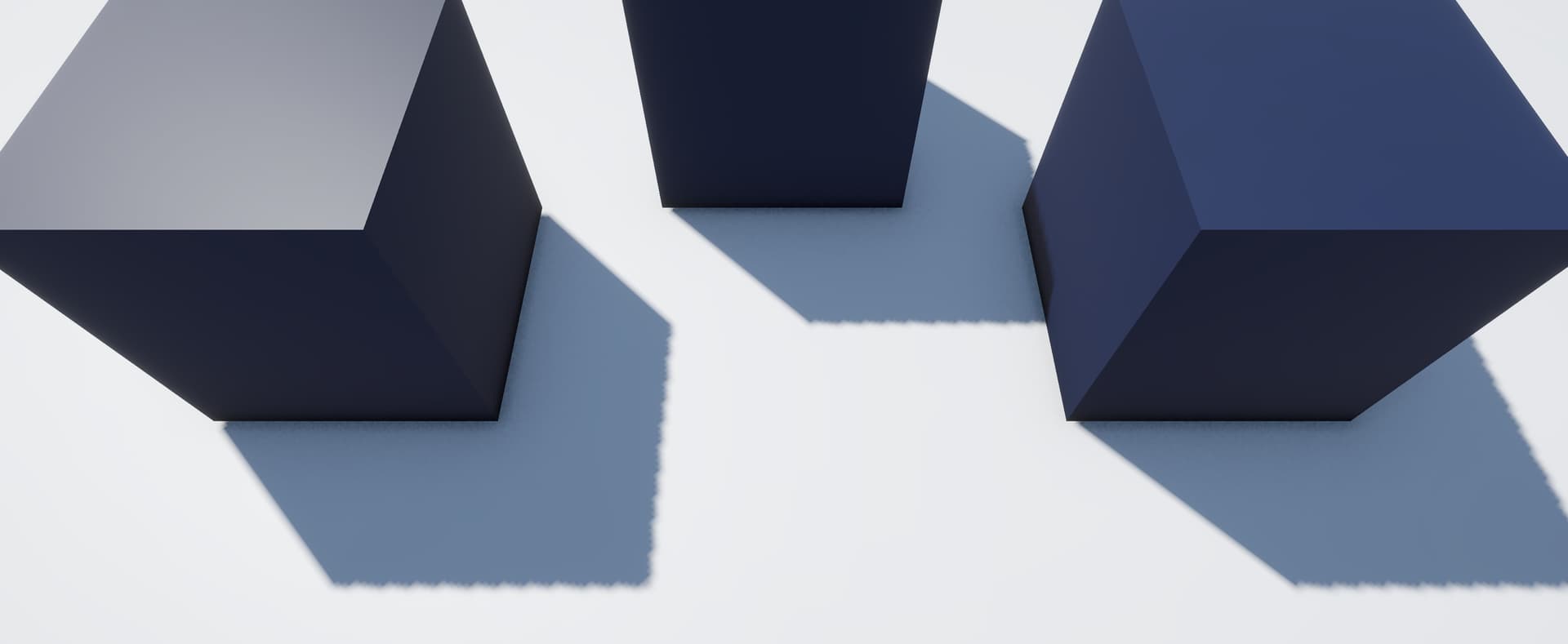
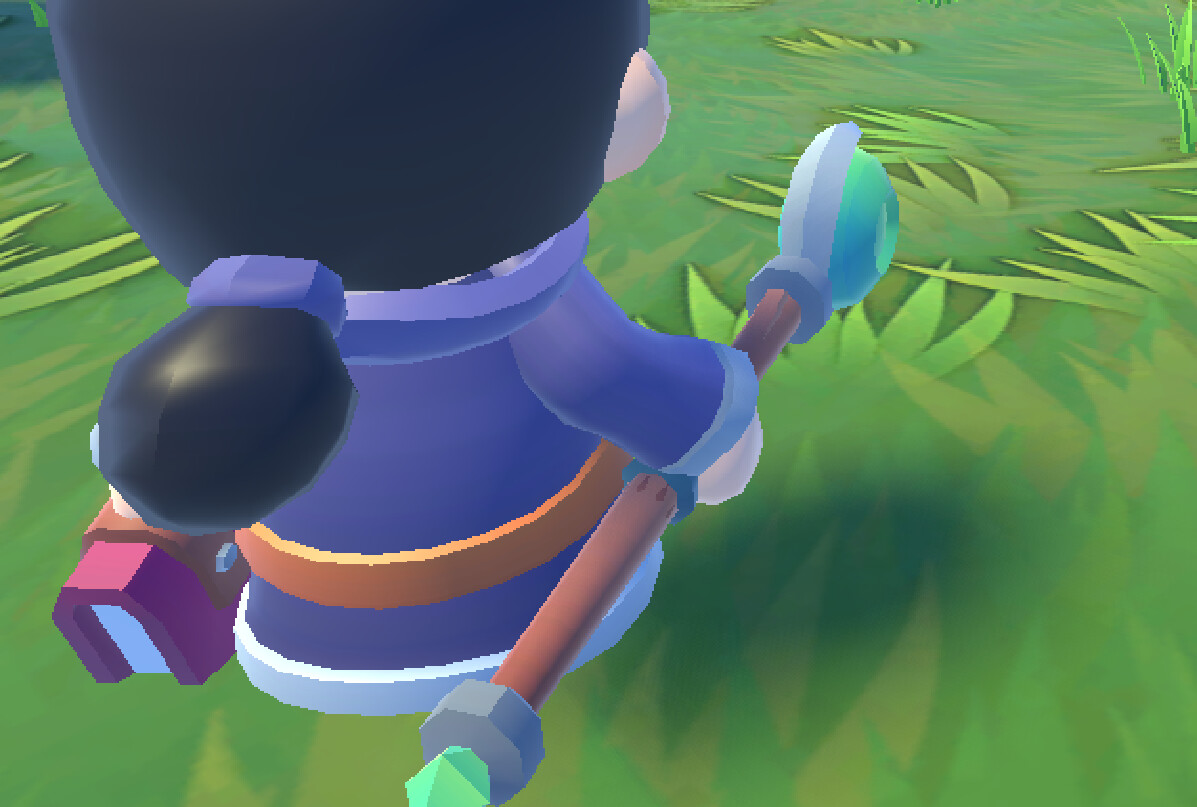
I’ve been testing shadows in Godot and so far they do not meet my expectations.
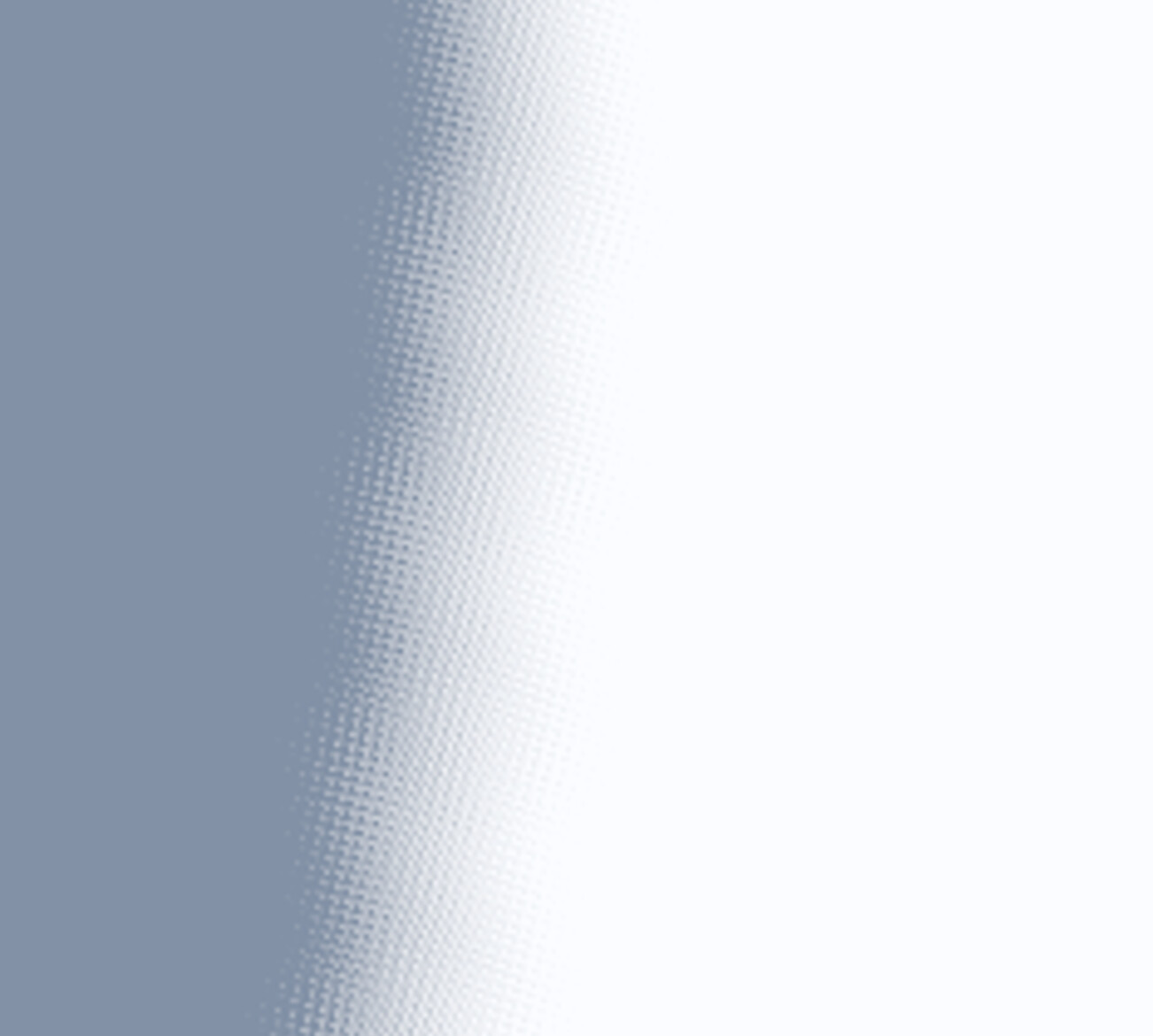
With default light and shadow settings, soft shadows always show a noticeable dithering or grain pattern on the edges. I compared the exact same setup in Unity and the shadows there look much smoother by default.
If I lower the blur, the dithering goes away but then the shadows look very pixelated and harsh.
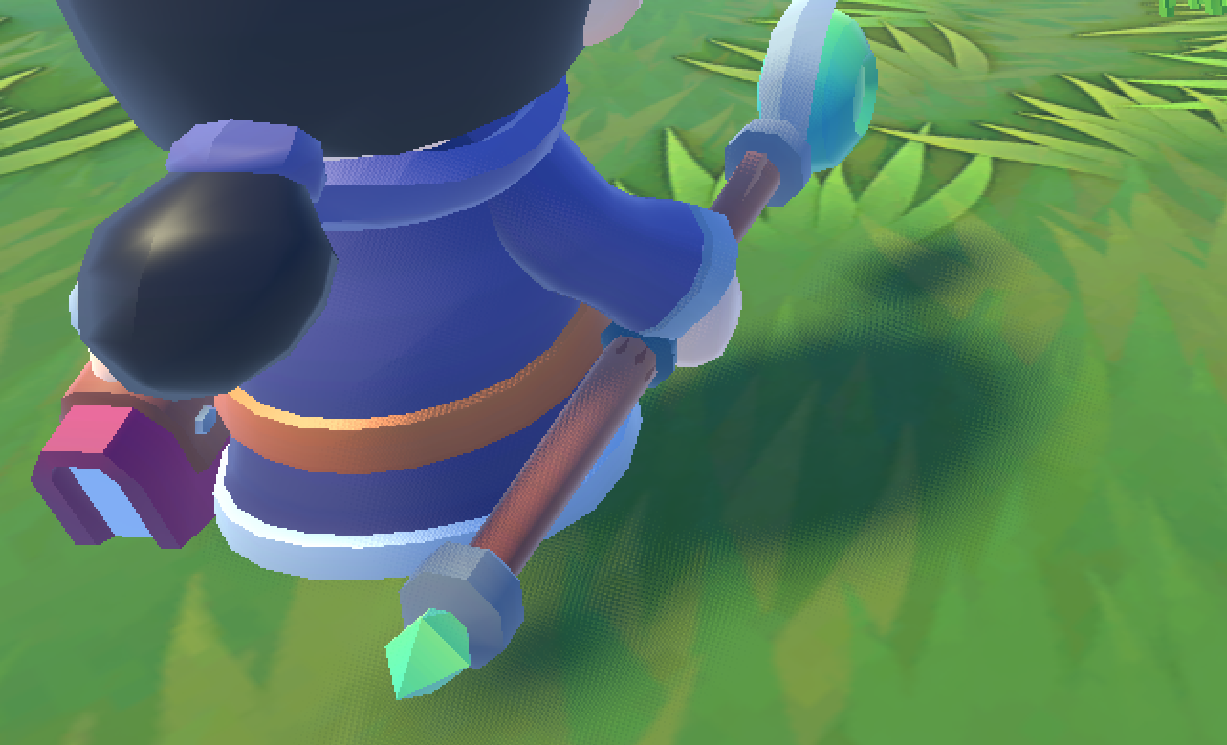
I also tried other settings, but nothing met my expectations. I also tested TAA, but then I got other artifacts and everything looks very blurry while moving.
What I’m looking for: a way to get clean, soft shadow edges without a big performance hit.
Any advice would be greatly appreciated
The only solution I found so far is increasing the shadow quality.
But if there is another way to get better shadows without decreasing the performance I’d like to know that too.
In the DirectionalLight3D node under Light3D → Shadow, there’s a Blur option. If you reduce that value, the grain effect gets weaker, but the shadow edges become more pixelated instead.
I didn’t know that, thanks. But you know about the shadow settings in project settings right? Setting the directional soft shadow quality one higher removes the dithering for me. But I’m not sure how it affects performance.
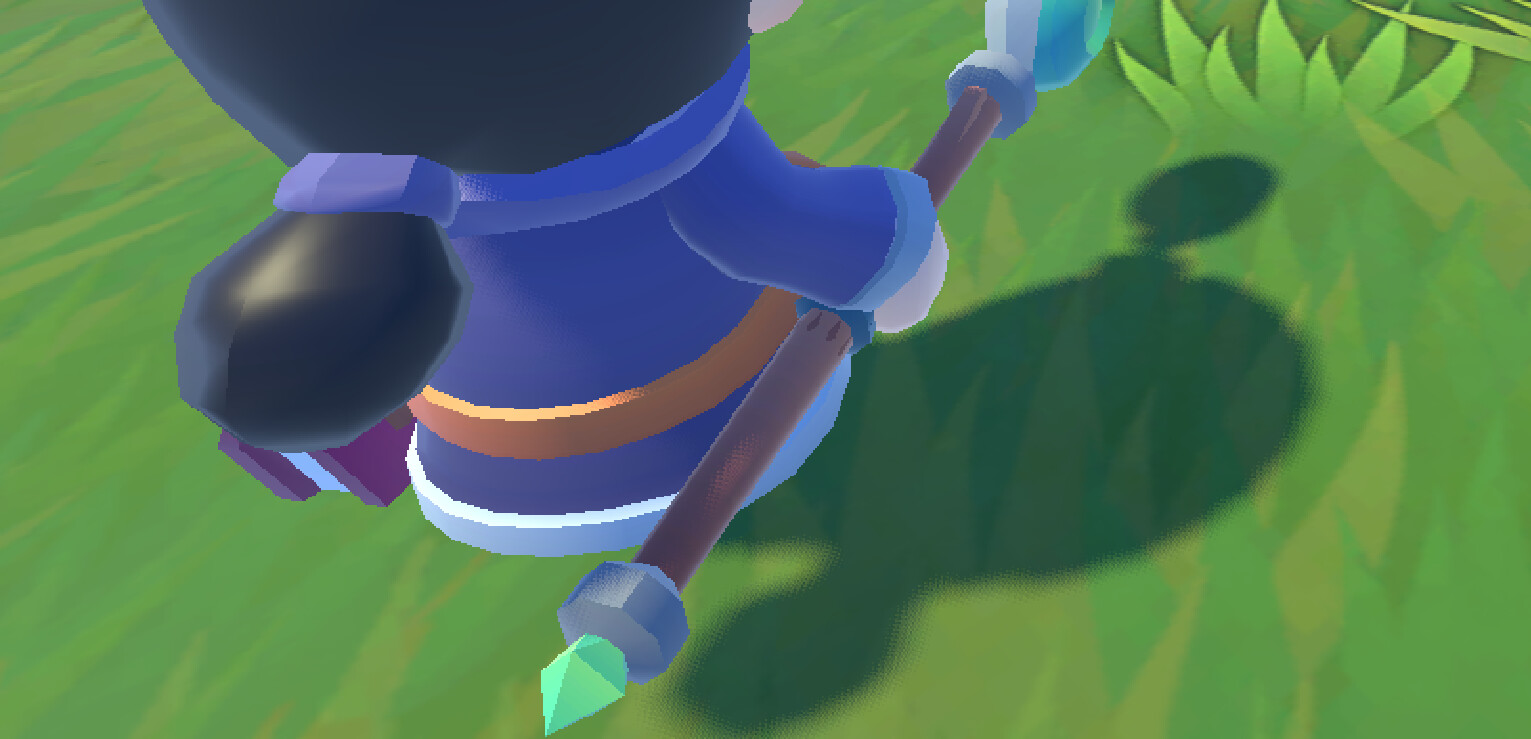
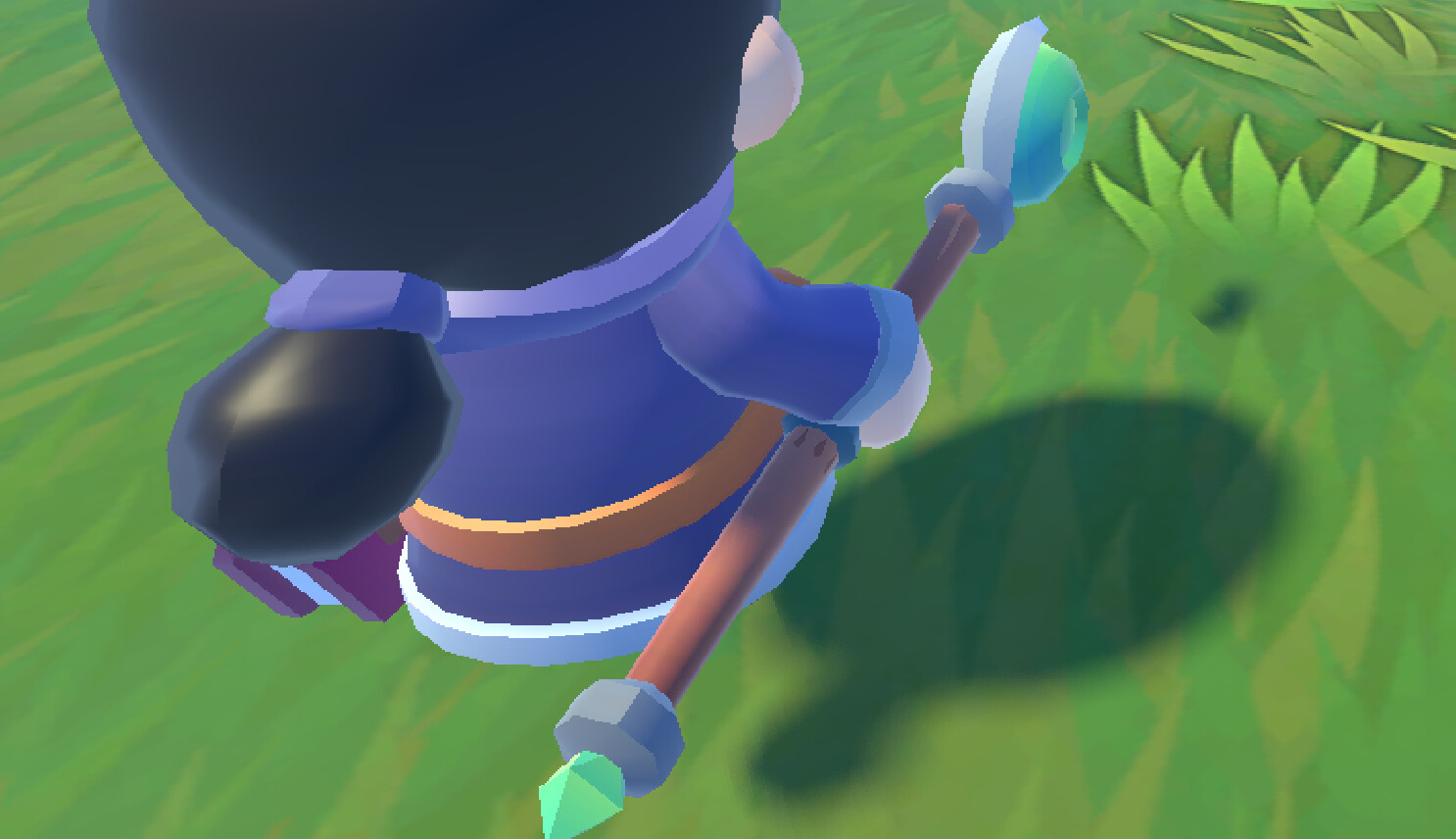
So I tested the Directional Shadow Settings in the Project Settings. With the default values (Size = 4096, Filter Quality = Soft Low (Fast)) I got this result:
Less dithering but the shadows lost a lot of detail and performance dropped by about 50 FPS. Then I tried increasing the size to the maximum (16384), which cost me around 20 FPS. With Soft Low (Fast) it looked like this: