Godot Version
v4.6.rc2.official [78c6632eb]
Question
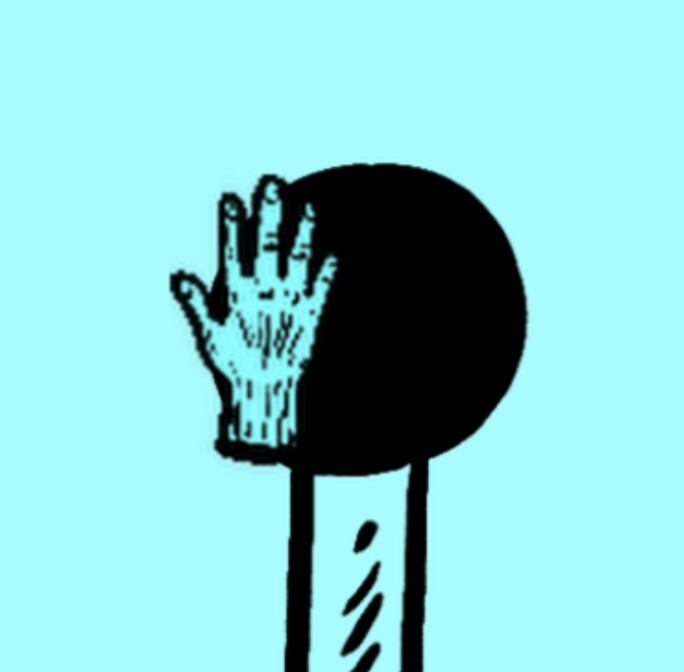
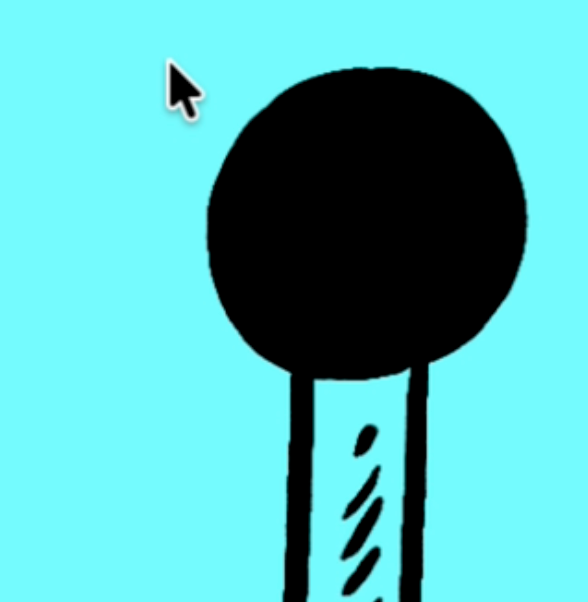
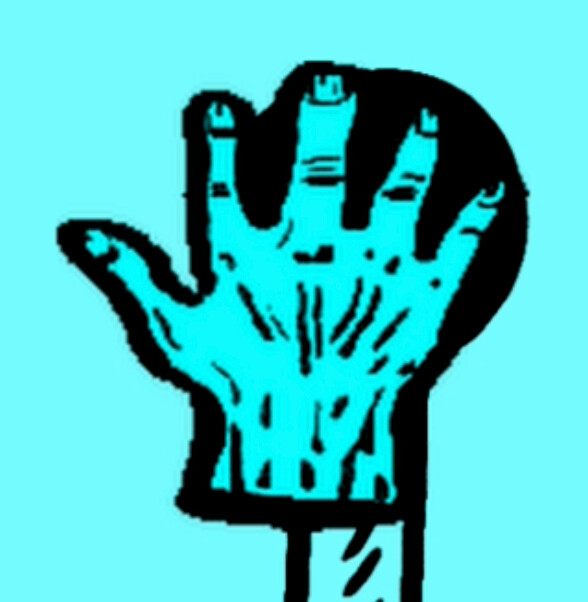
As we have seen, using an image smaller than 128 x 128 pixels causes rendering problems. So the next question is whether there is any other way to create a smaller cursor. 128 x 128 is pretty huge next to the standard 64 x 64 system cursor (the standard macOS arrow pointer is actually more like 40 x 64) and there is quite a jump when you use them together. Is there any way to make a standard-sized custom cursor in Godot?
[EDIT: The difference in size is a LOT more than the expect double for some reason, as you can tell from the images below.]
The usual ways to scale textures do not seem to work with mouse cursors.
Someone apparently asked a very similar question back in 2024 and did not receive a single reply, so I don’t really expect this to fare any better.
Standard system cursor:
Minimum viable custom cursor:
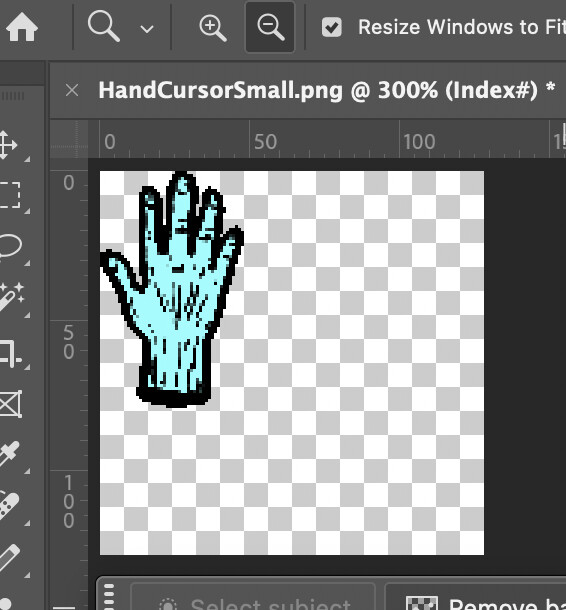
EDIT 2: Right, turns out you can make the cursor smaller as long as the image is 128 x 128. Just make a tiny cursor in the corner of the image.