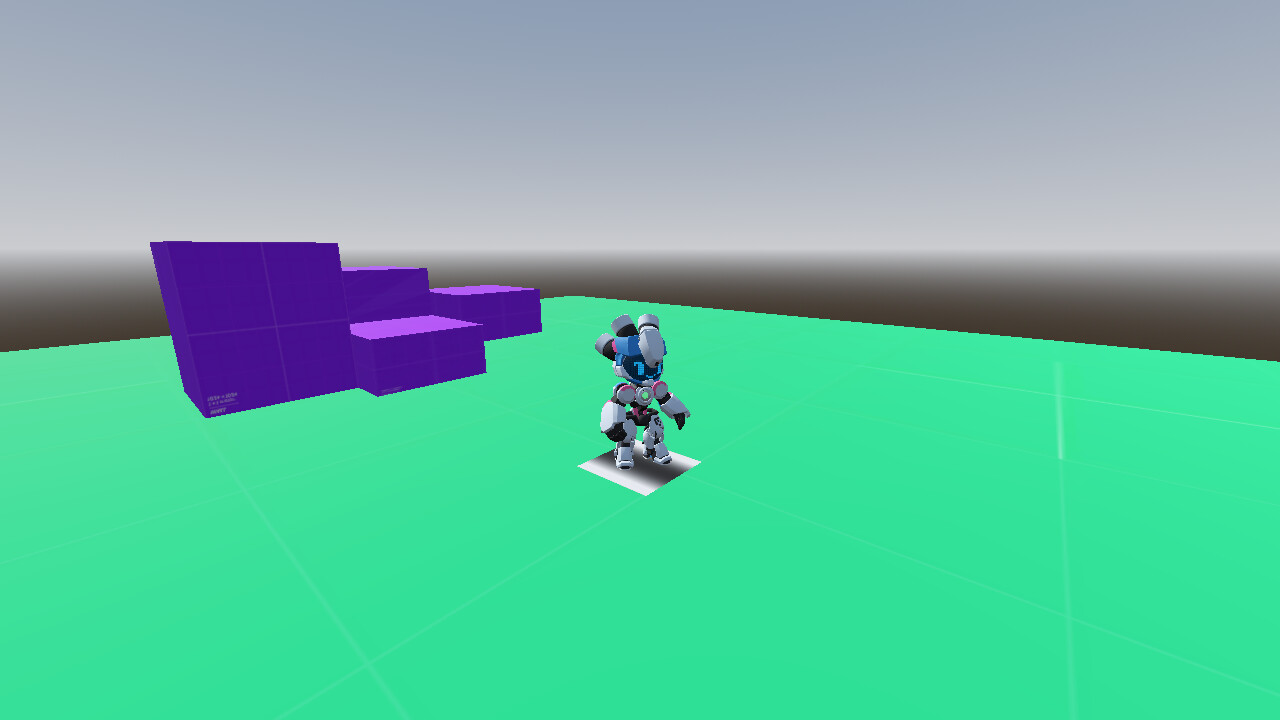
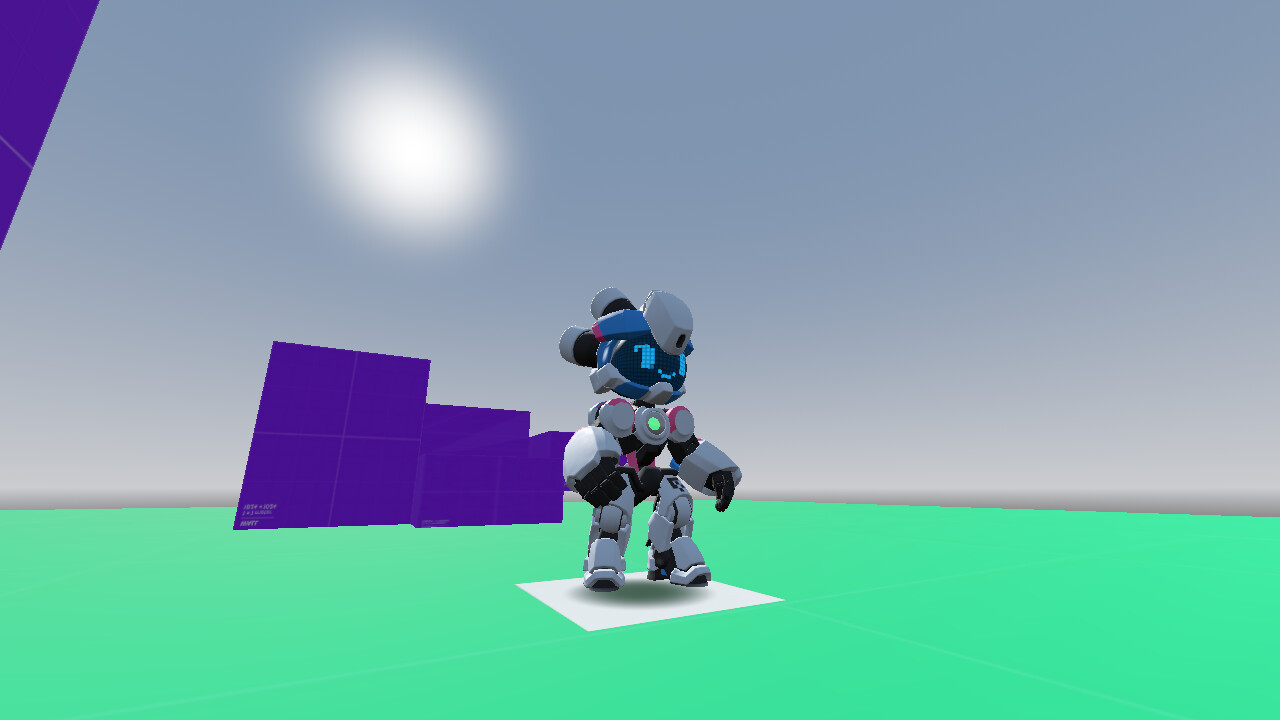
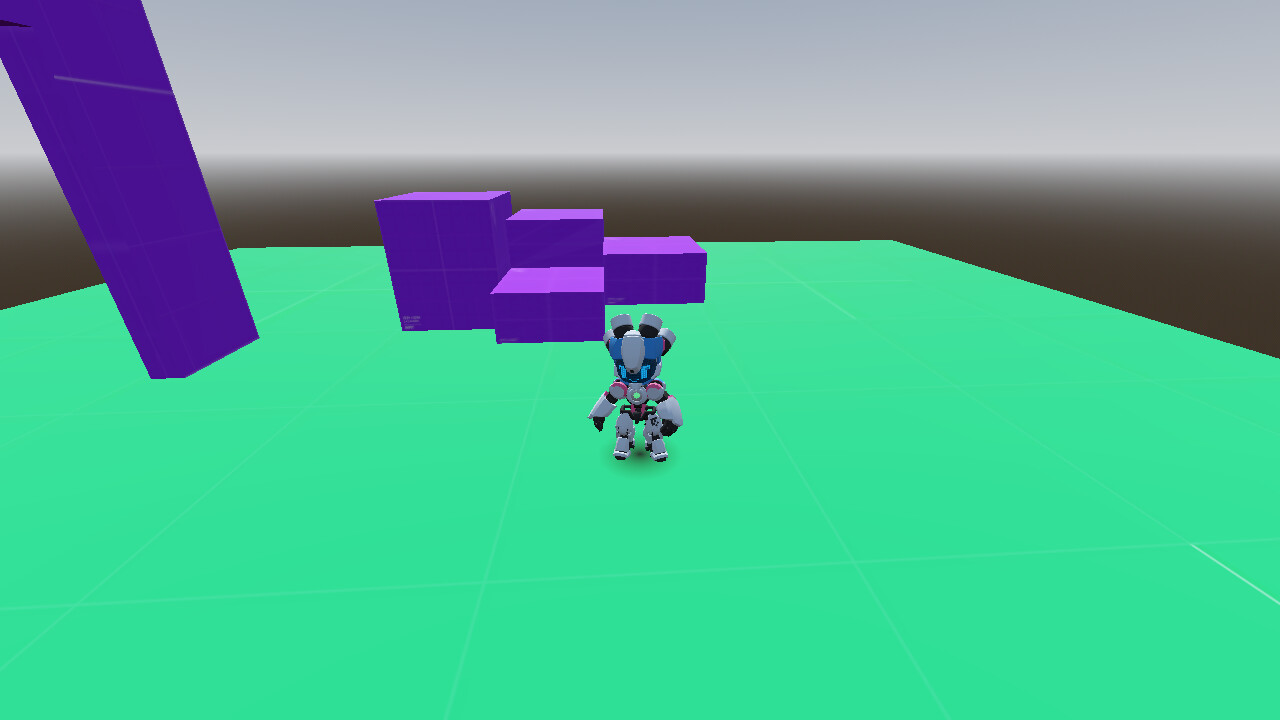
so I’m trying to implement a drop shadow for a 3D platformer and for that I’m using a Decal node. However the problem I’m having right now is that I cant get it to fade out as “uniformly” as I would like if that makes sense. I want it to be a lot more circular if possible.
I did play around with Vertical Fade some and that kind of helped kind of didn’t. is there a way I can fix this in code or in the parameters? or is this a matter of me needing a better texture cause right now I’m just using the default Godot Logo and modulating it all black for my texture.
the problem is that I cant figure out how to use it for lack of a better word. cause if you look at it in game it looks like the decal is only reading from a single axis of the texture and Im not sure how to change that.