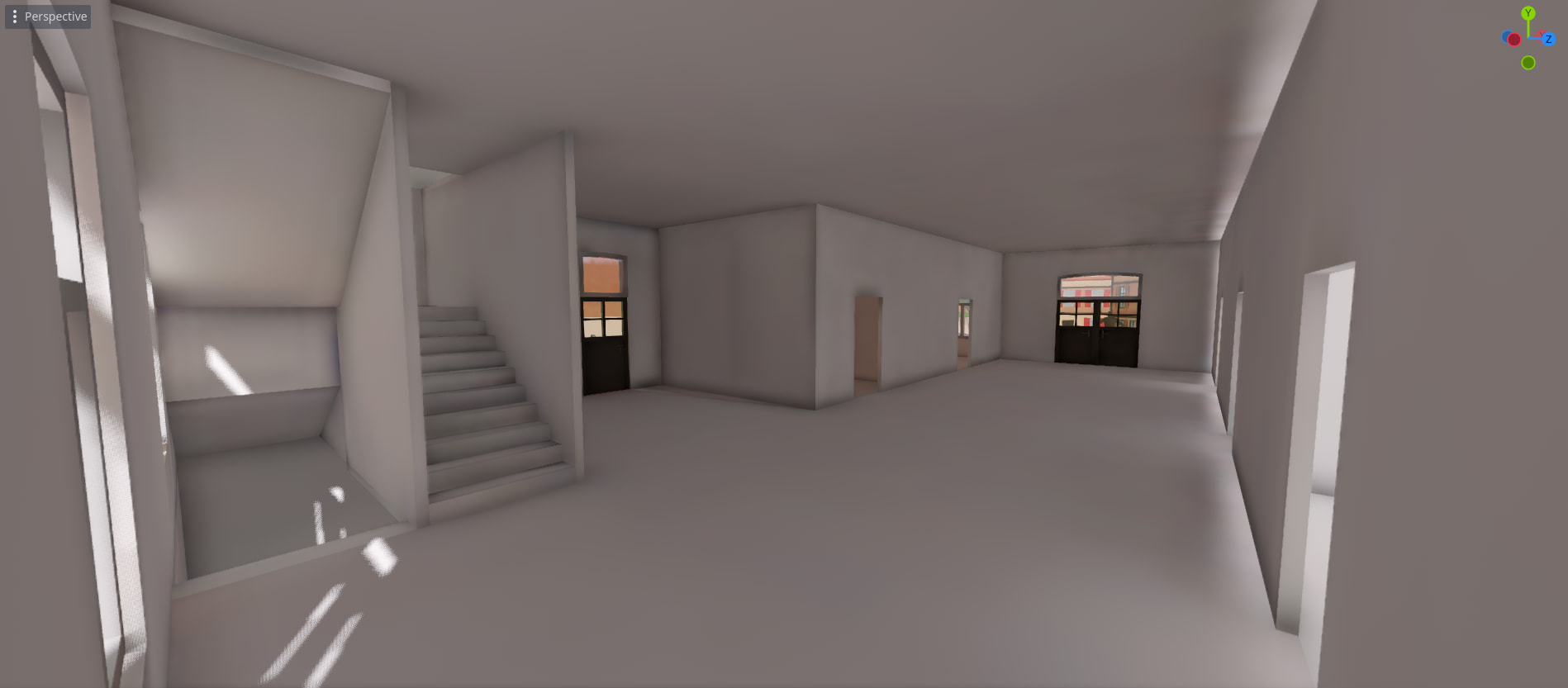
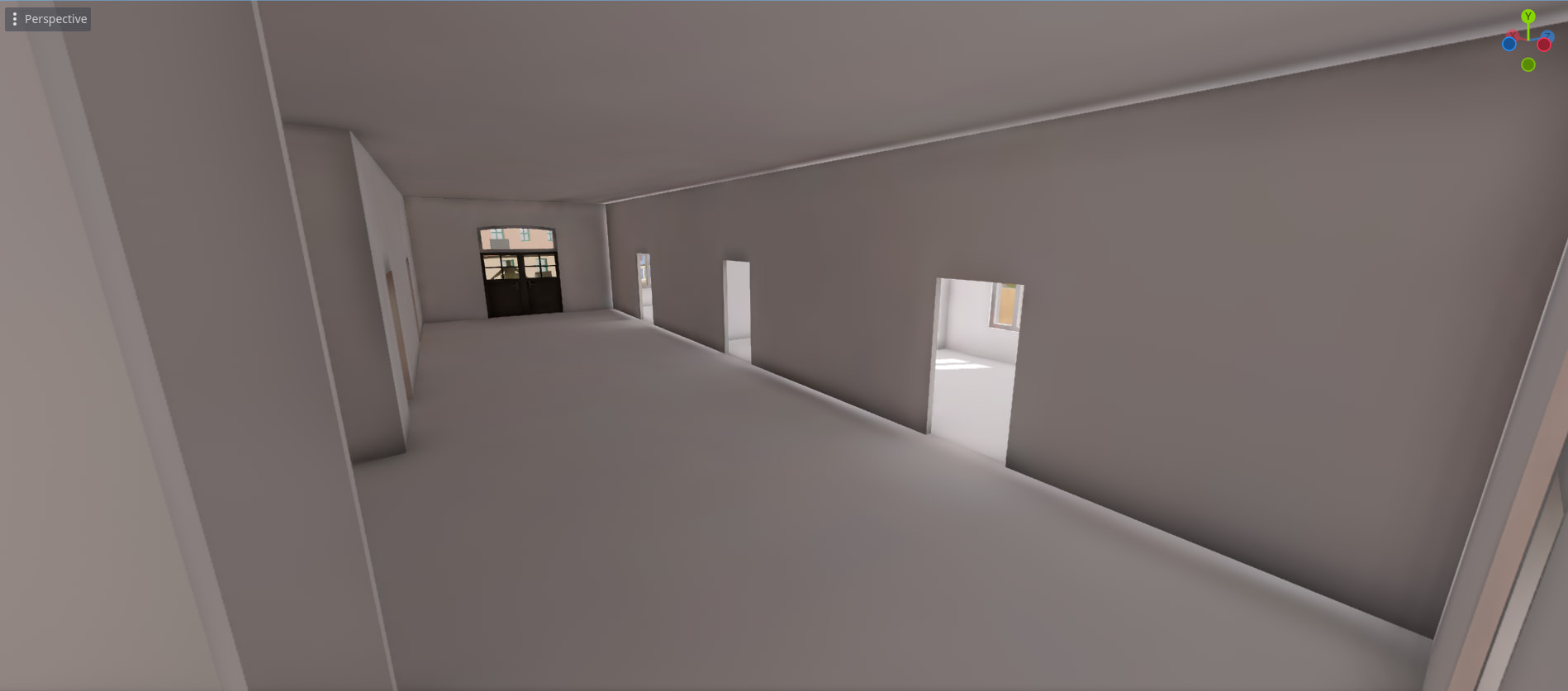
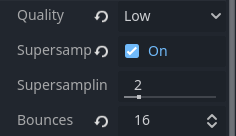
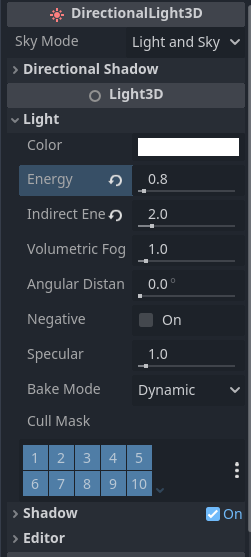
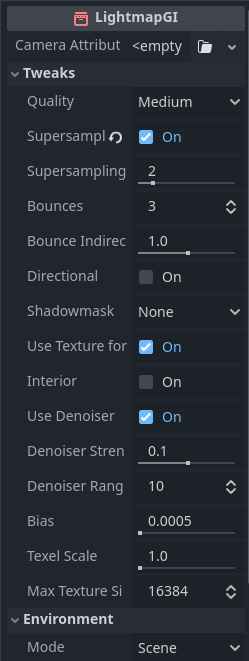
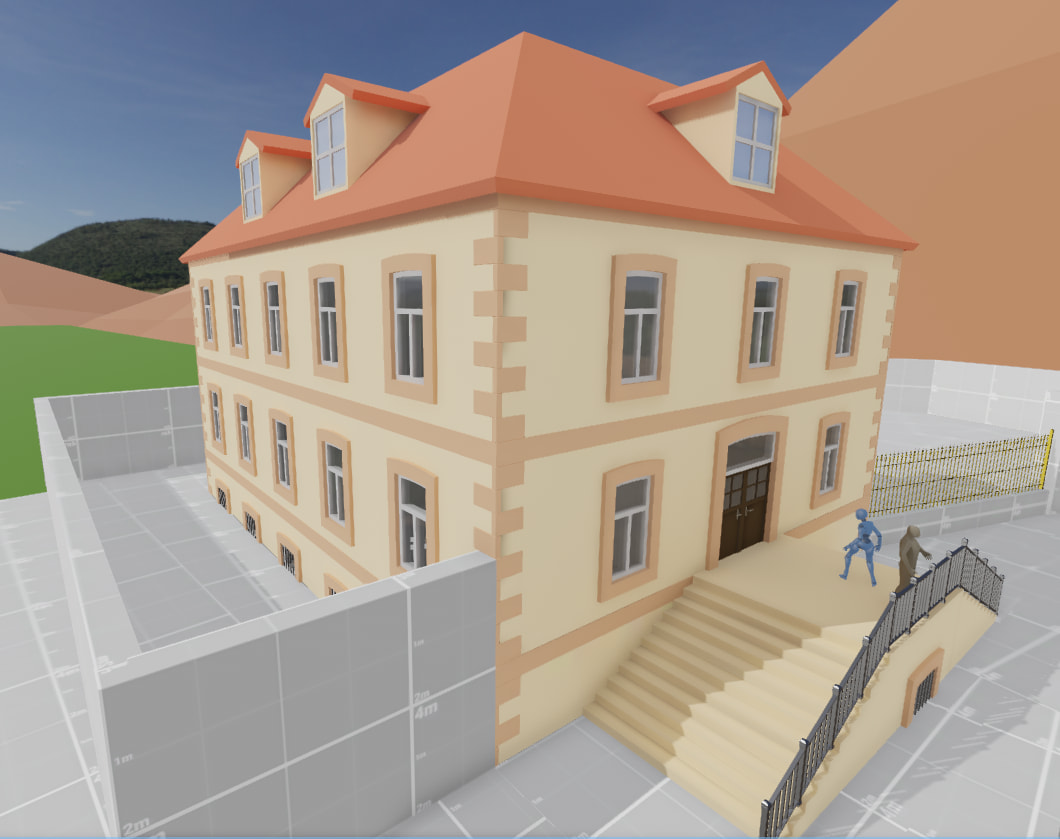
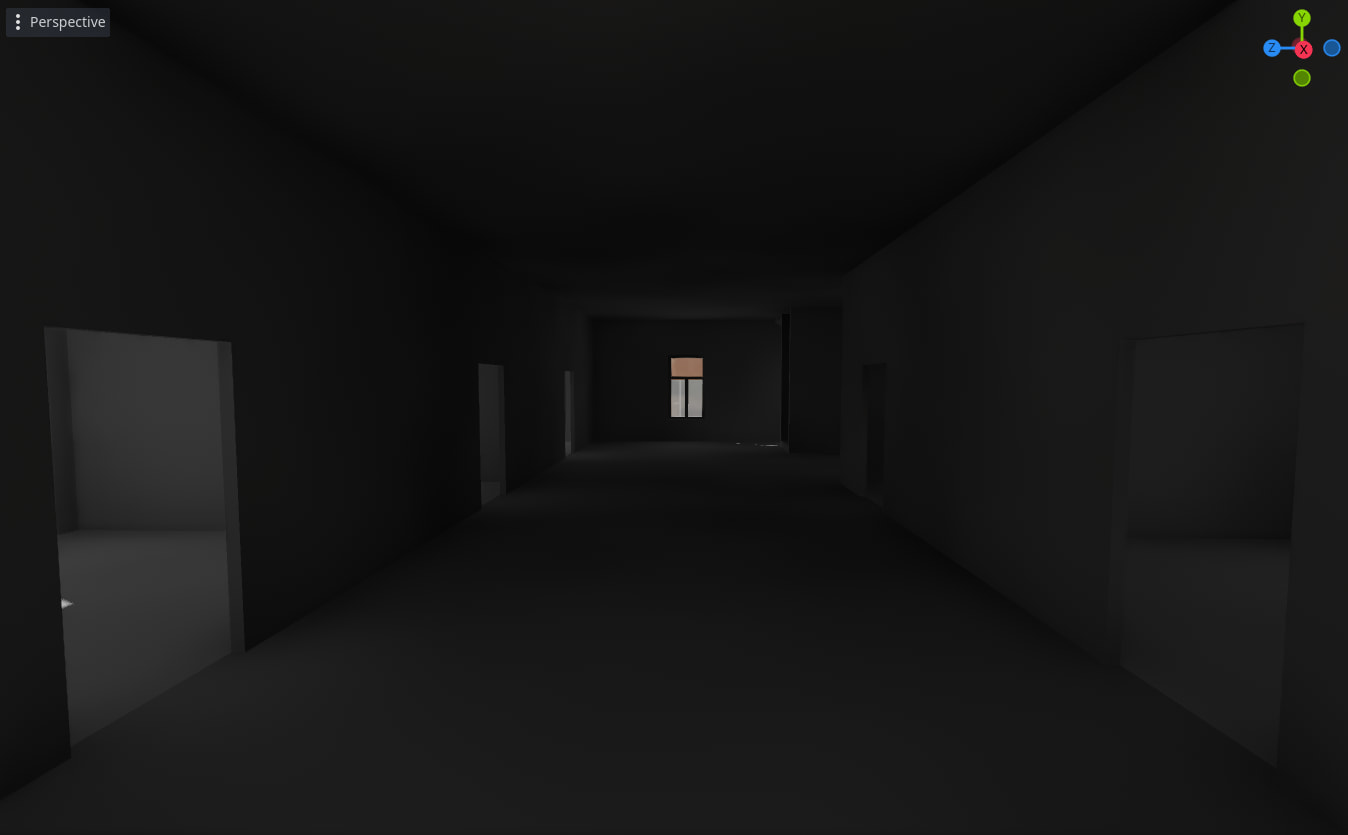
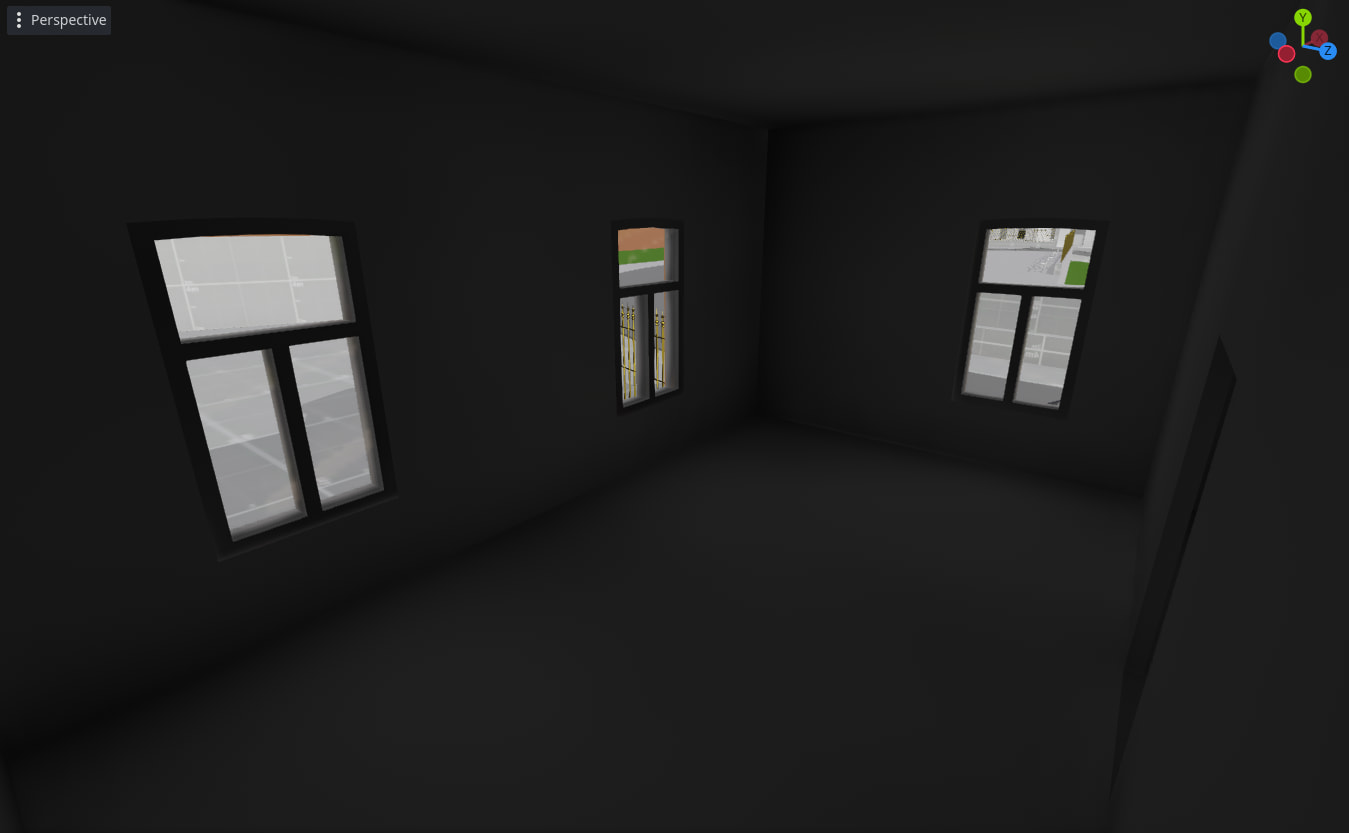
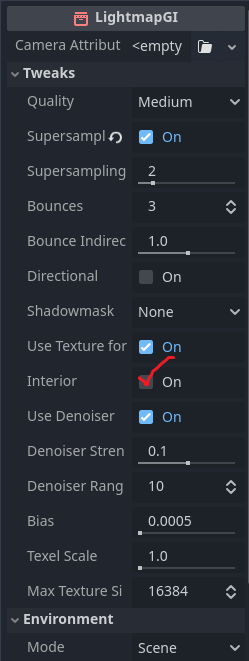
I have struggles making the interior of my buildings bright. I am using this hdri texture as sky. Here are the configurations of the rendering related nodes:
I tried tuning values such as ambient light, tonemap, or light energy, but nothing was really working. Should I add omni lights to the scene to fake interior light from outside, or am I missing something obvious to make the interior brighter?
I’d recommend you to use the player’s camera Auto Exposure settings to fix this problem. You might need to tweak it multiple times to get good results that work in all situations, but keep in mind you can also combine it with the exposure property.
Alternatively, if you want finer control over this specific area, you can bake an additional lightmap specifically for the interior. I’ve only done this with VoxelGI so I am not sure if the process is identical, but it is an option.
Finally, I see no reason why you aren’t adding lights within the house, unless you specifically want it to have purely ”natural” lighting.
couple things:
1 - enable directional to make normal maps work
2 - increase the number of bounces and quality. 3 bounces is the default, more bounces will make light reach more surfaces.
3 - try setting your sun light to static. You can add a second identical sun for real time exterior shadows, it will brighten the surfaces, I tend to leave them both at energy 1.
4 - try increasing angular distance to 0.5, that could blur the shadows going into the scene, adding more indirect lighting.
5 - I believe the lightmapGI is raytrace, not pathtrace (I could be wrong), but the bounces will not deviate much which is what we want for ambient light. The lighting is meant to improve the quality of the scene, trying to perfectly emulate every single ray like unreal does is dumb and doesn’t give you much control. What we do in these cases is add omnilights that serve as environment lighting, place them where you want the scene to be brighter, then bake them with the lightmapGI. That’s how it’s been done with baked maps since quake 1.
6 - Things like SSIL also help.
7 - Another solution is to use automatic exposure (in camera settings), this makes dark scenes brighter and bright scenes dimmer.
8 - you have SSAO enabled, which will make the scene darker.
Try the other solutions first, but yes, “fake” interior lighting is a perfectly valid solution, the scene is art after all, you must have creative control over what you want. This is true not only in 3D but also in cinema, where sometimes we put a bright light in front of the actors if the scene is too dark, and you will see light coming from nowhere that is used to improve the atmosphere.
interior is for interior scenes. this scene has windows that must receive the light of the sky (although I’m not sure panoramas can be baked).
This is only using the lighting coming from the sun (DirectionalLight3D) and with the default exposure. I will probably also add omni lights in various places to enhance a bit the darker places, and tweak the exposure when the player is inside a building.
There are still things to fix such as light leaks and artifacts, but for now the interior base lighting feels ok. Moreover, thequalitysetting used for the lightmap is set to low. Increasing the quality will surely reduce artifacts:
In case anyone stumbled upon this and need some help, here are the main steps I used:
Set the glass mesh of the windows to static(no lightmap baking)
I had to separate the window frame and window glass meshes so that the window frame still uses lightmap baking
This increased the light going through the window and the overall brightness
Switch the light units to physical (project setting)
The difference here is mainly visible on the outside part of the map, but I feel this will also make it easier to tweak values for the inside lighting
Increase light bounces to 16 in lightmap setting
This increases quite a lot the interior light brightness. I thought increasing light bounces over the default (3) would only sightly increase the brightness. But it turned out I was wrong, this really make the interior brighter.
Switch the denoiser to OIDN instead of JNLM
This change was massive! JNLM produces a lot of noise in dark lightmap textures when using physical lighting units (I guess because the color range is wider), even usingultraquality setting. Using OIDN basically removed any noise, even inlowquality setting. A game changer.
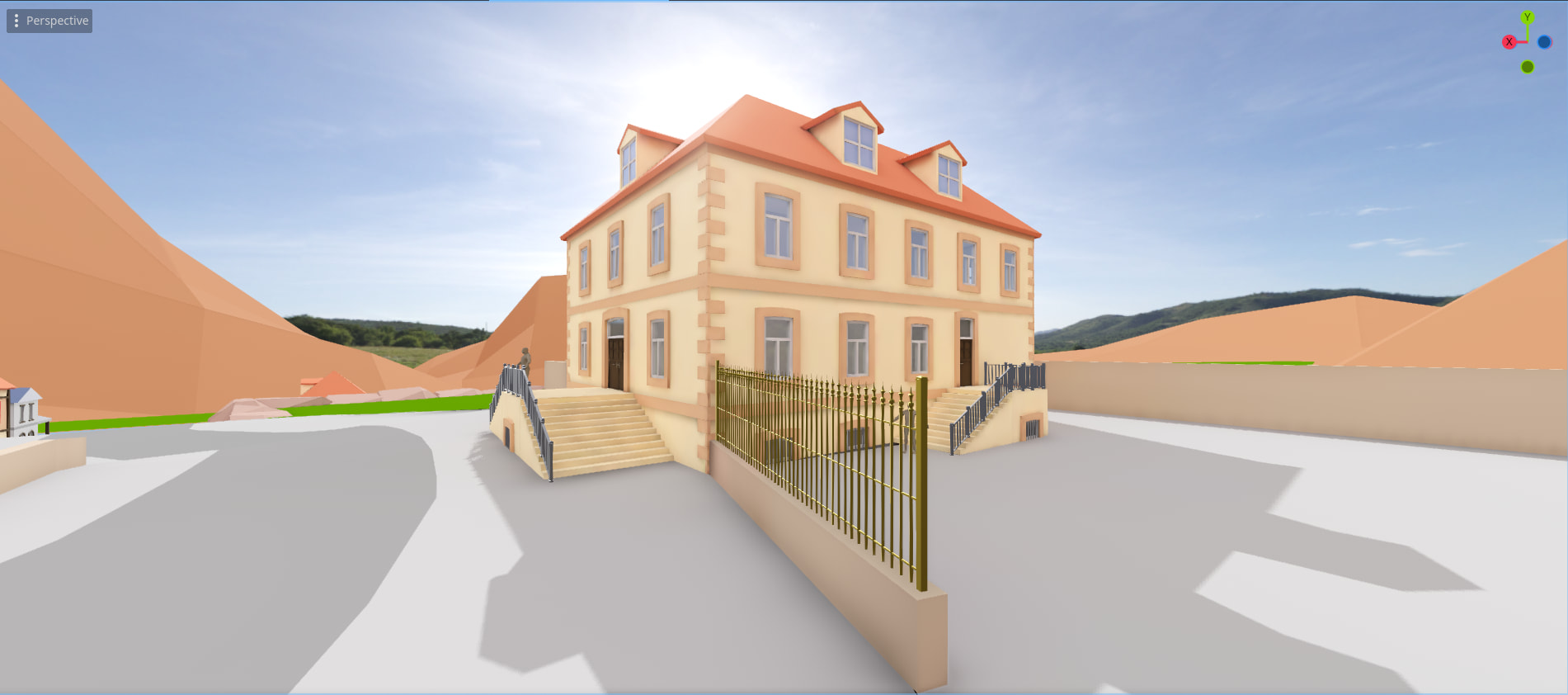
For the reference, here is the outside difference between arbitrary and physical lighting units.





 )
)