I made a player and an enemy but I can’t find a way to make them fight . Like the enemy’s behavior that collides with the player’s sword Area2D . Also How can i make the enemy detect the player from a far range and make him attack until the player is down ? Help Please

1 Like
I would probably use an Area2D to detect when the player can be seen and make the enemy run towards him with code, then with another Area2D detect when the player is in reach and attack him
1 Like
Yeah. I tried it but for some reason my on_body_entered function is not working. Can you help me by showing an example code
Make sure that you have properly setted the layers and area size must be greater than the enemy collision
Therefore You can just do this by codes like:
if self.global_position.distance_to(player.global_position) > 10 or self.global_position.distance_to(player.global_position) < -10:
   player_in = true
else:
   player_in = false
Do i have to include this code in enemy script and also how can i refer my player that is in another scene . Both my player and enemy has 2 different scenes . It also says invalid access to property or key global_position ??
You need to add this codes in enemy script, and you can fix the error yourself, just think, make a export variable of player of nodepath the set it
Declare a class_name for your Player and Enemy saving will update all scripts to understand this new class_name. when the player is inside a certain Area2D you can detect which class they are using the is keyword.
# enemy script
extends Node2D
class_name Enemy

var target: Player

func _on_hitbox_body_entered(body) -> void:
    if body is Player:
        target = body

func attack():
    target.take_damage(10)

# player script
extends Node2D
class_name Player

var health: int = 100

func take_damage(amount: int) -> void:
    health -= amount
PS. A good idea to make your hitboxes less accurate.
1 Like
Some of the code I’m using to have an Alpaca chase and attack the player.
I have a larger Area2D to chase the player (detection_area) and a smaller one to kill the player (enemy_hitbox):
func _physics_process(delta):
	if player_chase:
		print ("ALPACA CHASE")
		if (player.position < position):
			$AnimatedSprite2D.flip_h = false
		elif (player.position > position):
			$AnimatedSprite2D.flip_h = true
		velocity_alpaca = ((player.position.x - position.x) / chase_speed)
		velocity.x = velocity_alpaca
		move_and_slide()

func _on_detection_area_body_entered(body):
	if body.name == "player":
		player = body
		player_chase = true

func _on_enemy_hitbox_body_entered(body):
	if body.name == "player":
		print ("In the alpaca hitbox!!")
		#await get_tree().create_timer(1).timeout
		death_from_alpaca()
1 Like
but how can i refer the player from another scene ? DO i have to create a variable ?
https://drive.google.com/file/d/15b97YsteW_-TH7ay0E5CSH6qURBLCwoM/view?usp=drive_link
so as my code , the enemy should play “attack” animation when it is in those blue area . But unfortunately nothing happens
Yes sorry I forgot one key part is the body will be an Area/Body, so your player script should be on a CharacterBody2D and use that for collision.
extends CharacterBody2D
class_name Player
scene tree look something like this:
CharacterBody2D (player.gd)
→ AnimatedSprite2D
→ CollisionShape2D
→ Area2D (attack zone)
→ CollisionShape2D
Or you could have the enemy check the parent of the body if that is correct for your scene tree.
if body.get_parent() is Player:
Is Node2D your enemy?
I think you might need to use body.name == using a single = can cause confusion to Godot.
Also - add lots of print items when testing: ie print (“CHASING”)

That’s pretty much my setup, but also with Area2D (chase zone)
Looks good! 
1 Like
Yeah . CharacterBody2D is my player but in the Enemy script , it isn’t detecting that . You can see through the video in the link
Here’s the code in action in my terrible game:
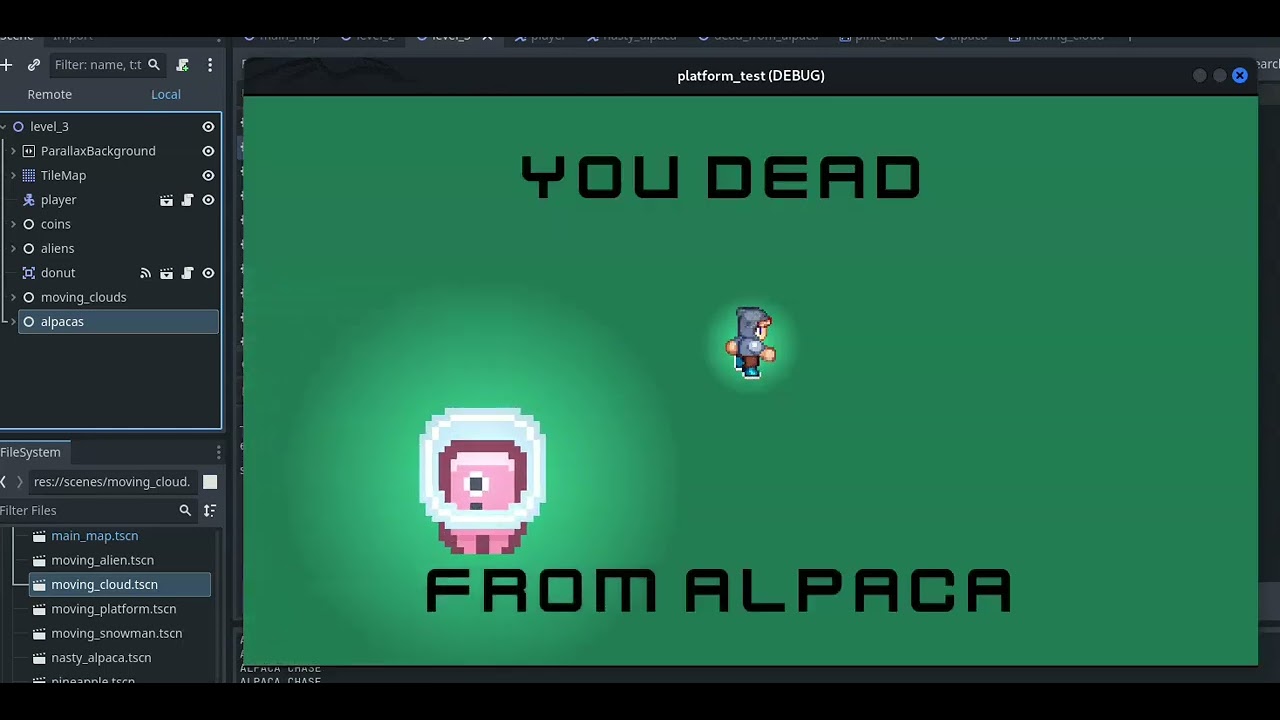
I think the single = might be the problem. == is used to check/compare.
You need to give your scenes cool names - it really helps in debugging and coding.
In my game - player, nasty_alpaca, green_alien, donut, moving_snowman, coin.
1 Like
no , you can’t use single = in conditions , but the problem is I can’t figure out how to refer the CharacterBody2D (player) from a scene in Area2D(enemy) which is in another scene , something like a variable
this is pretty much my code in enemy script for player detection :
func _on_player_detector_body_entered(body) → void:
if body is Player :
$AnimatedSprite2D.play("Attack
I see a google drive link of which I have no access to, you can post a screenshot though.
and use </> on a new line to paste code like so
```
type or paste code here
```