Question
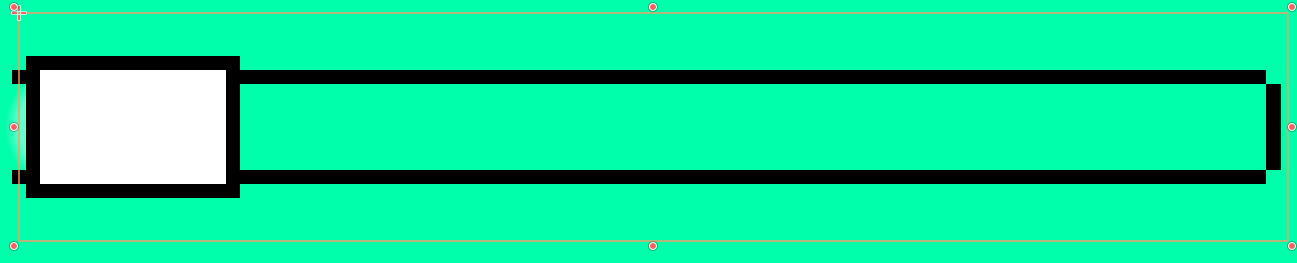
Godot 4, pretty straightforward question: Why does my slider texture snap in between pixels, but not in between (.5)?
Did you set the Range’s Step property to a lower value than the default 1.0?
i tried this, but this doesn’t affect anything. The issue lies only with the texture for some reason, the orange border is moving in between pixels but not the texture.
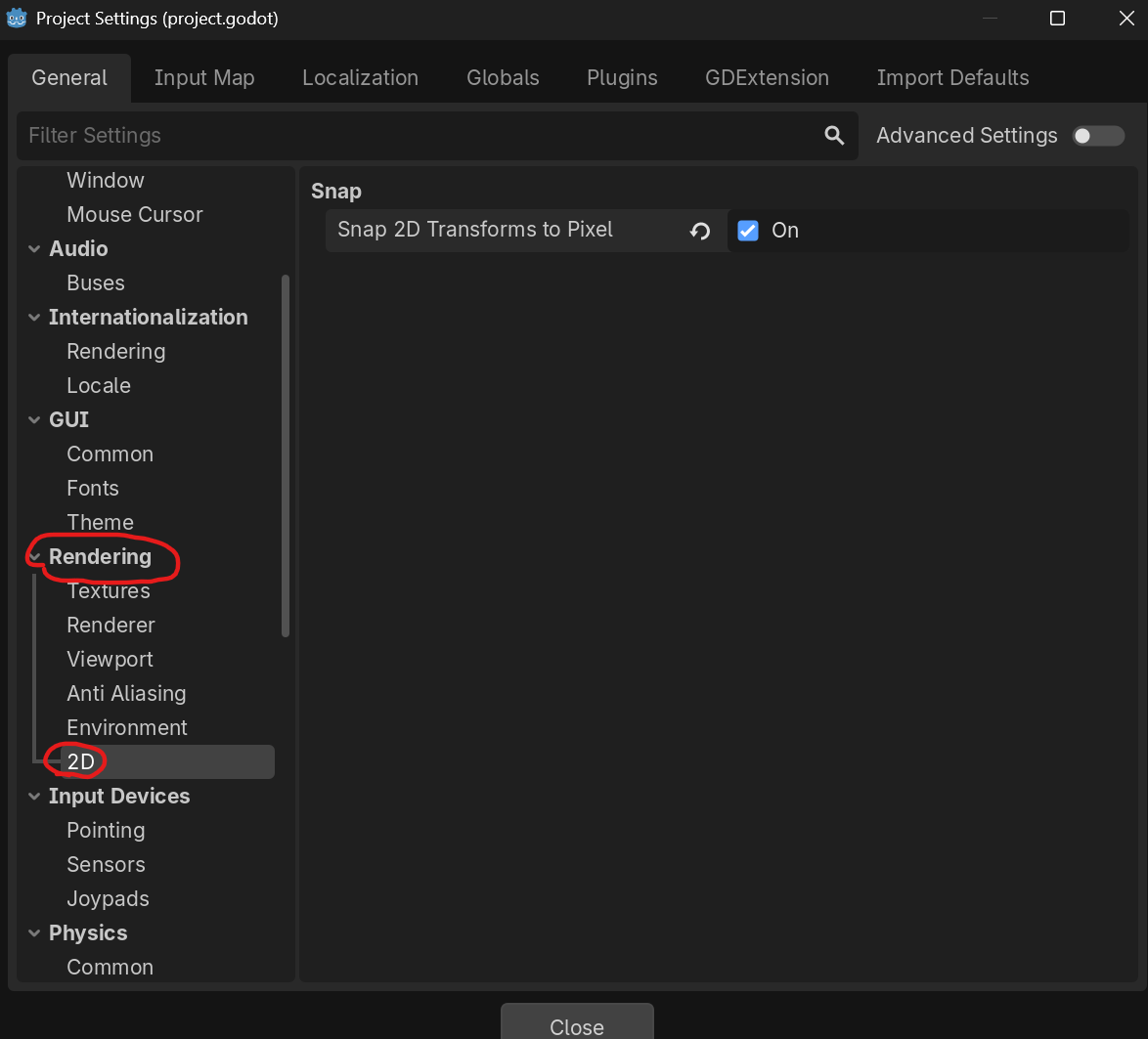
oh I assumed you meant the slider value. Do you have pixel snapping enabled in your project settings? “rendering/2d/snap/snap_2d_transforms_to_pixel”?
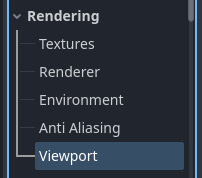
I can’t figure out how to check this in the rendering section of Project Settings, I don’t see a pixel snapping option.
However, in the rest of my game things snap to pixels, but I am able to move them in between by simply setting the transform values to a .5. It is literally only this HSlider node that I’m having an issue with (maybe it’s Control nodes in general).
You may need to enable advanced settings, or it could be new since 4.2; searching for the setting will find it if available. You probably don’t have it enabled.
This is why it’s important to include your Godot version in your post. Just saying “Godot 4” is not enough since there are so many different Godot 4 versions.
I found and enabled the feature, but it doesn’t help anything.
The actual position of the slider is going in between pixels, but for some reason not the texture attached to it?
This is especially weird because everything else in my game which has a texture attached, like Sprite2Ds just have the position and texture move together normally. It’s only here where there’s a desync between position and texture.