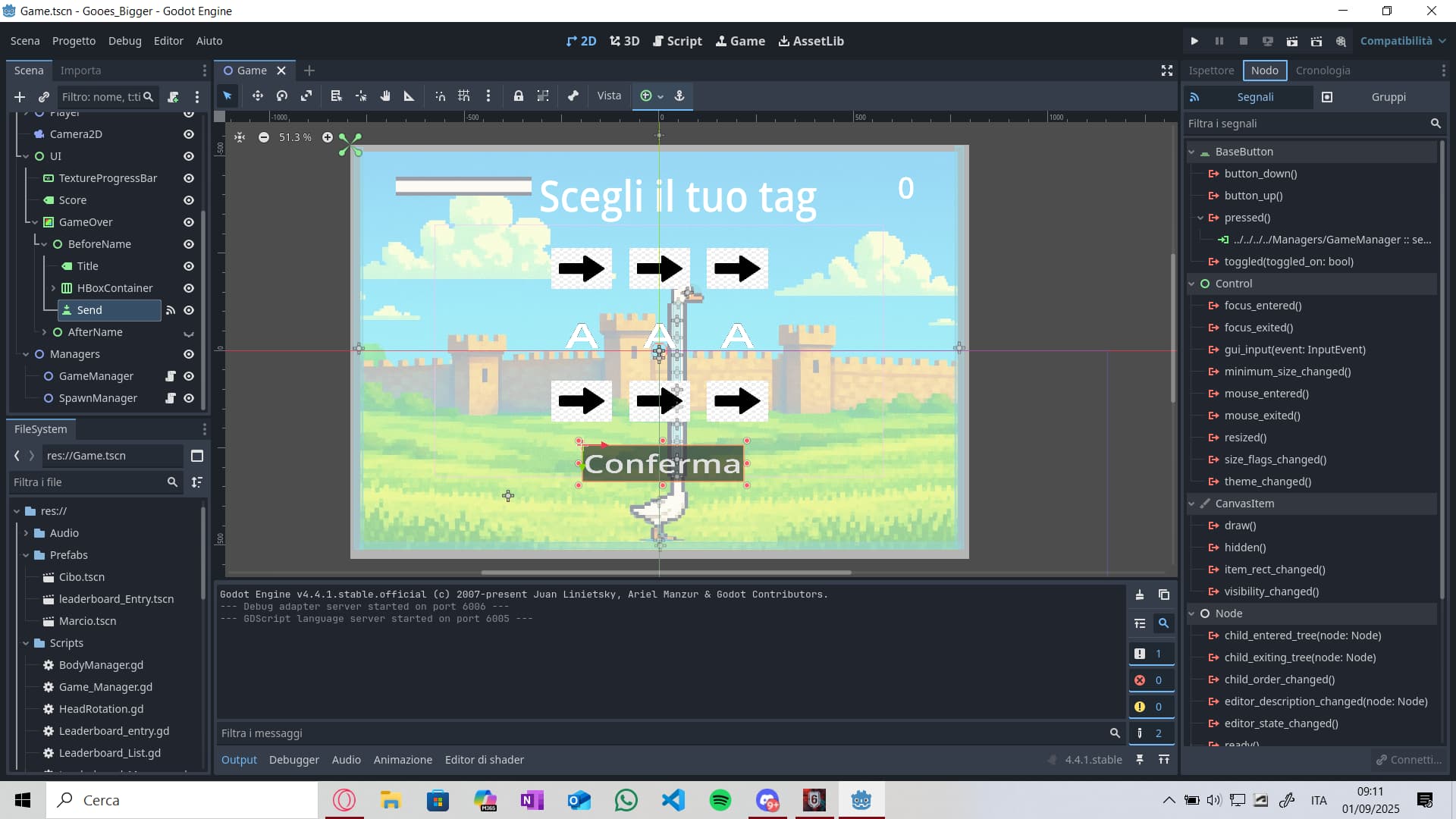
I’m using Godot 4.4.1, im making the ui of my 2D game, but i cant manage to link buttons to functions. I used the signals section to connect the pressed() evento to the function i want to use, but it dosen’t work, nothig, even just a print(“pressed”). Can someone help me. Down below you can see a screen of the scene, i have this issue with all the buttons, but i send you just one
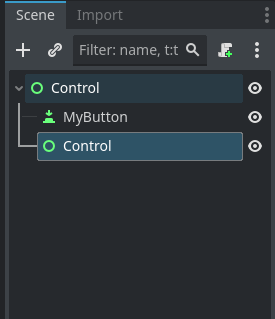
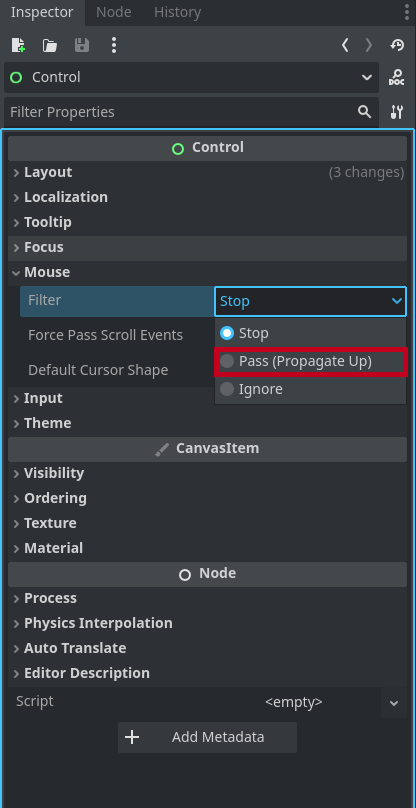
Maybe a Control Node is blocking your Input. Make sure to change the mouse filter of Control Nodes to “ignore” or “pass” if they are in front of your buttons.

I have nothing that can block my click, also because if i go over the button it changes state and if i click it changes the borders and become selected i think:
Whis is when i click with mouse
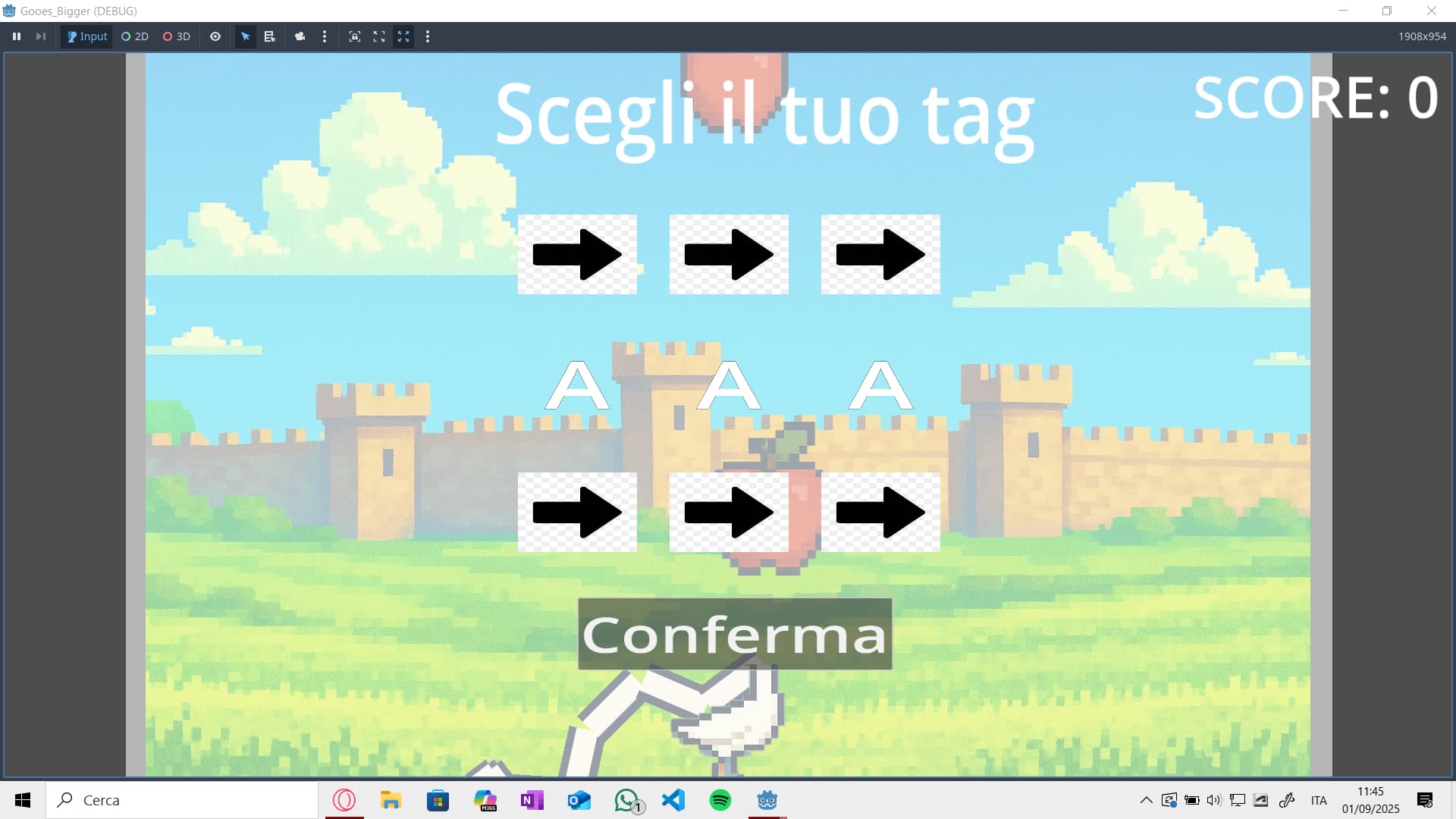
it seems so click but it dosent turn on the function
if the button is not blocked, you have to check if the signal is connected to your script. if it’s connected, a green arrow icon is shown to the left of the func keyword.
try to connect the button to The script in code:
$Button.pressed.connect(your function without () )
if still doesn’t work, try creating the button in code:
var button = Button.new()
add_child(button)
button.pressed.connect(your function without () )
I found out thet the problem was that i was pausing the game and not changint the time scale to 0, so the buttons also stop working.
thanks to all the replyes
2 Likes
This topic was automatically closed 30 days after the last reply. New replies are no longer allowed.