Godot Version
v4.7.2
Question
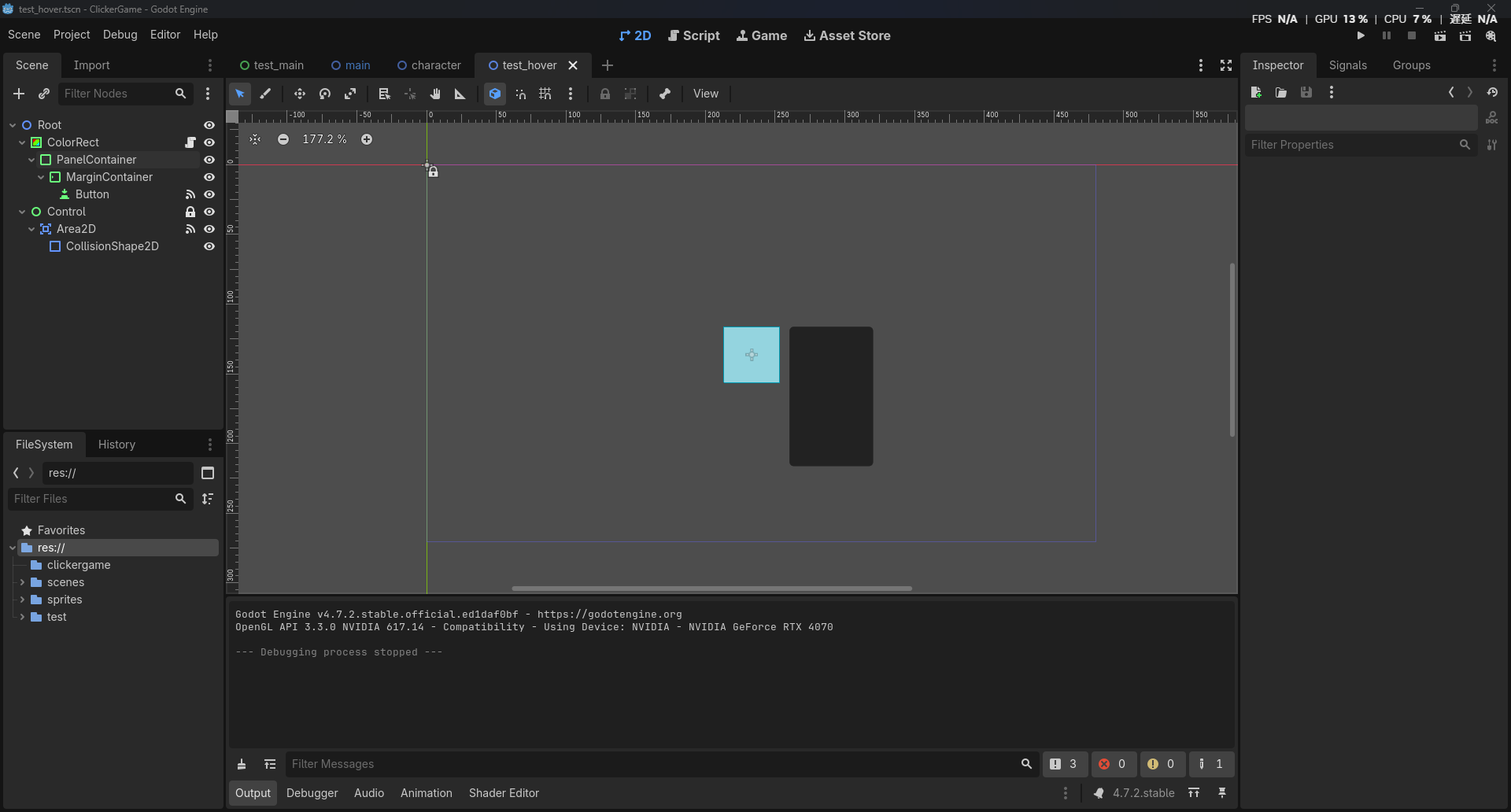
I want to create a UI that appears when the mouse cursor hovers over an object.
When the cursor hovers over a ColorRect, I want a PanelContainer to appear, allowing the user to click the button inside it.
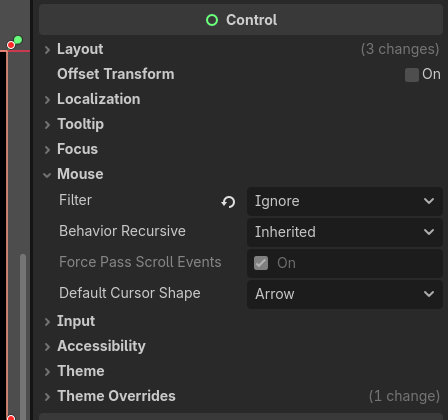
However, the PanelContainer doesn’t appear with my current setup.
I’m a godot & English biginner.
extends ColorRect

@export var text: String

@onready var button: Button = $PanelContainer/MarginContainer/Button
@onready var area_2d: Area2D = $"../Control/Area2D"
@onready var panel: PanelContainer = $PanelContainer


func _ready():
	button.text = text
	panel.visible = false

func _on_area_2d_mouse_entered() -> void:
	panel.visible = true

func _on_area_2d_mouse_exited() -> void:
	panel.visible = false

func _on_button_mouse_entered() -> void:
	panel.visible = true

func _on_button_mouse_exited() -> void:
	panel.visible = false