Hiii !
I just published the first version of my guide !
If you have trouble using tweens, adding “Juice” or picking the right transition, it should help you (and its free)
There are also some advanced tricks for the experienced developers
There are currently completed 6 pages, and a few in progress + a bunch planned.
If there are specific things you’d like future pages to cover, let me know please !
(Just for people that have not had a look yet, if you click the dog button a dog character jumps up onto the screen and back off. If you click fast you can get lots of them going. It is very cute.)
There are so many lovely bits on this! Great job! Very impressive. Personally I love tweens and even I took away some new ideas from this! Thank you!
I was just looking at the buttons examples and I am going to use the spring example on my game! I never thought of doing that, but it looks amazing! I don’t think your dog has any ears!
Great work! You put a lot of effort into it! E.g. the animation for the comparison between linear transition and all the other transitions when clicking the frog and godot icon
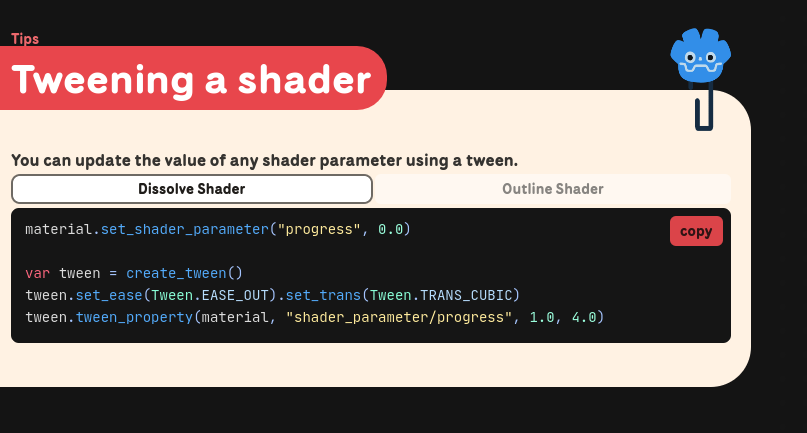
(This was the new page, but after being pointed out that you can tween a shader parameter using a PropertyTweener, i’ve updated the guide to use the screenshot seen above)
 It’s just a pity that there is no offline version.
 This would be very helpful and +1 for offline build.