Godot Version
v4.1.1.stable.official
Question
I am starting to test the waters in 3D, as I’d like to start working on a game that’s sorta similar to topdown 2D games like Stardew Valley, but is actually in 3D with an isometric perspective.
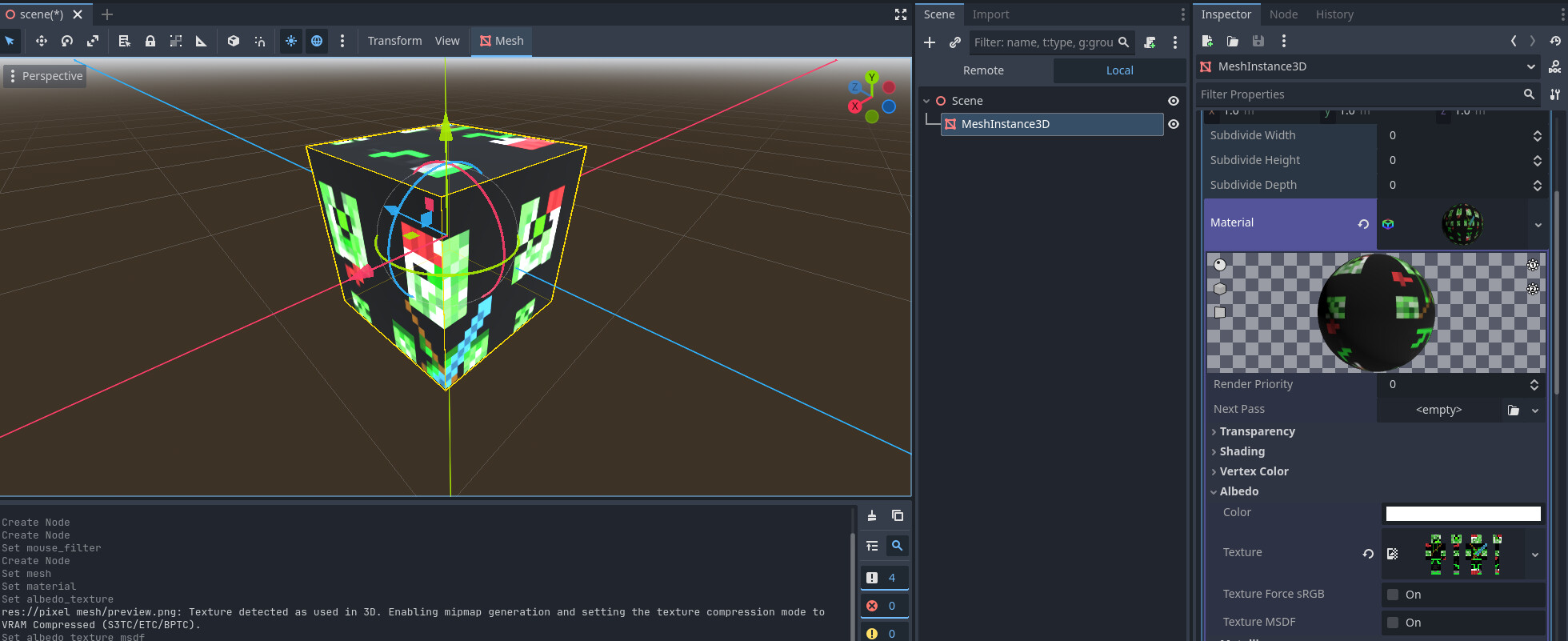
I tried to use a GridMap, following tutorials on how to make a mesh library etc, but when I tried to give the simple mesh a pixelated texture, it was anti-aliased, and no matter what I did, the blur did not go away. Several posts and pieces of advice even had information that straight up wasn’t true, like finding a “filter” field on the MeshInstance3D, which simply isn’t there.
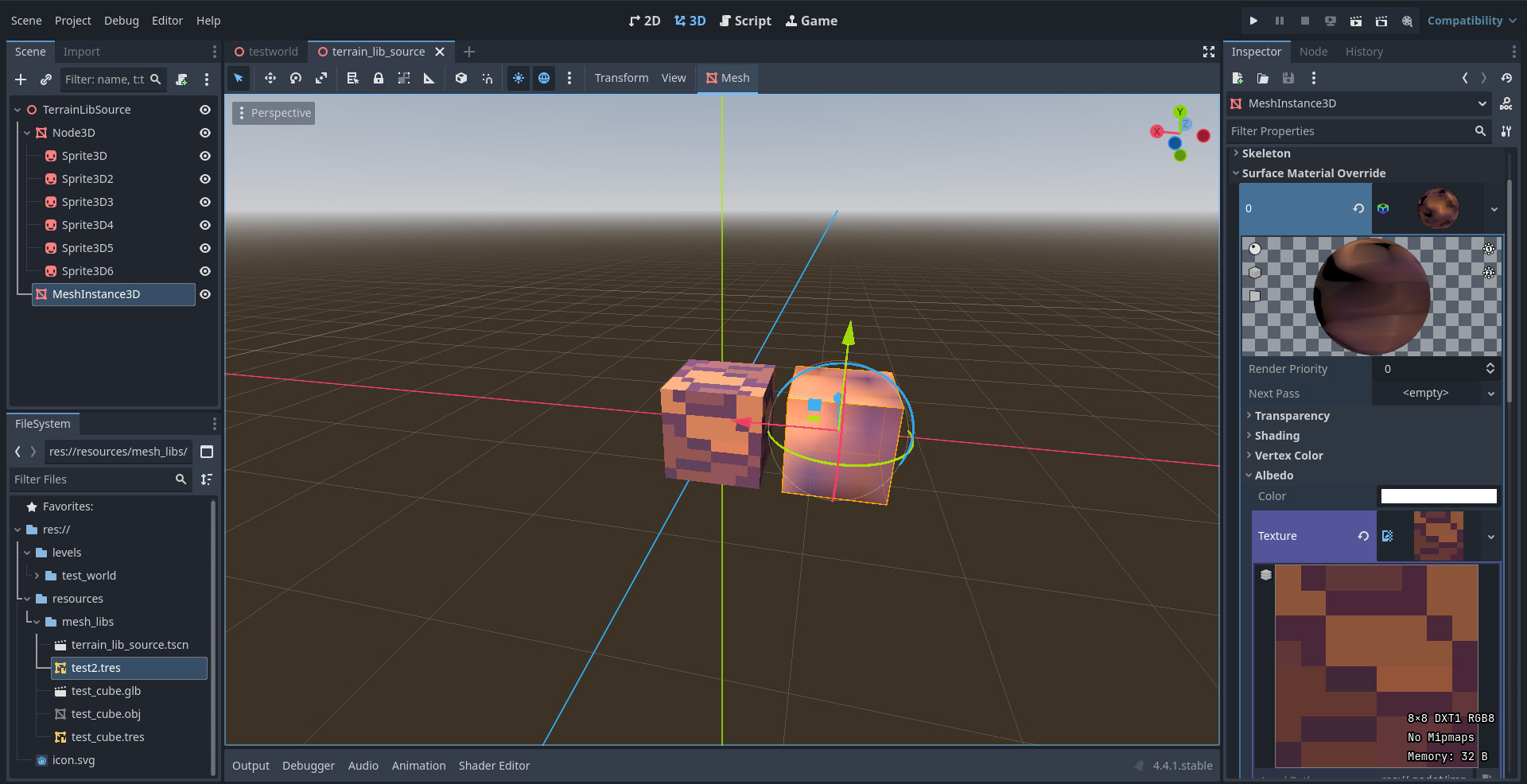
I found out that is was possible to disable anti-aliasing on a Sprite3D so I tried making a cube out of six of them, but there, I couldn’t apply a normal map, which I also need. I found a post online saying that if you want a normal map, you should use a MeshInstance3D with a quad map, but I had already tried MeshInstance3D, and it didn’t allow me to use a pixelated texture as intended.
Moreover, the Node3D with Sprite3Ds as children didn’t even make it into the mesh library export. For some reason, it just wasn’t there.
Whatever I try to do, it seems as though Godot doesn’t have the tools I need.
All I’m asking is a sharp, pixelated texture on a MeshInstance3D, where I can also add a sharp, pixelated normal map. It would also be nice to be able to use an animated texture, but that’s secondary. I just need to somehow get the pixelart into my Mesh Library and I’m getting desperate.
One more thing I thought of just now is adding the texture and normal map in Blender and then importing the object into Godot? Since some file types, like .glb, can’t be used as the source of mesh geometry in a MeshInstance3D and can only be dragged straight into the space, I figured they might already come with things like textures? But I’m not sure. Either way, that seems like an extremely inconvenient way to do this, every time I’d want to change the texture, I’d have to do so in an external program, but it might be the only way? Godot has kinda disappointed me in this. I hope there is an elegant solution to this that I’m just unaware of. Please help me.
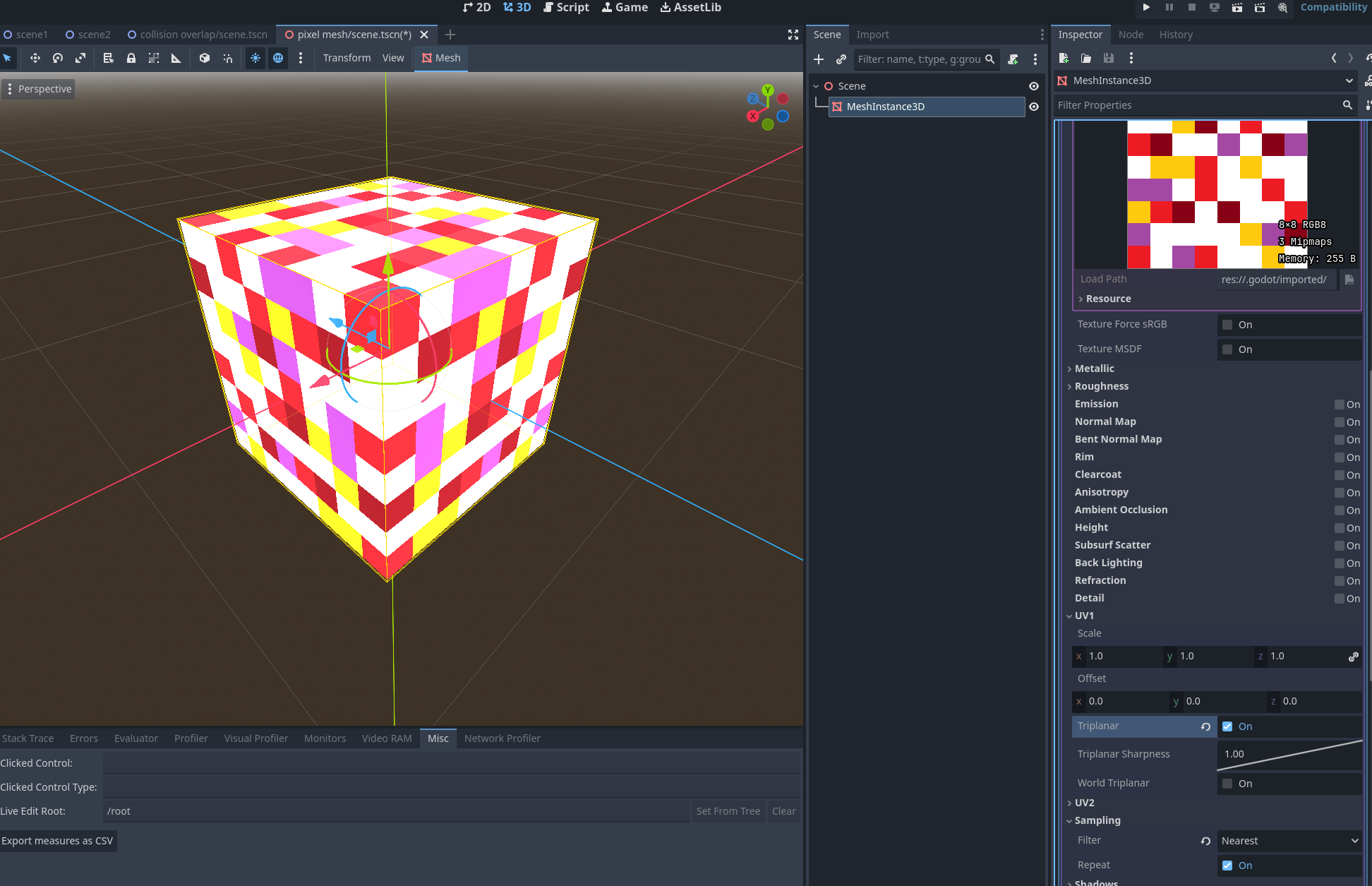
 glad it worked out for your in the end.