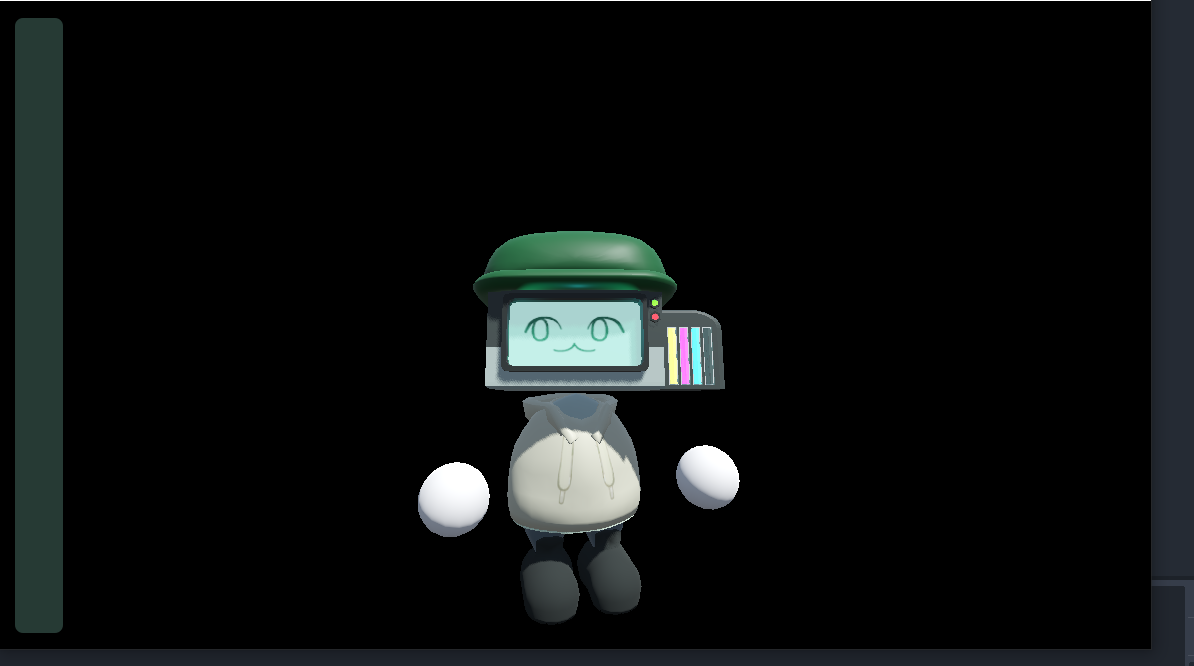
Hello, trying to make a 3D game with transparent background/ sky.
I have Viewport Transparent background, Display Transparency, and Per Pixel Transparency all enabled. I’ve also disabled “embed on next game play” like some other forms I’ve seen suggest but nothing seems to work. I keep getting a black background instead of seeing the window behind it.
Is a transparent 3D background just not possible in godot or is there something I’m doing wrong?
Any help would be great (or if you think there is a better category for this question)! Thanks!
It is definitely possible to have 3D rendering with a transparent background; I’m doing it in my game. I’ve done two things:
the Viewport has transparent turned on
the Camera3D has an Environment where the Background mode is Custom Color and the color is (0, 0, 0, 0) – the important part being the alpha channel is zero – this is the “clear” color
Unfortunately, going to the background of the camera and adding the settings you said didn’t really do anything besides make it so my shadows were very black. Thank you anway!
Figured it out I needed to change the render
Project Settings > Rendering > Renderer > Rendering Method is where to find it and I switched from forward+ to compatibility.