Godot Version
4.6 Stable
Question
I’m trying to more understand how to affect interior and exterior by orienting normals and utilizing general Light nodes .
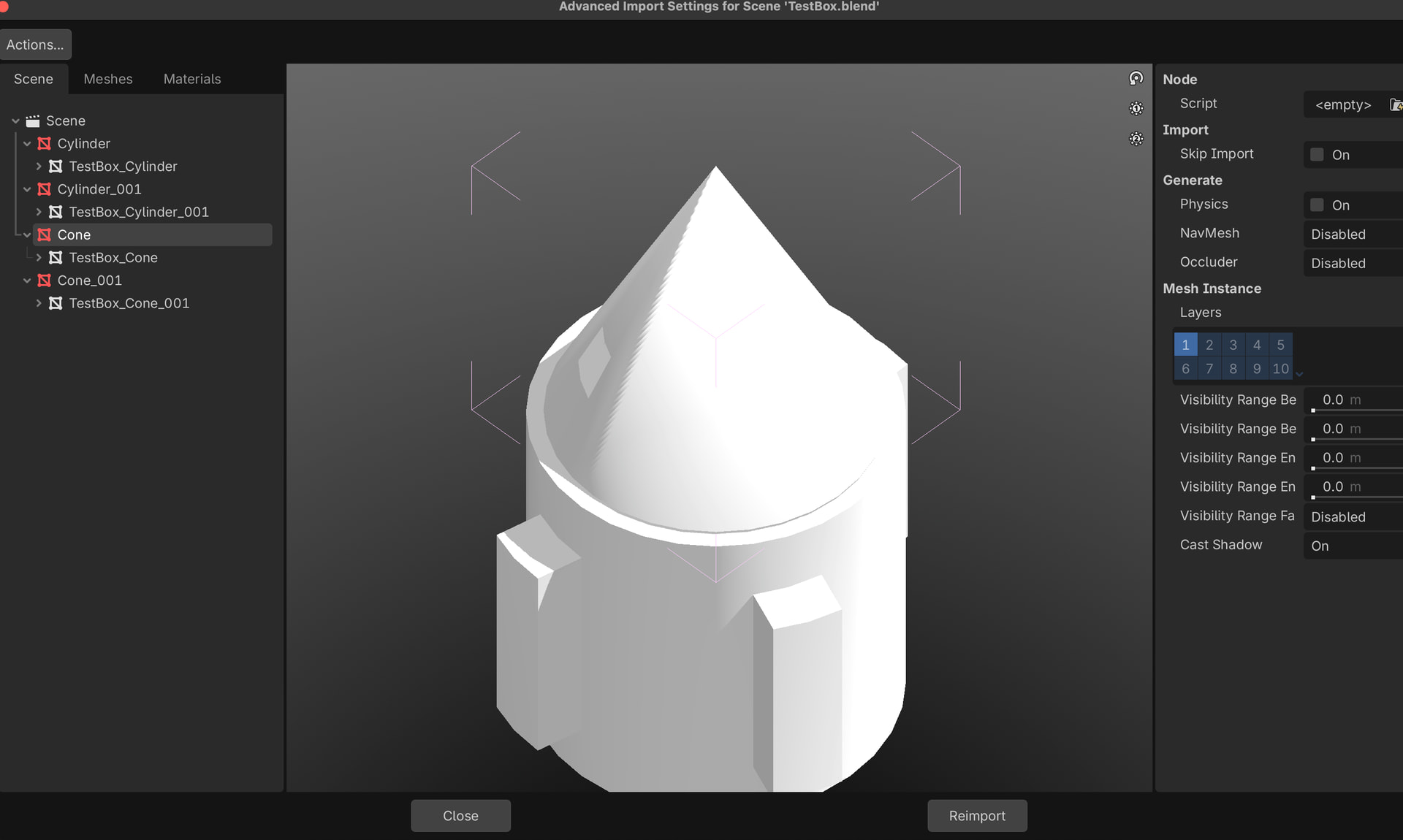
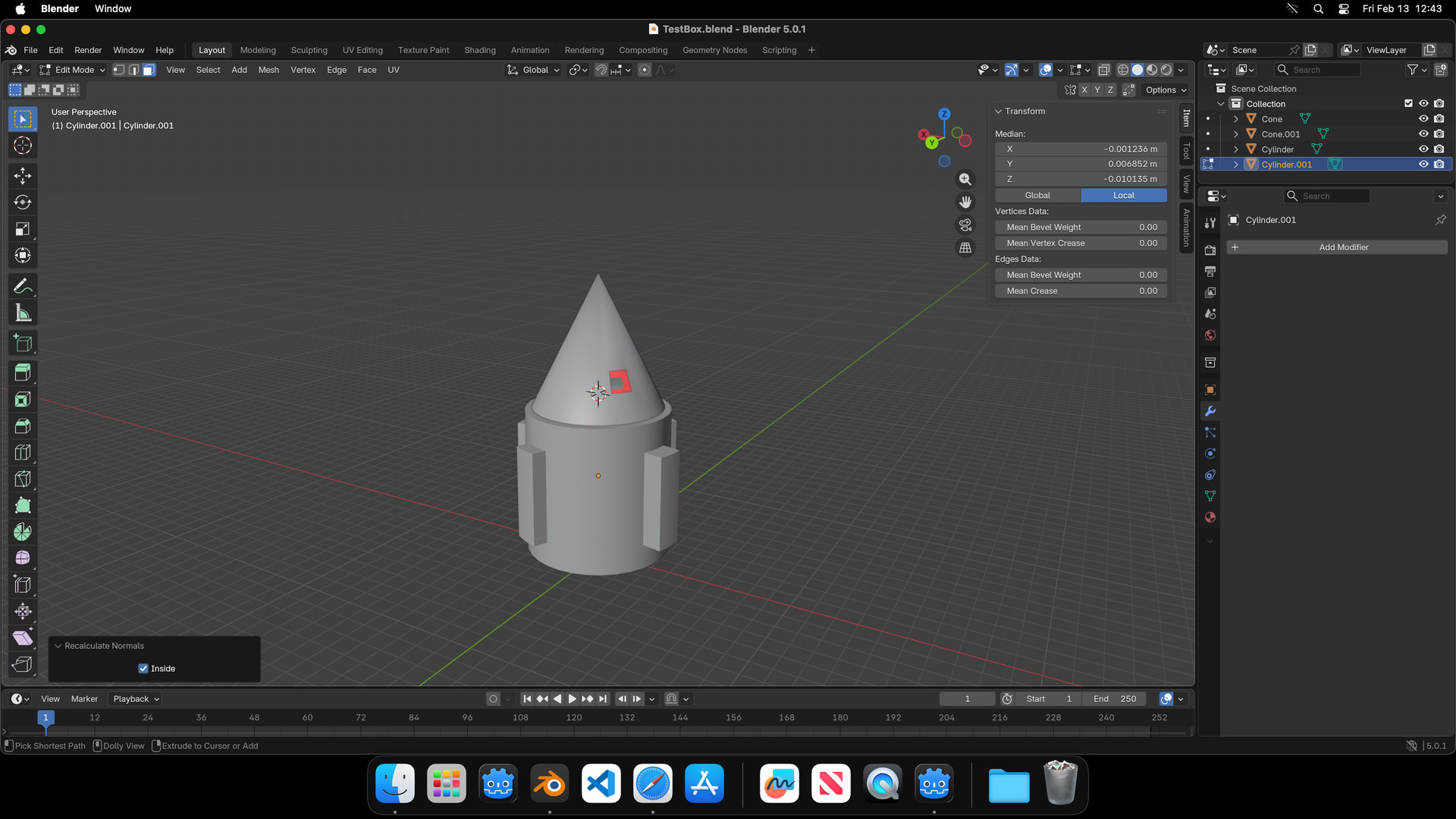
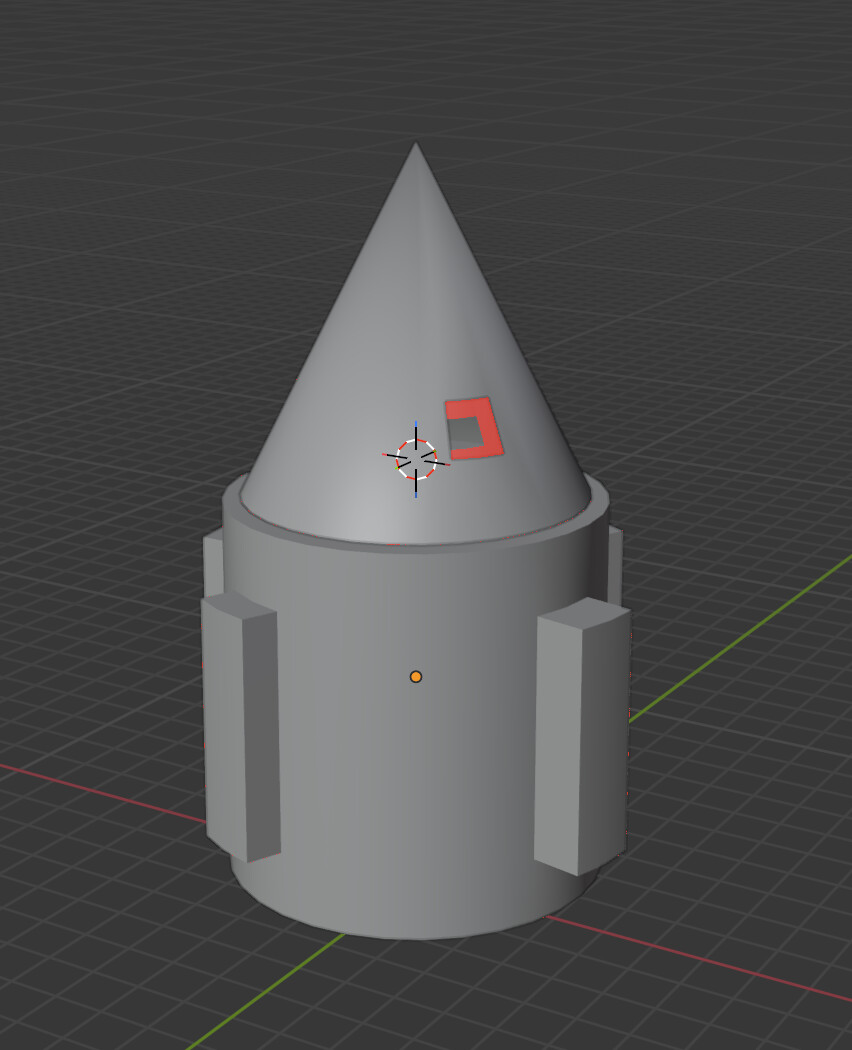
So I did small test with Blender made simple scene where I cut hole in cone and place cone inside cone with normals facing inside ( representing interior ) and placing in in scene and start messing with CullMask , VisualInstance Layers .
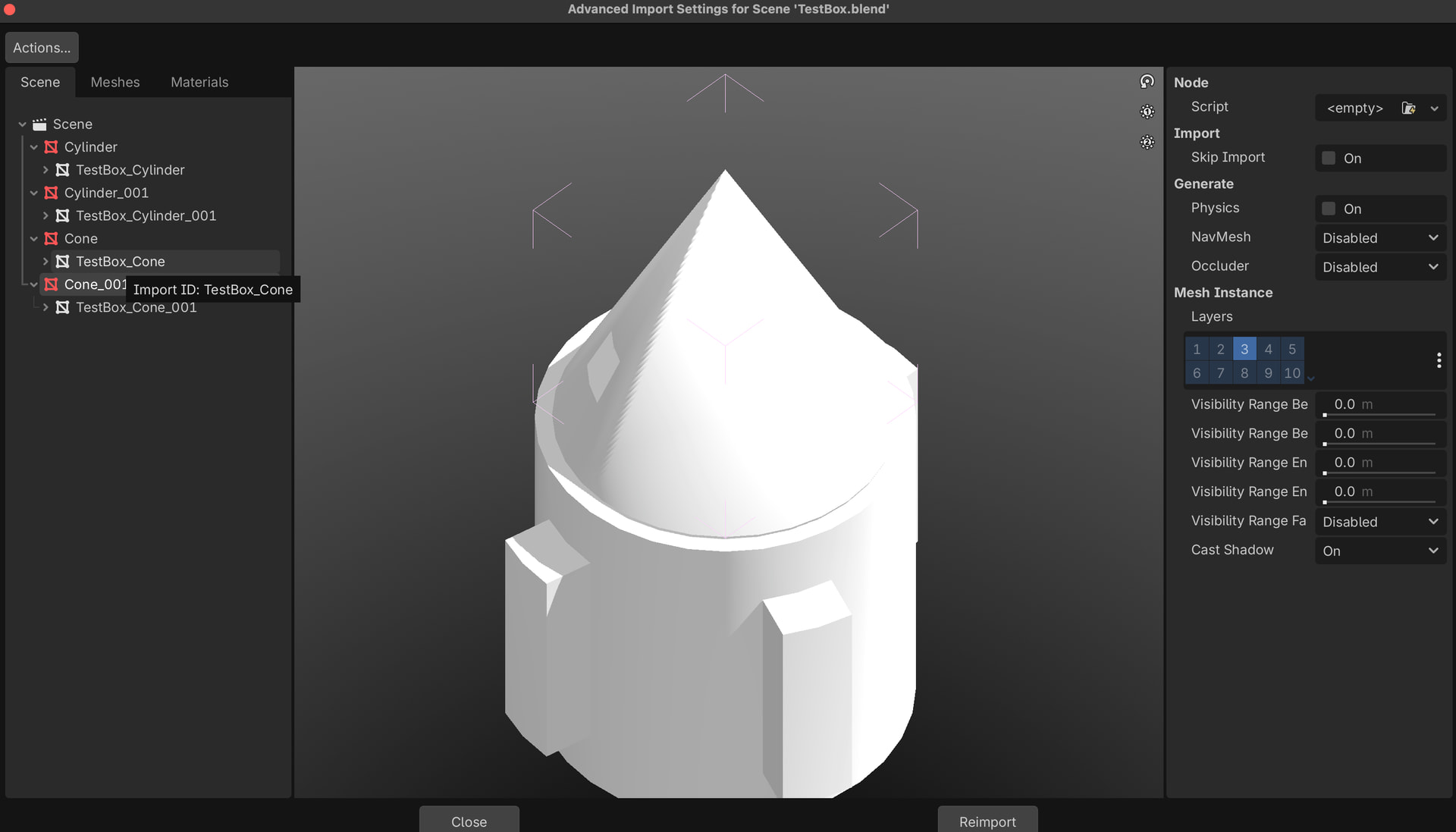
Of course making exact measurement with boxes for not typical sized rooms ( interior ) be difficult so placed those inside meshes on visuallayer3.
but when adding omni_light to test it it won’t make brighter the inside, also how could I set this up to have dark room, but passing a bit of light through this cut hole ?
- Inside mesh normals flipped
- visual layer separated from outside mesh to 3
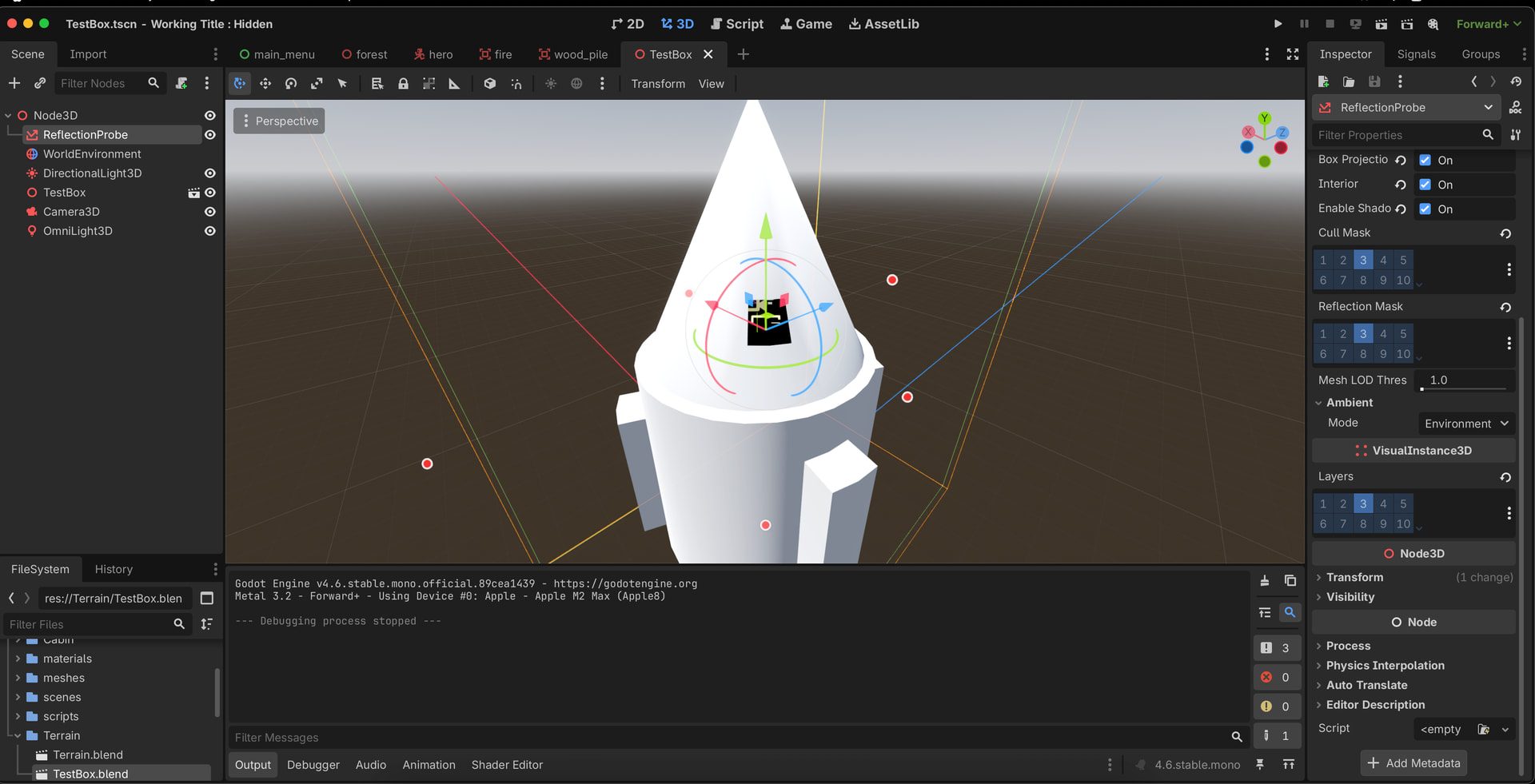
- worldenviroment don’t have cull_mask setting so I have added ReflectionProbe
- Reflection probe affecting only layer 3
- Omni_light cull Mask 3, caster Mask all , Visual Instance 3
Is there way to set this up ?
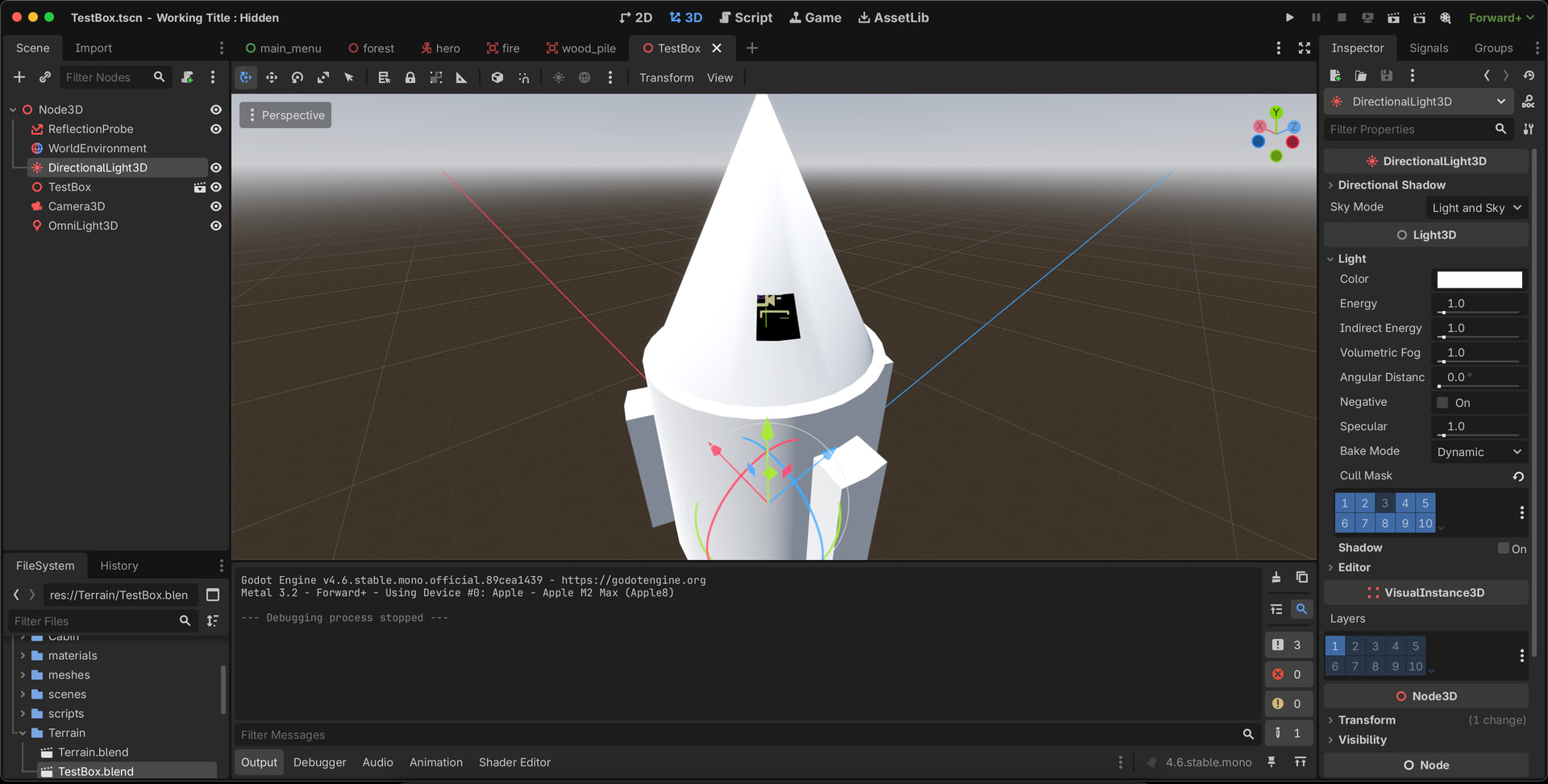
Purpose is to have interior which is not affected by DirectionalLight or WorldEnvironment , and pass only some light through hole/window inside .