HOW TO ?
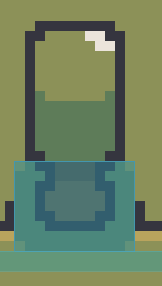
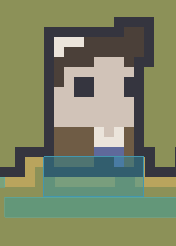
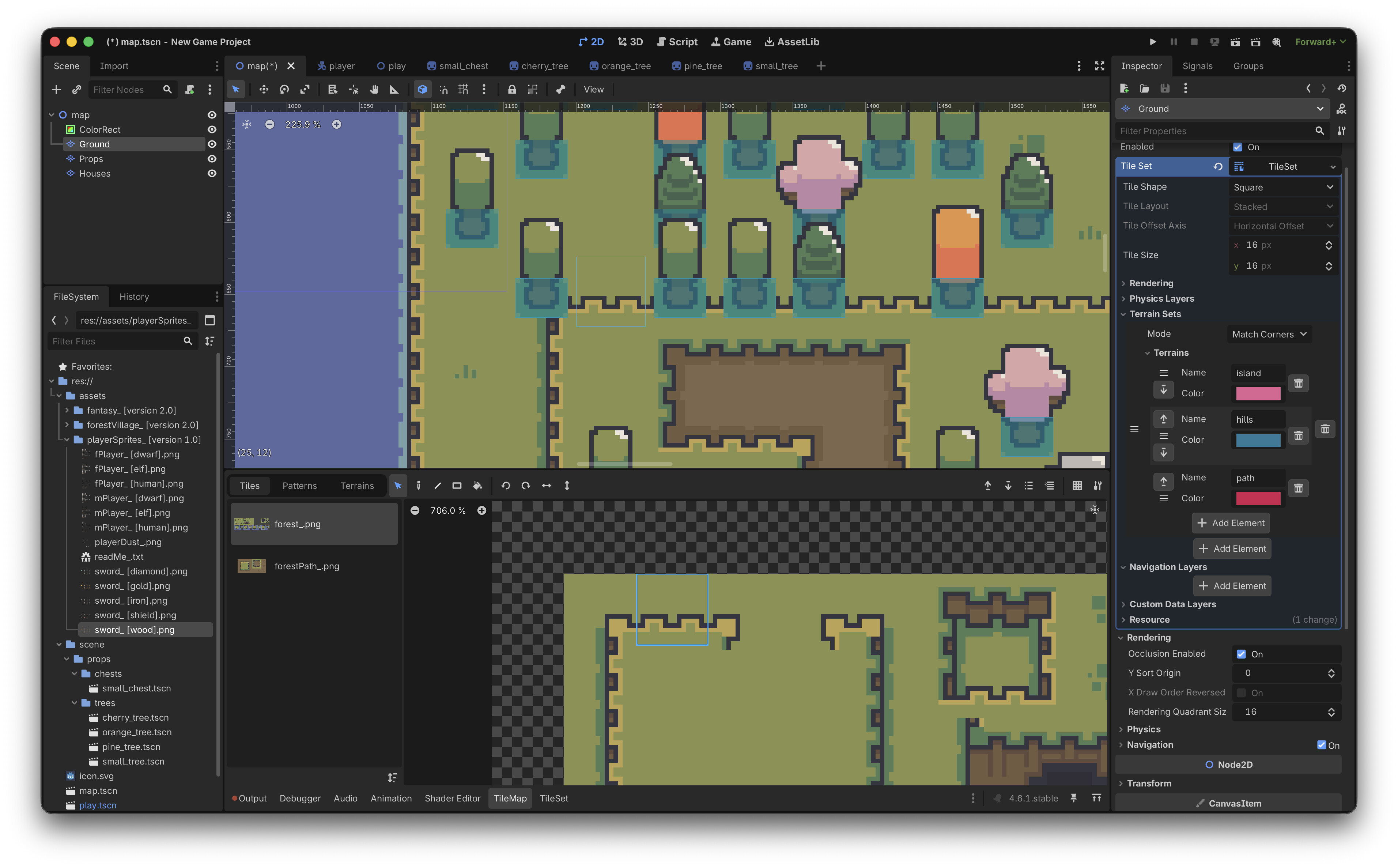
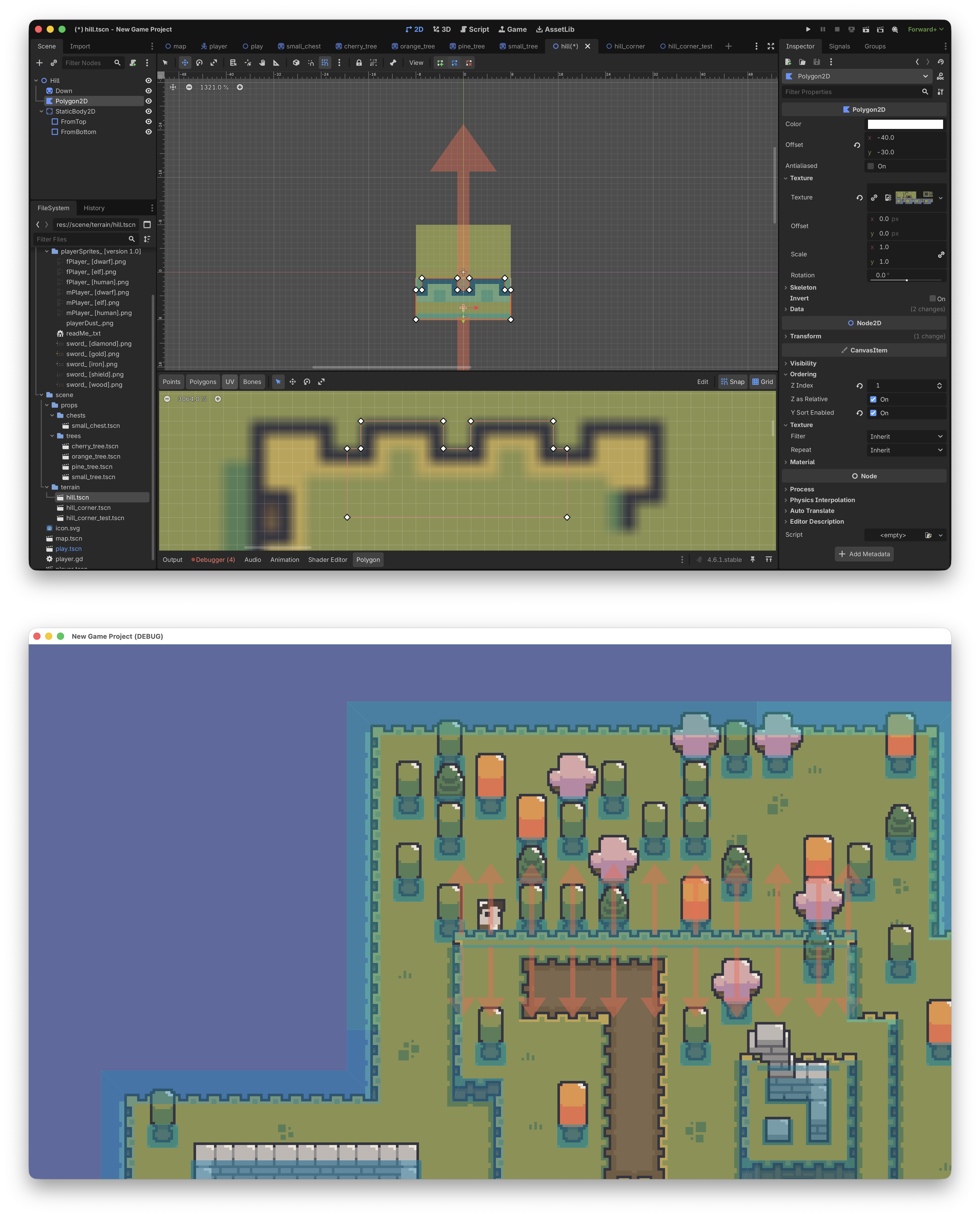
I’m trying to make a cliff tile partially participate in Y-sort in Godot, but I can only get the whole tile to sort as one object. What I want is for only the lower part of the cliff to cover the player when they walk behind it, while the upper part stays visually above as part of the background.
Right now, if I place the cliff as a normal tile, the entire tile is treated the same way in sorting, so the player is either fully in front of it or fully behind it. That does not work for the shape I want, because the cliff edge should act like an occluding surface only near the bottom, not across the whole tile.
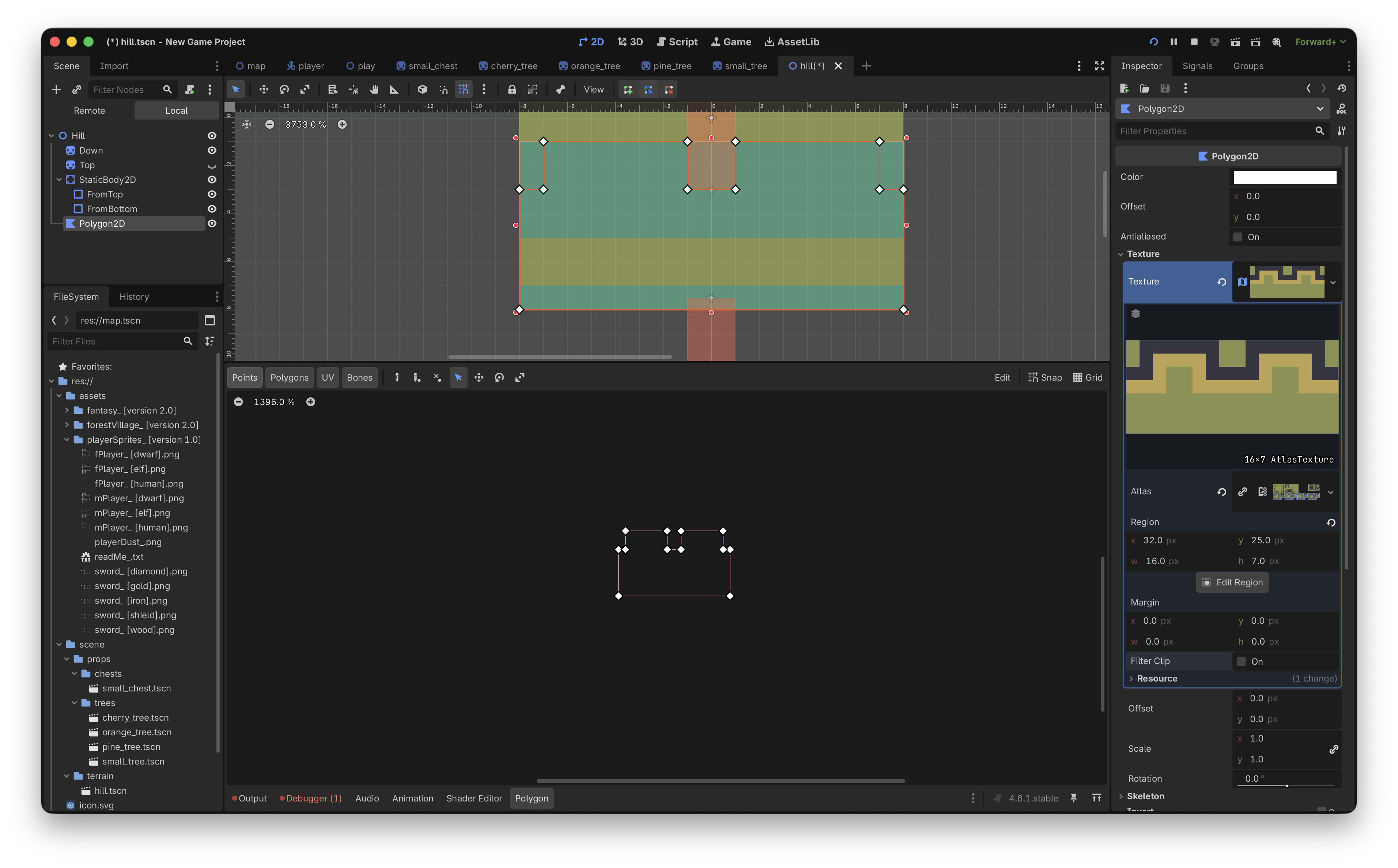
Is there a recommended way to do this in Godot 4 with TileMap or TileSet? For example, should I split the cliff into separate layers, use a custom y-sort origin, or build it as a scene with multiple sprites? I’m trying to achieve a result where only the bottom edge of the cliff affects draw order, while the rest of the tile does not.
(ask me if something isn’t clear enough)