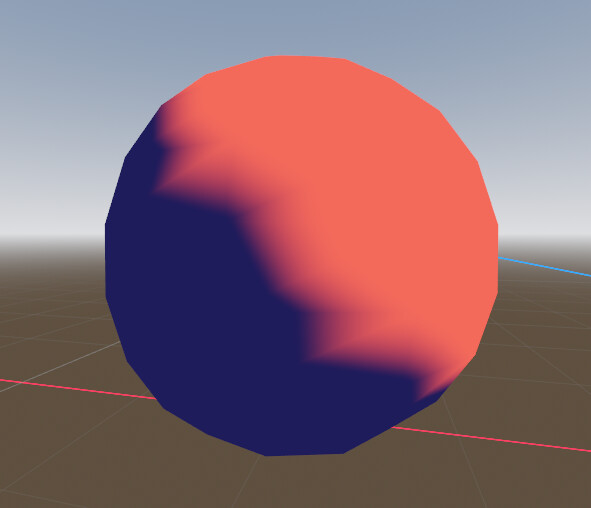
I’m trying to create a cell shader in godot but the issue is with the vertex function. This Youtube Video is about Wind Waker’s cell shading and I’d like to make a similar implementation. The issue is that uses vertex lighting and generally does a lot of lighting calculations based upon vertexes. I’m trying to recreate the style but Godot’s light function calculates per pixel. Is there a way to do lighting calculations in vertex, calculate stuff with vertexes in light, am I stupid and there’s a better way to do this, or I’m screwed?
Yeah, the vertex_lighting render mode did make light not run which leads me to the issue of being unable to turn the vertex lighting into cell shading : ( Also I am a complete beginner to shader stuff so when you say where pixel is used, is that the NORMAL constant that is the current pixel?
If you only have a single (or a few) light source(s) you can disable the lighting completely, send the light position/direction via a uniform and do the lighting calculation in the vertex function.
Pretty much. Do the dot product in vertex function, send it to the fragment function, and there posterize the gradient and modulate the albedo with it. You can do per vertex specular/phong that way as well.