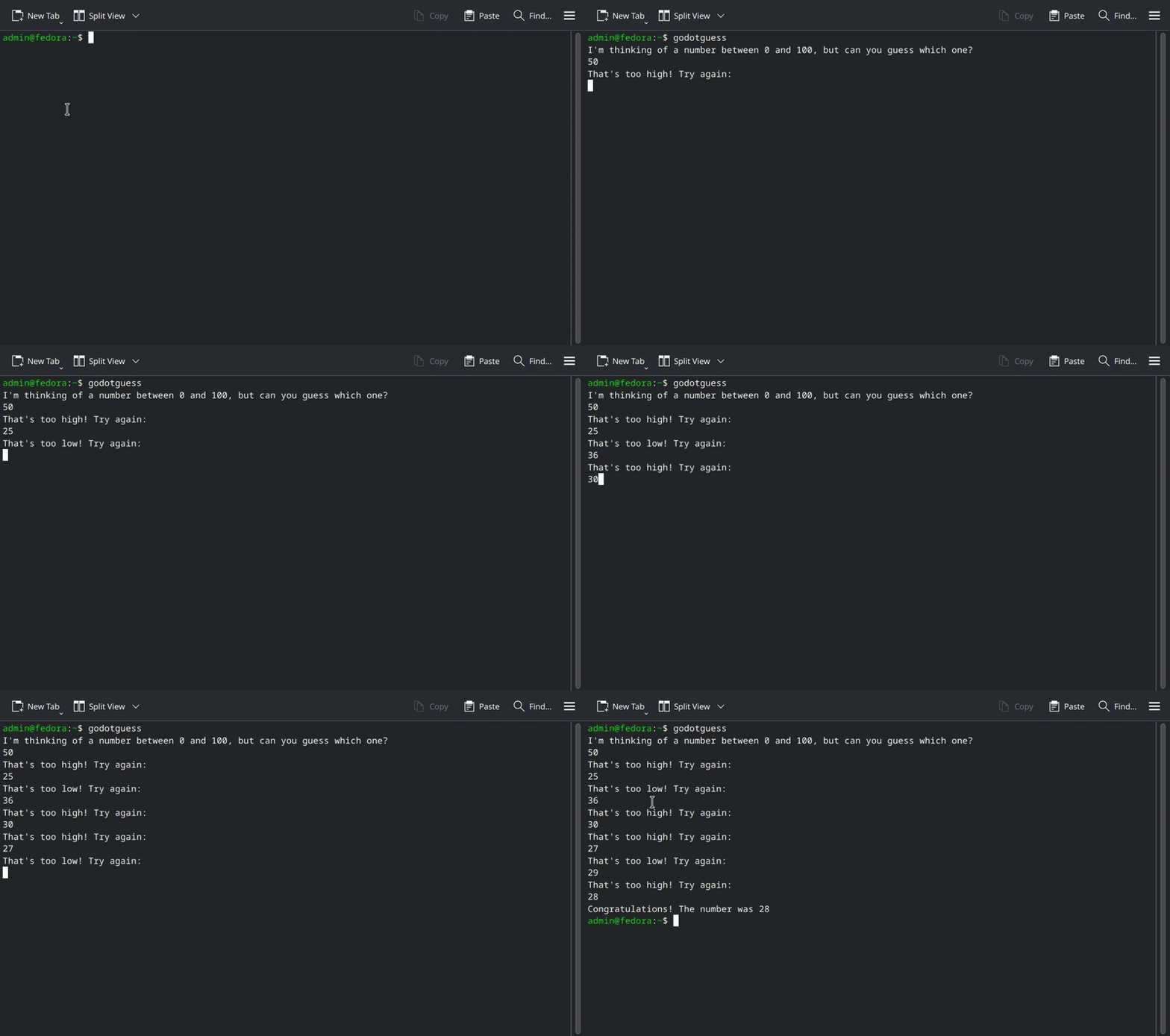
If you’ve ever worked on a multiplayer project in Godot, you probably already know that you can run an instance of Godot as a dedicated server using --headless. What’s more, you can do almost everything using the CLI. If you’re unfamiliar with the concept, the idea is that sometimes you don’t need (or cannot use, or prefer not to use) the GUI, and Godot makes it easy to do whatever you need to do from the command line. You can read more about it here:
- Command line tutorial — Godot Engine (stable) documentation in English
- Exporting for dedicated servers — Godot Engine (stable) documentation in English
This made me want create an entire CLI app using those features, so I made the famous Guess the Number game you will find in every Intro to Computer Science course ever made.
Why? Because what’s better than your little 10KiB executable made in C? My 67MiB executable made in Godot, that does the same thing.
Anyway, all you’d have to do to setup a Godot project as a CLI app is to change a couple of settings:
- ProjectSettings > Display > DisplayServer is where you’ll want to select the
"headless"option for your target platform. This will make it start without the GUI. - ProjectSettings > Audio > Driver is where you’ll want to change the driver to
"Dummy", since we don’t need any audio where we’re going. - ProjectSettings > Application > Run > Print Header will need to be disabled, because we don’t want to print the header every single time we run the app.
Those are actually the same settings used when you run the executable with --headless, with the exception of the last one.
Now all that’s left is to do stuff. Without mentioning the rest of Godot’s API, which is obviously available to use, the OS class has everything we need to deal with arguments and user input. Only OS.read_string_from_stdin() is needed for this one, though:
# main.gd, main.tscn

extends Node

func _ready() -> void:
	var exit_code := _main()
	get_tree().quit(exit_code)

func _main() -> int:
	printraw("I'm thinking of a number between 0 and 100, but can you guess which one?\n")
	var num := randi_range(0, 100)

	while true:
		var input := OS.read_string_from_stdin()
		if not input.is_valid_int():
			printraw("That's not a valid number. Try again:\n")
			continue

		var guess := input.to_int()
		if guess > 100 or guess < 0:
			printraw("That's not between 0 and 100. Try again:\n")
		elif guess > num:
			printraw("That's too high! Try again:\n")
		elif guess < num:
			printraw("That's too low! Try again:\n")
		else:
			printraw("Congratulations! The number was %s\n" % guess)
			break

	return 0
Yes, the script is cosplaying as low-level code. I’ve had fun adding '\n' after every string and feeling like I was once again trying to figure out what a char* argv[] is.
Nostalgia aside, there are a few things you should know if you’ll attempt to do a CLI project.
- You cannot override/ignore the internal args. Although OS.get_cmdline_args() will get you what you need, you’ll have to make sure they don’t overlap existing commands (see the CLI tutorial link for the list). What this sadly means, is that if you
./game --help, it will display the Godot help message. - You’ll probably need to get familiar with ANSI codes if you want to do stuff in the terminal. Strings in Godot can escape unicode characters, so that’s the easiest way to print escape sequences:
const ESC := '\u001B'
- There are probably some more ProjectSettings you’ll need to have a look at if you’re serious about this (for some reason). You should also consider stripping the engine of modules to reduce the executable size: How to Minify Godot's Build Size (93MB --> 6.4MB exe)
