Godot Version
4.5
Question
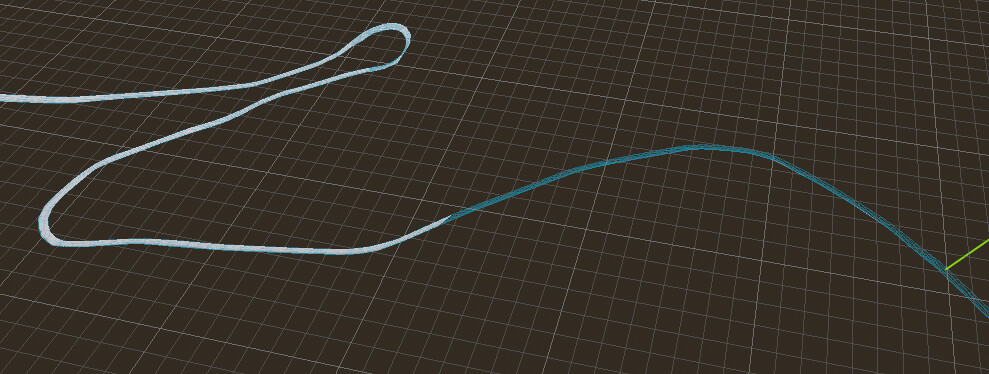
When I import a mesh from Blender, some of the geometry is not loaded in. When I make a collision object from the mesh, I can see the wireframe of the mesh in full but the collision object does not work in the places where the mesh does not load in. The mesh is very large (multiple km). Is Godot just unable to load the mesh in full or am I missing something?
Here’s some examples:
Godot:
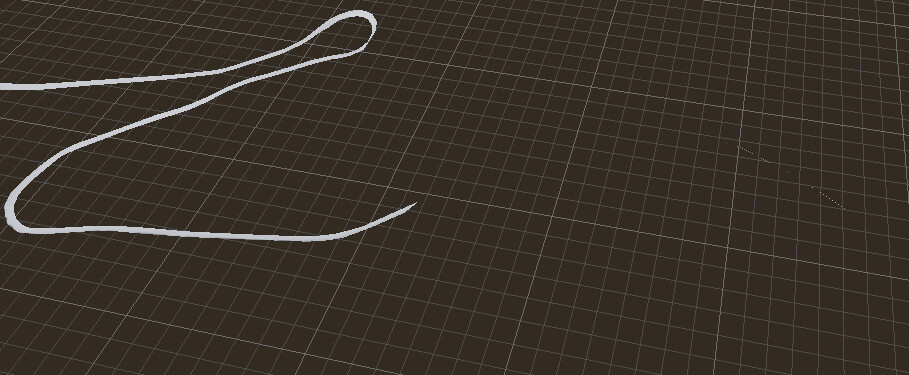
Blender:

I am exporting an .obj file to put into Godot, but have tried importing the raw .blend file to no avail. I can upload the project and blender files if needed.