It worked on my android phone, weird.
(Do we need to make a forum feedback post?)
Like the forum devs are around to actually implement those changes. The only active mod I’ve seen is Kuba.
2 Likes
New update! Just read this. It’ll explain everything:
2 Likes
I think the day that monkanics fully releases the forum will explode lol.
Prolly the most hyped up game on the forum.
4 Likes
I’m rolling over all my vacation days just in case it drops one day.
4 Likes

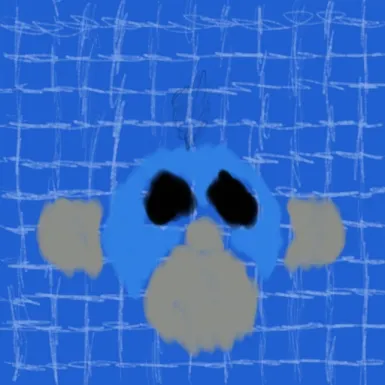
Blue blob with gasmask on?
No longer monkey. Now just war criminal
1 Like
It’s just the Monkanics icon without the pupils or lightbulb. (Also, the grey parts are their ears and mouth/jaw)
I created it by accident when I was messing with my sketchbook layers.

You might want to remember this for Monkanics trivia in about a decade.
2 Likes
Great News & MASSIVE UPDATE!
Thanks to @pennyloafers, @HyperJragon, @Frozen_Fried, and @carmxdev, I now know what I need to do to make the netcode work.
It’s a little hard to explain in detail, but I was missing some core pieces of network knowledge that are REQUIRED for multiplayer of any kind (and Monkanics) to work.
I can boil it down to a few things:
Reason #1: The way I structured the project was flat out wrong.
The client attempting to join the server immediately upon opening the game means that ANY failure would result in the GCOD (Grey Screen of Death). There was no main menu or client-side middleman to fallback to.
The server also booted up immediately, but that has some MUCH bigger issues. Which leads me to…
Reason #2: The server setup is impossible for a client to connect to due to the fundamental nature of a router.
Routers, a factor I haven’t truly learned about until today, are essentially bouncers for a home’s PC network using NAT (Network Address Translation). This hides the client’s private IP address with a public one for safety.
From my knowledge, the way clients and servers get past the NAT is by successfully sending a singular packet. This is called a NAT punchthrough. This marks the packet IP as safe, allowing back-and-forth communication.
The IP was also scuffed, as they change all the time and can’t punch through their router. Since I was running the server instance on my machine, there are 2 points of failure, going from my router to the client’s.
That’s also why connections work on the same network. It doesn’t have to go through a different router.
The main way around this is through a relay server on the cloud. Relay server’s don’t have a router and are able to punch through client routers.
So, I have to set this up.
Reason #3: The way I distributed the game to playtesters was VERY inefficient in general.
This isn’t related to the netcode, but I do think this is important to bring up, as this is the thing that currently makes v0.1 unable to be publicly playtestable.
I first had to export 2 different game files (client AND server), then send the client file with WeTransfer. Already annoying for both me and the playtester.
Then, the playtester has to unzip the file and wait for me to start the server file. Making the game unplayable without me there. Even without the netcode issues, this is still very bad.
Lastly, the playtester has to download multiple files for multiple versions, as there’s no installer or patching system.
This last reason was due to my lack of understanding how Godot exports work. The game compiler (EXE), game content (PCK), and player save data (???) are DIFFERENT files. The only thing that changes between patches is how the same data is interpreted.
If the client only needs one application to play all versions of the game and updates are automatic, it’ll make playtesting a breeze.
But I haven’t even begun work on that yet.
Now that I understood ALL of that, version 0.1 is now complete. Now, it’s time to plan the next, better version that’ll make the game actually playable.
Monkanics Version 0.1.1: Revisions of Decisions
This new version will be a complete rewrite of the game’s structure and netcode.
It sounds bad, but this is actually really exciting. As I now know how to get the game working, from real, practical, and harrowing experience. I have my skin in the game, baby!
V0.1.1’s Main Features:
- Main menu
- Relay server implementation
- Netcode rewrite
- Distribution and patch system (Most likely via itch’s butler)
- and more
I can 100% do all of this. I’ll keep you updated via this thread, or even better, the Monkanics discord:
It’s pretty chill over here. I’ve recently added channels for programming and we have a lot of fun with memes and discussion about anything really.
The public development trello will also be updated accordingly:
Funny Monkanics Discord Moments:
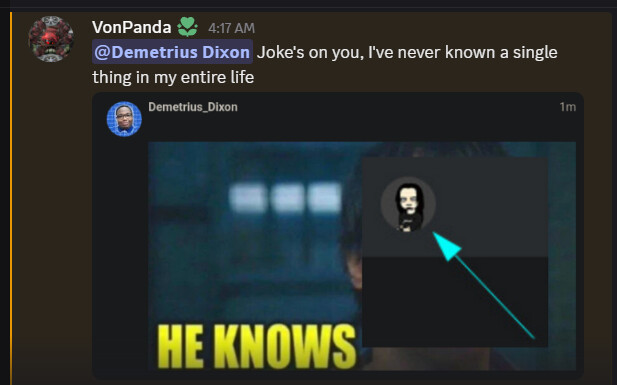
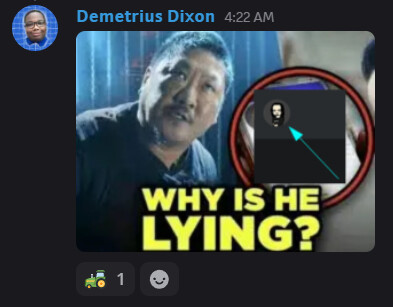
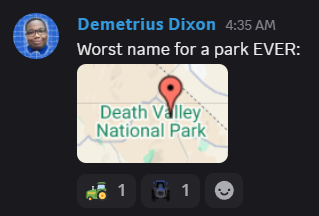
Those last 2 were from The Embers Below discord. You should join that too.
I’ll see you in the next (hopefully not horrible) update.
3 Likes
I used my public IP for the server, and I also used Godot for the server as well.
2 Likes
I highly recommend using itch.io for your playtesting. You can make a project that is visible only in you have the URL. This makes it easy to distribute but keeps people you don’t want out. If you use Butler to manage your uploads, it will only upload patches, and the itch.io app can be used to download and apply those patches automatically.
5 Likes
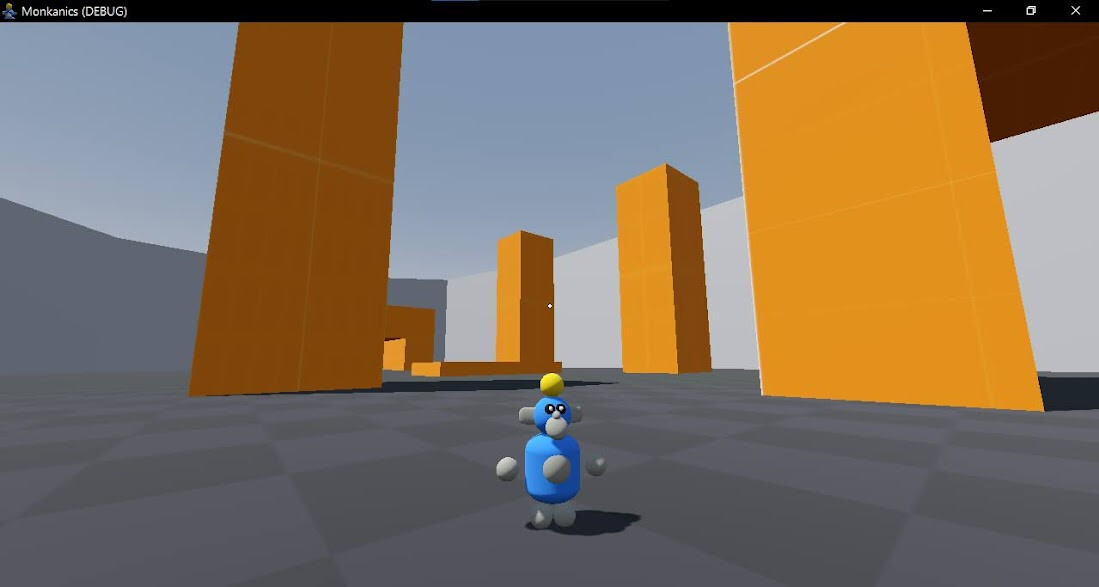
This is the option I’m leaning toward the most. Steam players expect polish.
Does this look polished to you???

2 Likes
Polished jank is a thing
GSOD isn’t that though
3 Likes
Alright, with this new basic main menu, the GSOD is no more:
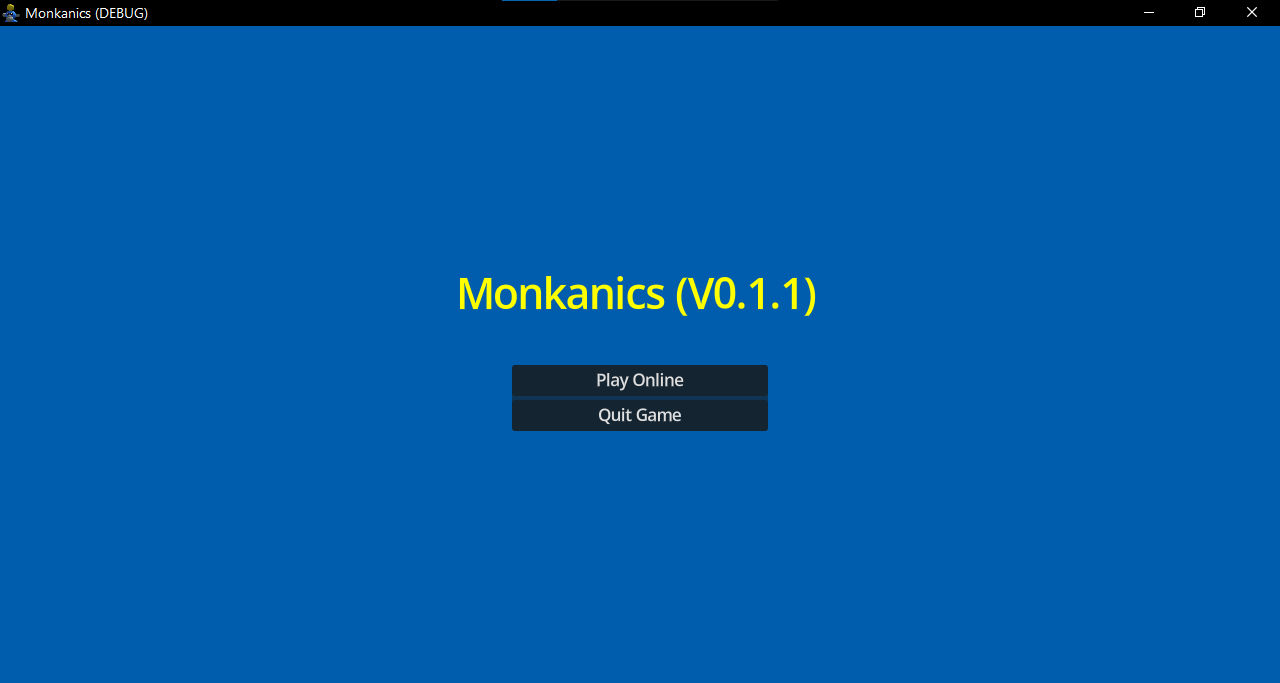
I’m rewriting the entire program infrastructure right now. Instead of instantly attempting to join a server, this menu will load instead.
There will also not a be a separate client & server export, but those are coinciding with the netcode changes.
I’m also rewriting scripts so they aren’t one big abomination. Instead, having set scenes with one purpose. An example being the new GameQuitter autoload.
This is the entire script:
extends Node

func quit_monkanics() -> void:

	get_tree().root.propagate_notification(NOTIFICATION_WM_CLOSE_REQUEST)
	get_tree().quit()
So to exit the application from anywhere, I’d just call:
GameQuitter.quit_monkanics()
(Not-Fun Fact: This is the first autoload I’ve ever used in the project. Before, I just has a big main scene with a node/script in it, which essentially acted like autoloads, but worse)
Also, I’m going to write A LOT LESS code comments going forward. They were a tool when I was less experienced and couldn’t remember what things did. Now, I’m just going to write self-explanatory code and not worry if I’ll forget something.
The Monkanics Discord got some cool updates too.
There’s new channels for game devs and programmers, which have been a surprisingly present audience in the discord.
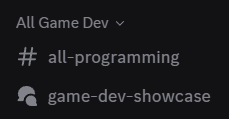
Also, I’m partnering with @HyperJragon’s server for his game, “The Embers Below”. We’ll just be promoting each other servers, like cross-pollination.
If you’d like to join us or link your game’s discord server to ours, just contact me.
Funny Discord Moments:
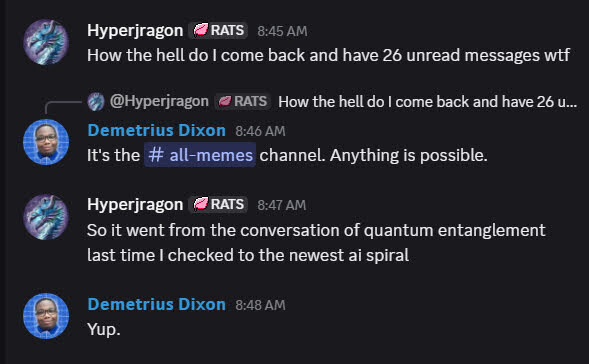
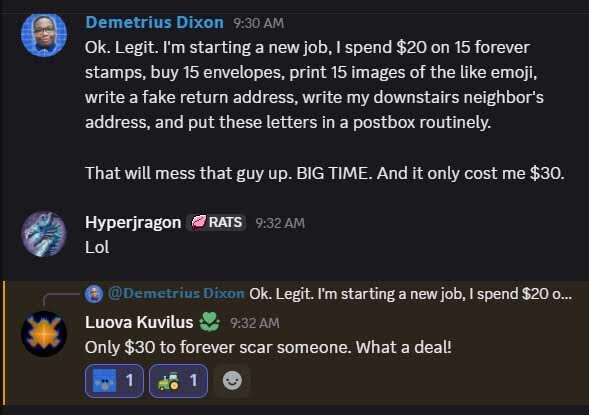
For legal reasons, that last image was a joke.
See you next time.
5 Likes
Noooo more GSOD!!!
(So far the cross pollination has been mostly your end but I’m sure that’ll change soon lol)
2 Likes
“func quit_monkanics”
Why would you make a function that will never be called??  Keep up the good work!
5 Likes
Alright, the main menu (for right now) is done.
I now need to outline how Monkanics’ netcode will work to figure out my first course of action.
After about an hour of brainstorming, this is the rough pseudocode of the multiplayer backend:
Server Setup:
- Set up a cloud server (with set IP, port, and no router/firewall).
- Run the
Monkanical Signal Serverproject file on the cloud server.
Clients Connect:
- Clients connect to the signal server on the cloud.
- Signal server collects the client’s network info (IP, port, etc).
Matchmaking:
- Signal server groups up 2-6 matching players.
- Signal server chooses one player to be the host.
- Signal server triggers a ‘create_server’ RPC on that client (Related to the gameplay netcode rewrite for later).
- Other clients get their NAT’s punched through the hosts router to make sure they can send each other information. (@pennyloafers really emphasized the use of the PacketPeerUDP class for this, because it’s separate from the standard
EnetMultiplayerPeerand can exist alongside it. - The match starts and game logic takes over.
Info Signaling:
- Host is still connected to the signal server.
- Host sends updates whenever the match state changes (player count, map, mode, etc).
- New clients can connect to this host.
With this in mind, my first task is to find and make a virtual machine (VM) on the cloud that doesn’t have a router/firewall. Something that clients can always connect to.
The reason I’m thinking of this is because the Monkanical Signal Server is a Godot project file, and something needs to be able to run it without a router/firewall.
I could be wrong about this, but I won’t ruminate on a solution that may or may not exist. I’ll instead actually do it to gain real experience on the subject.
When I do get everything set up, I’m going to test it first thing. I’m not making the same mistake twice before continuing.
2 Likes
You can host the signal server yourself vm or otherwise. To expose to the real world, you usually just forwarding a port of a statically addressed device on your router. (Make sure not to expose a service carelessly, forwarding ports exposes your service to the internet, make sure to use a key to trust the caller, and if youre handling sensitive data encrypt the communication ). After that, you just need to keep track of your gateway ip addess in the clients. Another option is you use a web domain and link your gateway address to that domain. That way if the gateway address changes you just need to update the webdomain gateway address target while the game clients stays the same.
It does get a little tricky to talk to yourself through your own gateway address, this is called hairpining and some routers this works automatically, it main be enablable, but you could be unlucky and it wont work at all. The best way to handle this is setting up a local dns server so you can resolve your domain name to your local server ip, when you’re on the same network.
I personally use Docker to setup light weight containers that have varius services, and i have a rasberry pi running pi-hole for my local DNS.
3 Likes
Thanks for the tips. I’ve actually pivoted to getting punchthrough working with PacketPeerUDP, as that’s the biggest unknown right now.
I just have to take my time and work through this. As cloud servers have a LOT of new terms I need to get used to. I can get through it though.
1 Like