Godot Version
4.6.2 Stable
Question
I’m building a clone of the old Amiga game Master Blaster (Dynablaster type of game) in Godot to learn the engine a bit better.
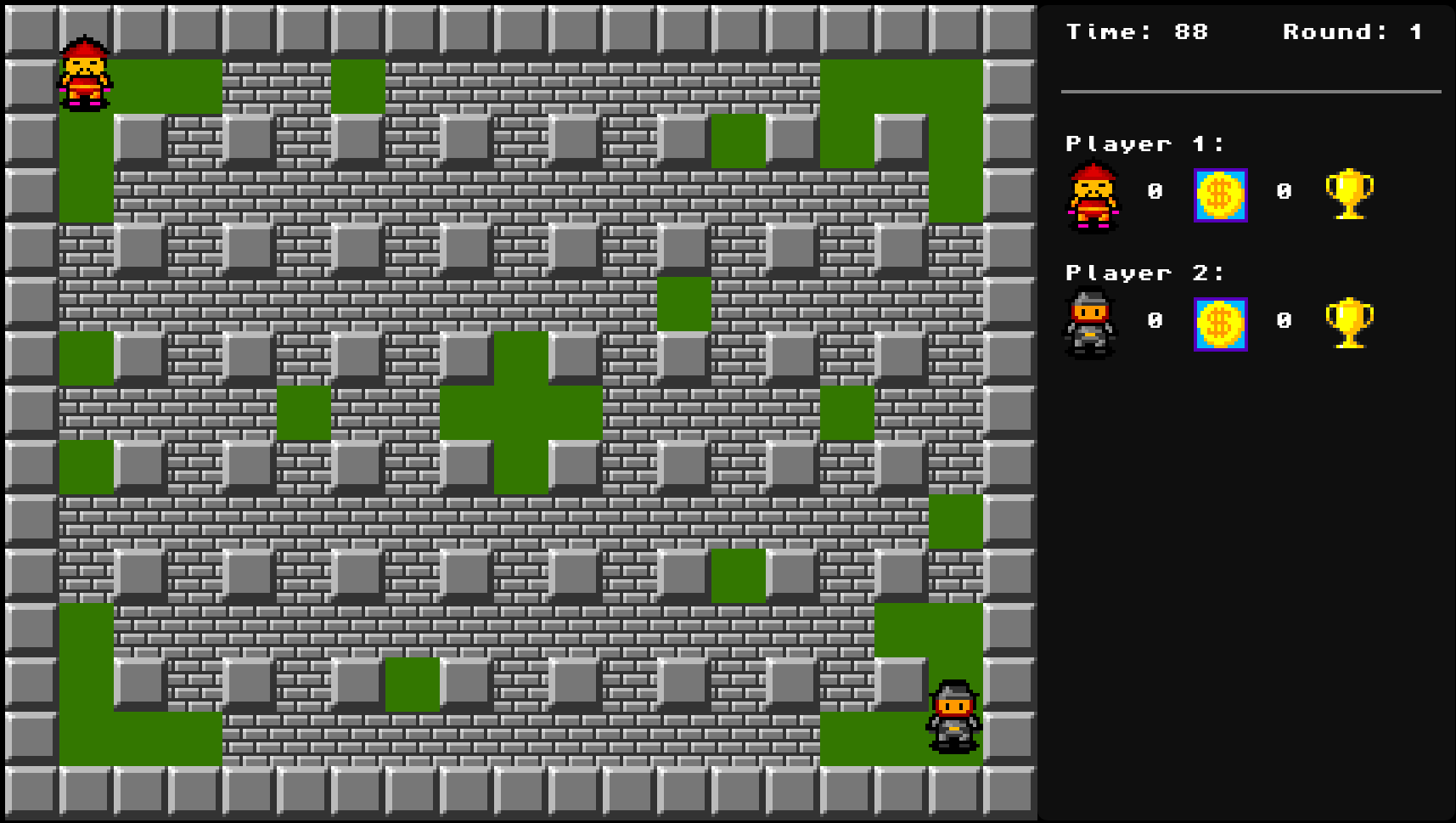
In the game you can pickup a power up in the form of a Superman sign that then lets you push on brick that has nothing behind it.
My Brick scene is of type RigidBody2D and Player is of type CharacterBody2D.
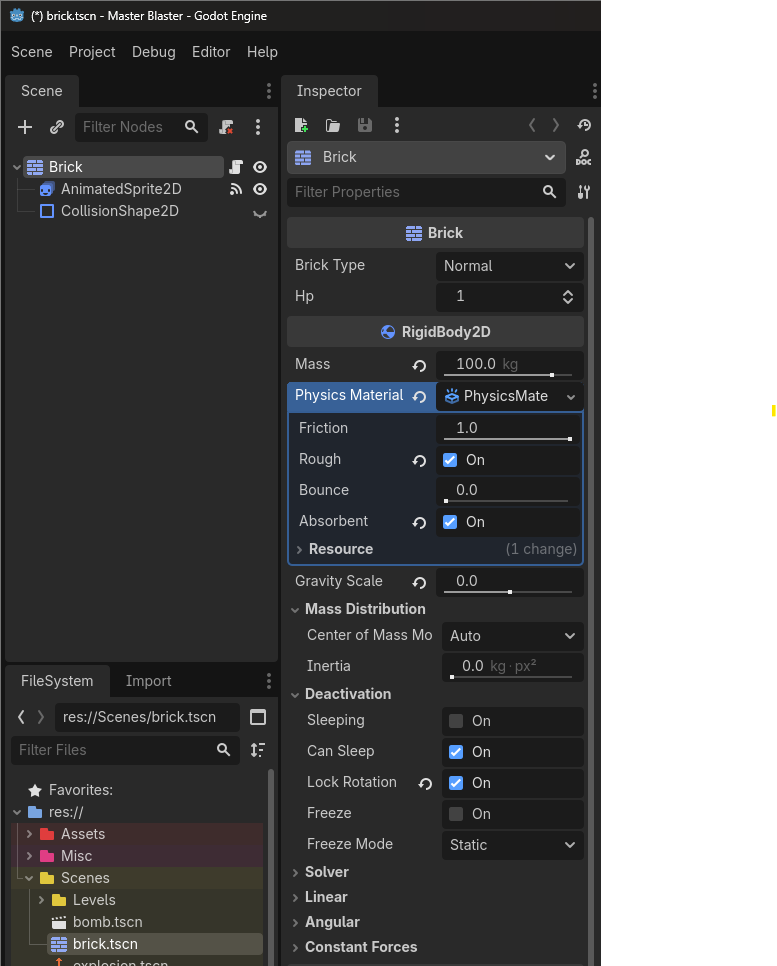
I’m using below code to move the blocks with impulse from my Player scene directly after move_and_slide().
func move_brick():
	for i in get_slide_collision_count():
		var collition = get_slide_collision(i)
		if collition.get_collider() is Brick:
			if superman:
				collition.get_collider().freeze = false
				collition.get_collider().apply_central_impulse(-collition.get_normal() * PUSH_FORCE)
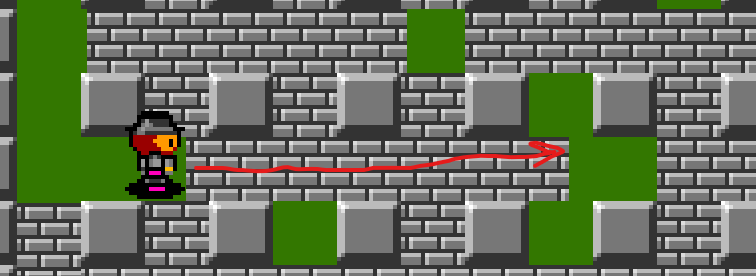
The issue is that all Bricks along a path gets pushed by the player in Superman mode and I only want to affect the one the player is pushing.
As you can see in the code snippet above I have tried to make the Brick scene default set to Freeze and update only the block the user is colliding with to freeze = false. But this does not work and makes no Brick movement possible.
Open to all suggestions.