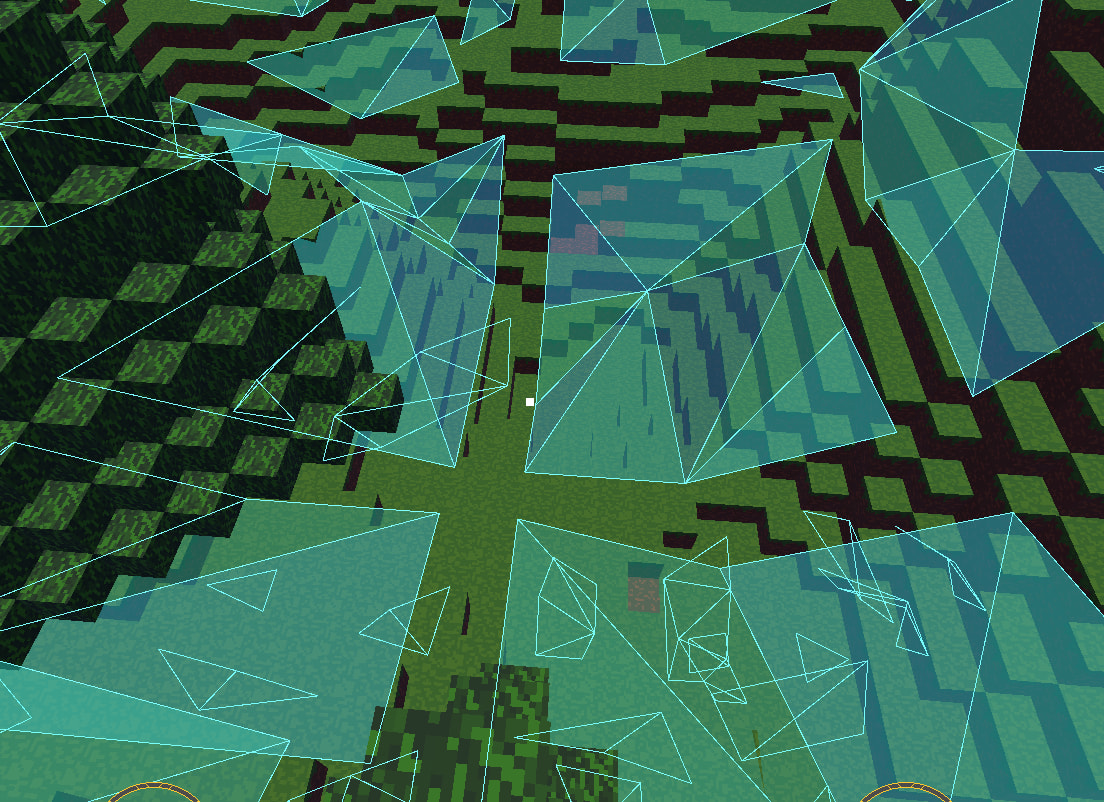
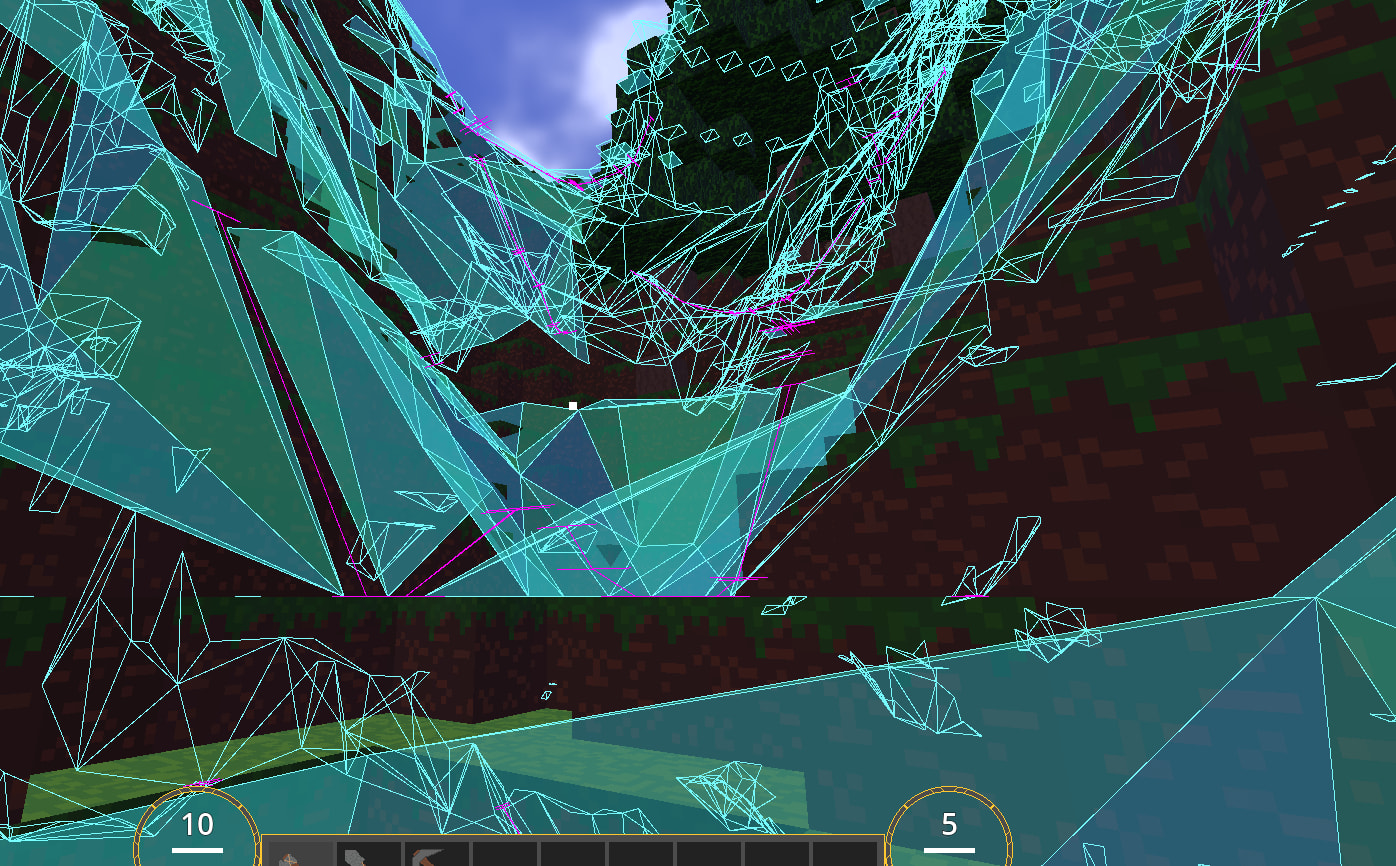
Hi everyone. I am making a game where I use chunks to procedurally generate the terrain. I then create a navigation region per chunk and I though that if I add them to the same navigation map they would connect. However I keep seeing this margin:
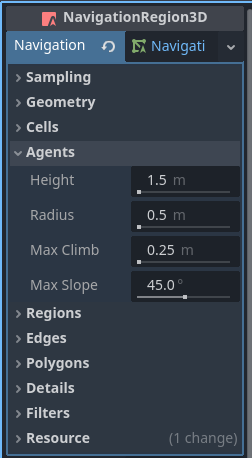
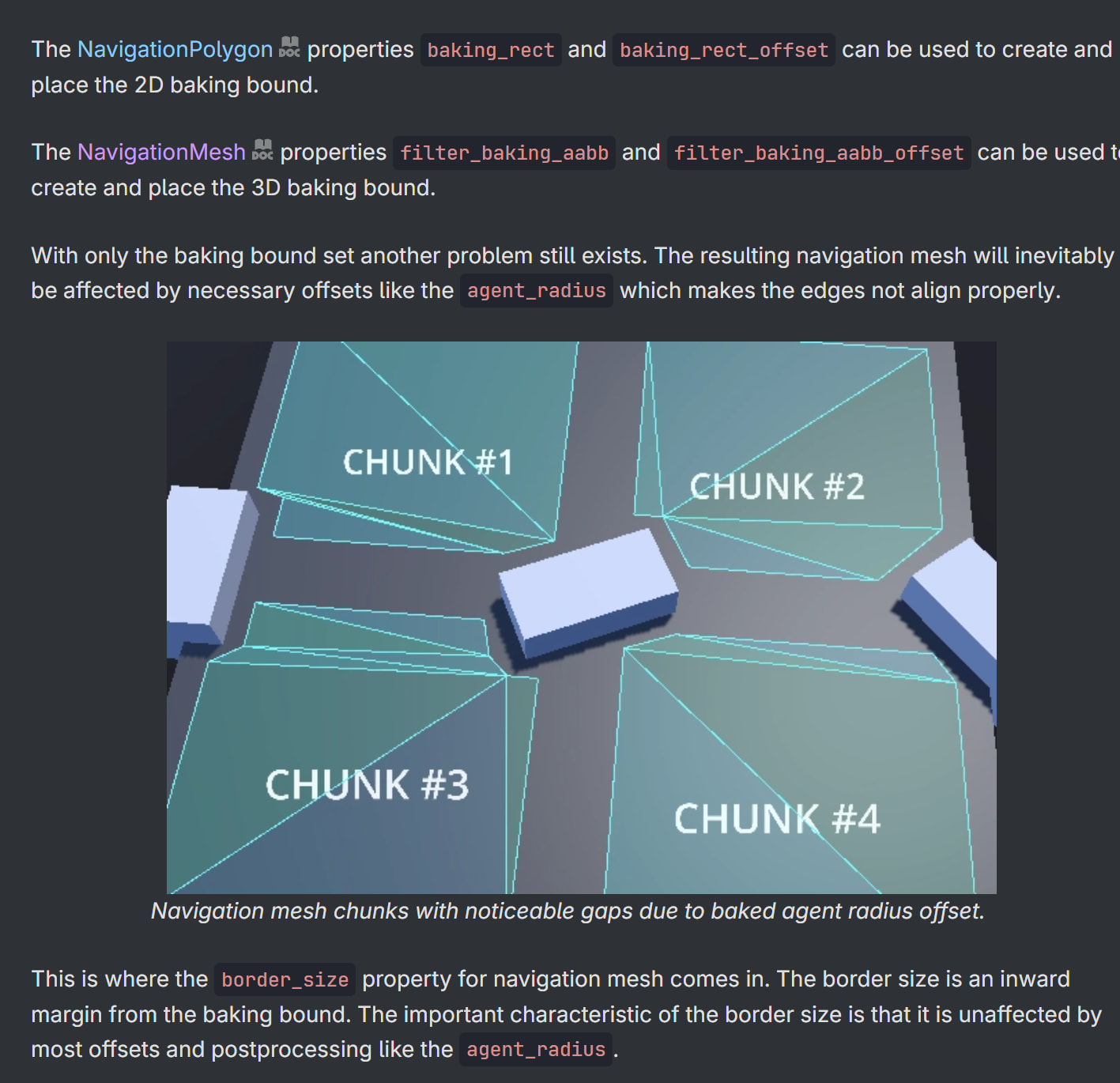
I have no border size and the AABB bounding box is set to the mesh size. I don’t get how you can get the navigation regions to connect. Does anyone have any idea?
I have played a bit with these settings and I can get the gap to be very small but they still don’t connect. Should all chunks (which are staticbody3D’s) be in the same region? And if so do I then need to rebake the whole navmesh when I add or remove chunks?
The system I have at the moment generates and removes chunks in a seperate therad depending on the player location.
Yes. If you haven’t tried this, it will likely solve your problem.
Yes.
Your other option is multiple NavigationRegion3D objects. One for each chunk that you load, and a way for your NavigationAgent3D to know which one it should be asking for information.
I recommend you check it out and see what they are doing there. The documentation for Godot is very good for an open source project, but it is developed by the users in most cases.
This is a really good video explaining most of the stuff you’re asking about, but in 2D. I don’t know of a similar 3D one, but by watching this I believe you’ll have a much better understanding of what’s going on and potentially be able to solve your problem. With this video and the above 3D demo project, hopefully you can find an answer.
Basically I have each chunk be a child of its own 3D navigation region. I think my problem was that they were not children of a Node3D but that there was a normal node as an in between layer. But these purple lines mean that each region is connected now